 USA + International
 OWC Canda
 OWC Europe
When to Choose Desktop Storage Over Portable SSDs
Desktop storage solutions offer a few distinct advantages that even the best portable SSDs can't compete with.
Wayne Grayson • Sep 02, 2026
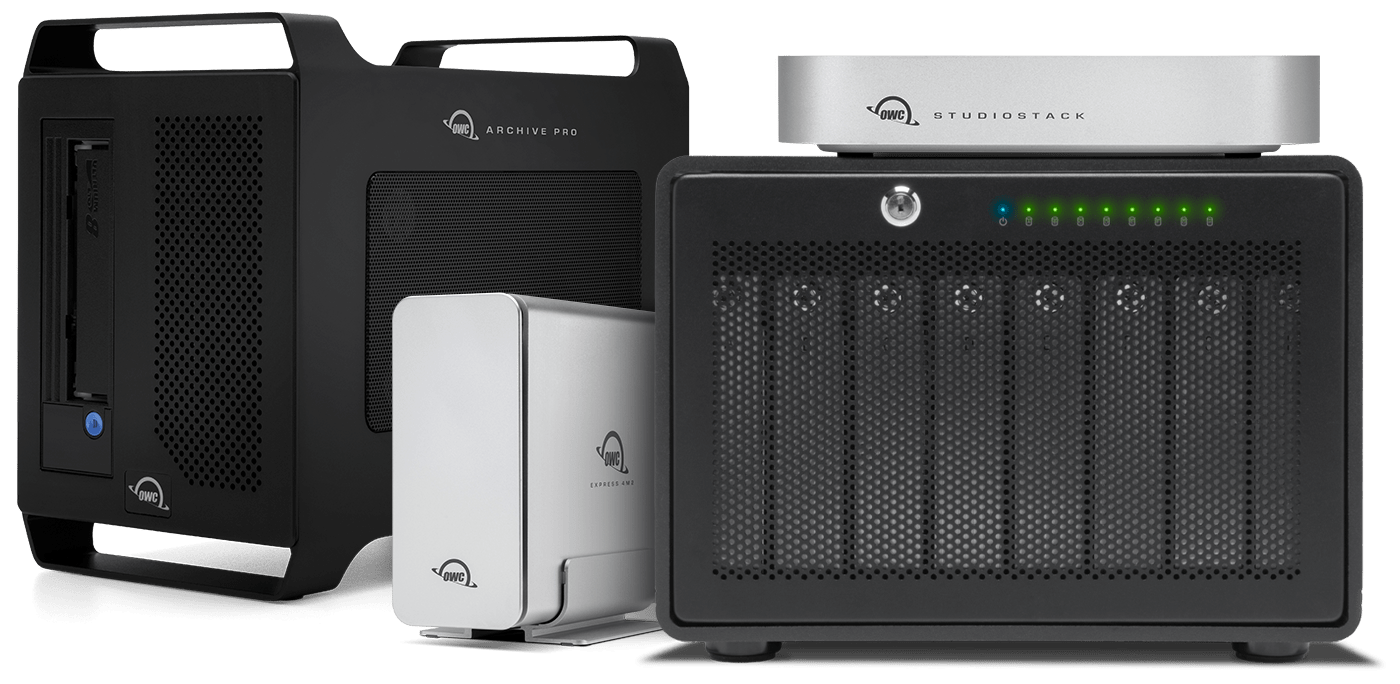
As SSDs, portable drives, and cloud storage have become more capable and more ubiquitous over the years, desktop storage has fallen by the wayside a bit when it comes to what most people first consider for personal and professional use. And look, we get it. SSDs are fast, come in capacities that are plenty for most use cases, and small enough to fit in truly portable drive enclosures that can take a beating. After all, we are the creators of the OWC Envoy Elektron, a blazing fast, IP67-rated drive that is smaller than a deck of cards.
But hear us out: just because desktop storage seems outdated or boring doesn’t mean you shouldn’t consider it as part of your workflow. That’s because desktop storage offers three distinct advantages that portable SSD enclosures simply can’t compete with. Namely, value, scale, and connectivity. (And if you already know you need desktop storage, you can check out our guide to finding the best enclosure for your needs right here.)
The Unique Advantages of Desktop Storage
Scale
While portable, bus-powered drives (this means the drive gets its power from the bus of the device you’re connecting to rather than requiring a dedicated power brick) like our OWC Express 1M2 or Envoy Ultra can support up to 8TB, desktop solutions go much further.
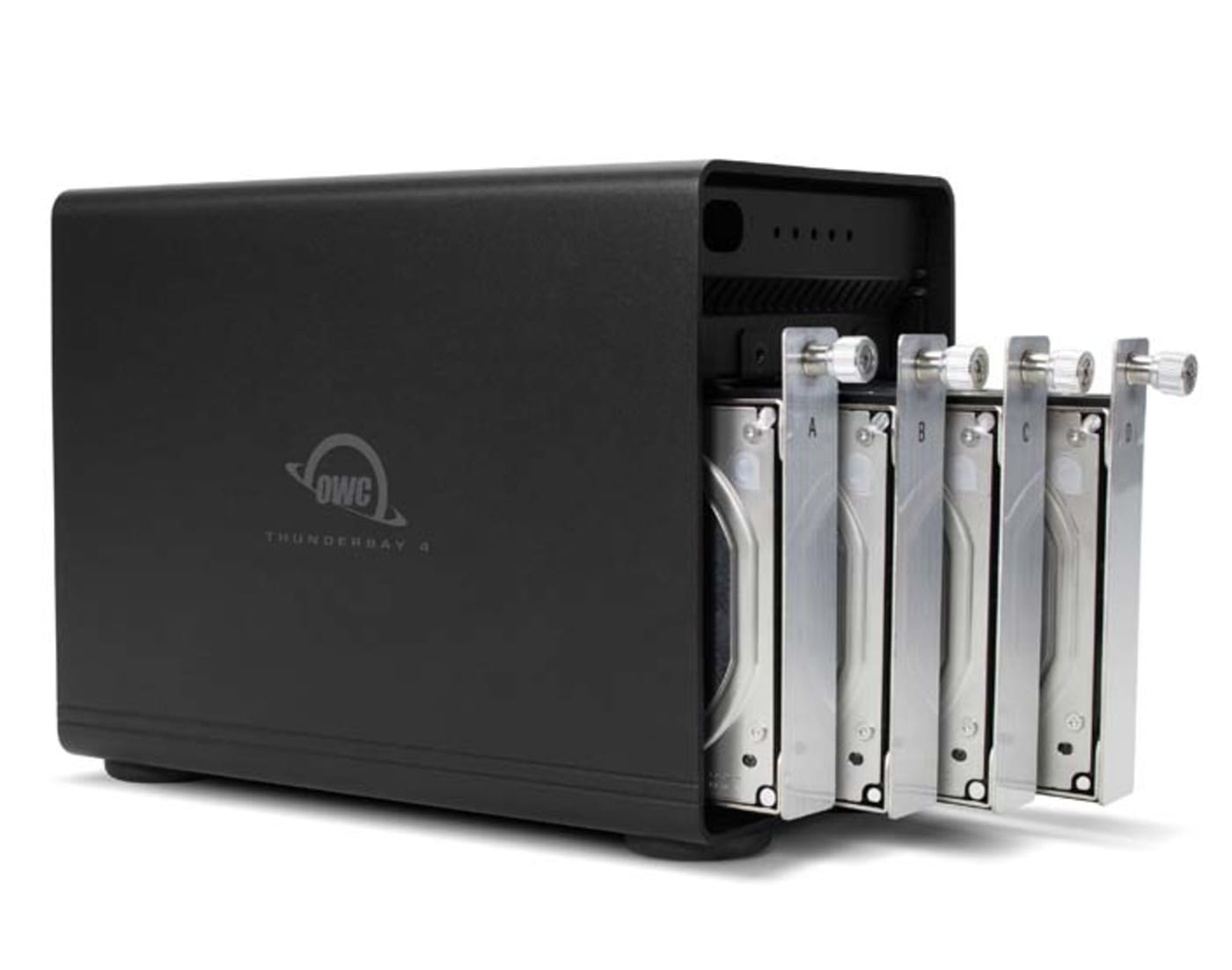
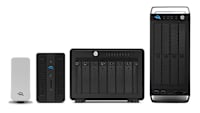
Even our HDD-based single drive enclosure Mercury Elite Pro supports up to 24TB—3x the highest capacity of a portable SSD. Stepping up to one of our dual-drive solutions like the Mercury Elite Pro Dual or the OWC Gemini ups total supported capacity to 48TB. And stepping all the way up to our 8-bay Thunderbay 8 enclosure allows you to jump to 192TB of total capacity in a single enclosure.
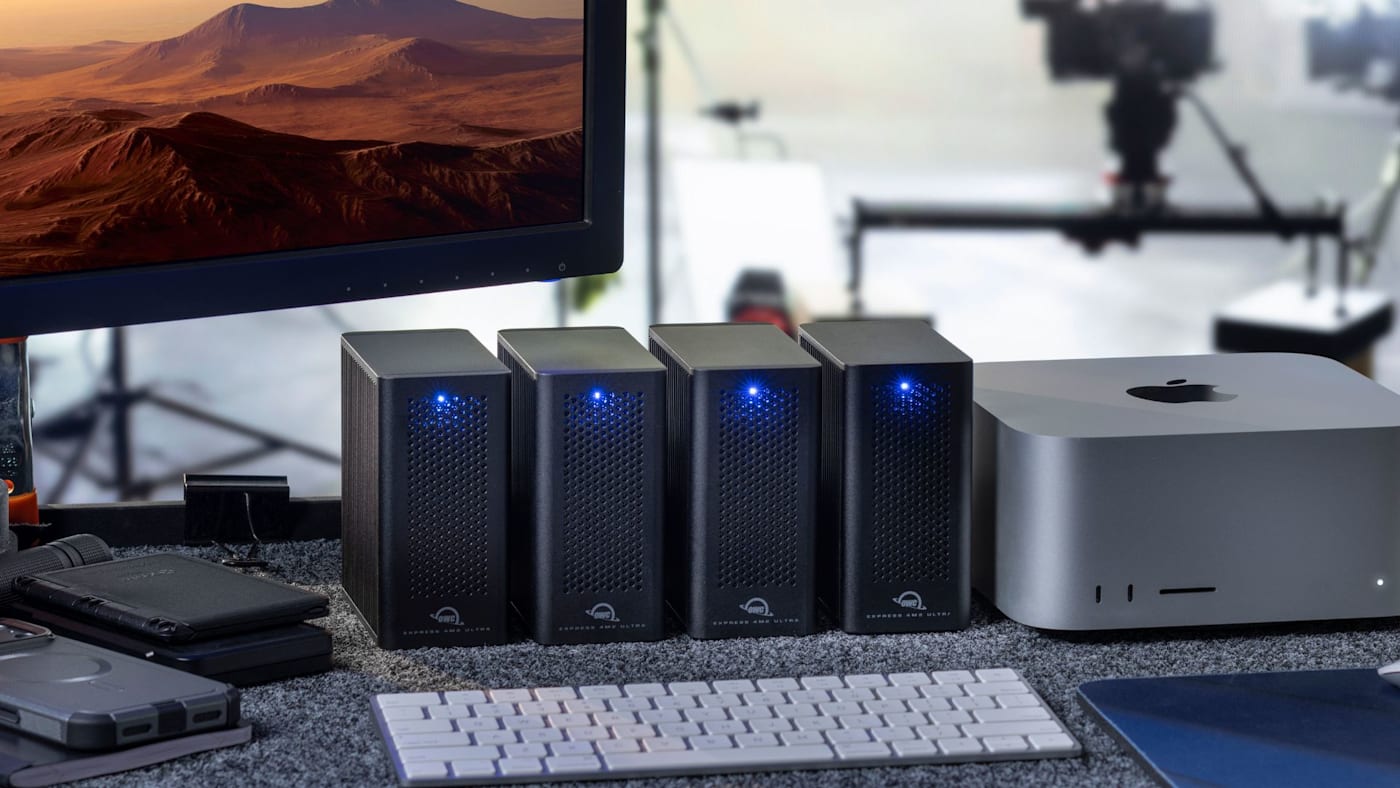
But multi-bay HDD enclosures aren’t the only way desktop enclosures can scale. Our Thunderbolt 5-powered Express 4M2 Ultra supports up to 32TB of NVMe SSD storage. But you can also daisy chain multiple Express 4M2 Ultra enclosures to create a single volume of blazing fast storage up to 128TB in size.
Connectivity
Because desk space is at a premium in many workflows, we try to make the best use of any space a desktop enclosure may take up. That’s why several of our desktop drives offer additional ports allowing you to daisy chain additional devices downstream, or come with built-in docking capabilities.
Our Thunderbolt drives like the OWC ThunderBay 4, ThunderBay 8, Express 4M2 Ultra, ThunderBlade, and ThunderBlade X12 each have one additional downstream Thunderbolt port. This allows you to create a daisy chain from each of these devices whether you’re connecting multiple drives or something else like a high resolution display.
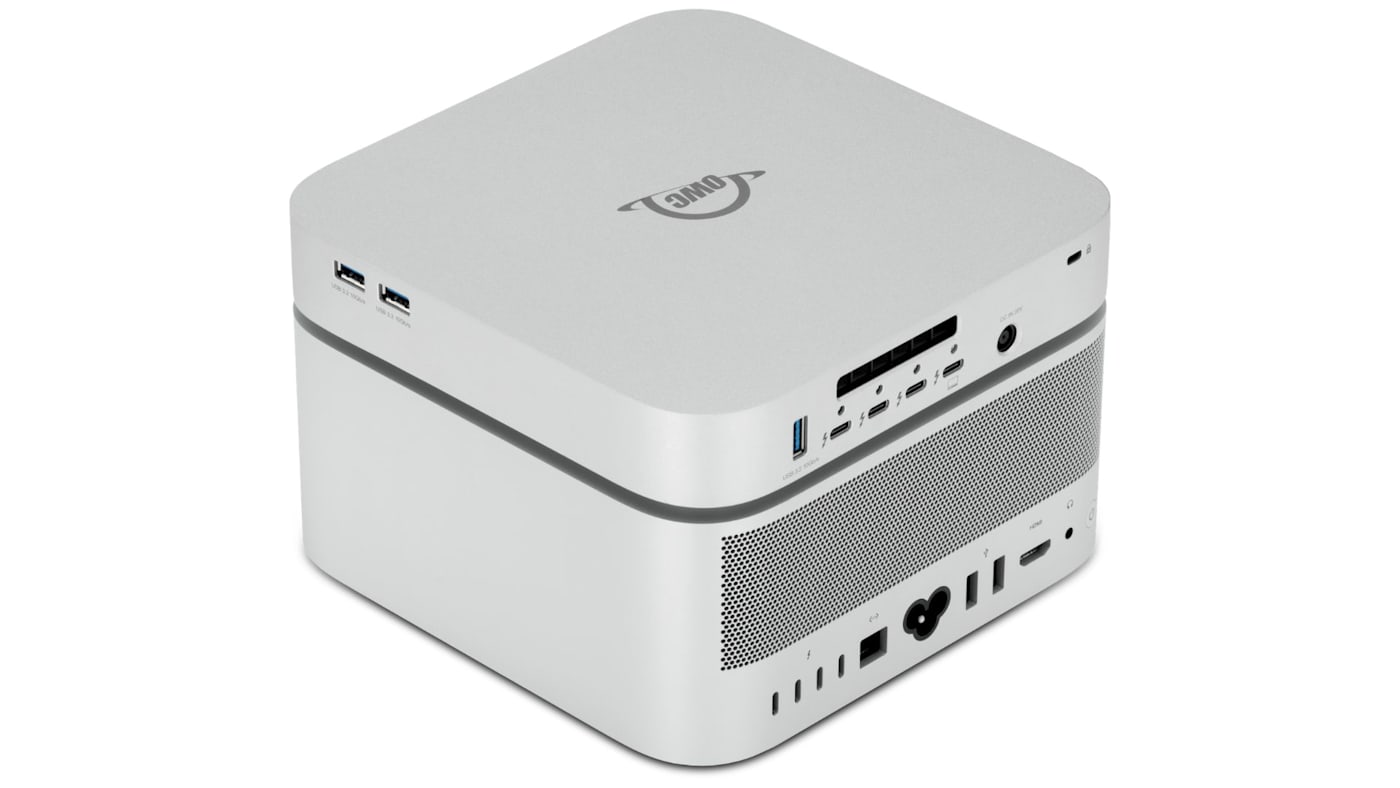
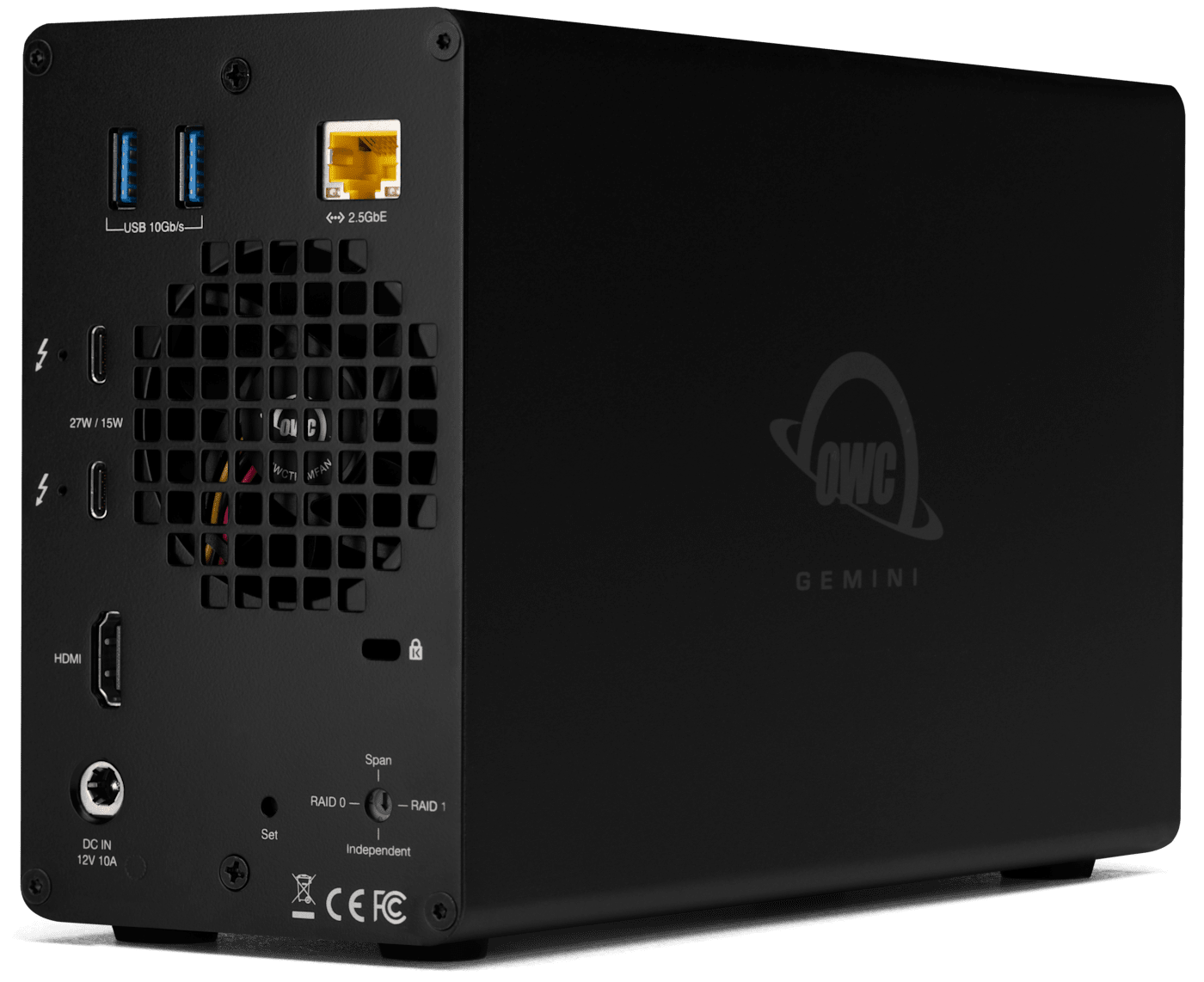
Then there are drives like the OWC Gemini and StudioStack. While these two drives differ in form and drive support, both provide tons of storage capacity along with fully featured docking capability. The Gemini is a dual-bay enclosure that supports both HDD and SSD storage, capacities up to 48TB and RAID levels 0 and 1. Plus, Gemini provides you with the following ports: 2x USB-A, Ethernet, HDMI, 1x downstream Thunderbolt, and an SD card reader.
Meanwhile, the StudioStack was purpose-built for Mac Studio owners with an enclosure that perfectly matches the footprint of Apple’s top-tier workstation. Available in capacities up to 32TB, StudioStack is a hybrid solution, allowing you to use both HDD and SSD storage from a single enclosure. That means you can use up to 8TB of SSD capacity as a working drive, while employing up to 24TB of HDD capacity for backups. And because StudioStack is built atop Thunderbolt 5, it offers robust docking capability with 3x downstream Thunderbolt 5 ports and 3x USB-A ports.
Value
Because desktop storage solutions are stationary, it makes sense that they’re mostly used for shared access and backups. And if that’s your primary use case, a desktop enclosure outfitted with HDDs is often a much better value than an SSD-based solution. HDDs are slower than SSDs but they also cost much less per GB than SSDs while remaining fast enough for backups and hosting shared assets.
The Right Tool For the Job
When it comes to choosing between desktop and portable storage solutions, you shouldn’t think of one as better than the other in every situation. Instead your choice should come down to what you plan on using the drive for.
If you need a drive that is fast or easy to carry above all else, a portable SSD is the best choice. But if total capacity, scalability, and dollars per GB matter more, that’s when you should start looking for a desktop storage solution. We’ve even put together a handy guide to help you spec out the best desktop storage solution for your needs. Check it out here.
Other topics you might like
How to Choose the Right Desktop Storage: Capacity, Speed, and Interface Explained
Updated on Sep 2, 2026
What Is the 3-2-1 Backup Rule? How to Ensure Your Data is Fully Protected
Updated on Jul 27, 2026
How Much Backup Storage Do You Really Need?
Updated on Aug 21, 2026
What is RAID? How it Works and How to Choose the Best Array for Your Needs
Updated on Jul 21, 2026