 USA + International
 OWC Canda
 OWC Europe
How Much Backup Storage Do You Really Need?
When it comes to buying storage for backups, an accurate understanding of your needs is key to ensuring you're not stuck with too much or too little capacity.
Wayne Grayson • Aug 21, 2026
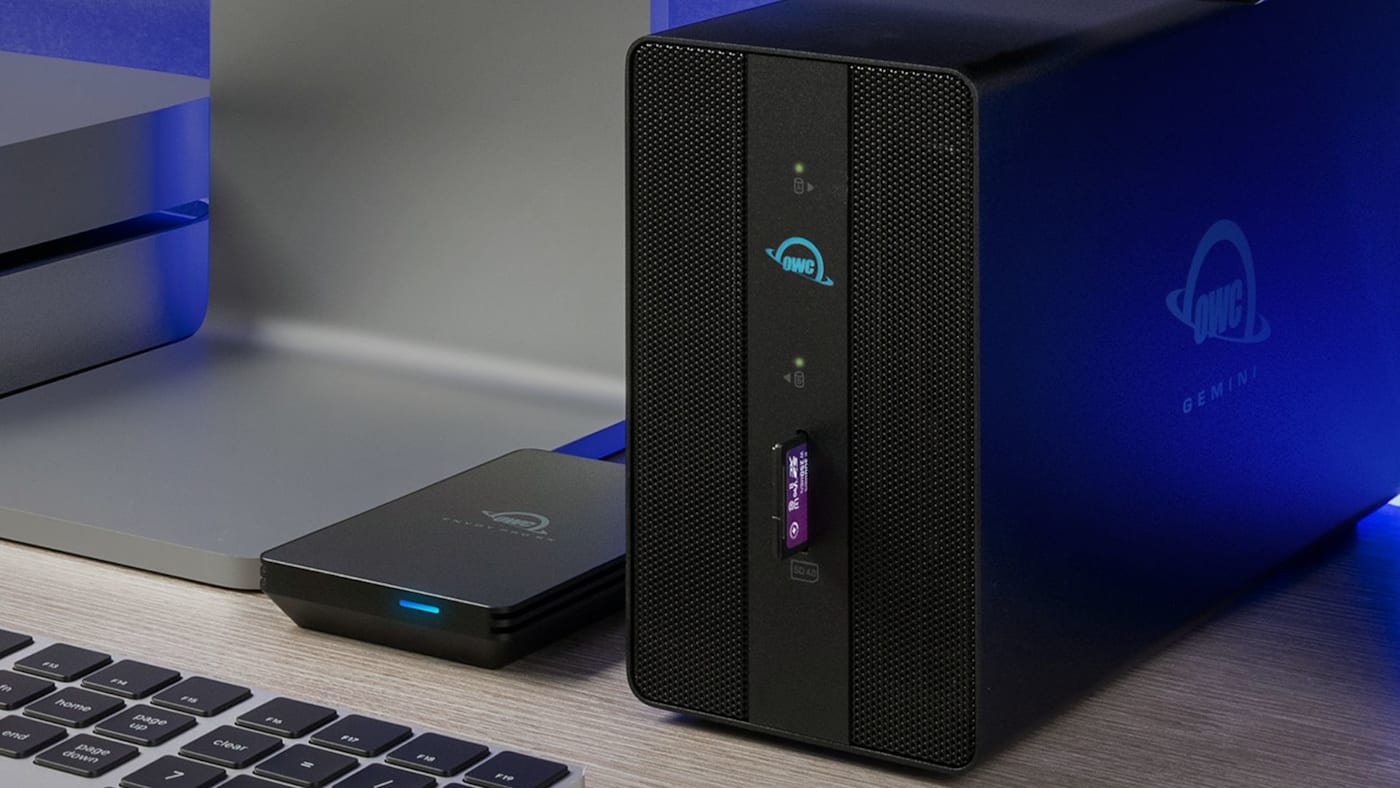
So you’ve made the wise choice to keep a backup of your computer — or, even better, a backup of your backup. But now you face another critical decision: how much storage capacity do you need to dedicate to your backups?
You might be tempted to think that you only need enough capacity to fit your current trove of data. The trouble with that theory is we all continue to amass more data. So, the first rule of determining backup capacity is to buy enough to account for the size of your backups growing larger over time.
To that end, there is a general rule of thumb out there that seeks to simplify things. It says your backup drive should be at least twice the size of your computer's internal storage. In fact, this is Apple’s guidance in its own Time Machine documentation, and most PC backup guides echo some version of the same advice.
And while the 2x rule is easy to remember, it’s also a bit too simple. If you want a number you can actually trust, there's a better way to get there. Let’s talk about it.
Why the 2x Rule Exists and Where It Falls Short
The 2x rule is popular because it's simple and safe for common computer use. If your internal drive is mostly full of stuff that needs backing up, doubling that capacity gives you room for your current data plus a reasonable amount of backup history.
The problem is that those that need to backup their data the most — people like photographers, filmmakers, and other professionals whose livelihoods depend on protecting massive amounts of data — aren’t common computer users. Here are a few examples of where the 2x rule breaks down:
- You could end up paying for space you'll never use: A 1TB internal drive that's only half full doesn't need a 2TB backup drive, it needs roughly 500GB plus room to grow.
- You could end up without enough storage: A video editor, content creator, or photographer that opts to use the 2x rule could be underestimating how quickly their project library is growing. Without considering the rate of growth of new data, editors and creators could grow well beyond 2x.
- You could be overestimating your backup size: Not everything on your internal drive gets backed up. System files, caches, and other data your OS manages internally often don't count toward your actual backup size, so basing your estimate on total drive capacity overstates what you actually need to protect.
A Better Formula for Backup Capacity
If you’re wanting to get a more accurate understanding of your backup needs, try using this formula we first saw posted by the folks at the excellent site The Eclectic Light Company:
Total storage needed = Amount of data currently on your drive + (Average monthly data growth × Number of months you want covered)
Here's what that looks like in practice. Say you have 250GB of data to back up today on your computer’s 1TB internal drive and your work is incurring an average of about 30GB of new data each month. Let’s figure out how much backup capacity we’d need to cover you want two years of backup history:
250GB + (30GB × 24 months) = 970GB, or about 1TB
Assuming your rate of data growth is correct, a 1TB backup drive would cover you for the next two years of backups. If we had followed the 2x rule, however, we would have spent extra money on a 2TB backup drive that we didn’t really need.
Let’s look at another example. Say you have 600GB of data to back up today on a 1TB internal drive and your work is incurring an average of about 80GB of new data each month.
600GB + (80 x 24 months) = 2,520GB, or about 2.5TB
If we had just gone with the 2x rule, we’d have bought a 2TB drive that is well short of what we’d need to cover our backups at our average data growth rate. In this case, going with a 4TB drive is the safest bet.
Hopefully what these two examples illustrate is that the key variable in this formula isn't how much data you currently have. It's how much data you're accumulating over time that has the biggest impact on how much backup capacity to invest in.
Figuring Out Your Two Inputs
Here’s the thing though, this formula only works if your two inputs are reasonably accurate. The Eclectic Light Company has some fantastic tips on how to calculate both your initial backup size and your monthly data growth rate accurately so check that post out.
For extra breathing room, backup and storage planning calculators commonly recommend adding 15 to 25 percent on top of your raw calculated number to account for overhead, compression variance, and unexpected growth. Rounding up to the next drive size tier isn't a bad instinct either. It might be less accurate to your actual need, but you'll have the peace of mind to know you're covered.
Don't Stop at One Backup
However you calculate your capacity, remember that a single backup — even a perfectly sized one — is still a single point of failure. The 3-2-1 rule (three copies of your data, on two different types of media, with one copy stored offsite) remains the gold standard for protecting anything you can't afford to lose. Once you've right-sized your primary backup drive using the formula above, the same math applies again if you're adding a second local drive or an off-site/cloud copy to round out your strategy. You can read more about the 3-2-1 rule here.
Other topics you might like


How NRG Recording Studios is Bringing its Historic Archive Into the Modern Era
Updated on Sep 22, 2026

OWC SoftRAID 9 Brings RAID 6 Protection to Mac and Windows, Introduces RAID 6+
Updated on Sep 21, 2026

How to Maximize Your New M5 Max and M5 Ultra Mac Studio: Storage, Docking, and Connectivity
Updated on Sep 16, 2026