 USA + International
 OWC Canda
 OWC Europe
What is a DIY Drive? How OWC's Express Lineup of Build-Your-Own SSD Options Gives You More Control Over Your Storage
Sealed SSDs have their advantages, but the flexibility and value of OWC's Express lineup of DIY drives is unmatched.
Wayne Grayson • Sep 28, 2026
Most portable SSDs on the market are a plug-and-play, fully sealed enclosure housing an NVMe drive. And while this type of SSD has its advantages—more compact form factors, higher durability thanks to the unit being fully sealed being among them—a fully sealed enclosure also means no ability to customize or upgrade the drive now or later on. The drive you buy today is the drive you’ll have a year from now.
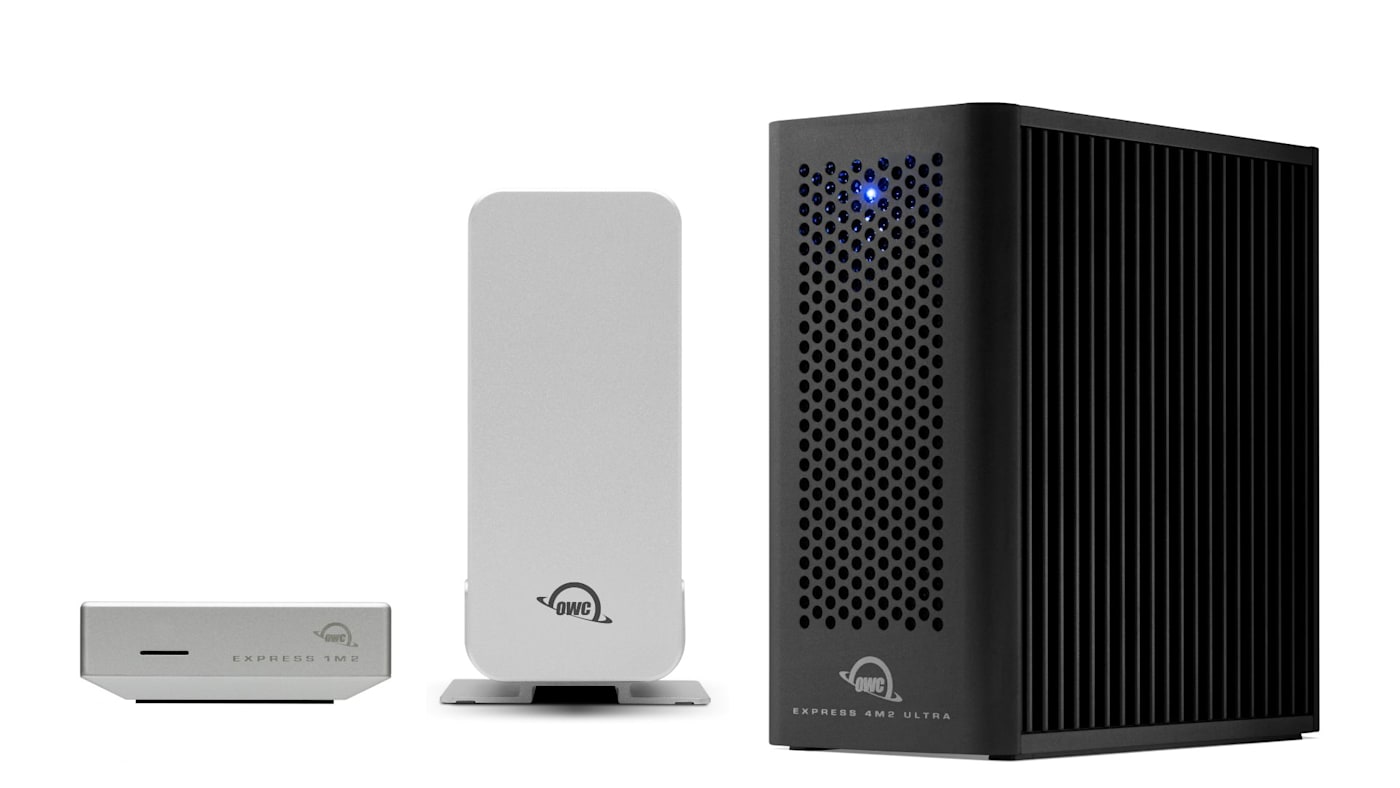
But our OWC Express lineup of drives takes a different approach. The OWC Express 1M2, Express 1M2 80G, Express 4M2, and Express 4M2 Ultra feature DIY enclosures, allowing you to quickly open the drive up to swap out or upgrade the NVMe M.2 SSD inside. This gives you the ability to build a portable drive or SSD-based desktop RAID solution that perfectly fits your needs not just today but years into the future.
Let’s take a look at how OWC’s DIY drives work, why they can be a better choice over a sealed alternative, and which of OWC’s four DIY enclosures fits your needs best.
What Makes a Drive “DIY”?
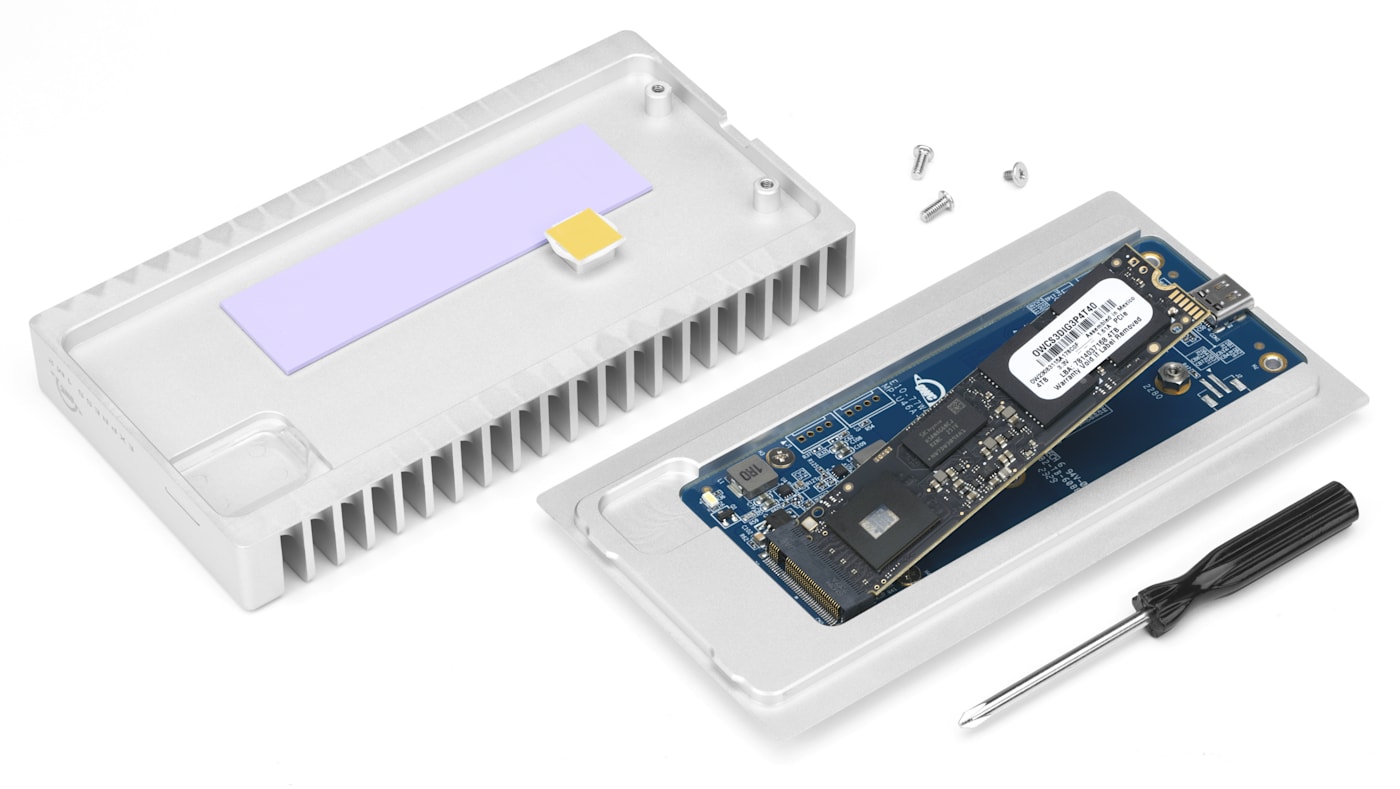
A DIY enclosure is designed to be easy to open and install drives into. OWC’s Express drives can be ordered as empty enclosures or with drives pre-installed. No matter which way you order a DIY drive from OWC, you’re never more than a few minutes away from a blade swap or capacity upgrade.
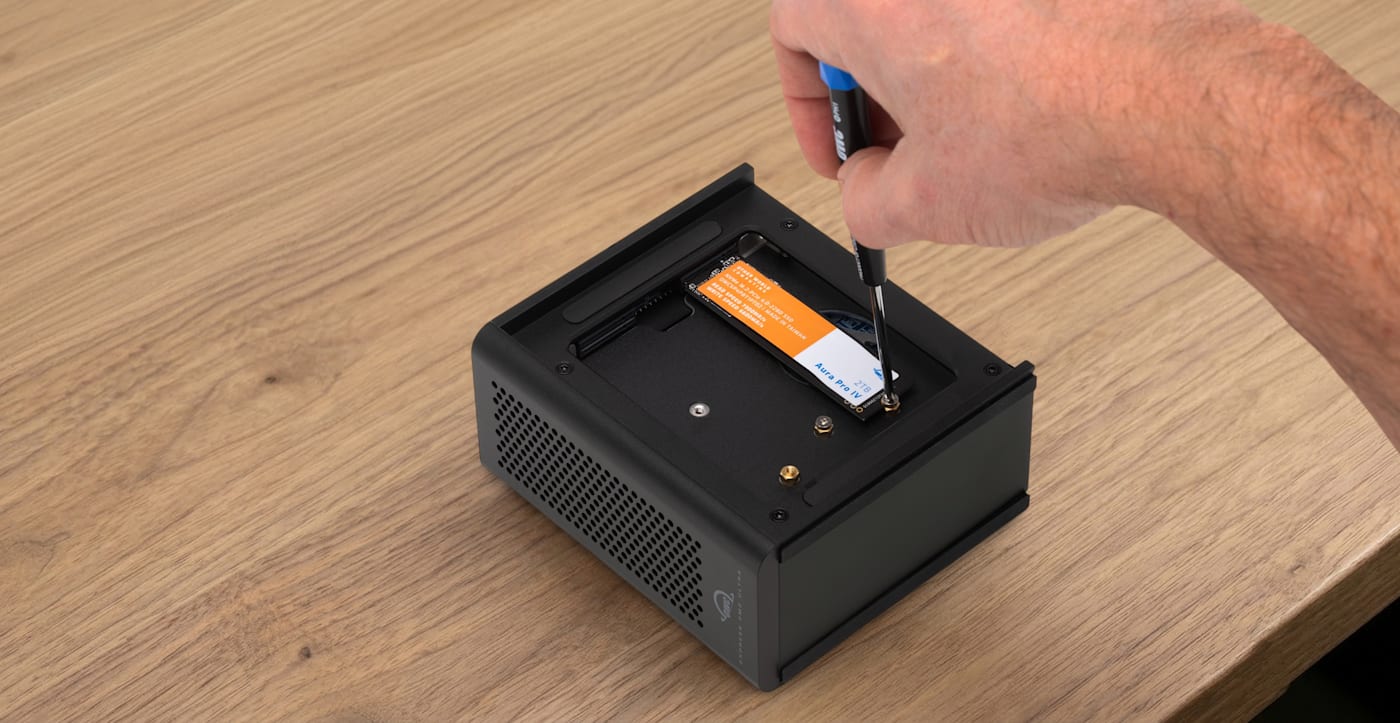
That means you can order an empty enclosure and install blades you already own. Or you can buy a preconfigured drive and swap in more capacity later on. Beyond flexibility, DIY drives provide you with a solution that can grow and change with your needs. That means your investment in the drive goes further and less enclosures and SSD blades end up as e-waste.
Why a DIY Drive Can Be the Better Choice
A sealed drive is simple, but that simplicity comes with a major downside. When a sealed unit is full, or when a faster standard arrives, the entire unit could become obsolete for your workflow. Because a DIY enclosure allows for blade swaps, the blades can be upgraded independently of the enclosure. It also means you retain the option to right-size cost to capacity, buying exactly the SSD tier your budget and workflow call for, rather than accepting whatever configuration a sealed drive ships with.
The tradeoff is upfront effort: a DIY drive requires selecting a compatible blade and a few minutes of assembly, which not everyone wants to do. If you’d rather not think about any of this, OWC’s Envoy line of drives remains the simpler, fully sealed alternative with the added bonus of IP67 ratings on the Envoy Pro Elektron, Envoy Pro FX, and the Envoy Ultra.
Single-Blade DIY Drives: Express 1M2 and Express 1M2 80G
For a single-blade portable SSD, OWC offers two DIY enclosures, both supporting standard NVMe M.2 2230, 2242, or 2280 blades, the same form factors used in many laptops and internal drive upgrades.
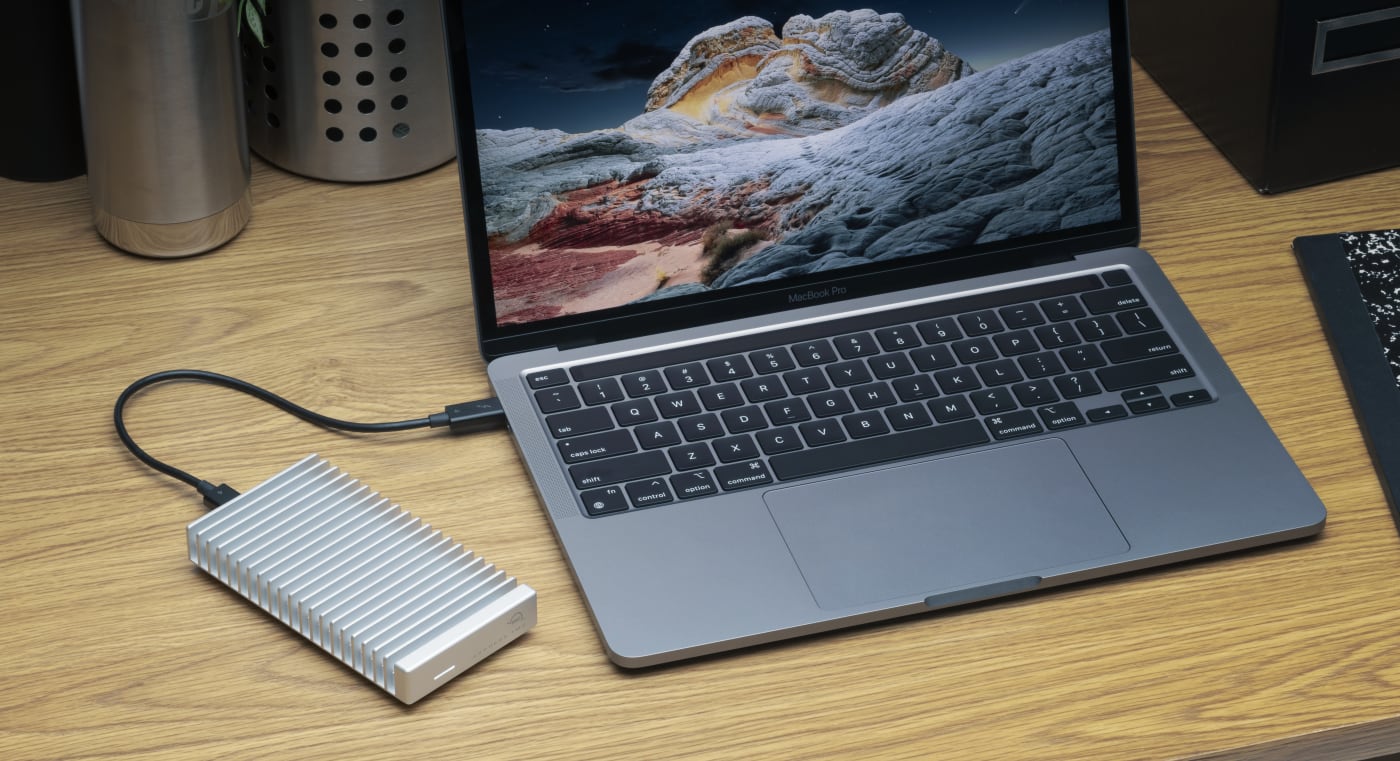
The OWC Express 1M2 connects over USB4 at up to 40Gb/s, delivering real-world speeds up to 3,836MB/s with a properly matched blade. It’s bus-powered, small enough to toss in a bag, includes the cable and screwdriver needed for assembly, and remains backward compatible with USB 3.2 Gen 2 connections at up to 990MB/s for older machines.

The OWC Express 1M2 80G steps up to the newer USB4 80Gb/s interface, more than doubling the real-world speed ceiling to over 6,000MB/s. That’s the type of performance that starts to match internal SSD speeds on the newest Macs and PCs. It supports 2280 or 2242 blades specifically (drives with a pre-installed heatsink won’t physically fit), and adapts automatically across USB4 80Gb/s, Thunderbolt 5, Thunderbolt 4, and Thunderbolt 3 hosts.
Four-Bay DIY RAID: Express 4M2 and Express 4M2 Ultra
For anyone who needs more than one blade’s worth of capacity, or requires RAID-level protection, OWC’s four-bay Express 4M2 SSD enclosures apply the same DIY philosophy at a larger scale: you supply up to four NVMe M.2 blades, and the enclosure handles the rest.
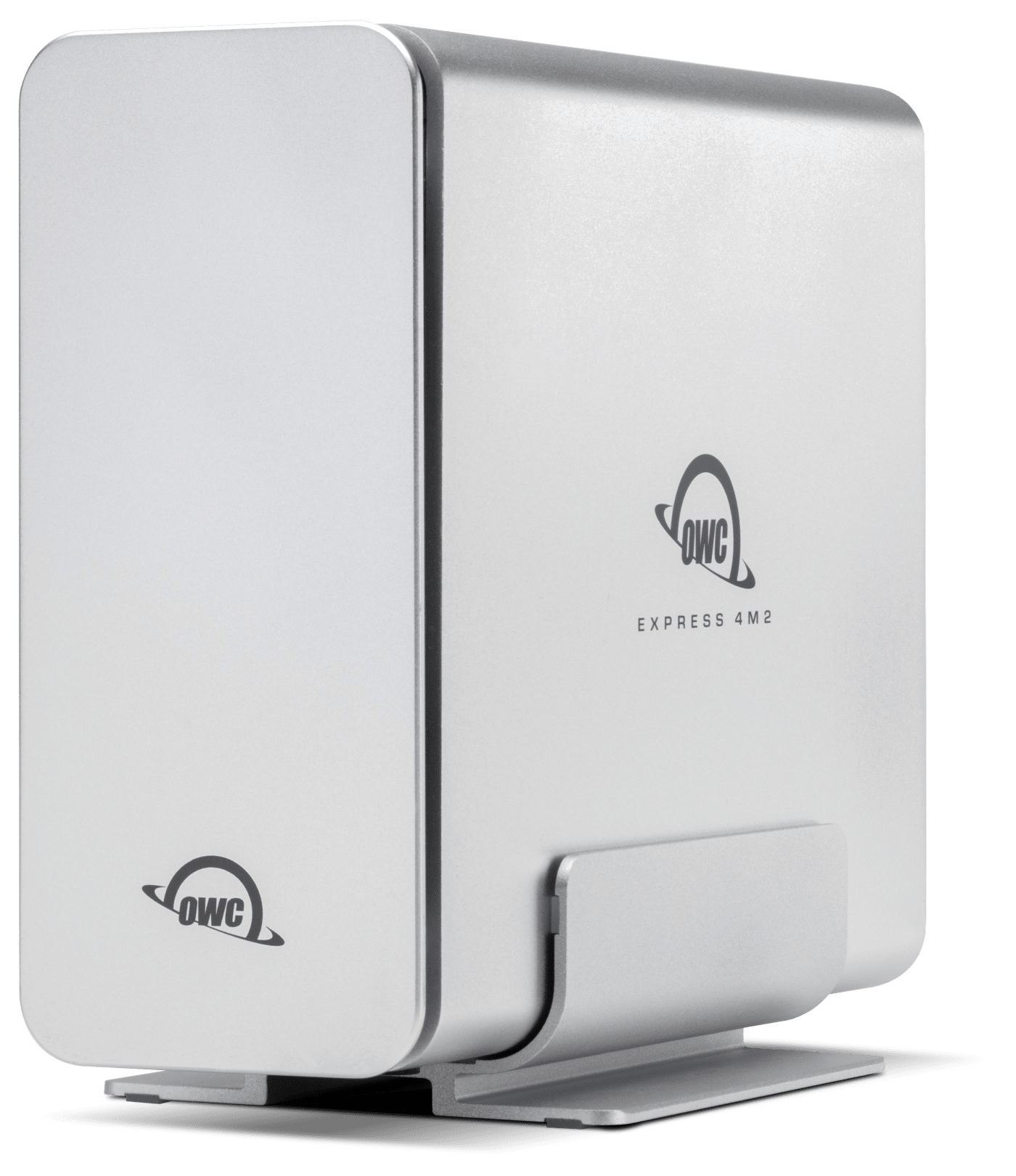
The OWC Express 4M2 connects over USB4, Thunderbolt, or USB-C and reaches up to 3,200MB/s in RAID 0 with four properly matched blades installed. It supports up to four M.2 2230, 2242, or 2280 SSDs at up to 8TB each, and configures via SoftRAID into RAID 0, 1, 4, 5, 6, 6+ or 1+0 — giving you the choice between maximum speed, redundancy, or a balance of both, entirely based on how you populate and configure the four bays.
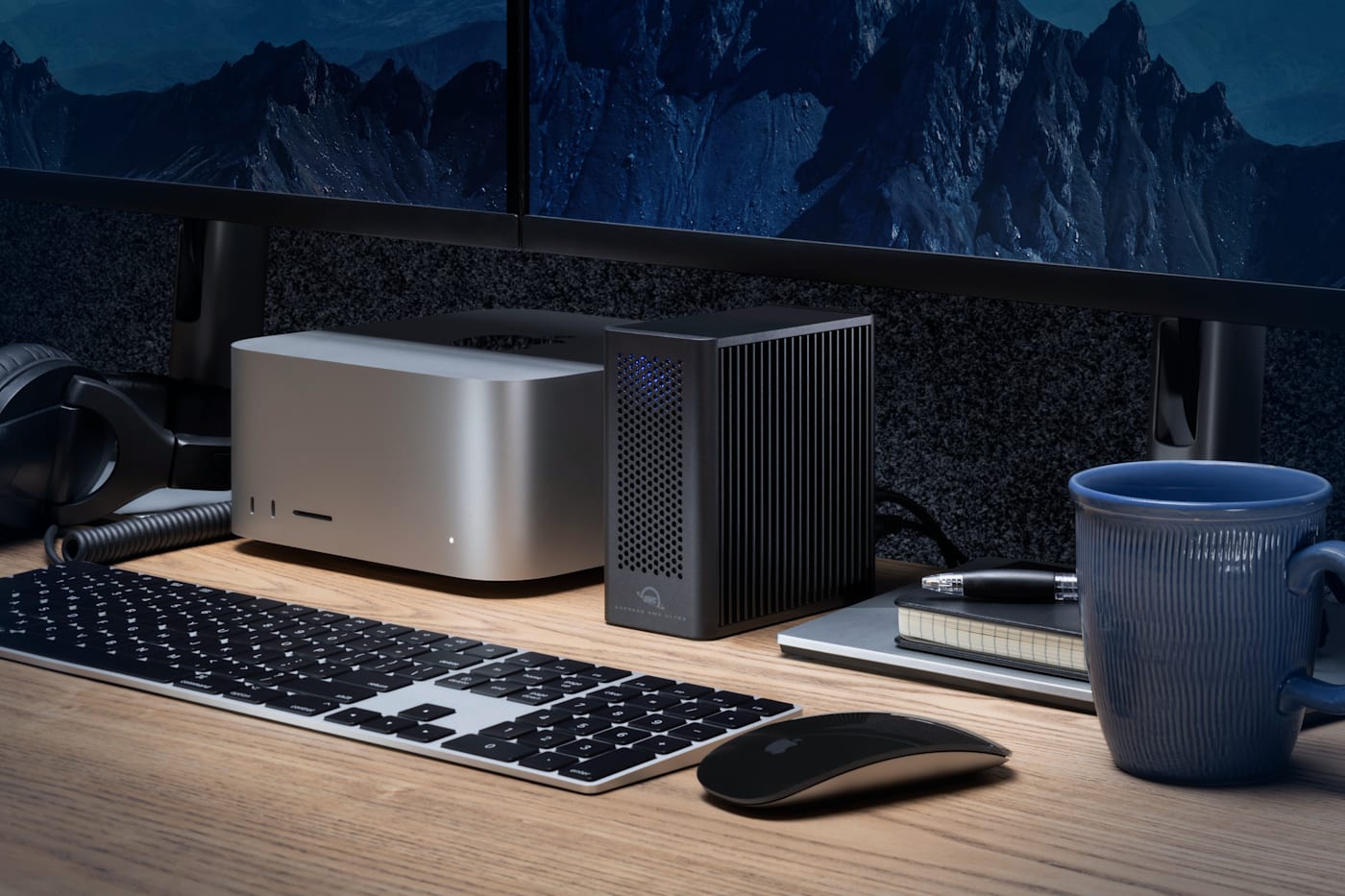
The OWC Express 4M2 Ultra is the current Express flagship: the first certified Thunderbolt 5 four-slot NVMe enclosure, reaching up to 6,622MB/s in RAID 0 with PCIe 4.0 or 5.0 drives installed. It supports M.2 2280 or 2242 blades up to 8TB each for up to 32TB total. All four bays are hot-swappable and individually bootable on macOS, and a second Thunderbolt 5 port allows daisy-chaining additional Thunderbolt devices — including additional Express 4M2 Ultra units combined into one larger volume. It remains backward compatible with Thunderbolt 4, Thunderbolt 3 (Mac only), and USB4 at reduced speeds around 3,200MB/s, so it won’t become dead weight if it ends up shared between an older machine and a newer one.
Which OWC DIY Drive Fits Your Workflow?
- Need one fast portable drive and already own a spare M.2 blade, or want to choose your own? Go with the Express 1M2 or Express 1M2 80G, depending on how much speed you need or how much bandwidth your computer supports (USB4 or USB 4 80G. If you have a Thunderbolt 5 machine, it supports USB4 80G.)
- Need RAID-protected capacity across multiple drives — for active project storage, not just a single portable SSD? Opt for Express 4M2 or Express 4M2 Ultra, depending on whether you’re on a Thunderbolt 5 system and need the absolute top-end speed.
- Want the lowest-cost path into DIY NVMe RAID and don’t need Thunderbolt 5? The original Express 4M2 delivers real RAID flexibility at a meaningfully lower price than the Ultra.
- Already have a drawer full of pulled M.2 blades from past upgrades? Any of the four enclosures turns that idle hardware into working storage again.
Other topics you might like

How NRG Recording Studios is Bringing its Historic Archive Into the Modern Era
Updated on Sep 22, 2026

OWC SoftRAID 9 Brings RAID 6 Protection to Mac and Windows, Introduces RAID 6+
Updated on Sep 21, 2026

How to Maximize Your New M5 Max and M5 Ultra Mac Studio: Storage, Docking, and Connectivity
Updated on Sep 16, 2026
