 USA + International
 OWC Canda
 OWC Europe
New OWC ThunderBay 4 Adds Thunderbolt 5 and Up to 128TB for Streamlined Post-Production, Photography Workflows
The new OWC ThunderBay 4 pairs up to 128TB of storage with a downstream Thunderbolt 5 port for shuttle SSDs and other devices at the edit station.
Wayne Grayson • Nov 10, 2026
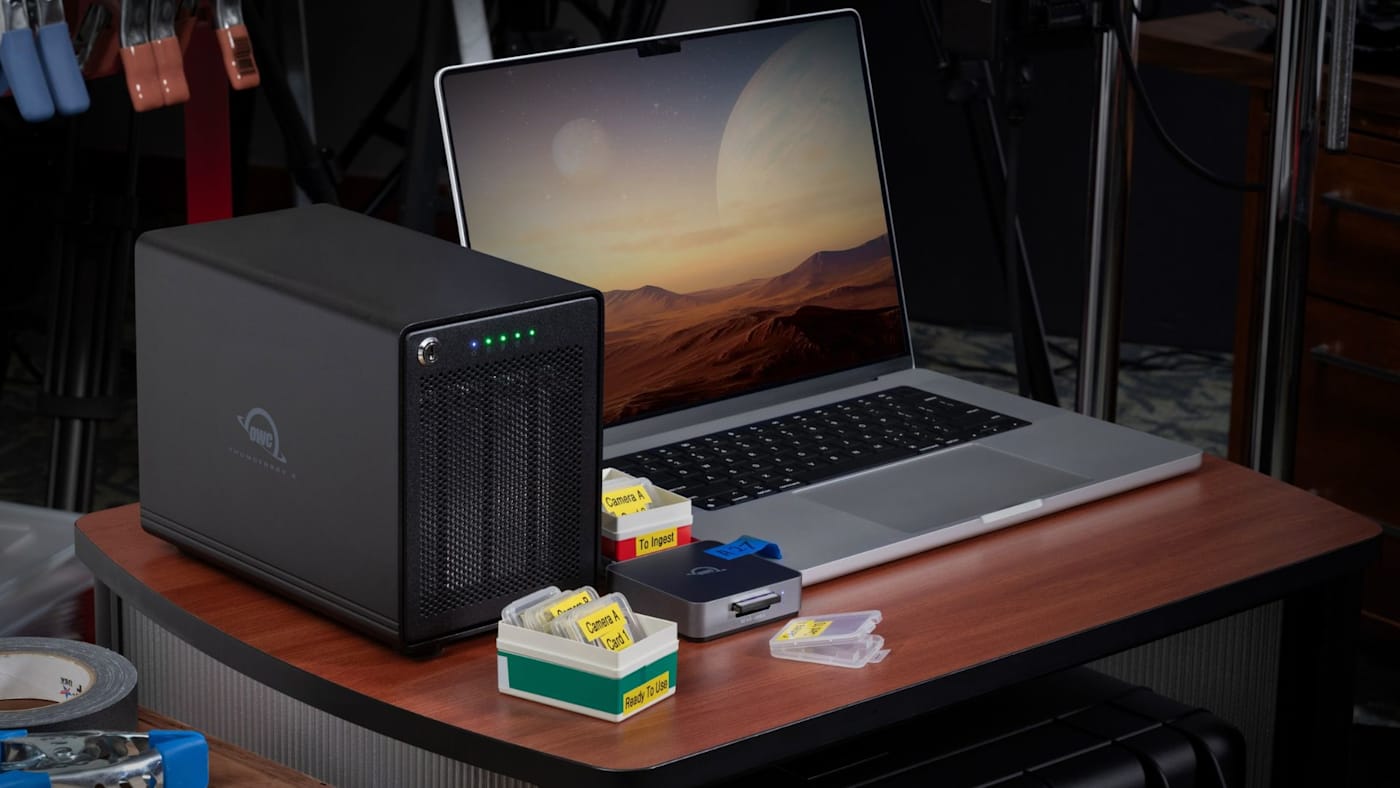
At the end of a video shoot, lots of things may need to happen with footage in a small amount of time—and in the very limited space of a DIT cart. At the very least, footage needs to be dumped from a memory card to a shuttle SSD and then ingested to post-production storage and backup. That could mean doing a lot of shuffling of drives and card readers between ports. Or, you could upgrade your workflow with the new OWC ThunderBay 4 with Thunderbolt 5.
ThunderBay 4 with Thunderbolt 5 is the perfect companion for photographers, DIT, and post-production professionals: a four-bay RAID solution built atop Thunderbolt 5, delivering all the speed, reliability, and RAID management you’ve come to expect from ThunderBay, now with a faster downstream Thunderbolt 5 port. That means you can keep your ThunderBay 4 connected at all times, ready for ingest, while plugging in shuttle drives, memory card readers and more into ThunderBay 4’s downstream Thunderbolt 5 port.
With this generation, we’ve also increased maximum raw capacity from 96TB to 128TB. For a film crew shooting over several months, that extra room can keep early interviews online alongside the latest camera originals.
Keep Your Fastest Storage in the Edit Chain
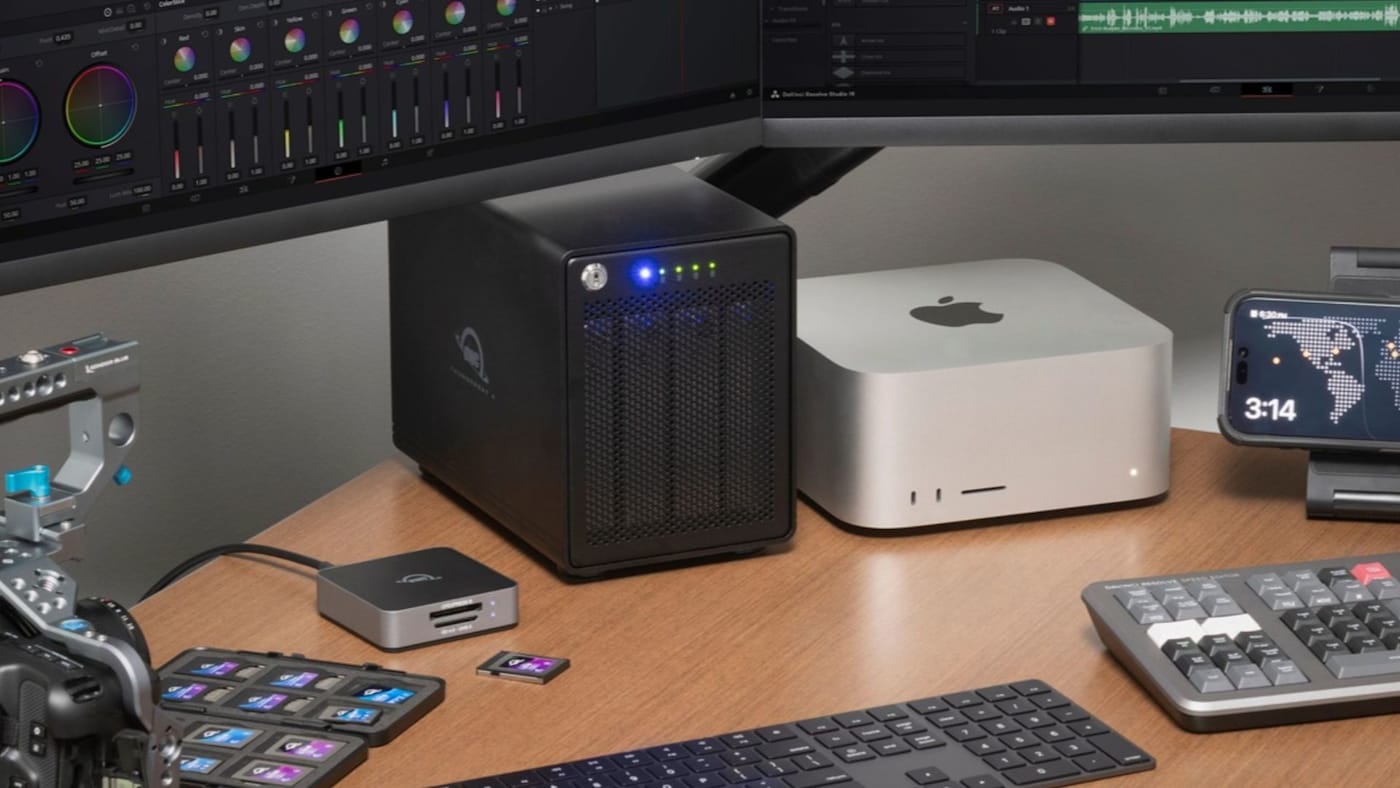
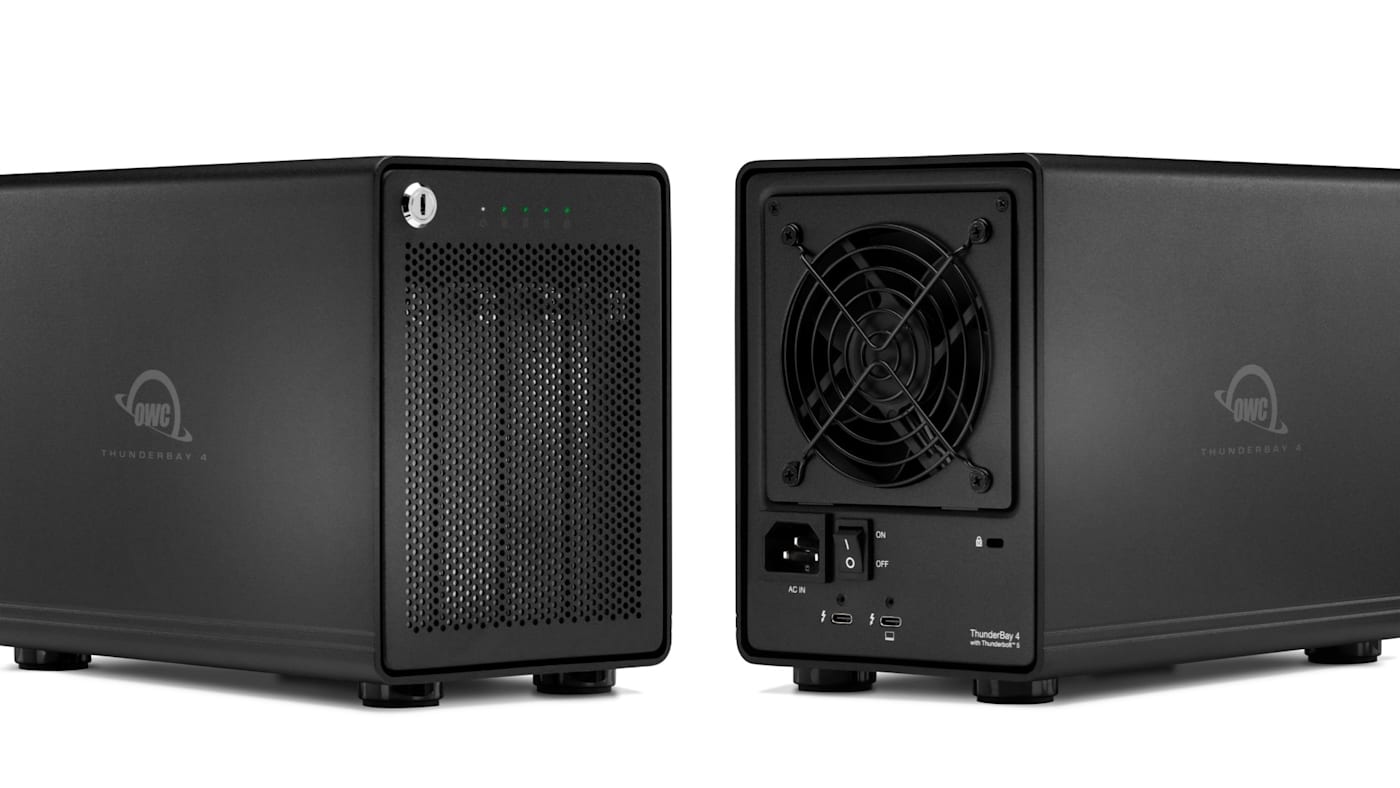
ThunderBay 4 now connects to your workstation via a Thunderbolt 5 cable. With hard drives installed, the new ThunderBay 4 delivers data speeds up to 1,268MB/s. ThunderBay 4 also supports 2.5” SATA SSDs at speeds up to 1,703MB/s. But the real upgrade that Thunderbolt 5 brings to ThunderBay 4 is enhanced connectivity.
ThunderBay 4’s downstream port extends its Thunderbolt 5 connection to another Thunderbolt device, including a fast SSD like OWC Envoy Ultra for current cuts, renders, or media headed to the colorist. And because Thunderbolt 5 is compatible with Thunderbolt 4, Thunderbolt 3, USB4, and USB-C devices, you can use ThunderBay 4’s downstream port to connect any of those devices as well.
Keep Footage Available Through a Drive Failure
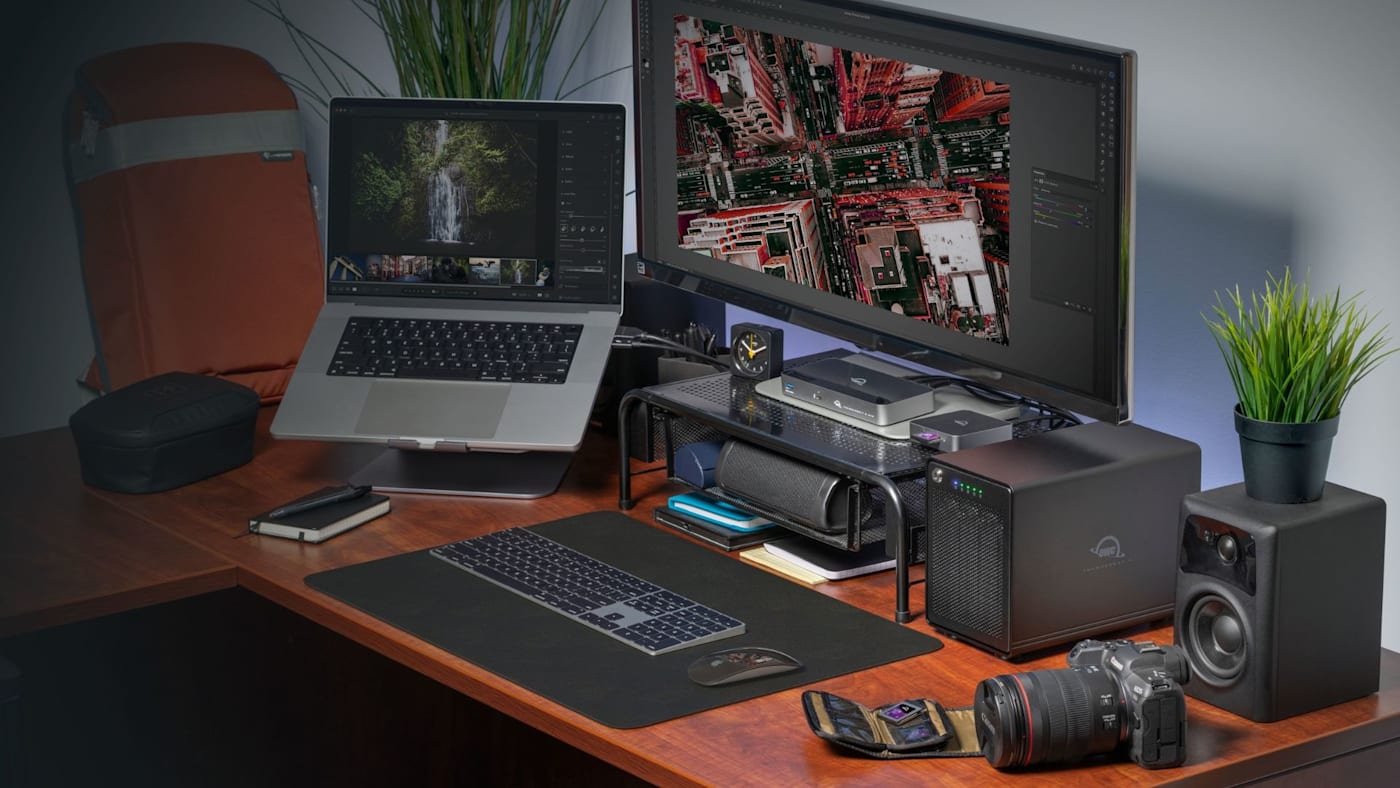
ThunderBay 4 is now available in capacities up to 128TB. Models ordered with storage installed from the factory arrive preconfigured as RAID 5, which lets the array keep working even in the event that one drive fails. In the 128TB configuration, the equivalent of one of the four drives goes toward that protection, leaving about 96TB of usable capacity before formatting. For comparison, the previous 96TB configuration gave you about 72TB in RAID 5. That’s roughly 24TB more usable space with the same protection and the same number of bays. (If you're new to RAID, be sure to check out our full guide to RAID here.)
And if you want to setup your ThunderBay 4 in a different RAID level, OWC SoftRAID 9 makes it easy to do so while monitoring drive health in the background. And if you or your team need remote access, ThunderBay 4 is built to work seamlessly with Strada, allowing you to remotely browse, preview, and edit ThunderBay media without cloud uploads.
Pricing and Availability
OWC ThunderBay 4 with Thunderbolt 5 is available for pre-order starting today, November 10. Pricing starts at $549.99 for the empty enclosure and $1,499.99 for preconfigured systems, with capacity options up to 128TB. Shipments are expected to begin the week of November 16. And if you're attending Inter BEE 2026, you can see the new ThunderBay 4 in Hall 7, Stand 7510, November 18–20.
Other topics you might like

OWC Express 1M2 vs. Express 1M2 80G: When to Step Up to 80Gb/s
Updated on Nov 2, 2026

How to Choose a Memory Card Reader For Faster Offloads
Updated on Oct 26, 2026
NVMe RAID vs. a Single External SSD: When Do You Need an Array?
Updated on Oct 19, 2026