 USA + International
 OWC Canda
 OWC Europe
NVMe RAID vs. a Single External SSD: When Do You Need an Array?
Discover when an NVMe RAID array makes sense for your workflow, how usable capacity works, and which OWC Express or ThunderBlade solution fits your needs best.
Wayne Grayson • Oct 19, 2026
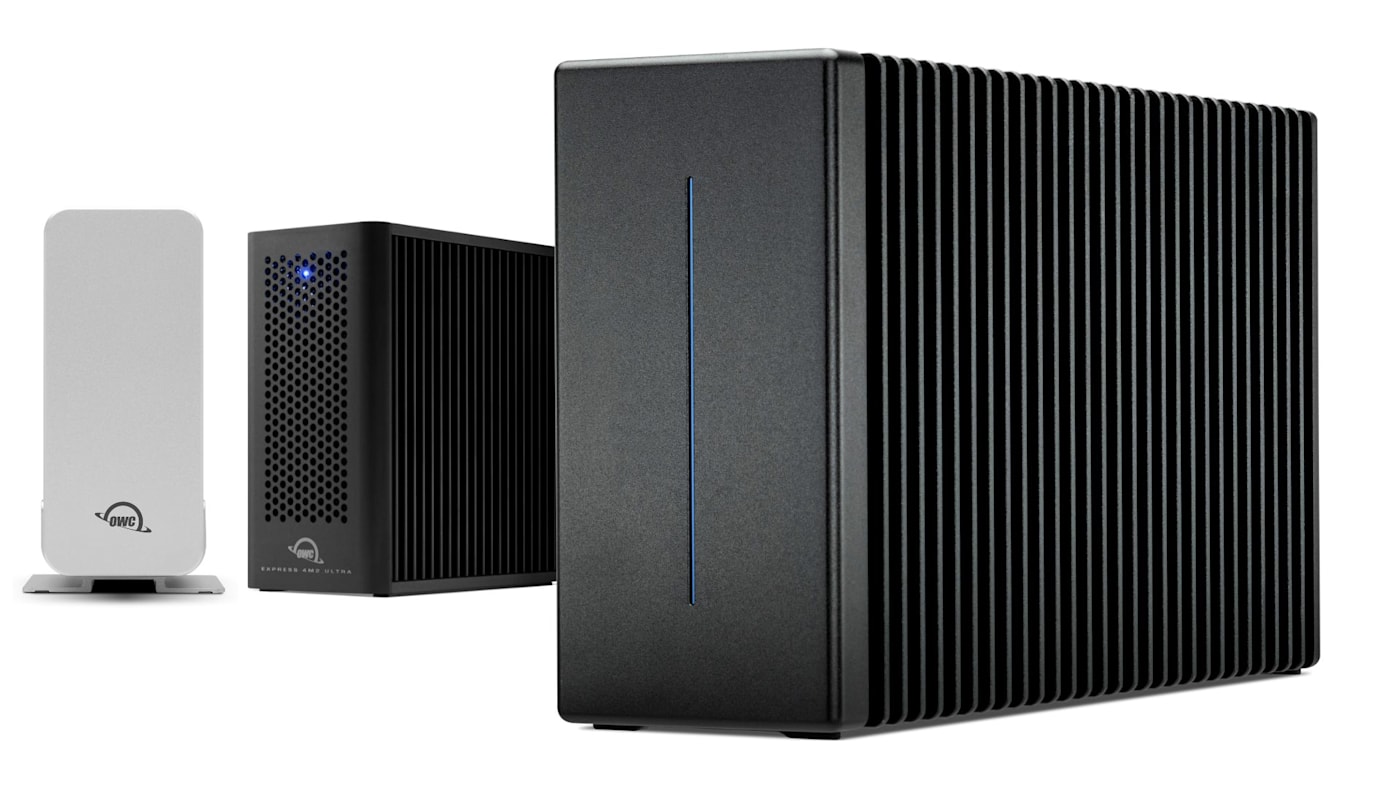
You can get a lot done for a long time with a fast portable SSD. With speeds topping 6,000MB/s, editing video and photos, moving projects, and other work go smoothly and quickly.
And while portable drives offer enough capacity to suit many professional workflows for long periods of time, eventually the drive will fill up. Even 8TB only goes so far if you’re working with high-resolution photos and videos. When your workflow has outgrown the need for speed alone, it’s time to consider investing in a RAID enclosure.
And maybe you’ve already considered investing in a larger capacity enclosure but think it might mean going with a slower traditional HDD-based RAID. Because while HDD RAID enclosures can still move data pretty quickly, they’re still nowhere near as fast as an SSD-based drive. The good news is that if your workflow needs capacity, extra protection, and as much speed as possible, you can always go with an NVMe RAID.
An NVMe RAID array is a truly no compromise storage solution. Our OWC Express 4M2, Express 4M2 Ultra, and ThunderBlade family bring multiple SSDs together so you can choose the combination of capacity, performance, and drive-failure protection your work needs.
Let’s talk about finding the best NVMe RAID array for your needs.
What Does an NVMe RAID Array Add to Your Workflow?
NVMe is the storage protocol used by many modern SSDs. RAID describes an enclosure that intelligently combines multiple drives into a single volume that boosts data protection. And when you use OWC SoftRAID to manage your NVMe RAID, you can quickly dial in your RAID level and configuration to get the exact performance and data protection you need.
When it comes to choosing between RAID levels, you can check our full guide to RAID to get all the details. But the quick explanation is that some RAID levels are designed to optimize speed and performance by distributing work across all of the drives in the array. Other RAID levels prioritize data protection by dedicating more capacity to redundancy so the volume can survive a drive failure. And some RAID levels do both. Be sure to check out our guide to RAID to get the full picture.
In order to find the right NVMe RAID for your needs, answer these three questions: How much working space do you need? How quickly must the storage move data? And what level of protection do you need against drive failure?
More Room for the Entire Project
Capacity is often the most immediate reason to upgrade from a single SSD to an NVMe RAID array. For operations shooting in 4K, 6K, or 8K RAW, those files get very large very quickly. But a project also includes more than just the original files. There’s proxies, optimized media, audio, graphics, caches, and exports that all need somewhere to live. And when you scale that to include several overlapping jobs or an archive of finished projects, the need for capacity intensifies.
Keeping all of your working material on one appropriately sized volume can eliminates the need to constantly shuffle between drives. You spend less time deciding what to move and where to move it before importing the next shoot, and less time reconnecting media after it winds up on a different disk.
But beyond higher capacities than a single SSD-based drive can offer, NVMe RAID arrays also offer protection against drive failure. (We’ll discuss this protection in a bit.) However, that drive protection does come at a cost: Usable capacity in a RAID array depends on the RAID level you configure. Here’s an illustrative four-drive configuration using four equal 4TB SSDs in an array with 16TB total capacity:
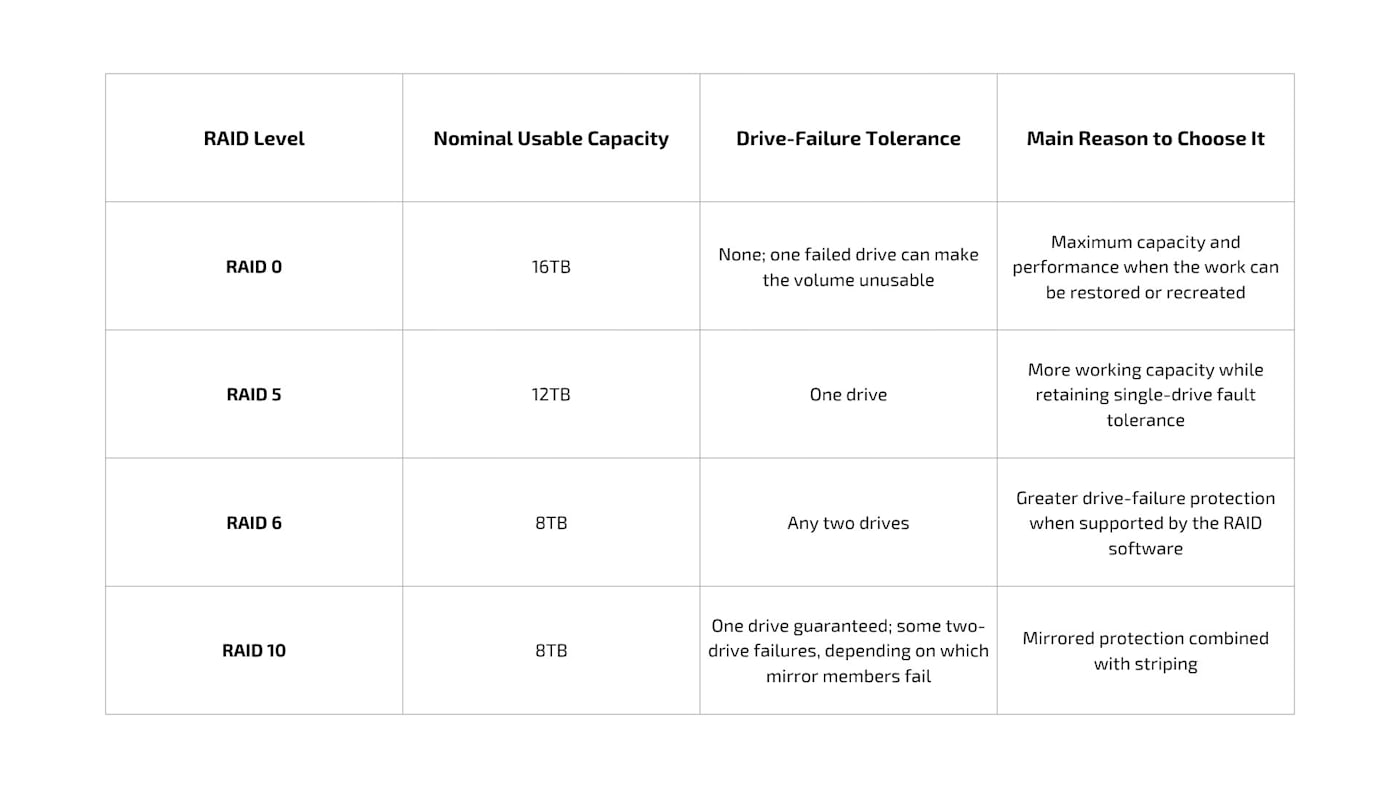
Note: These figures are before formatting and metadata, and assume the chosen software supports the configuration. They also aren’t a recommendation to fill the volume completely. Leave space for incoming material and the temporary files your applications create.
For example, if your active jobs already occupy 10TB, a nominal 12TB RAID 5 volume leaves little room for growth. Moving up in capacity at purchase may be more useful than chasing a slightly higher benchmark result.
Redundancy Can Protect Your Deadline
As we mentioned earlier, an NVMe RAID array combines speed, capacity, and the ability to retain your data in the event of one or more drive failures.
For certain workflows, that can be a huge production advantage. Restoring a large project from backup takes time even when the backup is complete and healthy. A supported redundant configuration can allow work to continue while you arrange a replacement (although performance may fall and rebuilding or resynchronizing the array requires attention.)
OWC SoftRAID provides software-based RAID management and monitoring for compatible storage. SoftRAID 9 introduced support for RAID 6 and RAID 6+. RAID 6 addresses allows for an array to withstand the failure of any two drives without losing data or access to the volume. RAID 6+ offers the same two-drive fault tolerance but uses dedicated parity drives rather than distributing parity across all members of the array. This approach can be particularly useful with SSD-based storage. By concentrating parity writes on dedicated drives rather than spreading them across the entire array, RAID 6+ is designed to help maintain higher performance in workflows where speed and redundancy both matter.
But remember: a RAID is not a backup. RAID levels that offer redundancy should still be backed up. Accidental deletion, damage to the enclosure, and theft can still affect the entire array. A RAID volume is one working copy, regardless of how many drives it contains. Build separate copies into your 3-2-1 backup plan.
Which OWC Array Fits Your Workflow?
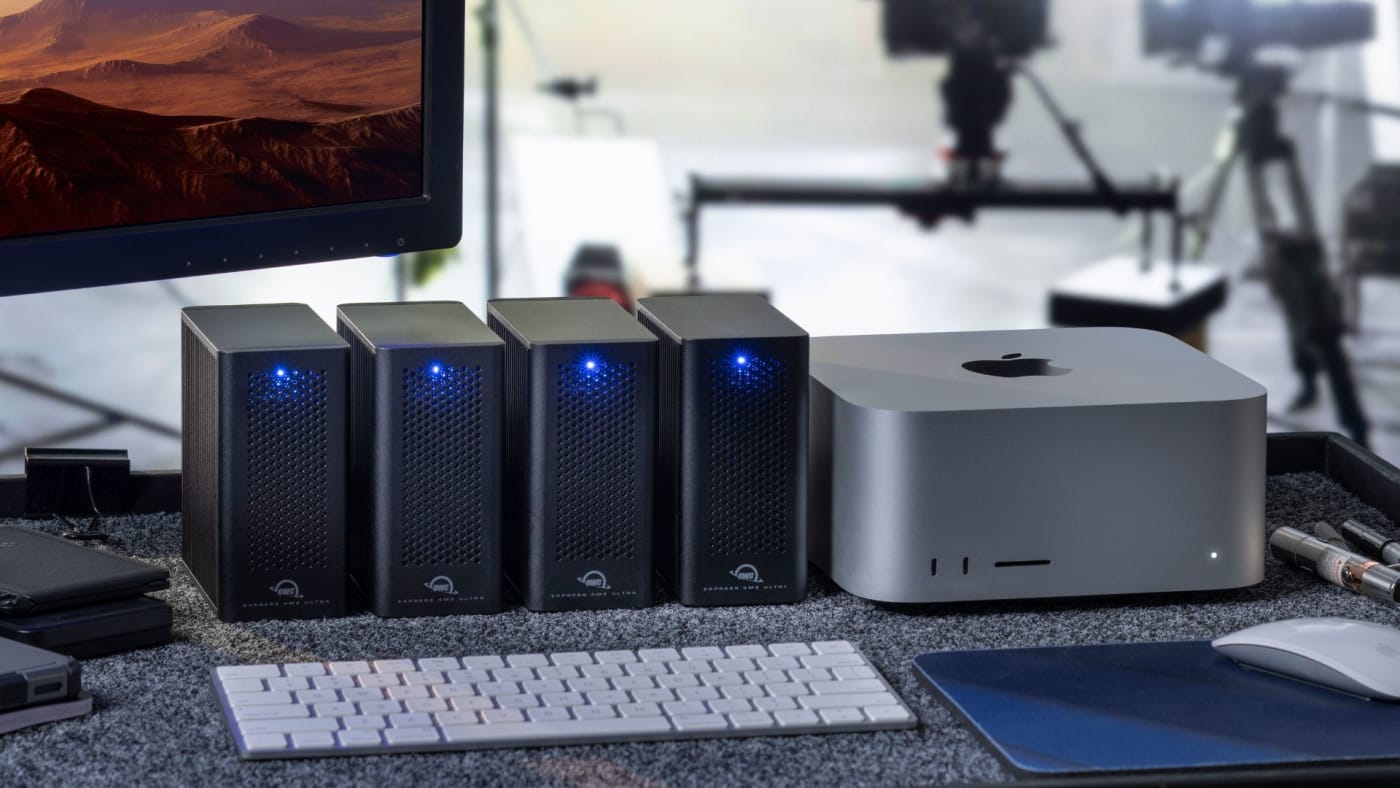
The Express family is a strong starting point when you want total control over the SSDs inside your storage. Both the OWC Express 4M2 and 4M2 Ultra are DIY enclosures. Both can be ordered as empty enclosures, allowing you to easily open them up and fill them with SSDs you already have on hand. And 4M2 Ultra can be ordered pre-filled with storage while retaining the ability to upgrade your storage in the future.
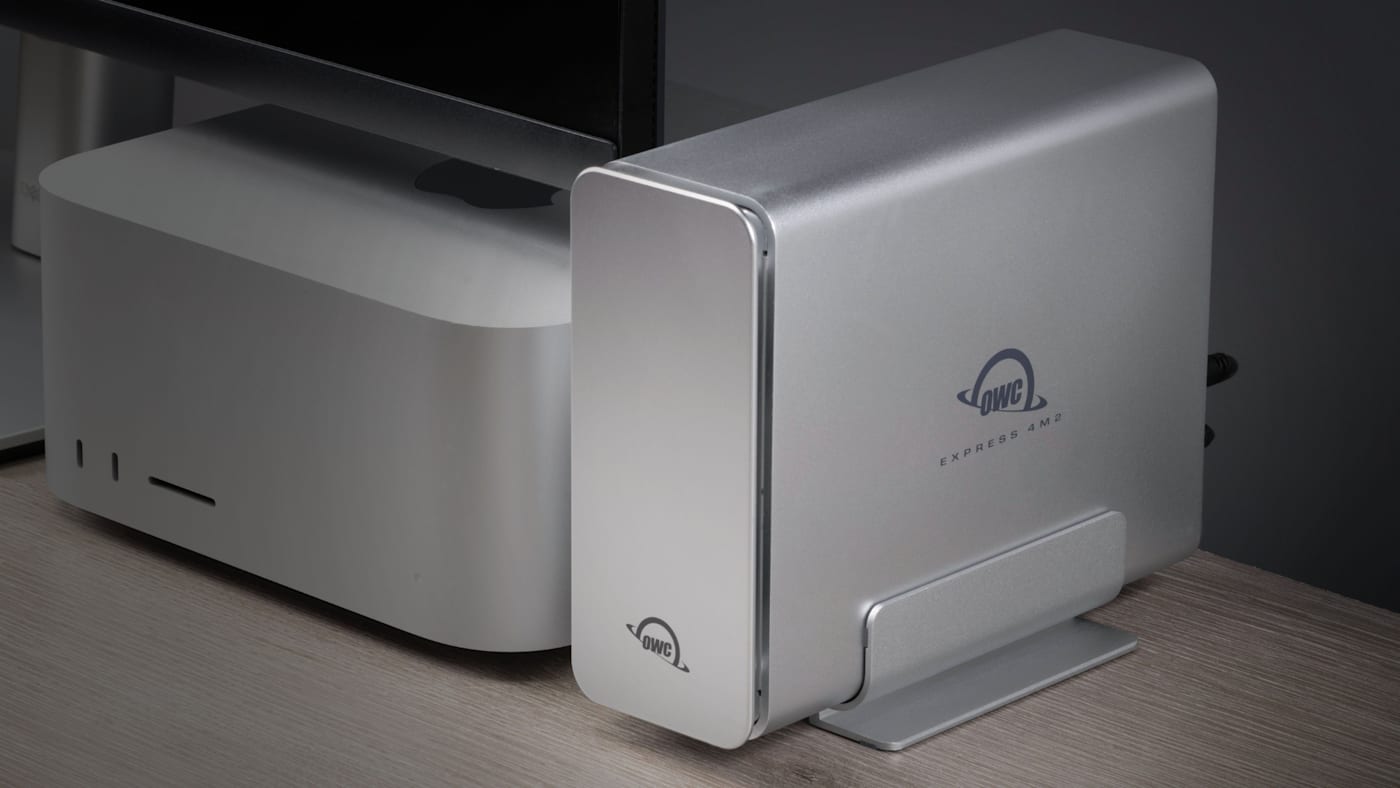
The OWC Express 4M2 is a USB4 enclosure with speeds up to 3,200 MB/s, while the Express 4M2 Ultra steps up to Thunderbolt 5 and speeds up to 6,622MB/s. Plus, Express 4M2 Ultra also gives you the ability to scale your storage even further by connecting multiple 4M2 Ultra enclosures together and use them as a single volume. Up to four Express 4M2 Ultra enclosures can be connected for up to 128TB of storage.
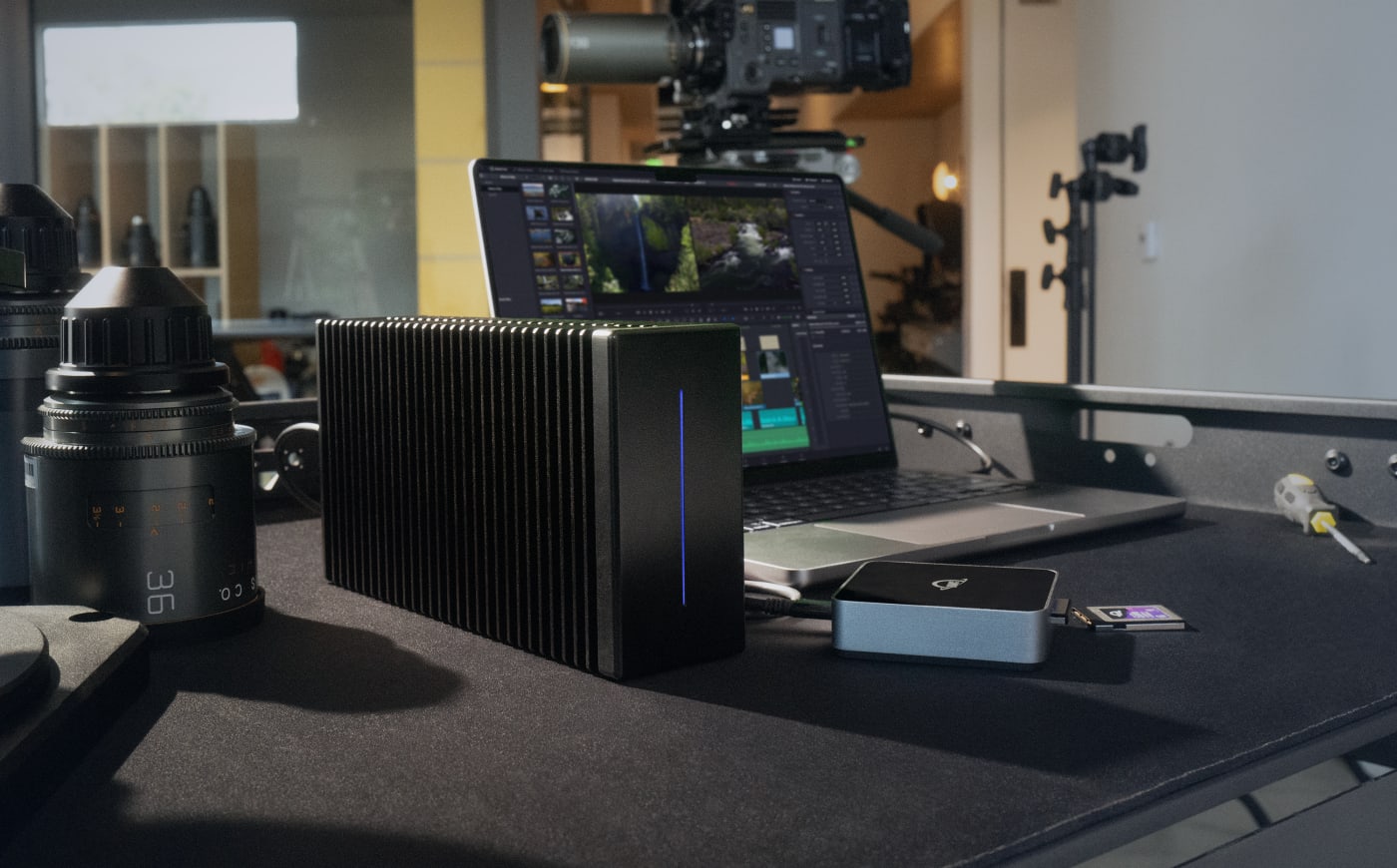
Production teams that want a complete array designed around the demands of video work, look no further than the ThunderBlade family. ThunderBlade is available in four- and eight-bay configurations and capacities up to 32TB. ThunderBlade X12 extends that approach to larger projects with a 12-bay configuration supporting up to 192TB and Thunderbolt 5 connectivity for speeds up to 6,600MB/s.
Single SSD or an NVMe RAID?
If your projects fit comfortably on one SSD, performance meets your needs, and restoring from a backup would be manageable, OWC SSDs like the Express 1M2, Express 1M2 80G, Envoy Pro FX, and the Thunderbolt 5-powered Envoy Ultra are fantastic options and are available in capacities up to 8TB.
But when your workflow requires more capacity, drive-failure tolerance, and all while retaining the speed of those single SSDs, an NVMe array earns its place. Start with the Express 4M2 as an affordable entry point, step up to the Express 4M2 Ultra configurations if speed and scalability are paramount, or explore ThunderBlade for a complete production array.
Other topics you might like


How NRG Recording Studios is Bringing its Historic Archive Into the Modern Era
Updated on Sep 22, 2026

OWC SoftRAID 9 Brings RAID 6 Protection to Mac and Windows, Introduces RAID 6+
Updated on Sep 21, 2026

How to Maximize Your New M5 Max and M5 Ultra Mac Studio: Storage, Docking, and Connectivity
Updated on Sep 16, 2026