 USA + International
 OWC Canda
 OWC Europe
NAS vs. RAID: What's the Difference and Which Does Your Studio Need?
NAS vs. RAID isn't quite the comparison it seems. Learn when your studio needs direct-attached RAID, shared NAS storage, or both—and explore OWC options.
Wayne Grayson • Nov 13, 2026
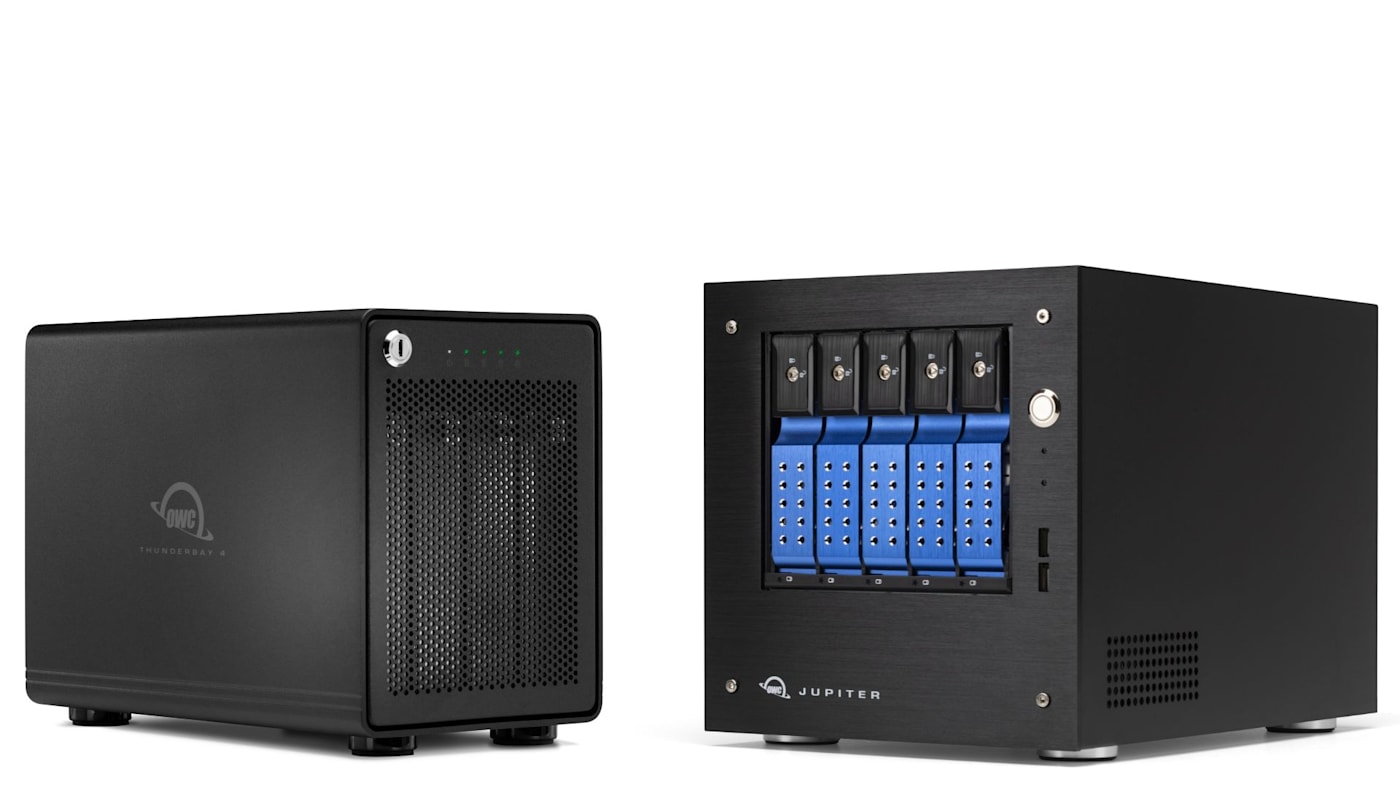
Your studio is running out of storage. Projects are getting bigger, drives are filling up, and moving media between workstations takes longer than it should. You know you need something more capable than another portable hard drive, but should you be shopping for a RAID array or a NAS?
It's a common question, particularly for creative professionals shopping for high-capacity storage. And while the two terms are often mentioned together, they actually describe different tools.
A RAID enclosure combines multiple drives into a single volume with optimization for redundancy, capacity, or speed. Network attached storage, or NAS, is a storage solution with special hardware that not only makes it accessible over a network rather than just the computer it is directly attached to, but also optimizes that network connection to support multiple concurrent users.
What often leads to confusion between these two types of tools is that they often intermingle. NAS solutions can use RAID to organize the multiple drives they contain. But not all NAS solutions do, and not all RAID solutions are a NAS.
So, to help you cut to the chase: Do you need high-performance storage connected to one workstation, shared storage for multiple users, or a combination of both? Let’s explore the options.
What is RAID?
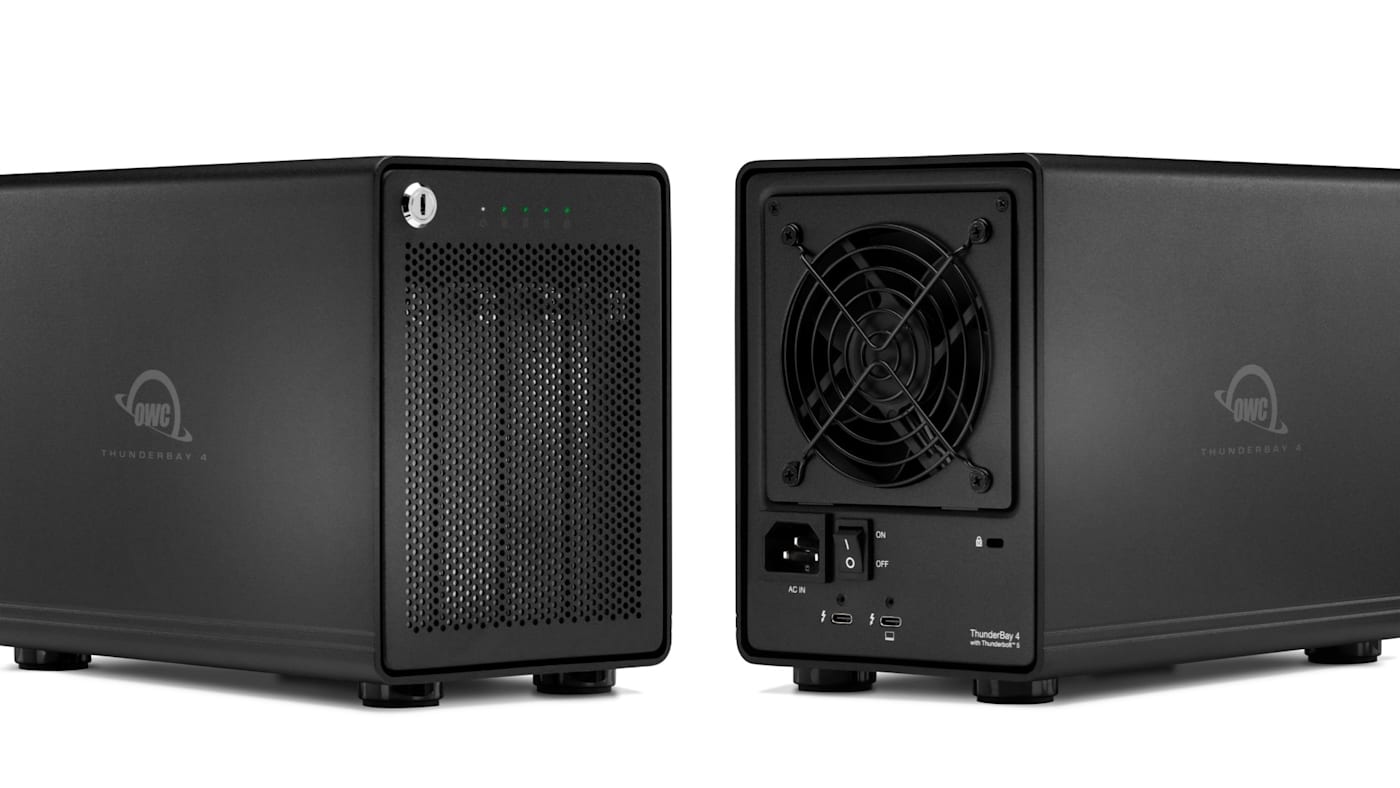
RAID stands for Redundant Array of Independent Disks. It allows multiple drives to work together as a single storage volume, with different configurations or RAID levels optimizing that volume for performance, usable capacity, or tolerance for drive failures.
For example, an array configured in RAID 0 stripes data across all drives in an enclosure to get the most drive performance and capacity. In fact, configured in RAID 0, a volume comprised of multiple drives will perform at much higher speeds than the drives would be able to on their own. (Typically you can multiply a single drive’s speed by the number of drives in the array and then multiple by .8 [80%] to get a rough estimate of the type of speed you can expect in RAID 0.) However, RAID 0 provides no drive-failure protection.
RAID 1 mirrors data and provides the maximum protection against drive failure at the expense of half your total capacity. Parity-based configurations such as RAID 5 can provide ample usable capacity and allow the array to survive a qualifying single-drive failure, while other levels offer different tradeoffs. You can check out our full guide to RAID for a thorough breakdown of each level.
Professional RAID enclosures are especially useful when one workstation needs more much more capacity than a single SSD can provide; more throughput than a single spinning hard drive, or HDD, can provide; and want to protect the data on that volume from the possibility of a drive failure.
OWC solutions such as ThunderBay 4, ThunderBay 8, Express 4M2, Express 4M2 Ultra, and ThunderBlade X12 support different capacity and performance needs, with RAID management options depending on the product and software configuration.
Importantly, RAID redundancy is not backup. A redundant array offers protection against some drive failures, but it doesn’t protect you against accidentally deleted files, overwritten work, or damage affecting the entire enclosure.
What is NAS?
NAS stands for Network-Attached Storage. Instead of attaching a storage device directly to one computer over Thunderbolt or USB, you connect it to a network so authorized users can access shared files.
A NAS may contain multiple drives organized into a redundant array (RAID), but its defining benefit is access and management across computers. It can become the central location for footage, graphics, deliverables, shared project assets, and other material that a team uses repeatedly.
For a post-production facility, a professional NAS can allow multiple editors and collaborators to work with shared media without handing physical drives back and forth. For a growing organization, it can simplify access control and centralize storage administration. You can read more about NAS in our full guide here.
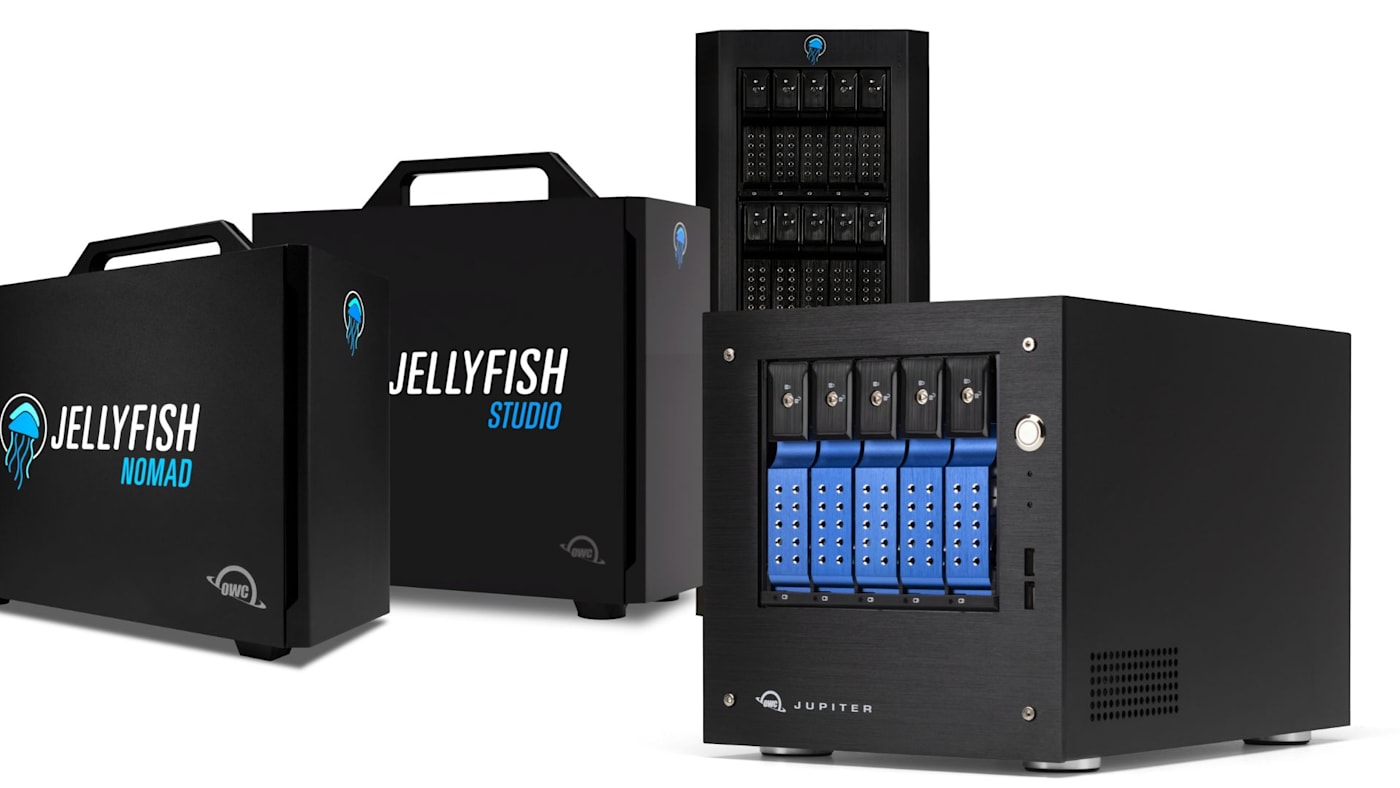
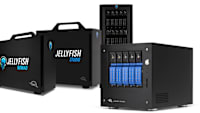
OWC Jellyfish is our NAS designed around collaborative media production, while OWC Jupiter addresses wider commercial and enterprise shared-storage needs. You can learn more about how a NAS works and explore the OWC Jellyfish and Jupiter lineups in our full guide to NAS here.
NAS vs. Direct Attached Storage (DAS)
Since NAS and RAID aren't mutually exclusive, it's helpful to compare network-attached storage (NAS) with direct-attached storage (DAS). DAS is storage connected directly to a host computer, whether that's a single SSD or a multi-drive RAID enclosure.
A fast, directly attached RAID can deliver excellent performance for the editor sitting at that machine. And while excellent tools like Strada can give you remote access to a directly attached SSD or RAID, if your workflow requires simultaneous remote access by multiple team members, a NAS is the best option.
Choose Direct-Attached RAID When One Workstation Is the Center of the Job
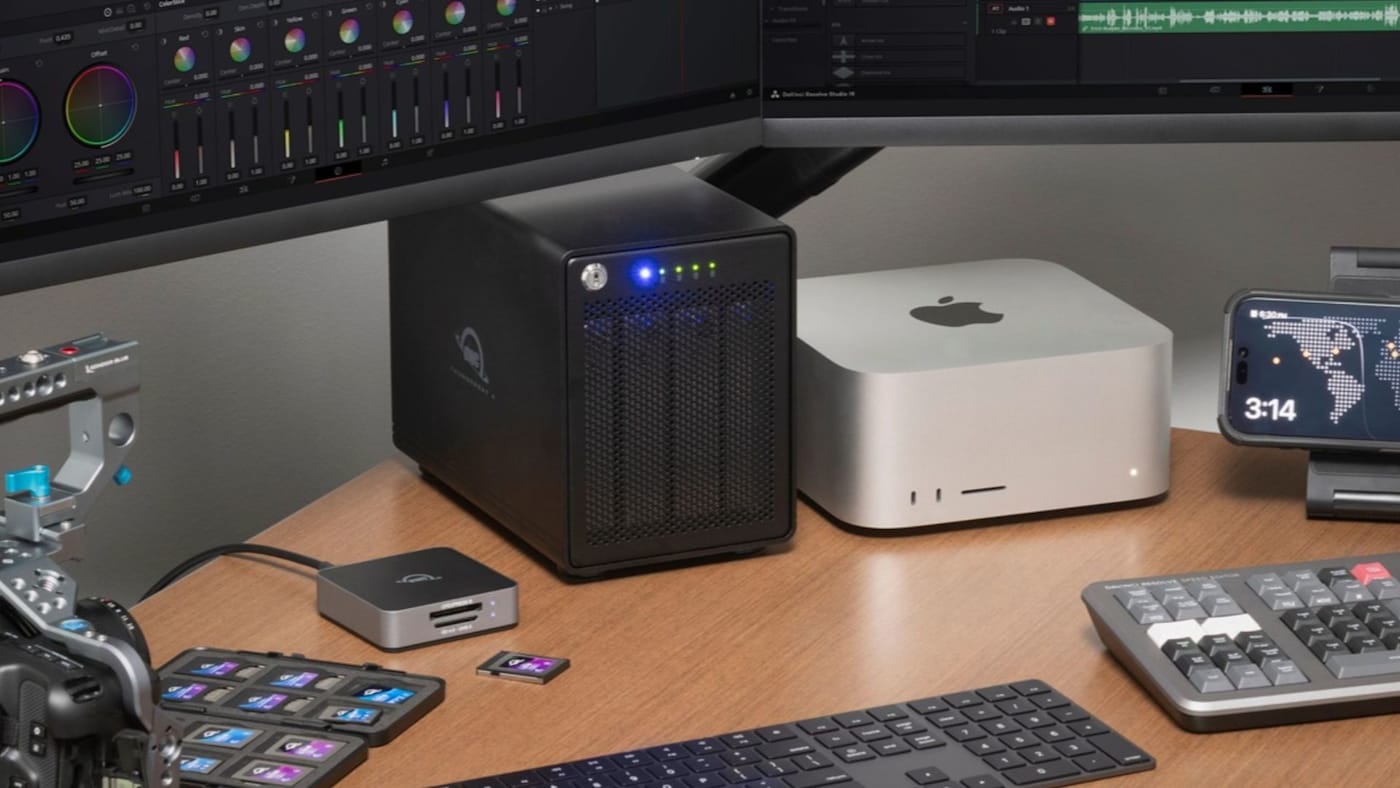
Suppose you're a photographer with a growing archive of past work, or an independent filmmaker editing 4K or 8K footage at a dedicated workstation. You need fast access to a large media library, perhaps with redundancy, but your colleagues don’t require simultaneous access to your library or the need to edit from that shared storage. In this case, a directly attached OWC RAID is a strong fit. There's no need to build a dedicated network-storage environment just to give one computer more capacity and performance.
For substantial capacity at a single workstation, OWC ThunderBay 4 offers four SATA drive bays and Thunderbolt 5 connectivity, making it a compelling foundation for media libraries and large working projects. Capacity and performance depend on the installed drives and RAID configuration.
For a configurable NVMe array, OWC Express 4M2 brings four M.2 NVMe drive slots to a compact USB4-based enclosure. It's a natural step up for creators who want to build a multi-SSD working volume rather than rely on a single blade. And if you need more speed and the ability to scale your storage by daisy chaining multiple enclosures, check out the Thunderbolt 5-equipped OWC Express 4M2 Ultra.
For very demanding, mobile production workflows, OWC ThunderBlade X12 combines Thunderbolt 5 performance up to 6,600MB/s in a design purpose-built for post-production environments.
Choose NAS When the Team Needs to Work From the Same Media

Now imagine a small post-production company with three editors, an assistant editor, and a producer. Each person needs frequent access to the same project assets, and moving files between separate storage devices has become a job in itself.
A purpose-built NAS can eliminate much of that friction by providing shared access to centrally stored files. Instead of transferring entire media libraries every time another editor joins a project, the team can connect to the shared system and have access to everything the need.
OWC Jellyfish is designed for exactly this kind of collaborative media environment. Alongside its storage capabilities, Jellyfish includes tools for workstation connections, administration, and media browsing that help teams manage shared workflows.
OWC Jupiter offers an alternative for organizations with broader enterprise-storage, scalability, and infrastructure requirements.
Sometimes the Best Answer Is Both
Many professional workflows benefit from both shared network storage and RAID.
A production facility might use a Jellyfish NAS as the central home for its current media while a finishing artist uses a directly attached ThunderBlade or ThunderBay RAID for a specialized task.
You should also plan independent backups regardless of which architecture you choose. A resilient RAID configuration improves availability under certain failure scenarios, but it does not replace a separate recoverable copy of your data. See our 3-2-1 backup guide for more about building a protection strategy.
No matter which storage solution suits your team or workflow best, OWC NAS and RAID solutions have you covered.
Other topics you might like
What is a NAS and When Does Your Creative Team Need It?
Updated on Nov 11, 2026


OWC Express 1M2 vs. Express 1M2 80G: When to Step Up to 80Gb/s
Updated on Nov 2, 2026
How to Choose a Memory Card Reader For Faster Offloads
Updated on Oct 26, 2026