 USA + International
 OWC Canda
 OWC Europe
Time is of the Essence: Why Andrew Reed Depends on OWC ThunderBay 4 to Bring Weiss Watch Company Stories to Life
How filmmaker Andrew Reed tells the story of watchmaking one episode at a time.
Wayne Grayson • Jan 23, 2026
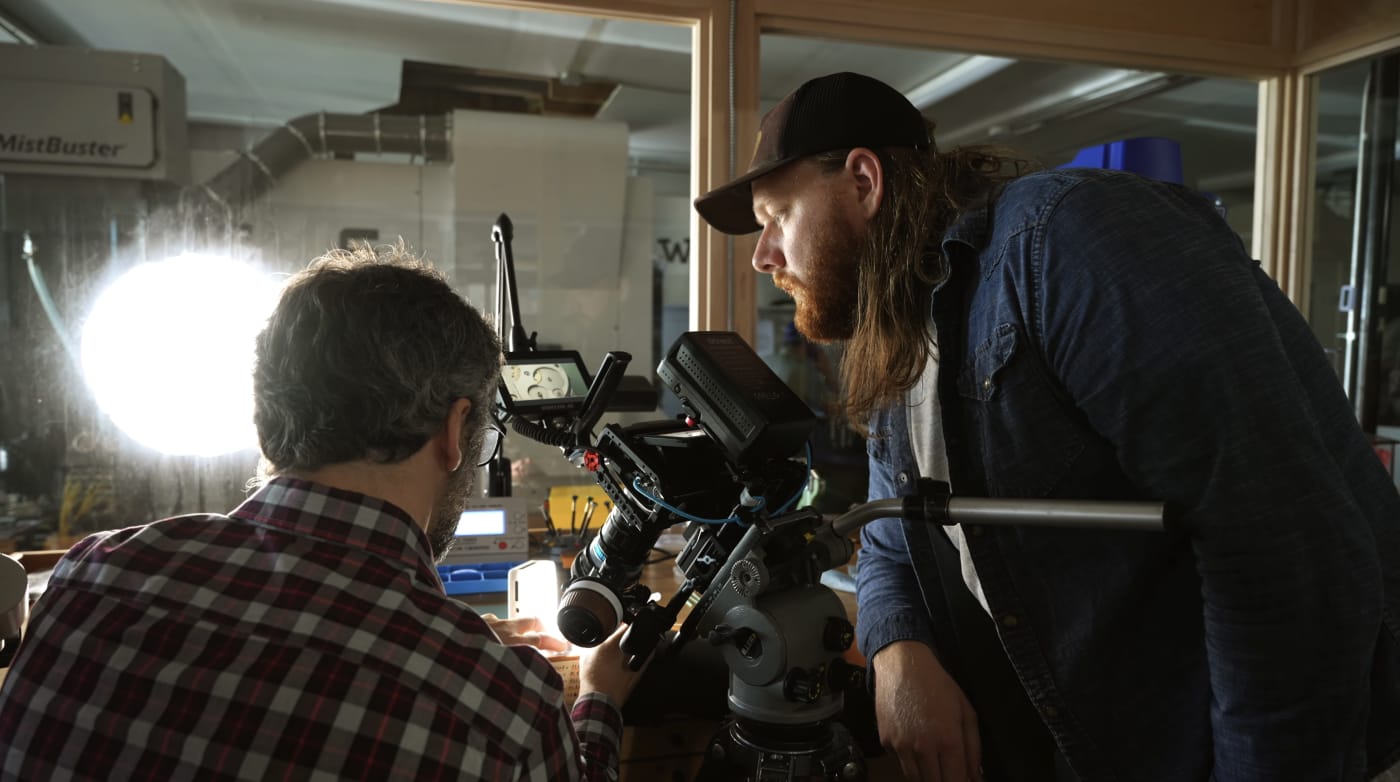
“I’m really a storyteller at heart,” says Andrew Reed, describing a creative identity rooted as much in writing and photography as in filmmaking. That storyteller mindset shows up in a big way in the Nashville-based filmmaker and photographer’s work for Weiss Watch Company, in which he directs and shoots a YouTube series called The Watchmaker’s Workshop.
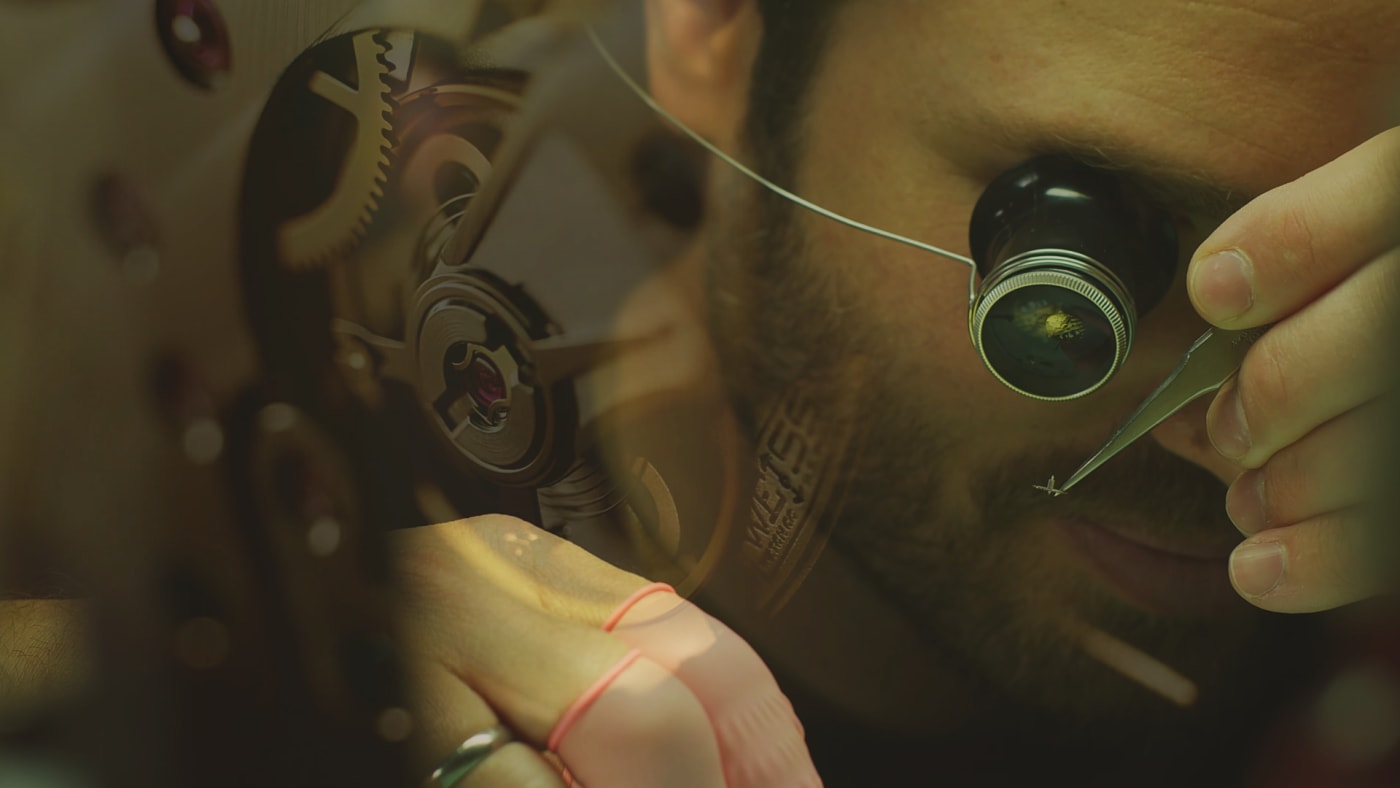
Watchmaking requires a dedication to skill, patience, and attention to detail. Reed implements those same values in the production of each episode of the series which has detailed watchmaking techniques, watch components, watch design philosophy, and more. Reed says he wants the series to live up to the craft it depicts, delivering an engaging, cinematic look behind the scenes of an art form that is now more than 500 years old.
Accomplishing this requires more than simply recording an interview or shooting some b-roll depicting what happens in the workshop. Because timepieces are small and contain lots of work on even smaller parts that requires years’ worth of experience, Reed must balance story and commentary with meticulous B-roll, dialing in macro shots, and shaping each episode so it feels digestible and engaging from start to finish.
The practical challenge: Massive media, fast turnarounds
That level of production comes with a technical burden: file size.
Andrew is shooting with Blackmagic cameras and capturing high resolution b-roll which quickly translates into huge amounts of data—often 100 to 200 GB, and sometimes up to 250 GB of footage for a single episode. Managing that much content doesn’t only require a place to put it. Reed also needs storage that stays fast and responsive through the entire edit.
Andrew has long worked in Adobe—especially Premiere Pro, Lightroom, and Photoshop. And for video editors, the difference between good storage and great storage is that real-time performance: scrubbing, playback, and timeline responsiveness when you’re deep in a cut.
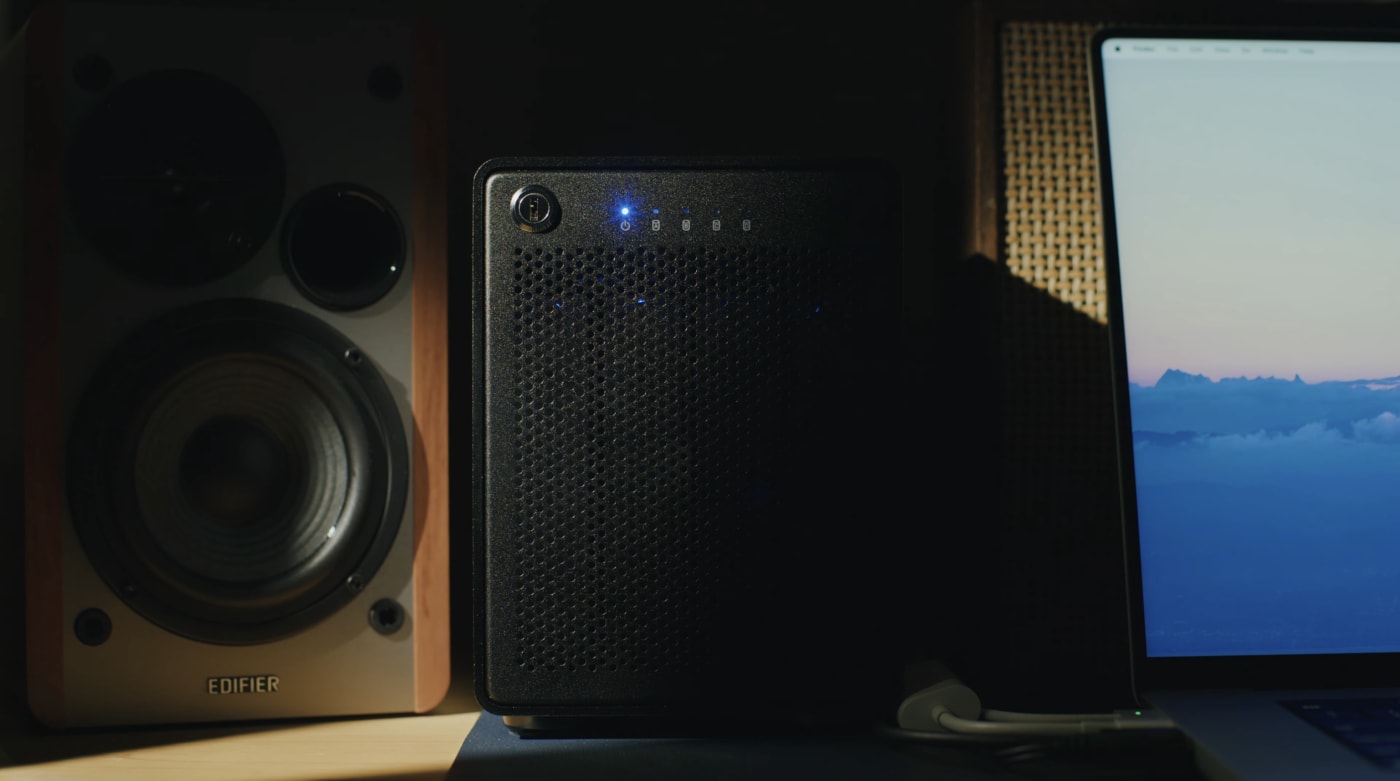
Why he chose OWC ThunderBay 4
When it came time to choose his next drive, Andrew didn’t rush it. He did the research, looking for something that could handle his workload now while still leaving room to grow.
That search led him to his first OWC product: the OWC ThunderBay 4. He chose a 32TB configuration, with plans to expand over time and use it as a foundation for longer-term storage as his projects continue to scale.
What mattered most was a simple checklist that every working editor will recognize immediately:
- Capacity for large projects
- Expandability for what comes next
- High speed performance for transfers and editing
- Reliability he can trust on deadlines
Andrew’s review after putting the ThunderBay to work is straightforward: “It does everything I need it to do… flawlessly and quickly.”
Real-time editing performance that keeps up
While Reed loves how quickly data transfers are with the ThunderBay 4, he says that what really surprised him was its performance inside Premiere Pro.
He describes cutting 6K open-gate, uncompressed b-roll and seeing the ThunderBay “not skip a beat.” That kind of responsiveness changes how you edit. When the drive can not only hold both current and past projects and keep up with how quickly you want to work, you spend less time waiting and more time making decisions—tightening pacing, refining story beats, and shaping the final piece.
“It keeps up with however fast I want to edit,” Reed says—and in a story-driven series built on detail, rhythm, and visual craft, that matters a great deal.
RAID setup that doesn’t slow you down
Like a lot of creatives, Andrew wanted storage that is both redundant and fast—but not at the expense of complexity. One of his early concerns was whether setting up the ThunderBay 4 with RAID would be overwhelming.
That’s where SoftRAID came in. OWC SoftRAID makes setting up and managing RAID storage quick and easy.
Andrew notes it was his first time using the software, and that the setup process immediately eased his concerns. “SoftRAID was fast, quick, easy,” he says. The result is the ideal outcome for a working professional: you get the exact storage capabilities you need and you’re up and running without losing momentum.
The perfect companion for high-quality craft
Andrew’s work with Weiss Watch Company is about honoring craft with craft—bringing visual storytelling, careful pacing, and high production value to a subject that deserves it.
And when you’re producing at that level—shooting high-resolution footage, generating massive projects, and cutting down loads of footage—your storage is at the foundation of every creative move you make.
For Andrew, that’s exactly why the ThunderBay 4 is such a great fit. “I love creating and crafting high quality work,” he says—and the OWC ThunderBay 4 is the perfect companion for it.
Other topics you might like

How Canyon Studios Keeps the Creativity Flowing — and in Sync — From Nashville to L.A.
Updated on Aug 25, 2026


Like What You Like: A Sneak Peek of Episode 2 of Personal Work with Forrest Mankins
Updated on Aug 7, 2026
Sony’s New FX5 Brings New Sensor, Open Gate, VENICE-level Features to a Compact Cinema Camera
Updated on Jul 23, 2026