 USA + International
 OWC Canda
 OWC Europe
The New OWC USB4 Hub Delivers the Ports and Speed You Need, Nothing You Don't
The OWC USB4 Hub uses 40Gb/s of total bandwidth to turn a single USB4 port into four plus an HDMI 2.1 port.
Wayne Grayson • Sep 09, 2026
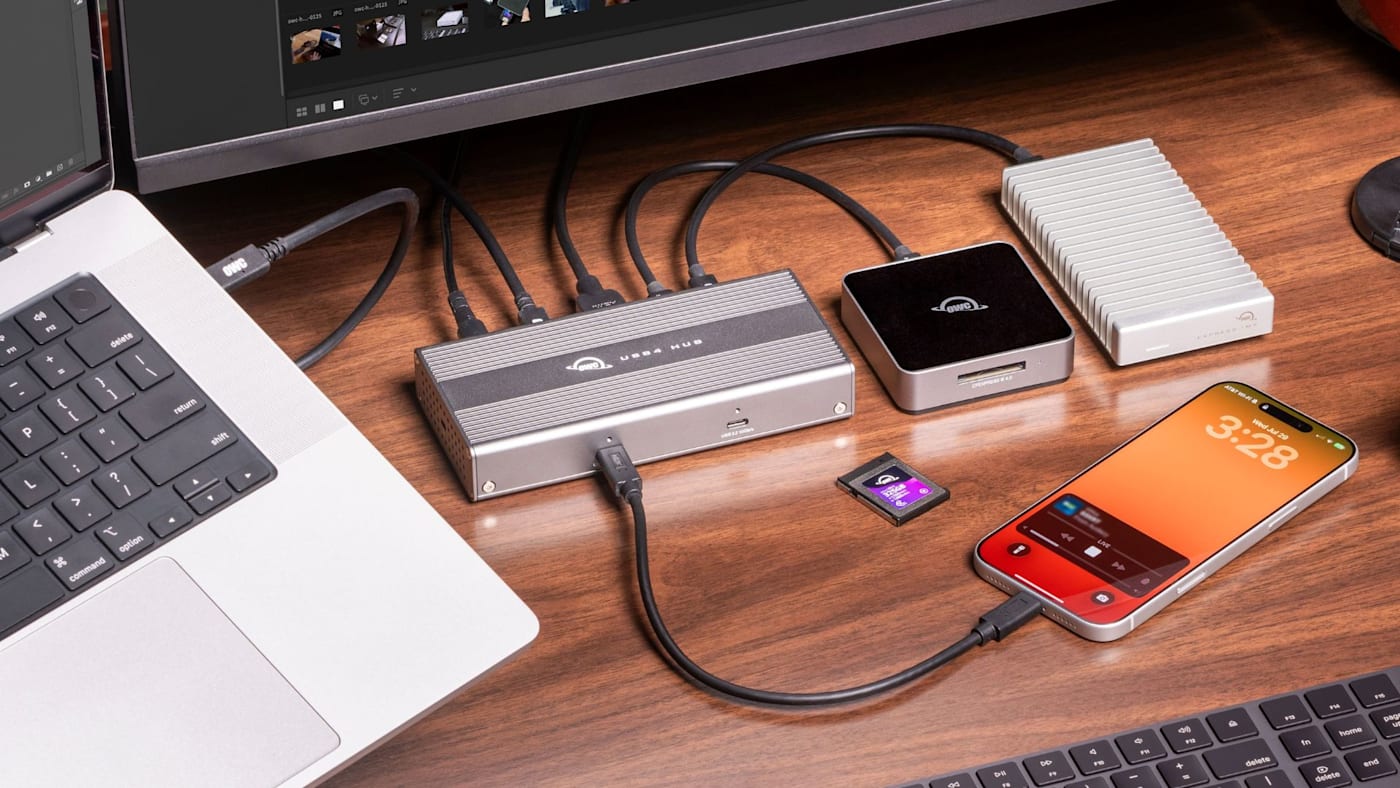
We get it. Sometimes, more than anything, you just need more USB-C ports. That’s why we’re excited to announce the new OWC USB4 Hub.
While our Thunderbolt docks are designed to connect complex desktops where different variables like USB-A, USB-C, Thunderbolt, HDMI, Ethernet, card readers, and more are all involved and equally necessary, our new USB4 Hub is designed for those of us with simpler needs.
This hub takes a single USB4 port and expands it to four plus an HDMI 2.1 port.
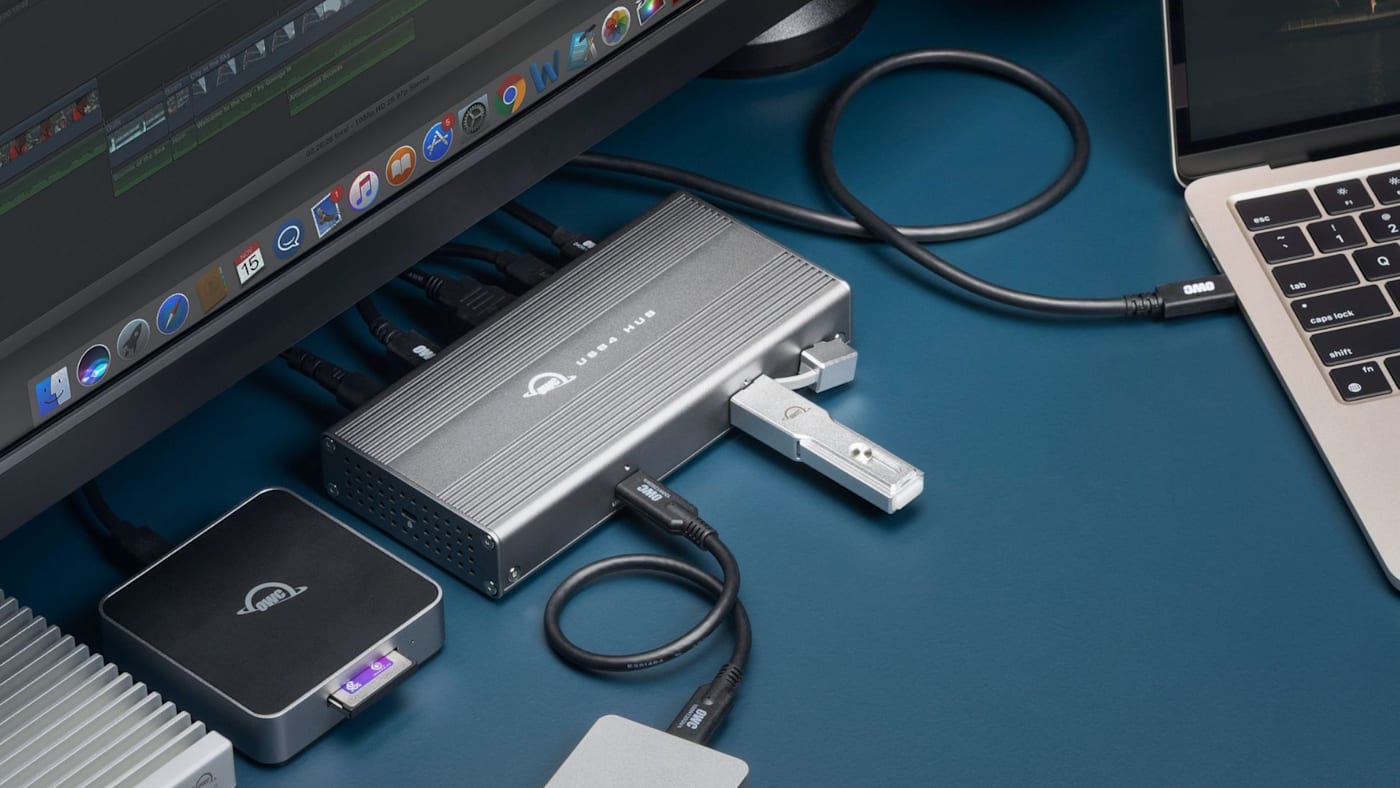
USB4?
At this point you might be thinking “USB4?” But maybe you've heard of USB 3 and USB-C and Thunderbolt. So let's start with those. USB-C is the shape of the USB port itself (USB-A is the older square version of the port.) This hub has five USB-C ports: one to plug into your computer and four for plugging your gear into.
USB 3.2 is the previous version of the USB standard. And though they are previous gen, they remain heavily used. Some USB 3.2 ports have bandwidth of 5Gb/s (gigabits per second) while some have 10Gb/s. Those bandwidth numbers represent how much total data can pass through the connection and they ultimately determine the speeds connected drives can run at, how high the resolution and refresh rate of a connected display con be, and how many of these devices can be connected simultaneously.
USB4 is the latest generation of the USB standard and supports 4x the bandwidth of the fastest connections from the previous generation, USB 3.2. Because the USB4 Hub is built atop USB4, it has 40Gb/s of bandwidth support and is 4x faster than the typical USB-C hub.
And if you’re wondering where Thunderbolt fits into all this, Thunderbolt is a proprietary standard owned by Intel that is built atop the USB standard. And while Thunderbolt is a separate protocol, USB4’s 40Gb/s bandwidth is on par with Thunderbolt 3/4 speeds. Plus, USB4 and Thunderbolt are fully compatible.
All modern Macs support USB4 and most mid-to-high-end Windows laptops support it as well.
Port Selection
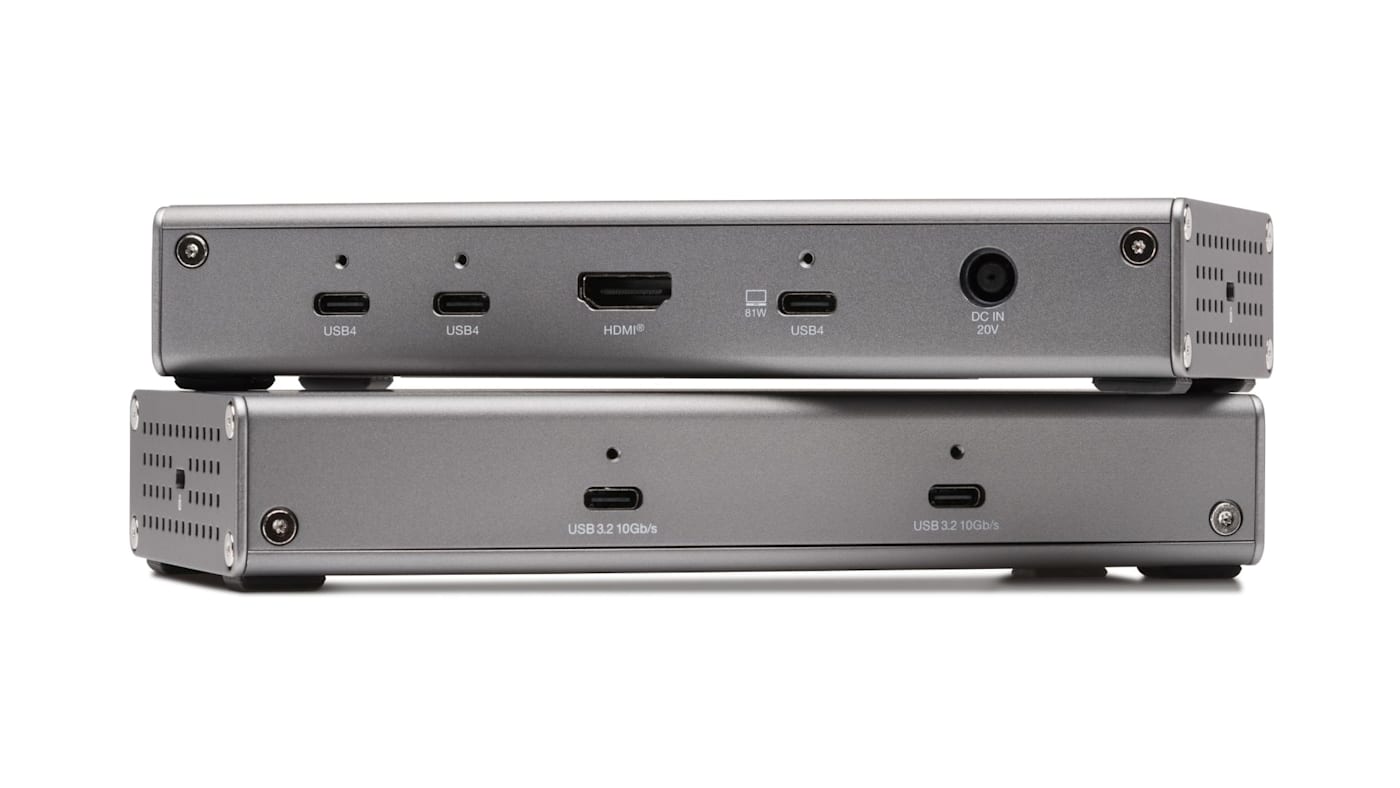
At the center of the USB4 Hub are two USB4 ports capable of supporting the fast storage and peripherals increasingly common in professional workflows. That means you can, for example, transfer media from a high-speed reader while simultaneously working with or backing up files to an external SSD.
For displays, the hub includes an HDMI 2.1 port. Depending on the capabilities of the host computer and display, it can support resolutions and refresh rates up to 4K 120Hz, 4K 240Hz with DSC, or 8K 60Hz.
Two additional USB-C ports on the front of the Hub are USB 3.2 (remember those from above?) and provide up to 10Gb/s connectivity for less demanding drives, adapters, and other peripherals.
The included 100W external power supply also allows the hub to deliver up to 81W through its USB4 host connection. Smart Power Delivery dynamically allocates power between the host computer and connected devices, helping keep the laptop charged while the rest of the workspace remains connected.
Designed For Quiet Workspaces and Broad Compatibility
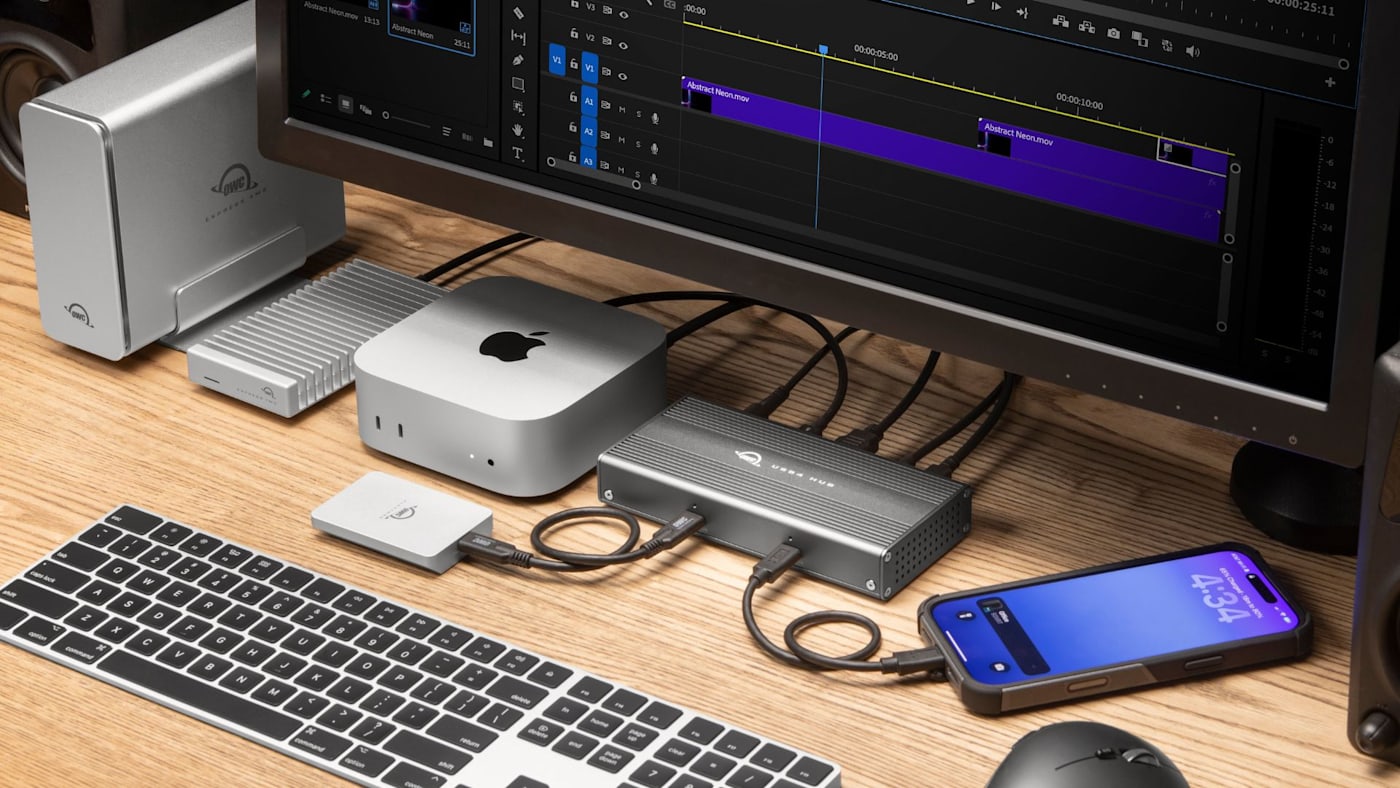
The OWC USB4 Hub uses a fanless aluminum enclosure designed to dissipate heat without adding fan noise to an editing suite, recording space, or office.
It’s also built to work across a wide range of systems rather than locking the desk setup to one generation of computer. The hub is compatible with Thunderbolt 5, Thunderbolt 4, Thunderbolt 3, USB4, and USB-C hosts and devices across Mac, Windows, Linux, and iPad Pro.
Pricing and Availability
The OWC USB4 Hub will be generally available at the end of October for $129.99. Check it out here.
Other topics you might like
OWC Dock Ejector 2.1 Updates Make Safe Disconnects and High-Power Dock Charging Even Easier
Updated on Sep 25, 2026
How to Maximize Your New M5 Max and M5 Ultra Mac Studio: Storage, Docking, and Connectivity
Updated on Sep 16, 2026

Run Displays Your Way with the New OWC Thunderbolt 5 Dock With Dual HDMI
Updated on Sep 8, 2026