 USA + International
 OWC Canda
 OWC Europe
OWC Dock Ejector 2.1 Updates Make Safe Disconnects and High-Power Dock Charging Even Easier
Safely eject all your connected drives at once with the free OWC Dock Ejector. The latest updates bring simpler charging support and fixes for everyday reliability.
Wayne Grayson • Sep 25, 2026
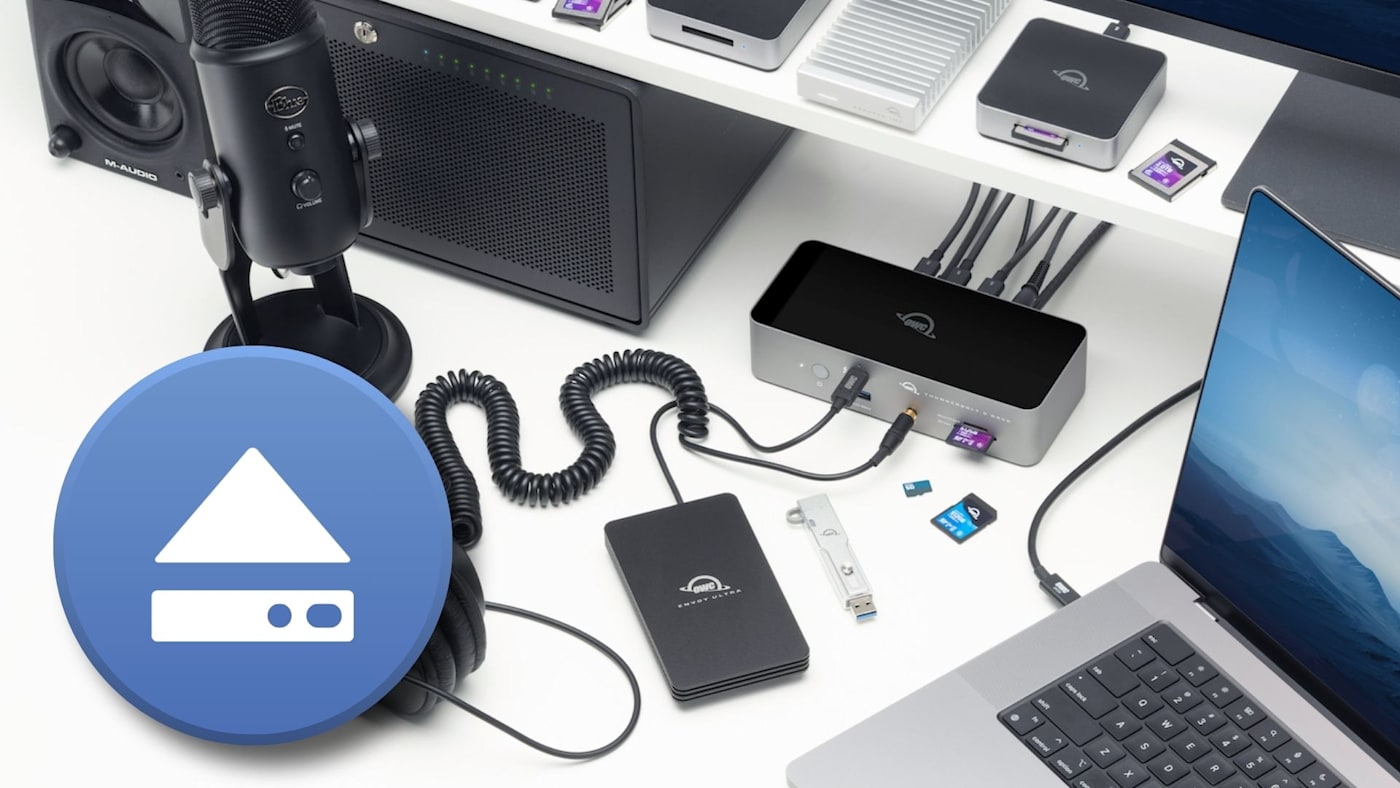
A dock makes settling into your workspace simple. Connect one cable and your storage, displays, and other tools are instantly ready to go. And when it comes time for some desktop rearranging or packing up your laptop for the road, disconnecting from your dock should feel just as straightforward.
However, if you’ve got an external drive connected to your dock, disconnecting gets more complicated. While connecting was as simple as plugging a cable in, ejecting drives safely typically requires selecting each one and telling the operating system to eject it. And if you’ve got multiple drives connected, this can make a simple activity extremely tedious.
OWC Dock Ejector makes disconnecting easier. The free Mac and Windows utility safely ejects connected storage all at once and with a single click, helping protect your files while saving you the time and trouble of ejecting drives individually. The latest Mac release, version 2.1.1, builds on that convenience with updated charging support and reliability improvements.
One Click to Protect Your Work
When you disconnect with Dock Ejector, the app checks that any data being written has fully completed before unmounting all storage volumes in one fell swoop, helping prevent corruption that can result from disconnecting a drive too soon. Support also includes SoftRAID and AppleRAID volumes, and drive ejection works with third-party docks and hubs as well as OWC models.
For anyone moving between setups, Dock Ejector means you can get going faster. Finish your transfers, save and close files in use, use Dock Ejector, and be on your way.
Simplified Setup for High-Power Charging on Mac
The latest version of Dock Ejector greatly simplifies enabling high-power charging on supported OWC Thunderbolt docks when used with a Mac. Version 2.1 introduced a new charging driver extension that keeps System Integrity Protection enabled. Now you can install and approve the extension without the detour through Recovery Mode to lower macOS security.
Charging support is specific to select OWC docks; check the download page’s compatibility note if you use the OWC Thunderbolt 3 Dock.
A More Dependable Disconnect
Version 2.1.1 fixes bugs on the Mac that sometimes caused unexpected drive remounting after ejection, a disappearing menu bar icon, and an uninstalled charging driver returning after a reboot.
Mac users also retain the handy ability to remount ejected volumes without reconnecting cables or opening Disk Utility.
Download Dock Ejector for Free
Your dock brings your workspace together. Dock Ejector helps you leave it safely when the next part of your day calls.
Download OWC Dock Ejector for Mac or Windows and make safe drive ejection quick and easy. The charging and maintenance updates described here apply solely to the Mac release.
Other topics you might like
How to Maximize Your New M5 Max and M5 Ultra Mac Studio: Storage, Docking, and Connectivity
Updated on Sep 16, 2026

The New OWC USB4 Hub Delivers the Ports and Speed You Need, Nothing You Don't
Updated on Sep 9, 2026
Run Displays Your Way with the New OWC Thunderbolt 5 Dock With Dual HDMI
Updated on Sep 8, 2026