 USA + International
 OWC Canda
 OWC Europe
Hardware RAID vs. SoftRAID: What’s the Difference and Which Is Better?
There are a lot of misconceptions out there when it comes to the benefits of hardware RAID vs. software RAID. The truth is, both can be great solutions for the right workflow.
Wayne Grayson • Aug 07, 2026
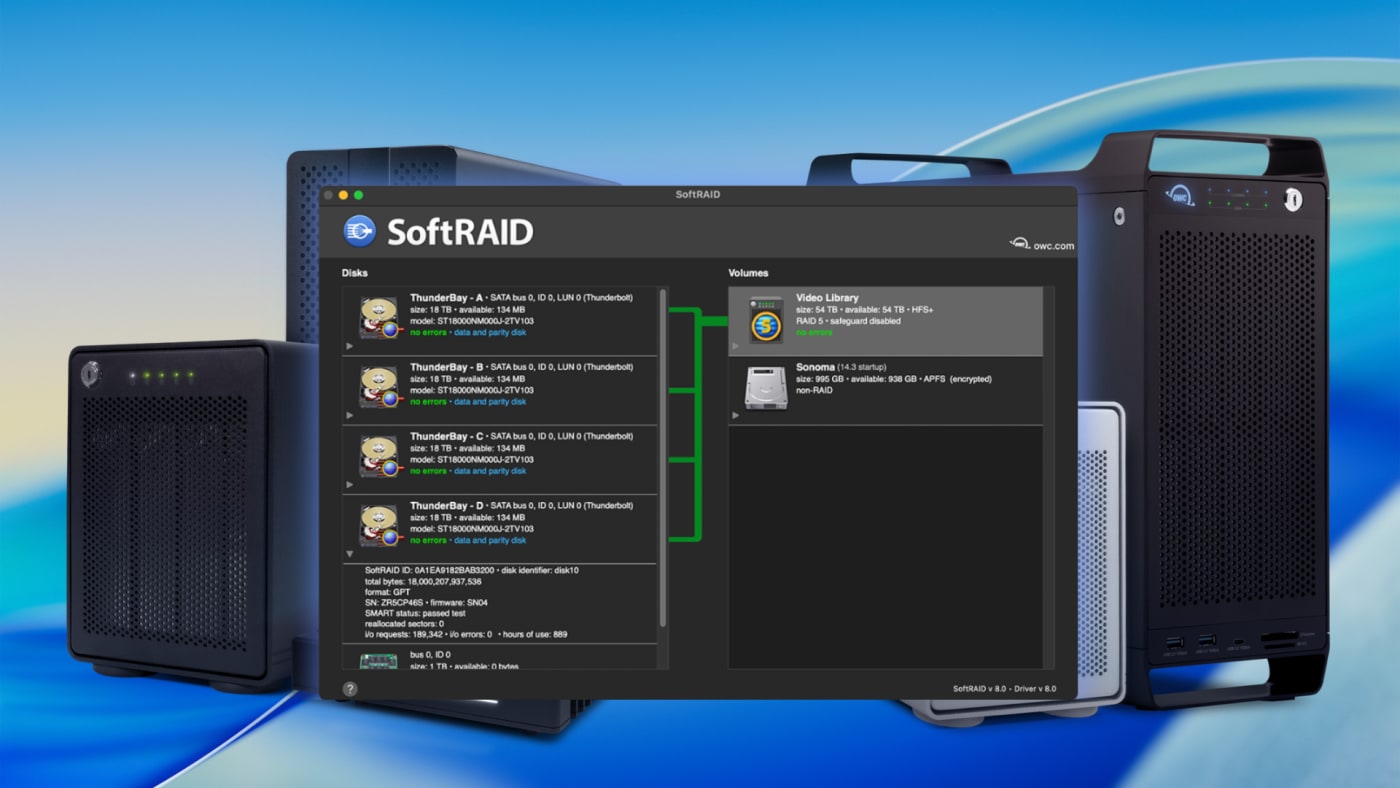
Whether you’re setting up your first RAID or setting up your next RAID, the question of whether to use hardware or software RAID management is worth pondering. And if you look around on the internet long enough, you will find a lot of misconceptions about which one is better.
While hardware RAID is very straightforward in that it leaves the management of the array solely to the enclosure itself, there are a few extremely worthwhile advantages to managing your array with a software-based RAID management app like OWC SoftRAID that give you more control and can save you a lot of headache and added cost down the line.
Let’s take a look each option and discuss the advantages of each and when you’ll want to go with one instead of the other. (And if you're looking for more information on RAID, how it works, and which levels to choose, check out our beginner's guide to RAID here.)
What is Hardware RAID?
Hardware RAID means that the management of the RAID logic — the striping of the array’s data across drives, calculating parity, managing a rebuild after a drive failure — is handled by a dedicated controller chip built into the enclosure itself. You install the drives, the hardware manages constructing the single volume, and your computer can then access and read that volume.
The appeal to hardware RAID is this simplicity. Hardware RAID typically works the moment you plug it in, without installing any additional software, and the processing happens independently of your computer’s own CPU. The downside to hardware RAID is that the controller chip becomes a single, opaque point of dependency. If the chip fails, or if you need to move drives into a different enclosure, some hardware RAID implementations make that transition more complicated than it should be.
Plus, you have no direct visibility from your computer into the individual drives that comprise the RAID volume because the controller chip handles everything before your computer ever sees the drives.
What is Software RAID?
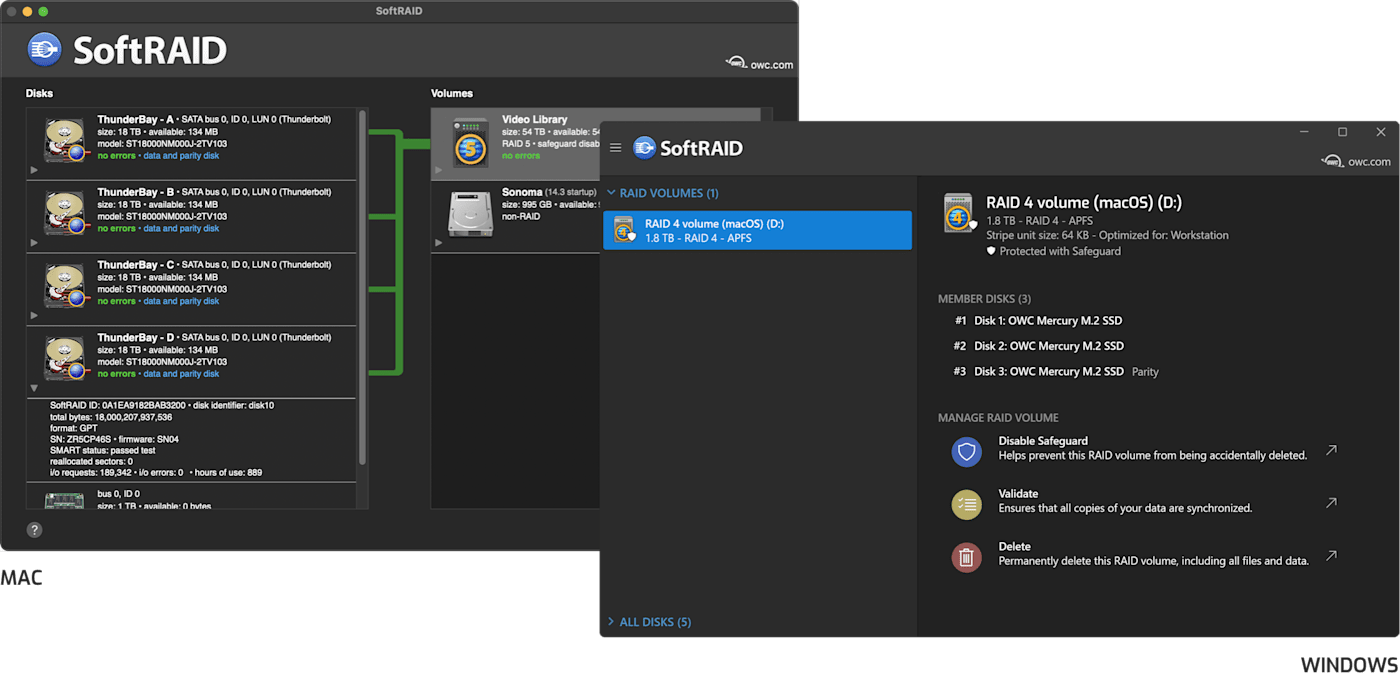
Software RAID moves the management of the RAID logic out of a dedicated chip in the enclosure and into software running on your Mac or PC. Rather than a black box handling everything invisibly, software RAID gives you direct visibility into each individual drive in the array along with many more important details such as drive health, performance, and early warning signs to protect against failure.
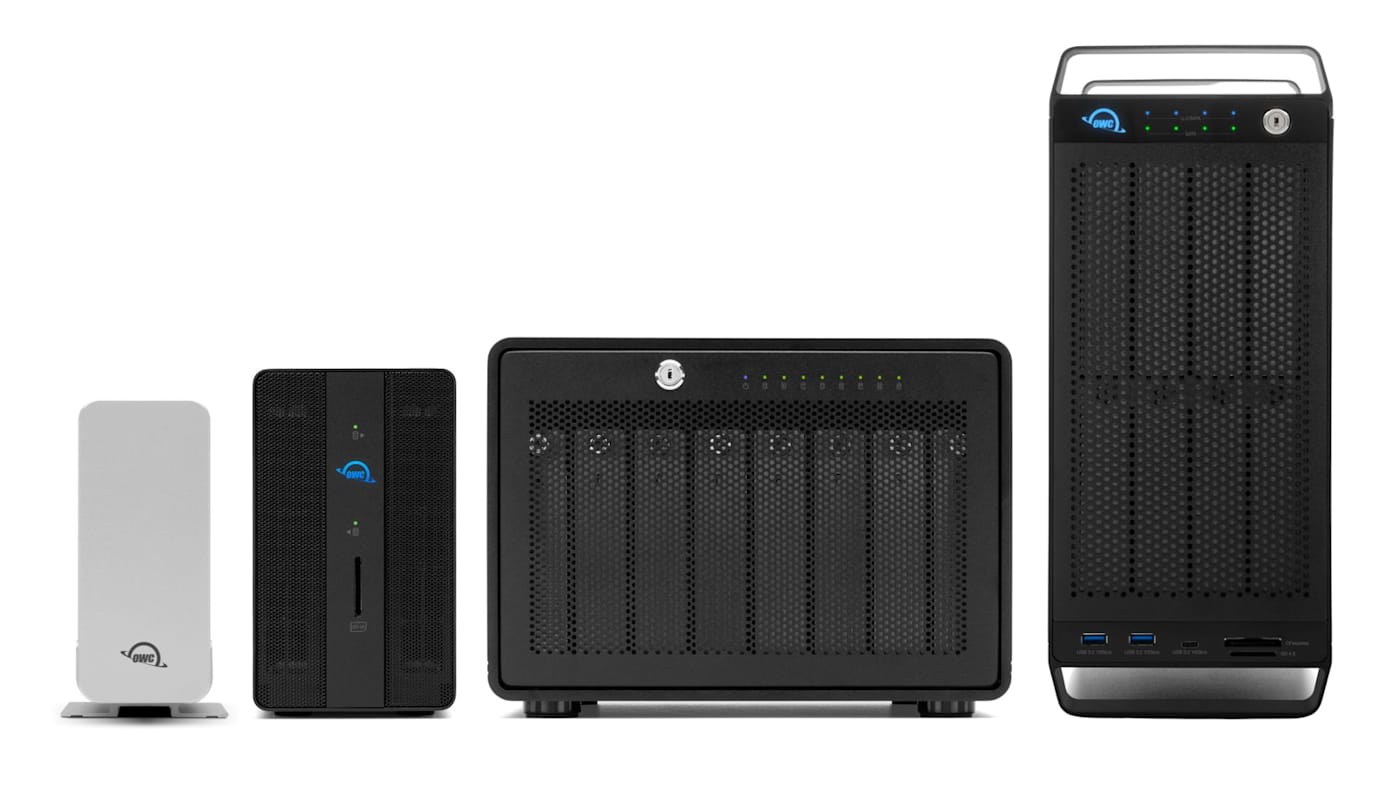
That level of control and visibility are why OWC enclosures such as the HDD-based ThunderBay 4 and ThunderBay 8, and the SSD-based Express 4M2 and Express 4M2 Ultra, are designed to work with SoftRAID, OWC’s own RAID management software, rather than relying on a dedicated hardware controller.
When and Why SoftRAID is the Best Choice
With these definitions established, you might wonder if there are any downsides to Software RAID. For a while, the theoretical performance concern with software RAID was that offloading RAID calculations onto your computer’s CPU instead of a dedicated chip in the enclosure would slow things down.
However, once multi-core processors became standard on modern computers the potential performance hits of using software RAID vanished. On any modern Mac or PC, SoftRAID’s CPU overhead is negligible, and the visibility into the array and the flexibility it provides in managing and migrating your volumes more than make up the difference for most professional workflows.
The following are the core ways that SoftRAID saves you time and provides peace of mind over hardware RAID:
Predictive health monitoring: SoftRAID Monitor actively monitors the SMART data on every individual drive in your array and can flag a drive showing early signs of failure before it actually fails. That gives you time to replace it on your schedule rather than during an emergency. A hardware controller typically can’t offer this same level of per-drive insight, since it’s designed to present the array as a single unit rather than expose the condition of each disk. For SSDs and NVMe drives, SoftRAID Monitor goes even further, tracking total drive wear, overheating, and potential hardware failures—and if an OWC NVMe blade shows a failure in SoftRAID Monitor, it’s covered under warranty.
Blazing-Fast Performance: SoftRAID is engineered with the latest driver technology to deliver maximum RAID speeds on both macOS and Windows. And with support for RAID 1, 4, 5, and 1+0, SoftRAID offers multiple layers of data redundancy.
Cross-platform flexibility: SoftRAID volumes can be read and managed on both Mac and Windows, which matters if your studio or workflow ever needs to move a RAID volume between platforms. Many hardware RAID implementations are locked to a specific controller or operating system, which can complicate a cross-platform environment.
Transparency during a rebuild: If a drive fails and needs to be replaced, SoftRAID shows you exactly what’s happening: which disk failed, the rebuild progress, and the estimated time remaining. A hardware controller often reduces this to a blinking light and a beep code—far less insight into what’s actually occurring.
Independence from a single point of failure: Because SoftRAID isn’t tied to a single controller chip inside one specific enclosure, your drives aren’t dependent on that one piece of hardware surviving. If an enclosure’s controller were to fail, drives configured with SoftRAID can be more readily moved to another compatible enclosure and recognized correctly.
When Hardware RAID Still Makes Sense
None of this means hardware RAID is obsolete and it remains a reasonable choice for simple setups such as a two-bay mirrored configuration where you want the array running the instant you plug it in, with no software to install and no interface to learn. The OWC Gemini, for example, uses a built-in hardware RAID controller specifically because its target use case is straightforward two-drive redundancy. Such a setup doesn’t require the deeper visibility SoftRAID offers.
Which One Is Right for Your Setup
That means that the answer to whether software or hardware RAID is better than the other really comes down to what your setup requires. A simple two-bay mirror for basic redundancy may not need it. A four- or eight-bay array holding active project work can almost always benefit from SoftRAID.
- Choose hardware RAID if: You want a simple, plug-and-play two-bay mirror without installing software or learning an interface.
- Choose SoftRAID if: You’re running a four-bay or larger array holding active professional work, want predictive drive health monitoring, need cross-platform flexibility, or want real visibility into your array’s condition rather than a black box.
You can learn more about SoftRAID here.