 USA + International
 OWC Canda
 OWC Europe
ExFAT is Not a Professional Drive Format. Here’s What Cross-Platform, Mac-to-PC Content Creators Should Use Instead
Why OWC MacDrive is the cross-platform solution you’ve been waiting for.
Wayne Grayson • Feb 25, 2026
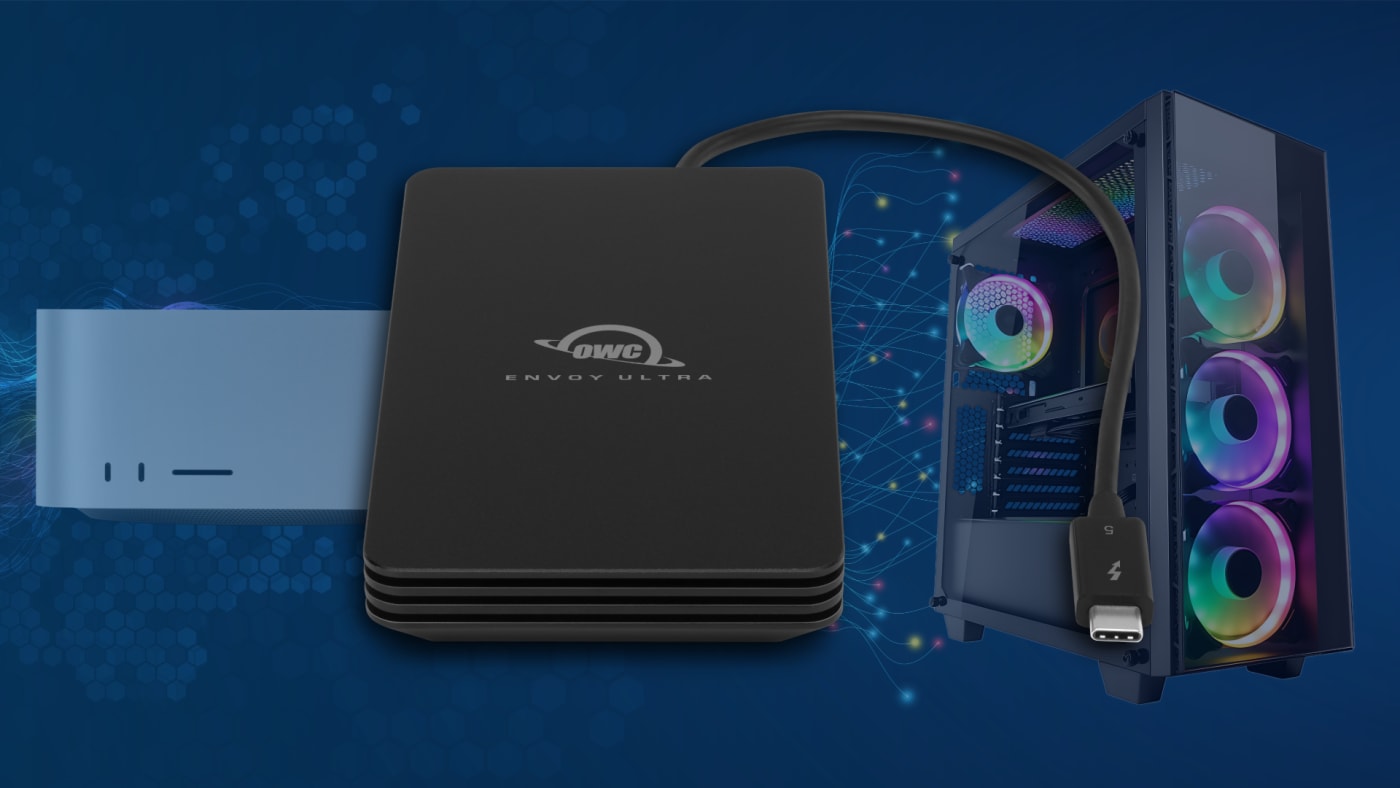
If you regularly move drives between a Mac and a Windows PC, you’ve probably been through this before. You’ve heard exFAT is the “universal” format that both systems can read and write. So, format your drive, move some files around, and everything seems fine — until it isn’t. A drive gets unplugged at the wrong moment, or a project folder comes back from a Windows edit with broken permissions, or you spend an afternoon trying to figure out why that file simply won’t open correctly.
The truth is, exFAT has always been a compromise disguised as a disk format, and a fragile one at that. It exists not as a robust professional file system, but as a lowest-common-denominator workaround. And for the kind of everyday, high-stakes workflows that creative professionals, IT managers, students, and post-production teams depend on, compromises have real costs.
Thankfully, there’s a better way. And it comes in the form of OWC MacDrive, a simple piece of software that delivers no compromise drive swapping between Macs and PCs.
The exFAT Problem: What “Cross-Platform Compatible” Actually Means
On paper, exFAT (Extensible File Allocation Table) looks like an elegant solution. Unlike its older sibling FAT32, it doesn’t cap individual file sizes at 4GB. Both macOS and Windows can read from it and write to it natively. No third-party software is required. So, why wouldn’t you use it?
Well, because exFAT is not journaled — and that’s a very big deal.
Journaling is the mechanism by which a file system keeps a log of changes before they’re committed to disk. Think of it as a safety net: if something goes wrong mid-write — a power cut, an unexpected disconnect, a system crash — the journal allows the drive to recover cleanly, preventing corruption and data loss. APFS (Apple’s default file system since 2017) and NTFS (the Windows standard) are both journaled. exFAT is not.
What this means in practice is that exFAT drives are vulnerable during active use. If a drive is ejected improperly while files are being accessed — even if “improper” just means a cable jiggle — you risk corruption. Not theoretical, someday-maybe corruption. Real, happened-to-a-professional-in-the-middle-of-a-project corruption.
In general, the recommendation from experienced cross-platform professionals is to use exFAT only for quick transfers between systems, never for live, day-to-day active access.
Beyond the corruption risk, there are other limitations that make exFAT a poor fit for professional work:
- No permissions or metadata preservation: Mac file systems store extended attributes, resource forks, and Unix-style permissions that simply don’t translate to exFAT. Copy files to an exFAT drive and bring them back, and you may find metadata stripped away, permissions reset, or application-specific file attributes missing entirely. For creative workflows where file integrity matters — video editing, audio production, software development — this isn’t a theoretical inconvenience, it’s a real problem.
- No journaling means no crash protection: As noted above, any interrupted write can corrupt the entire volume. There’s no safety net, no recovery log.
- File system errors accumulate: Because exFAT lacks a robust error-correction system, drives used regularly for active access tend to develop filesystem errors over time. What start as small inconsistencies can grow into serious data integrity problems.
- No support for advanced file system features: Features that modern professionals rely on like APFS snapshots, Time Machine compatibility, cloned files, and multi-volume containers simply don’t exist in exFAT.
The bottom line, from a post-production consultant’s perspective: exFAT is fine for a quick transfer. It is not your friend for everyday or professional use.
The Real Solution: Use the Best File Systems, on Both Platforms
Here’s what professionals who work across Mac and Windows actually want: the ability to use their drives in their native formats without reformatting, without workarounds, and without worrying about data integrity.
For Macs, that means formatting with APFS. Apple introduced APFS as the default file system with macOS High Sierra, and every Mac sold in the past five years ships with it.
APFS was purpose-built for solid-state drives and brings major advantages: better performance, native encryption, efficient snapshots, crash protection, and support for multiple volumes in a single container. It is, by almost every measure, a superior file system for the workflows that pro Mac users run.
The problem has always been that Windows can’t read APFS drives natively. So for anyone who needs to hand a drive to a Windows user — or use an APFS drive on a Windows machine themselves — the only options historically were to either reformat the drive (losing the benefits of APFS) or use exFAT (accepting all the risks outlined above that come with it).
Enter MacDrive.
OWC MacDrive: True APFS Access on Windows, Done Right
OWC MacDrive solves the cross-platform problem not with a workaround, but with a real file system driver. Install MacDrive on a Windows PC, and that PC becomes fully “Mac-aware.” Plug in an APFS or HFS+ formatted drive, and Windows treats it like any other disk on the system — readable, writable, and fully accessible from any application.
No reformatting. No exFAT compromises. No file incompatibilities. Just your drives, working the way they should, on both platforms.
Here’s what makes MacDrive stand apart:
- Full read and write support for APFS: MacDrive is the only solution that provides complete read-and-write access to APFS volumes on Windows — including volumes that contain duplicated files or have been backed up with Time Machine. This is not read-only access with a limited-time write evaluation agreement. It is full, unrestricted access.
- APFS crash protection: This is one of the most important differentiators. If an APFS disk is unexpectedly unplugged from a Windows machine running MacDrive, existing files and data remain safe and won’t be corrupted. This is the exact protection that exFAT lacks — and it matters every single day in real-world workflows.
- No lost permissions or metadata: Because MacDrive operates as a true, low-level file system driver, it preserves all Mac-specific file information when working with files on APFS or HFS+ drives. The metadata, resource forks, and extended attributes that exFAT silently strips away are kept intact.
- Support for multi-volume APFS disks: APFS allows multiple volumes to share a single partition and pool free space between them. MacDrive lets users switch between volumes seamlessly, accessing all of their data without any special configuration.
- Snapshot access: When macOS backs up an APFS volume with Time Machine, it creates snapshots directly on the drive. MacDrive provides full access to those snapshots on Windows — meaning you can browse through backups and restore deleted or earlier versions of files, all from your PC.
- Formatting: MacDrive even lets you create APFS and HFS+ volumes directly from Windows — useful if you need to prepare a drive for a Mac user and don’t have a Mac handy.
- HFS+ support included: MacDrive supports HFS+, HFSJ+, HFSX, and HFSXJ, covering the full range of Mac drive formats, not just the newest APFS. Whether a drive was formatted on a modern Mac or an older one, MacDrive handles it.
- RAID volume support: MacDrive supports SoftRAID and Apple RAID 0 and RAID 1 volumes — essential for professionals running RAID-based storage in mixed Mac/Windows environments.
- Speed: MacDrive enables Mac-formatted disks to be accessed at speeds comparable to native NTFS drives on Windows — and claims nearly 50% faster performance than competing solutions.
- It’s invisible when you need it to be: Once installed, there’s nothing to launch and nothing to learn. Plug in a Mac drive, open it from Windows Explorer or any application, and it just works. The software that makes workflows seamless is, appropriately, seamless itself.
Who Should Be Using MacDrive?
The short answer is anyone who regularly needs to use Mac-formatted drives on a Windows machine. But to be more specific:
Creative professionals in post-production environments — video editors, audio engineers, colorists, motion graphics artists — often work in facilities with mixed Mac and Windows workstations. Passing drives between systems is a daily occurrence. MacDrive makes that handoff invisible, so the focus can stay on the work rather than the file system.
IT administrators managing mixed Mac/Windows environments no longer need to think about format compatibility. Drives can be formatted appropriately for their primary platform and used seamlessly across the facility.
Students who use Macs at school and Windows PCs at home — or vice versa — can move their drives without reformatting and without worrying about data integrity.
Anyone who works with Mac Time Machine backups on a Windows machine can browse and restore from those backups via MacDrive’s snapshot access.
Law enforcement and forensic professionals can take advantage of MacDrive’s read-only option, accessing Mac-formatted drives without risking modification of the data.
The Bottom Line
exFAT is not a professional file system. It’s a transfer format — something you use to move data quickly between two computers, not something you trust with your active projects, your working media, or your valuable files. Its lack of journaling makes it a liability in any workflow where data integrity matters, and its inability to preserve Mac metadata and permissions creates real problems for professional users.
The right solution isn’t to work around the Mac-Windows divide with a compromised format. The right solution is to use the best file systems — APFS for Mac-primary environments, NTFS for Windows-primary environments — and invest in software that makes those file systems work seamlessly across both platforms.
That’s exactly what OWC MacDrive delivers. It’s a true file system driver, not a hack. It provides the crash protection, full read-write access, metadata preservation, and feature completeness that exFAT simply cannot offer. And it comes from a company with over 25 years of experience helping Mac users get the most out of their hardware.
If you work across Mac and Windows, stop fighting your drives. Try MacDrive free for five days and find out what cross-platform workflows should be.
Other topics you might like

Maxon Set to Add AI Accelerated Early-Stage 3D Concepting Into Cinema 4D
Updated on May 27, 2026
Introducing OWC MacDrive 12: Full Native Support for Mac Drives on Windows
Updated on Apr 18, 2026

LumaFusion for Android is Quietly Becoming One of the Best Mobile Video Editors
Updated on Feb 20, 2026

Become an Adobe Lightroom Master With These Pro Photographer Tutorials
Updated on Feb 12, 2026