 USA + International
 OWC Canda
 OWC Europe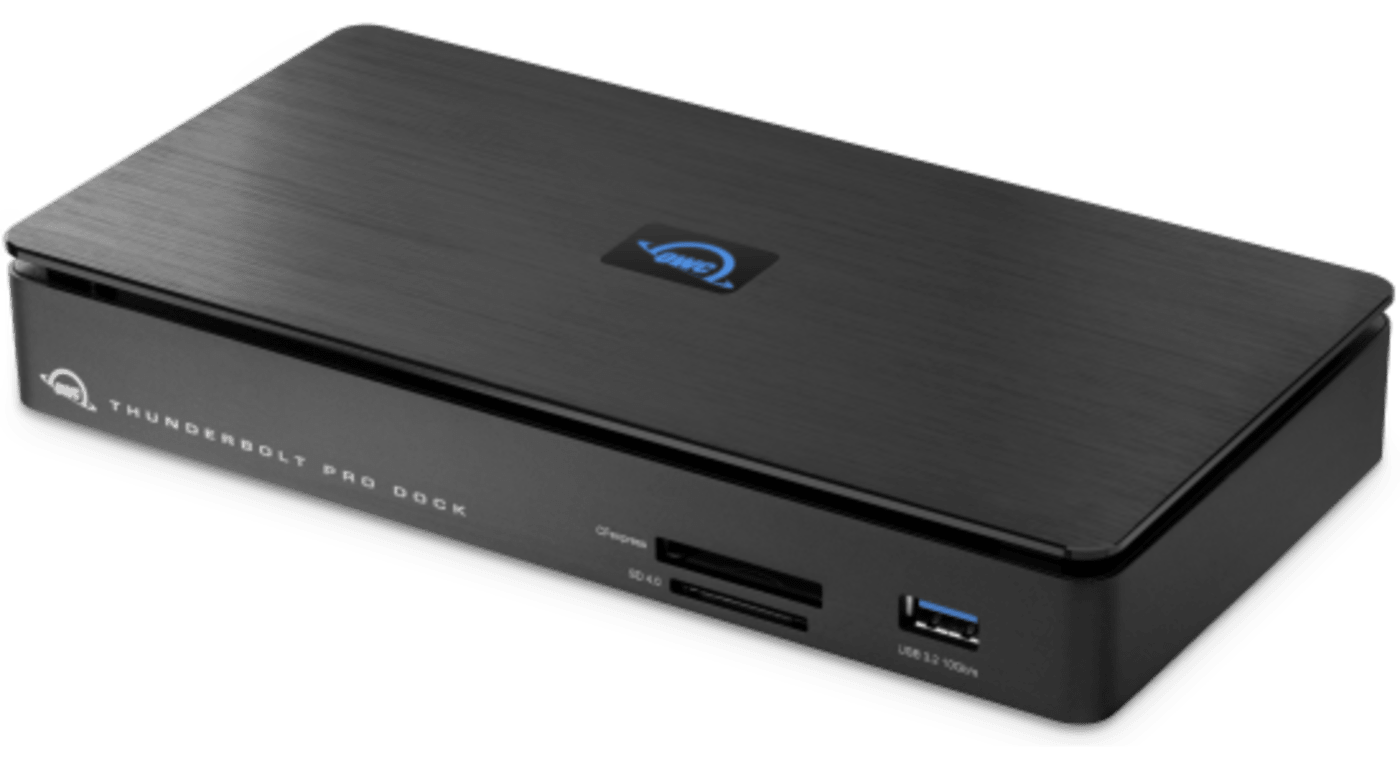
 Find A Reseller
Built for the Demands of Professional Creative Production
When you're working with 8K RAW footage, managing multiple camera feeds, or delivering projects on tight deadlines, your workflow infrastructure can't be the bottleneck. Cinematographers, editors, and creative teams need enterprise-grade networking speeds, simultaneous multi-format media ingestion, and rock-solid connectivity that won't fail during critical moments.
The Thunderbolt Pro Dock delivers studio-level capabilities in a compact form factor designed for both on-location shoots and post-production facilities. Ingest CFexpress and SD cards simultaneously while streaming footage over 10Gb Ethernet at speeds that keep pace with your creative demands. Drive dual 4K monitors for precision color work, daisy-chain professional storage arrays and eGPUs, and build a complete creative workstation. From DIT carts on major productions to high-end post facilities, this is the professional-grade foundation that lets you work at the speed of your vision.

Work Anywhere Without Compromise
Whether you're on a film set, in a studio, or at your desk, get the same professional connectivity and power in a compact, silent design1
Handle Any Media Format Instantly
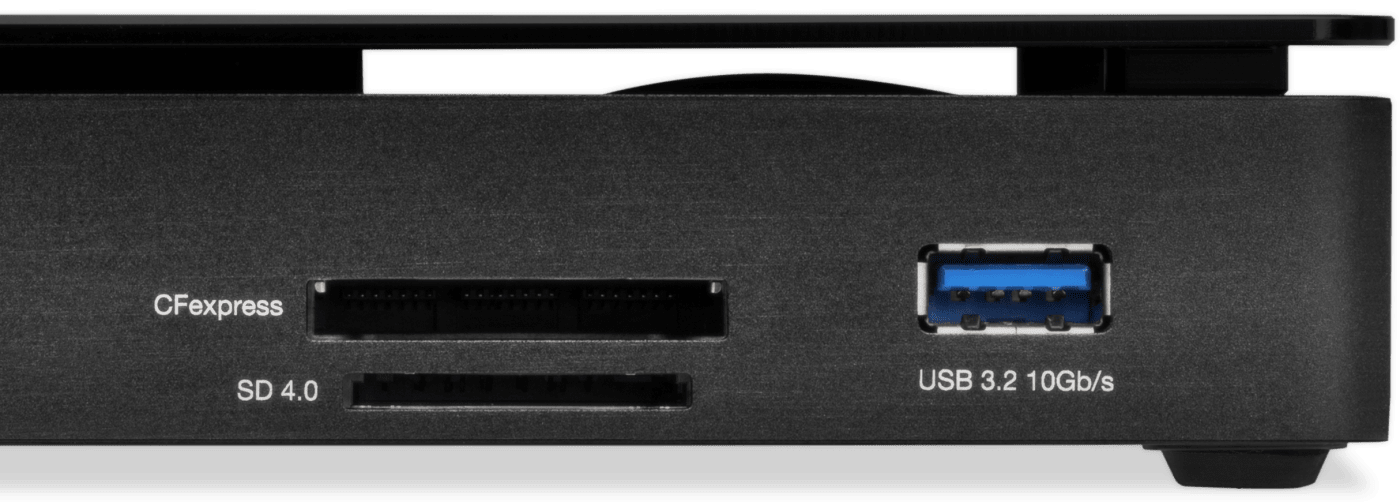
Ingest footage from CFexpress, SD cards, and external drives simultaneously without waiting or swapping connections4
Transfer Files 9x Faster
Upload, share, and backup massive video files in minutes instead of hours with lightning-fast 10GbE networking2
AVB Ready
Perfect for use in pro audio and video applications where synchronization of data streams is critical3
Expand Your Creative Workspace
Drive dual 4K monitors or a single 8K display while keeping your laptop charged and ready to move4
Never Lose Work to Disconnects
Secure, locking connections and safe ejection software protect your projects from accidental data loss
Work Without Power Worries
Keep your notebook mobile use ready with 85W charging power
Quiet On the Set
Solid aluminum fanless design ensures you’re ready when silence is mandatory
Reliability You Can Rely On
Thunderbolt certified for Mac and Windows
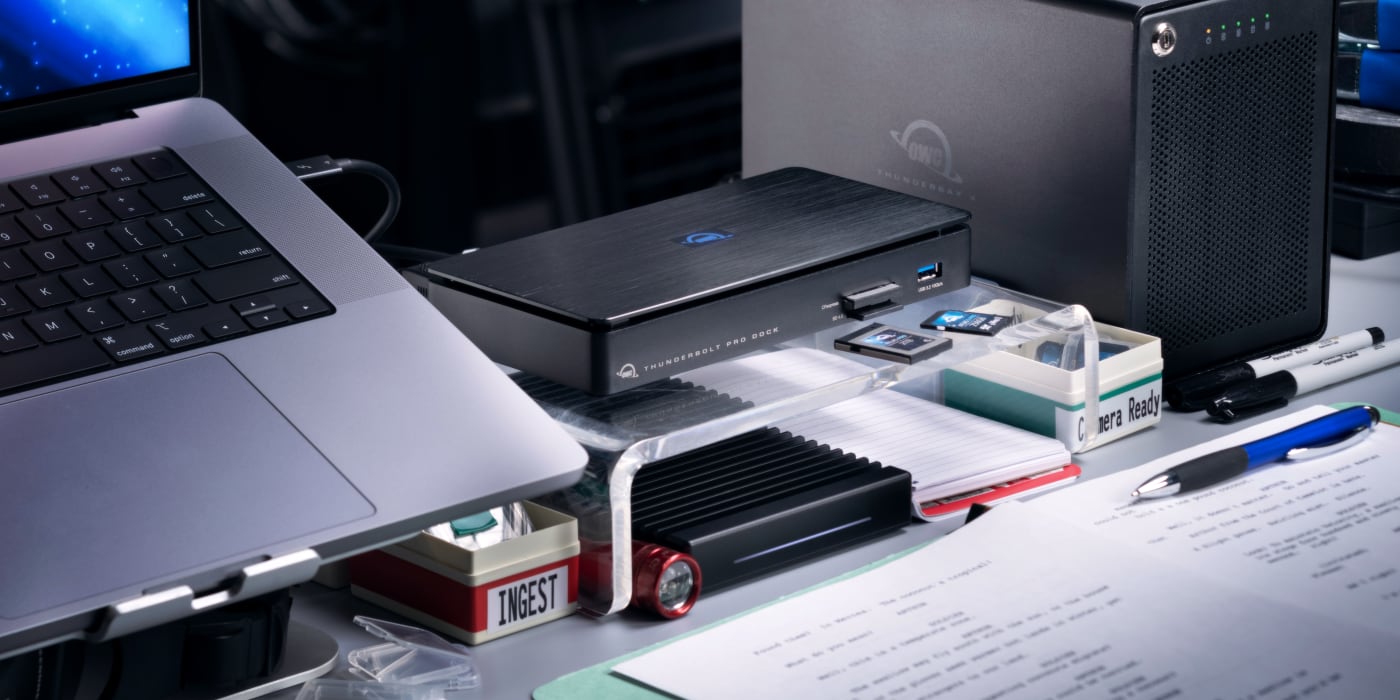
Add Media Versatility to DIT Carts
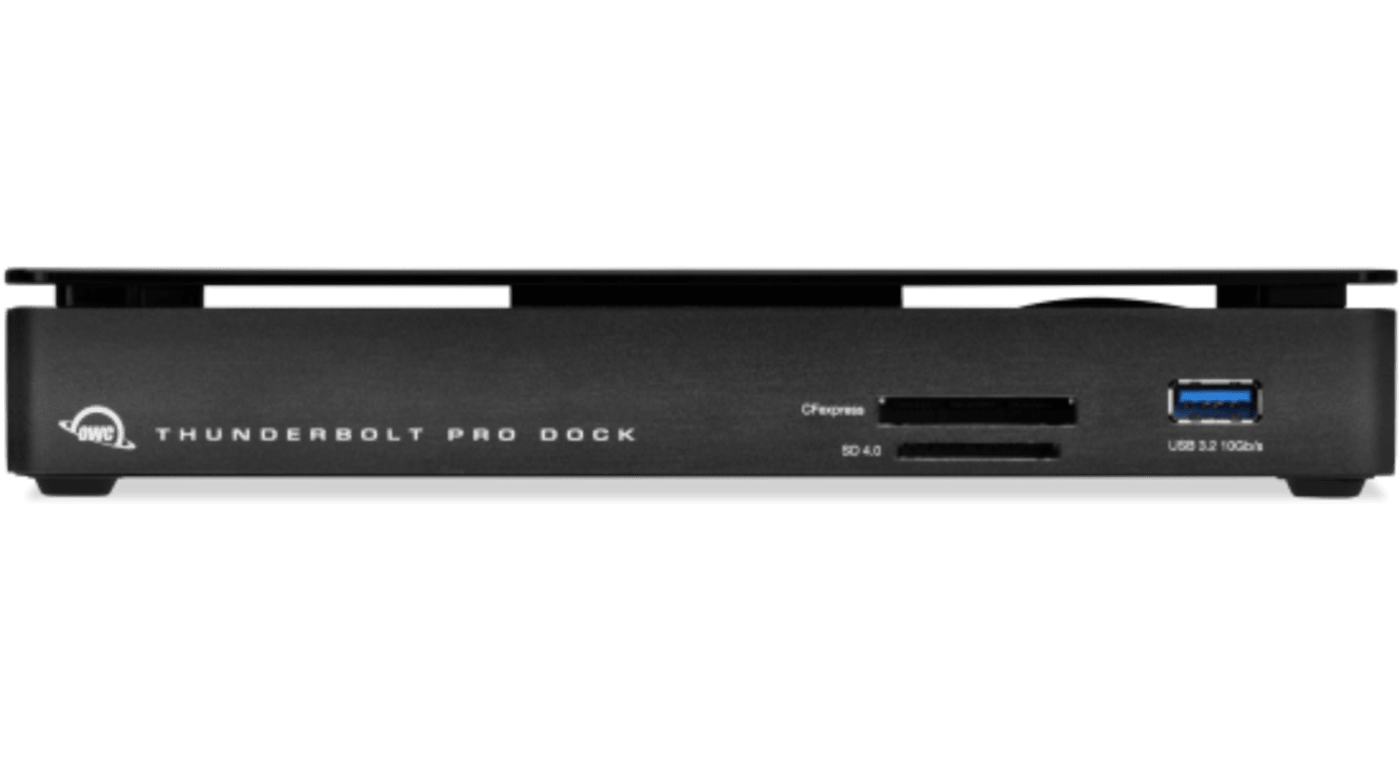
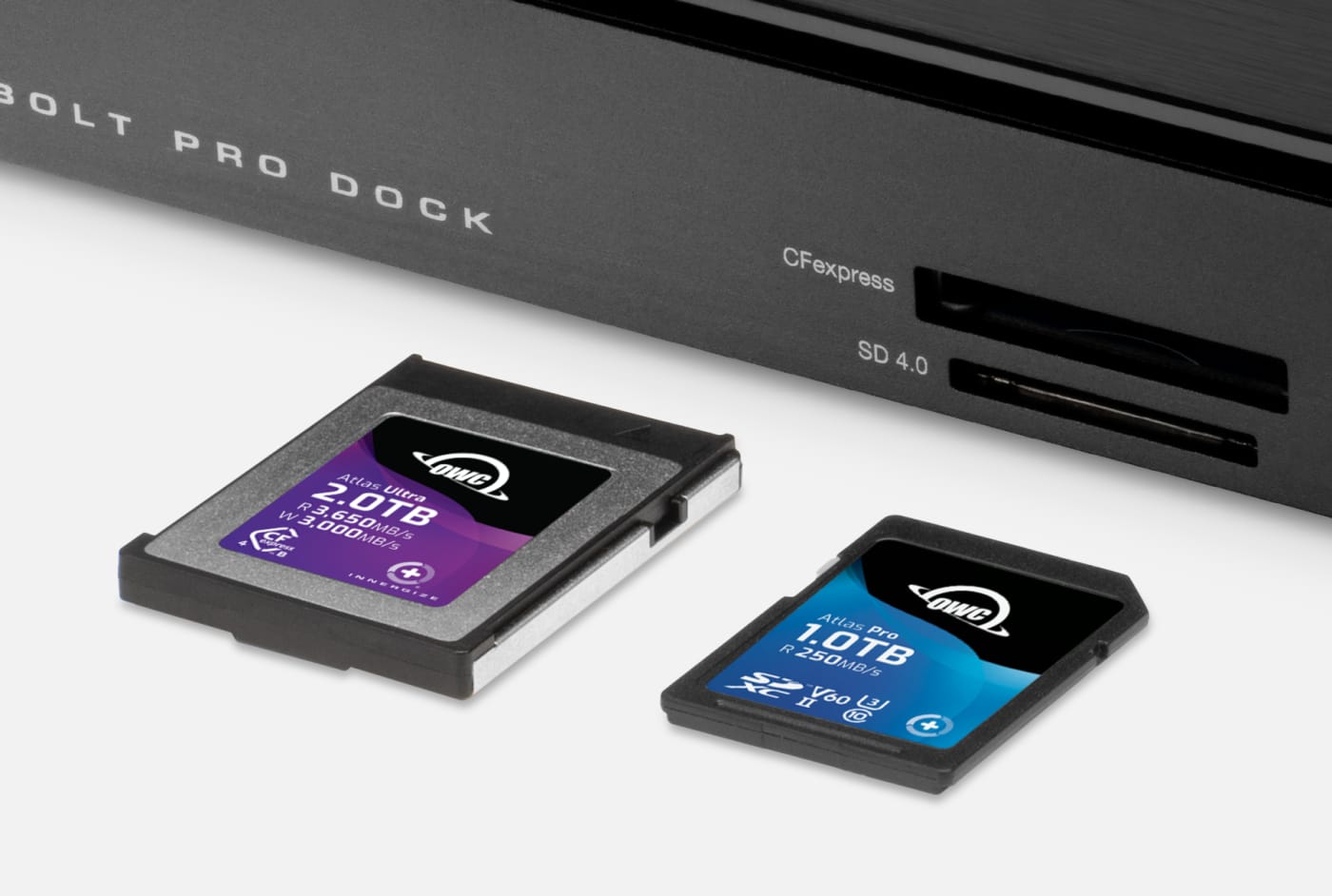
When you’re on location, your cart needs the power of versatility. With conveniently accessible front-side CFexpress Type B and SD 4.0 card readers, the Thunderbolt Pro Dock helps you manage multiple card uploads efficiently. It’s a huge asset when you’re covering live events like conferences, festivals, and concerts where you’re working with multiple videographers and photographers.
Calm & Connected
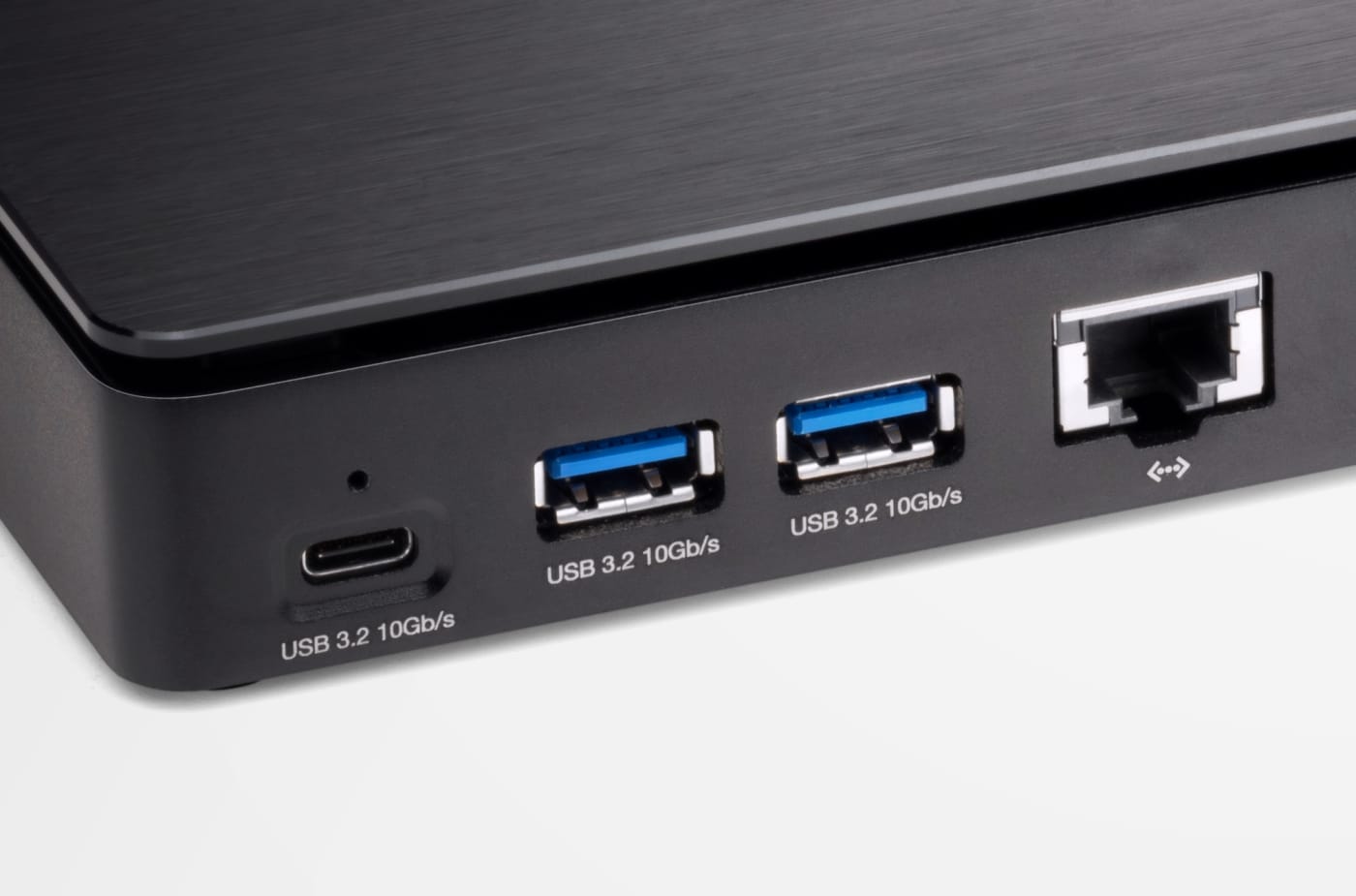
In addition to eliminating the on-set or in studio chaos of multiple connections, the Thunderbolt Pro Dock’s solid aluminum fanless design lets you work in calm silence…even when transferring a huge file over a network
Small Footprint, Big Connections
Sized similarly to a single external drive enclosure, the Thunderbolt Pro Dock’s aluminum case helps keep cart weight streamlined while easily fitting into a cart drawer or small box during cart breakdown.
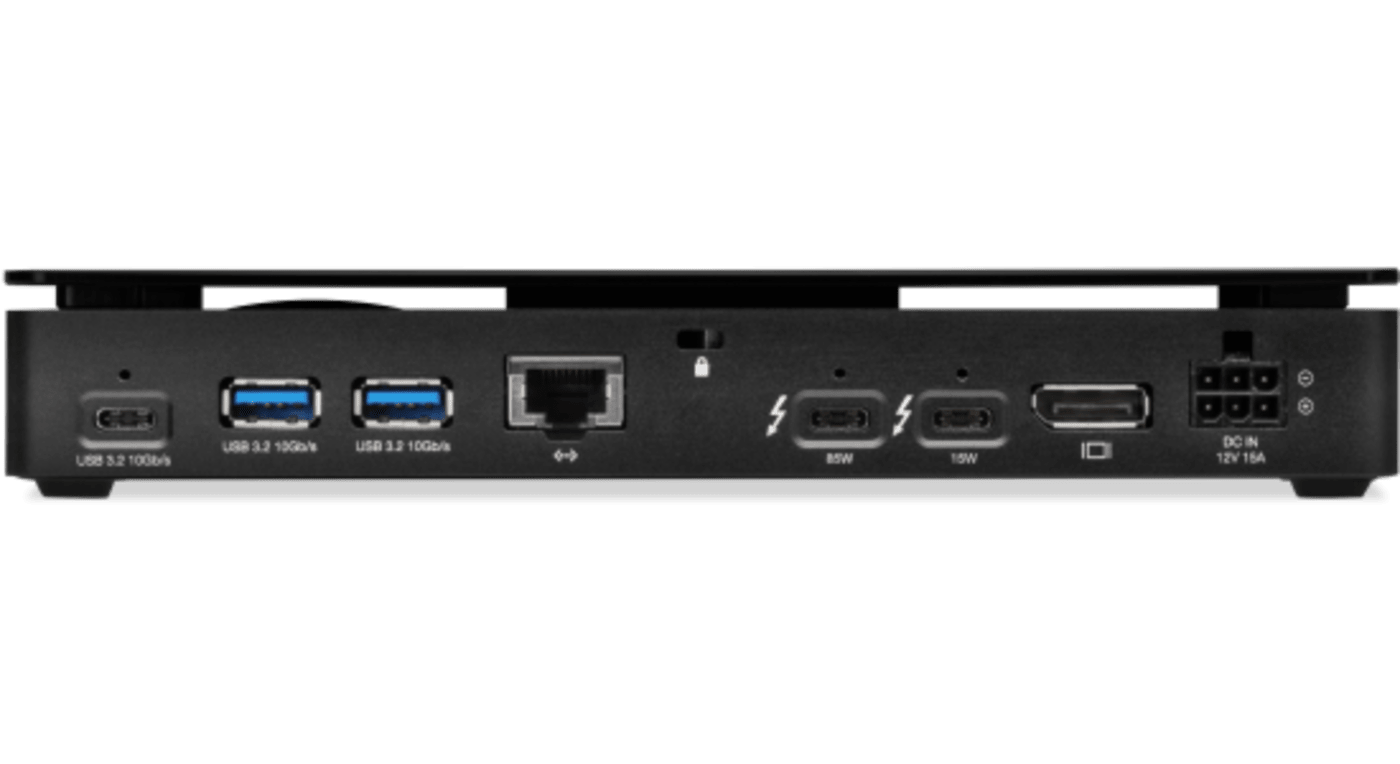
With two Thunderbolt 3 ports, the Thunderbolt Pro Dock offers incredible potential to connect multiple devices to take on the biggest projects. You can daisy-chain up to 5 additional Thunderbolt devices to the Thunderbolt Pro Dock for studio-level storage, RAID arrays, eGPUs for graphics processing, or all of these combined and connected at 40Gb/s bandwidth.
Meet the challenges of any workflow with these Thunderbolt Pro Dock add-ons:
- OWC ThunderBlade - the ultimate on-site workflow drive
- OWC ThunderBay 4 - high-capacity RAID workstation
- OWC Express 4M2 - compact, customizable 4-bay RAID array
- OWC Envoy Pro FX - rugged and fast bus-powered portable SSD
- OWC Mercury Helios 3S - high-end PCIe video, audio, and SSD card use
Download the OWC guide to daisy-chaining to learn tips and tricks for the best connections.

Conquers Workflows and Combats Clutter
When you’re back in your office or studio, the Thunderbolt Pro Dock has the power and ports you need to manage your workflow and take control of your workspace. The Thunderbolt Pro Dock is compact, so you can comfortably manage your peripherals and keep your workspace free of clutter. Its 10Gb Ethernet connection keeps you connected at top speeds, and with 85W charging power, your notebook is charged up and ready to move.

Create A Tablet ProStation
While iPad Pros and other tablet computers offer awesome content creation potential, they’re handcuffed by limited internal storage, display size, and often a single Thunderbolt (USB-C) port. Instead of lugging around a bulky notebook or worse, being chained to a non-portable desktop workstation, capture what you need on the fly with a tablet. Back at a desk, transform that tablet into a “prostation” with an external display, keyboard, mouse, and external drive all connected to this dock.
OWC Thunderbolt Cable Included
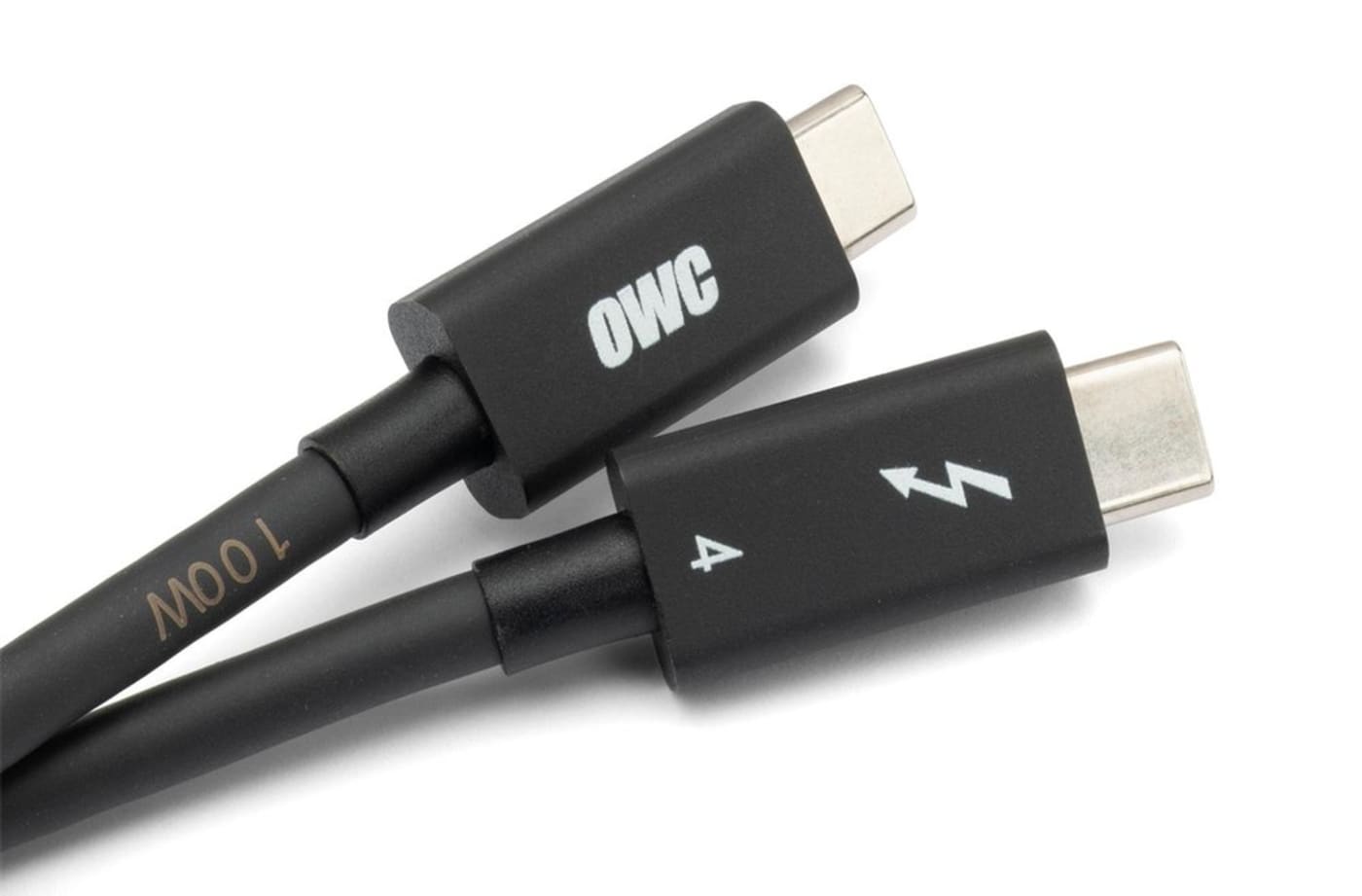
OWC Thunderbolt Pro Dock comes with a certified 0.7M OWC Thunderbolt Cable. But if your workflow demands a different length to make the connection, OWC Thunderbolt (USB-C) Cables are the perfect choice.
Disconnect In One Click
Safely disconnect multiple drives in a single click. OWC Dock Ejector was designed by OWC hardware and software engineers to ensure all data is written before disconnection, saving time and protecting against data loss. It makes losing your hard-earned work a thing of the past.
Work with Ultimate Confidence
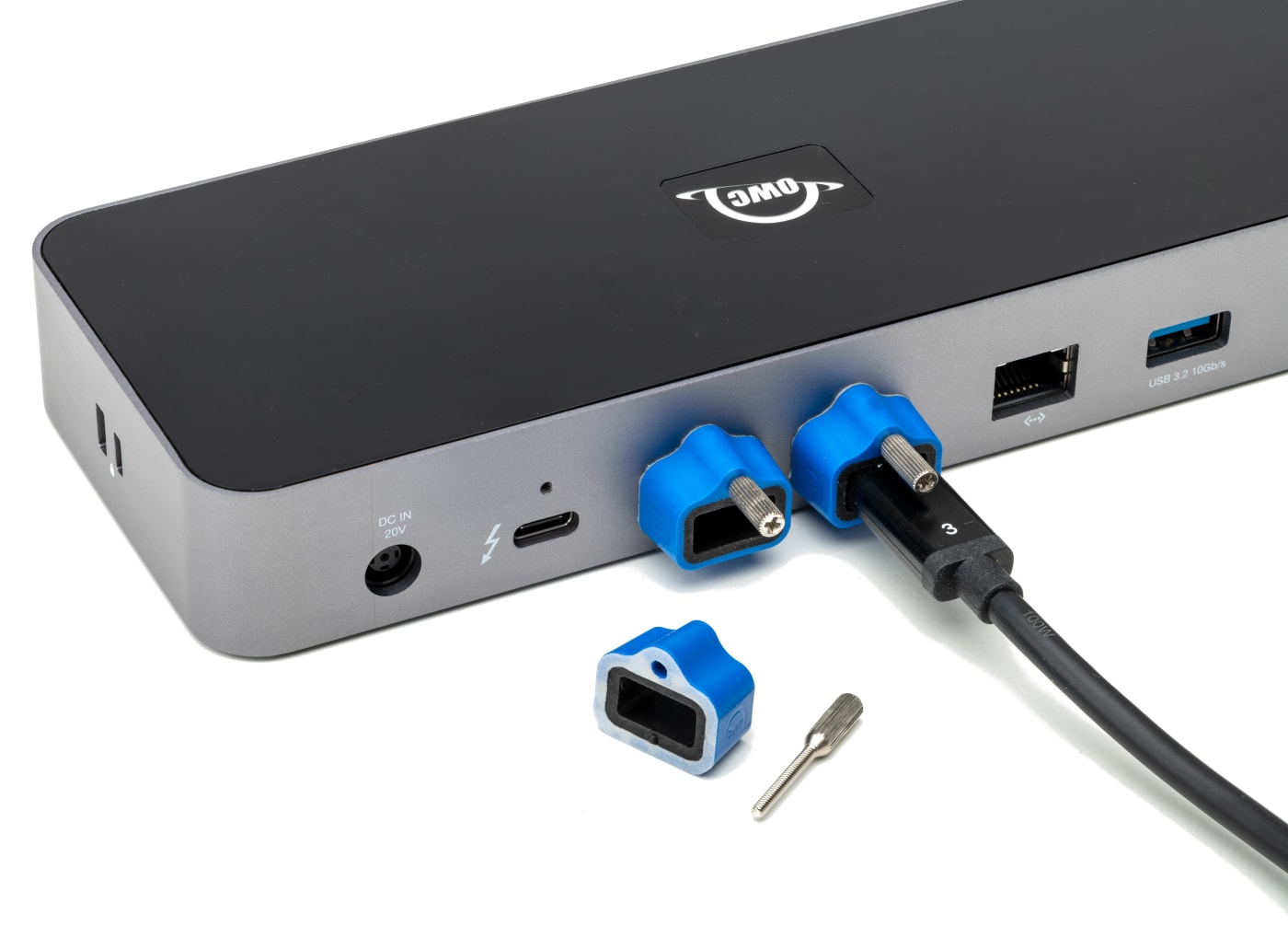
Active workspaces expose gear to unexpected bumps and shoves. OWC ClingOn custom cable stabilizers (available separately) screw into the OWC Dock or OWC Drive housing to reduce – if not completely eliminate – cable strain on Thunderbolt and USB-C connections so you can work with ultimate confidence even in the highest foot traffic environments.

Innergize Your Workflow with Highest Performance and Reliability
OWC Innergize™ is the first stage of the Capture to Completion™ ecosystem of OWC products designed to seamlessly propel professional photographers, videographers, and content creators to the highest level of workflow performance and reliability. This OWC custom-designed app is a complete health, performance, and field upgrade management tool when using OWC Atlas memory cards with OWC Atlas readers and reader equipped products.
Work with Maximum Confidence and Reliability
-
Health
Over time and use cycles, flash memory does wear out. Innergize verifies and reports the percentage of use life remaining. Now you can work with full confidence your OWC flash memory product will deliver the reliability you can trust.
-
Sanitize
Over time and use cycles, flash memory does wear out. Innergize verifies and reports the percentage of use life remaining. Now you can work with full confidence your OWC flash memory product will deliver the reliability you can trust.
-
Field Upgrade
When new cameras or firmware updates to existing cameras are introduced, they may not work properly with flash memory cards and drives. Innergize gives OWC memory card users the ability to quickly upgrade their firmware in the field for full compatibility, additional performance enhancements, and bug fixes for optimal reliability.
- Use of HDMI display via Thunderbolt port requires USB-C to HDMI adapter sold separately.
- Based on time to transfer 4TB of 4K footage of 1 hour four seconds over 10GbE versus 10 hours forty four seconds over 1GbE.
- Router and/or Network Switch must support AVB.
- The OWC Thunderbolt Pro Dock supports DisplayPort 2.1 capabilities, so long as the connected host and display also support it. For use with a single display, Thunderbolt 4 supports resolutions up to 8K @ 120Hz or 4K @ 144Hz.
- Please review the Apple silicon External Display Support support article for more details regarding how many displays can be connected to an Apple silicon Mac system.
- Displays that do not have Display Stream Compression (DSC) will experience lower refresh rates.