 USA + International
 OWC Canda
 OWC Europe
What's New in Apple Creator Studio: Final Cut Pro, Logic Pro, AI Limits, and More
Apple Creator Studio adds MotionVFX, smarter Logic Pro tools, and new AI features. Here's what's included, what costs extra, and the latest pricing.
Wayne Grayson • Nov 19, 2026
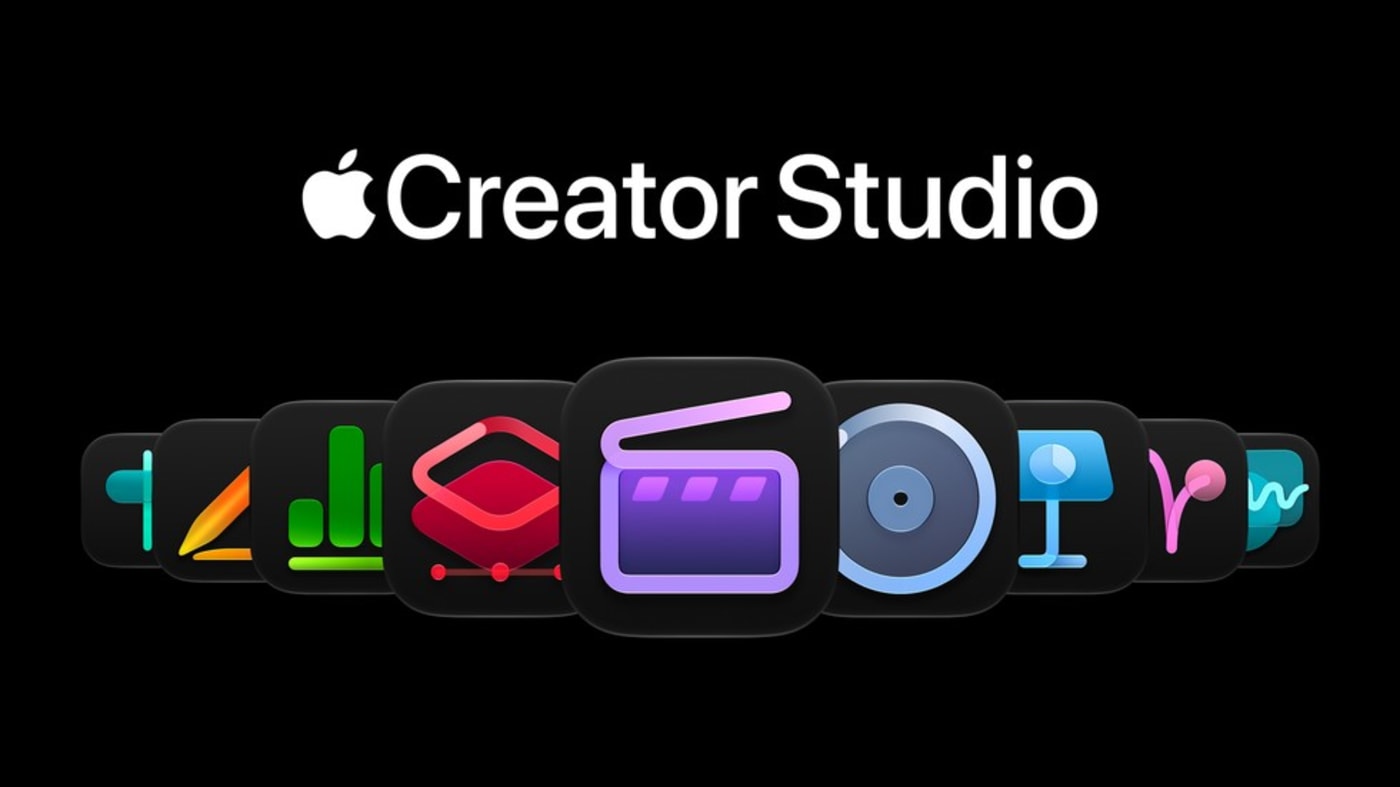
Since launching the bundle back in January, Apple has steadily added more features and enhancements to Apple Creator Studio. And with Apple’s most recent round of updates and announcements, we’re starting to get a more cohesive picture of how Apple plans to continue building these tools out moving forward, and how limits around AI usage will work and what users can expect once they run into them.
Let’s take a look at the latest improvements, new features, and AI usage limits in Apple Creator Studio.
Final Cut Pro Gets MotionVFX and a Better Creative Workflow
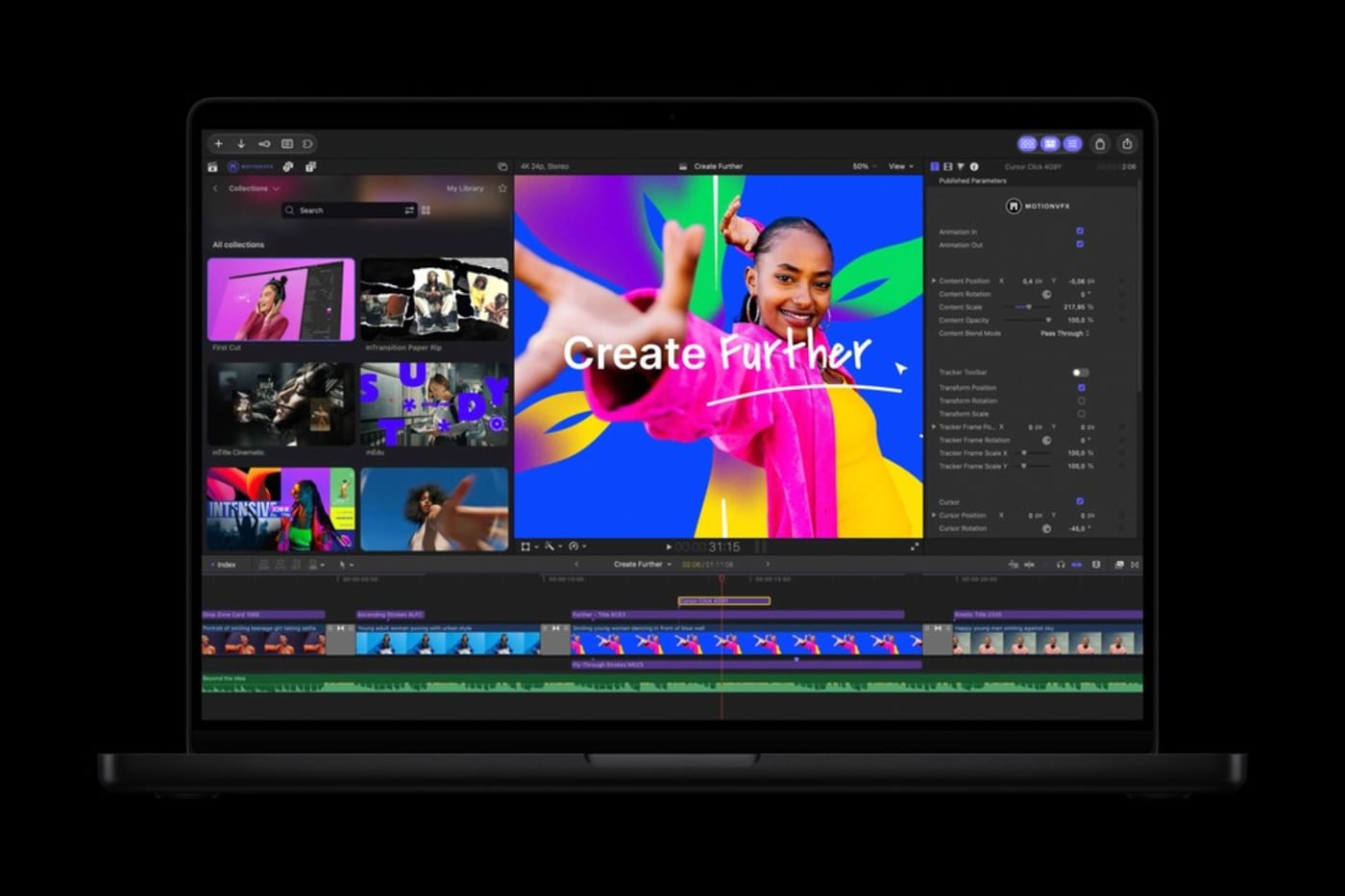
For video editors, the headline addition is MotionVFX integration in Final Cut Pro for Mac. Apple’s acquisition of the effects developer is paying off for Creator Studio subscribers, who can now access thousands of titles, transitions, templates, graphics, and effects within Final Cut Pro, alongside tools for tracking, rotoscoping, and color work.
Final Cut Pro also gains access to the Content Hub, including Apple-curated stock video, photography, and backgrounds. In a particularly useful workflow change, editors can send an image from a Final Cut Pro project into Pixelmator Pro, make adjustments, and save it back without manually exporting and reimporting the file.
Other improvements include more flexible keyframe easing, the ability to disconnect clips from the primary storyline, and transcription support for 23 additional languages. Motion gains its own MotionVFX tools, and Compressor adds support for encoding Cinematic mode footage from compatible iPhones.
Pixelmator Pro and Logic Pro Get Smarter
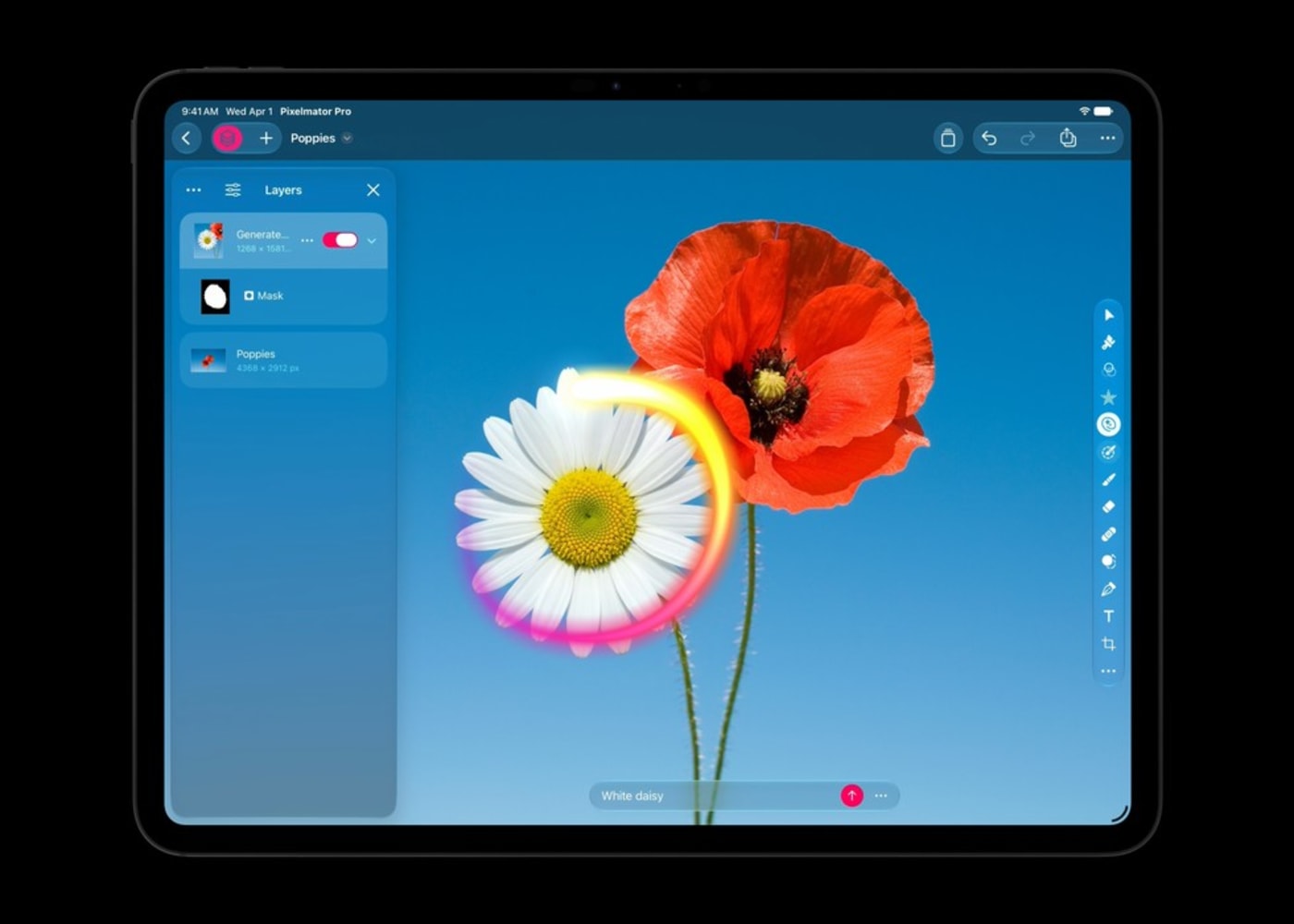
Pixelmator Pro’s new Generate Fill lets you select an area of an image and describe what should appear there. Apple says the tool attempts to match the surrounding lighting, perspective, and texture; its selection and masking tools allow creators to refine the result.
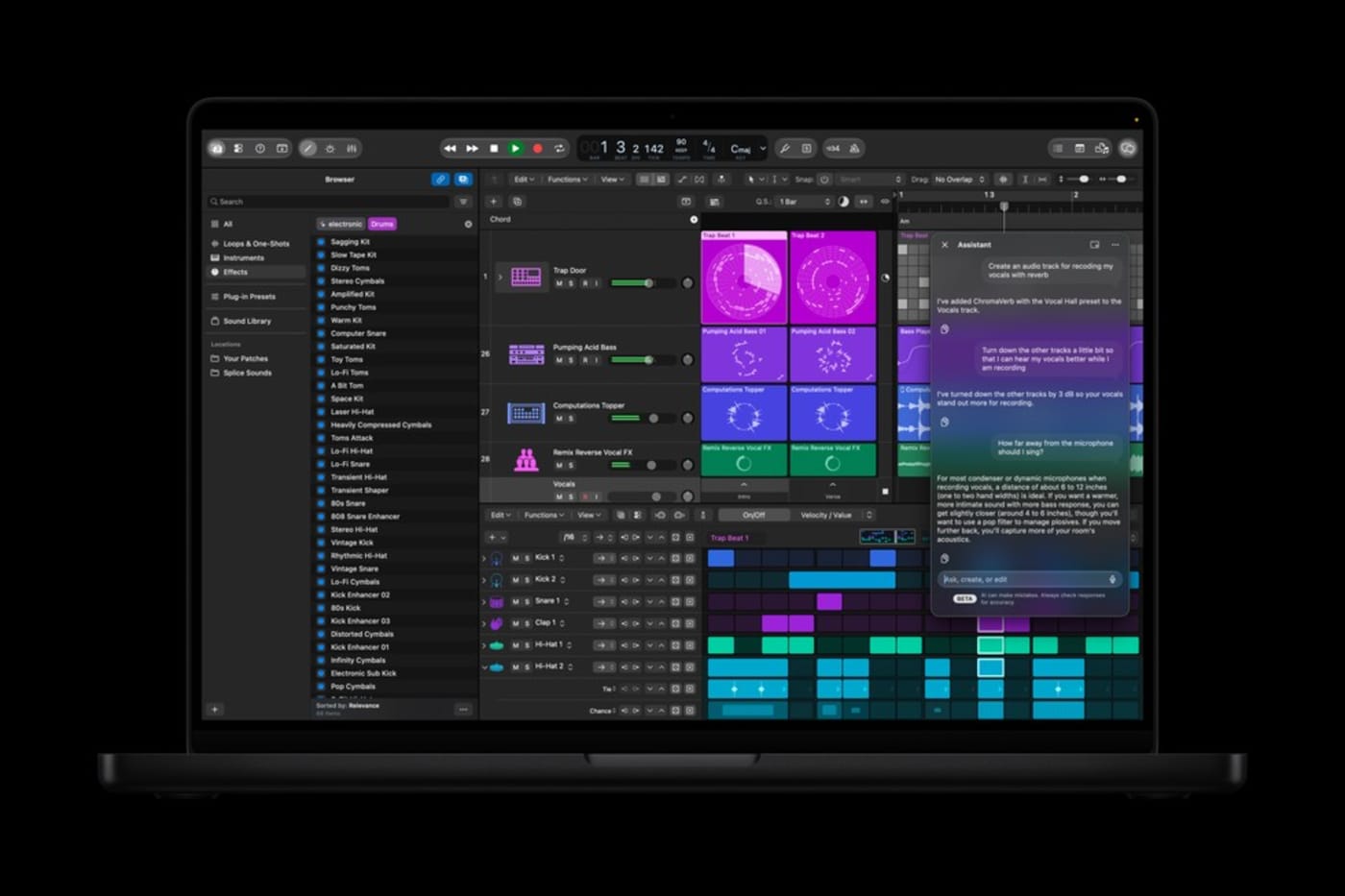
Logic Pro has gotten a Liquid Glass makeover and received a redesigned sound Browser that brings loops, instruments, patches, and other resources into one place, with on-device audio analysis to improve discovery. Its improved Stem Splitter can isolate individual drum components for remixing and production work. The Mac version also introduces a chat-based AI assistant in beta that can help start projects, configure tracks, and guide users through production tasks. Plus, a new Sergio George Producer Pack expands the available sounds. Finally, MainStage adds iPad Sidecar support, turning an iPad into a multitouch control surface.
Pages, Keynote, and Numbers Also Gain AI Assistants
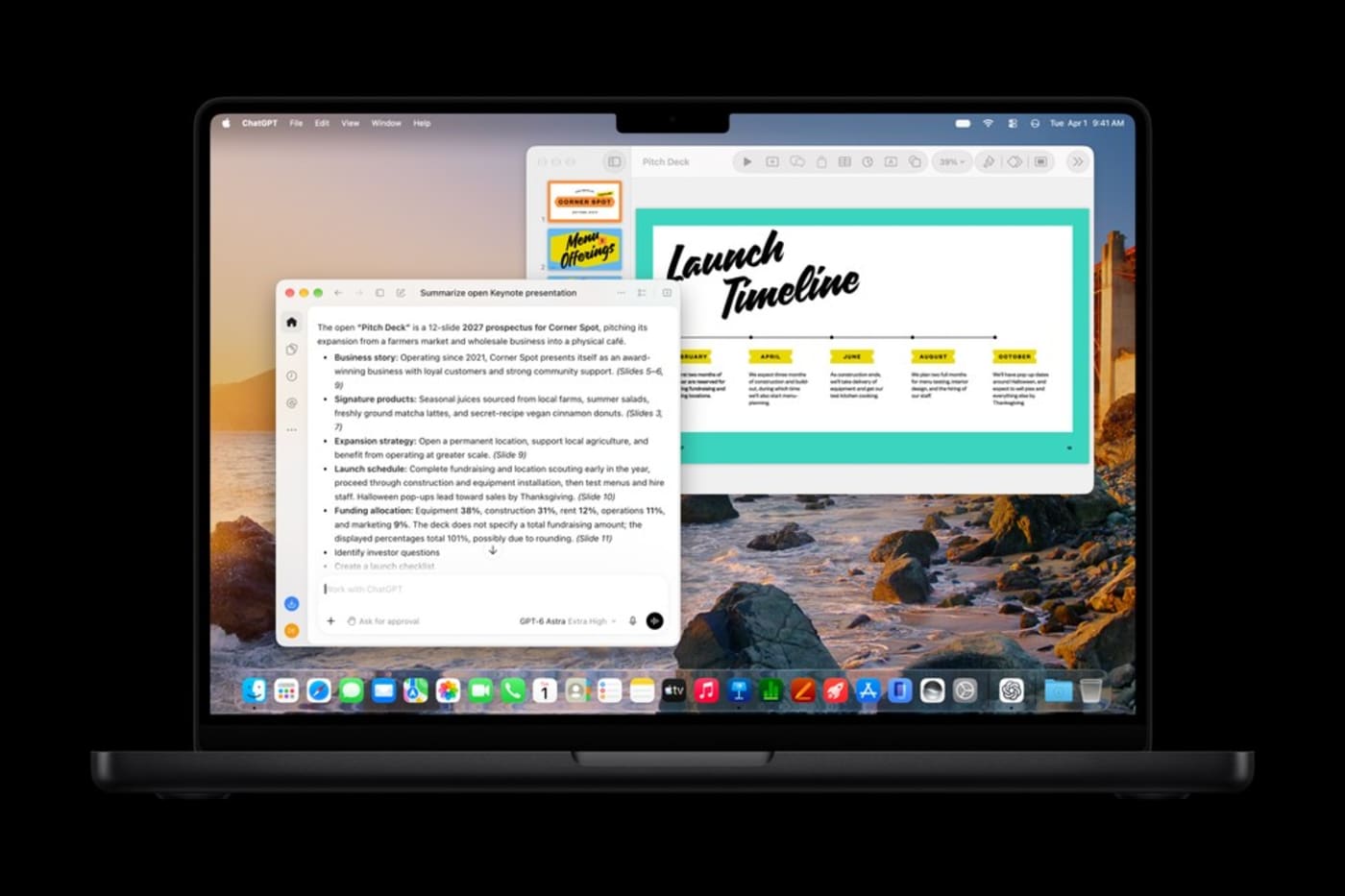
Apple’s productivity apps are also becoming more ambitious. Assistants in Pages, Keynote, and Numbers can work with the context of an open document: helping draft and revise writing, design slides, organize data, recommend charts, and build tables. Plus, Apple has added Model Context Protocol (MCP) support, designed to let compatible external AI tools interact with documents and perform actions within these apps.
Apple has expanded premium templates and the Content Hub, too. The company says additional Freeform features, including image editing through Pixelmator Pro, are planned for December.
Some AI Features Have Usage Limits
Creator Studio’s AI capabilities are included with a subscription to the bundle, but not necessarily without limits. In support guidance updated November 18, Apple says certain generative tools and intelligent assistants draw from a monthly allowance that resets each month. The company currently lists illustrative maximums of 50 generated images, 500 generated shapes, five presentations of roughly 8–10 slides, presenter notes for 700 slides, or 50 generative fills when each feature is used exclusively. Actual usage varies with the complexity of requests and other factors, and Apple says increased monthly allowances are available for a limited time.
If subscribers reach their included limit, Apple offers optional $49.99 Intelligence Usage Packs. These are one-time purchases, not another recurring subscription. Additional usage is consumed only after the included monthly allowance is exhausted; unused purchased usage can roll over between months but expires 12 months after purchase. Purchased packs cannot be shared through Family Sharing and Apple does not promise a fixed number of outputs per pack, so high-volume users should not assume a predictable cost per image or request.
There’s another distinction worth knowing: some Creator Studio AI features use third-party models. Apple identifies OpenAI models for the productivity assistants and presentation generation, and Google Gemini models for features such as Generate Fill and Logic Pro’s assistant. Apple says users do not need separate accounts with those providers and that the data shared for these requests is not used to train their models.
Pricing, Availability, and Who Gets the New Features
The November releases are available through the App Store for compatible devices. Apple Creator Studio remains $12.99 per month or $129 per year in the United States, with education pricing of $2.99 per month or $29.99 per year for eligible college students and educators. Existing subscribers receive the app updates without a subscription price increase.
Apple continues to sell standalone Mac versions of Final Cut Pro, Logic Pro, Pixelmator Pro, Motion, Compressor, and MainStage. However, buyers should distinguish general app improvements from subscriber-only additions, notably the integrated MotionVFX library and certain intelligence features. Apple also continues to offer free versions of Pages, Keynote, Numbers, and Freeform, all of which are free to use but do not include the subscriber only features outlined above.
Other topics you might like

Looking For a New NLE? Everything You Need to Know About Diving into Vegas Pro in 2026
Updated on Nov 5, 2026
Maxon Set to Add AI Accelerated Early-Stage 3D Concepting Into Cinema 4D
Updated on May 27, 2026
Introducing OWC MacDrive 12: Full Native Support for Mac Drives on Windows
Updated on Apr 18, 2026