 USA + International
 OWC Canda
 OWC Europe
New Digilog Camera for iPhone Unlocks Open Gate Recording, Delivers Classic Kodak and ARRI Looks for Free
Get classic Kodak and ARRI looks alongwith Open Gate recording in this awesome new free app.
Wayne Grayson • Dec 12, 2025

Most creators and filmmakers who are used to the look they get from a dedicated camera are looking to get more of one thing whenever they use their iPhone to capture a moment or a scene: character. Many of us chase that elusive, organic warmth of analog film or the highly touted color science of high-end cinema cameras. While there are thousands of filter apps out there, a new contender has arrived that changes the game by skipping the filters entirely and going straight to the source while adding in features typically reserved for Apple’s Pro model iPhones.
Meet Digilog, a new iPhone app that is turning heads by simulating the classic Kodak Vision3 500T film stock for photos and the legendary ARRI look for video. Best of all? It’s a free download.
Science, Not Filters
What makes Digilog distinct in a crowded App Store is its approach to image processing. Instead of slapping a preset layer over a processed JPEG, Digilog builds its look from the ground up using the iPhone’s raw sensor data.
The app utilizes a custom image pipeline—handling de-linearization, gamma curves, and color adjustments directly—to mathematically replicate the behavior of Kodak Vision3 500T film. For still photographers, this means you get that signature Tungsten-balanced depth, nuanced highlight roll-off, and the rich, cinematic texture that 500T is famous for, all without touching a grading slider.
For video shooters, the app aims to replicate the highly coveted ARRI Alexa look. Known for its superior dynamic range and natural skin tones, the ARRI aesthetic is the gold standard in Hollywood. Having a pocket-sized tool that emulates this color science opens up a world of possibilities for B-roll, location scouting, or even principal photography for mobile-first productions.
Unlocking "Open Gate" on All iPhones
Beyond the color science, Digilog offers technical features that embrace professional workflows. The standout feature here is the ability to shoot in Open Gate.
Though the iPhone 17 Pro introduced the ability to natively record open gate video, other iPhones did not get this feature. So, typically, when you shoot video on an iPhone, the software crops the sensor’s native 4:3 image into a 16:9 aspect ratio, instantly discarding valuable vertical information.
But Digilog allows you to record the full sensor area (4:3) on all supported iPhones, giving you significantly more flexibility in post-production.
Why does this matter?
• Reframing Freedom: You can crop for a vertical 9:16 social post and a horizontal 16:9 YouTube video from the exact same master clip without losing quality.
• Anamorphic Ready: Open Gate is the preferred format for anamorphic shooting, allowing you to de-squeeze footage for that ultra-wide cinematic scope.
Pro Codecs Demand Pro Storage
To ensure the image holds up to grading, Digilog supports ProRes 422 recording (in addition to standard H.264). While ProRes delivers stunning fidelity and is much easier to edit than highly compressed codecs, it comes with a trade-off: massive file sizes.
Shooting Open Gate ProRes 422 is a data-hungry workflow. A few minutes of footage can quickly eat up gigabytes of space on your iPhone’s internal storage.
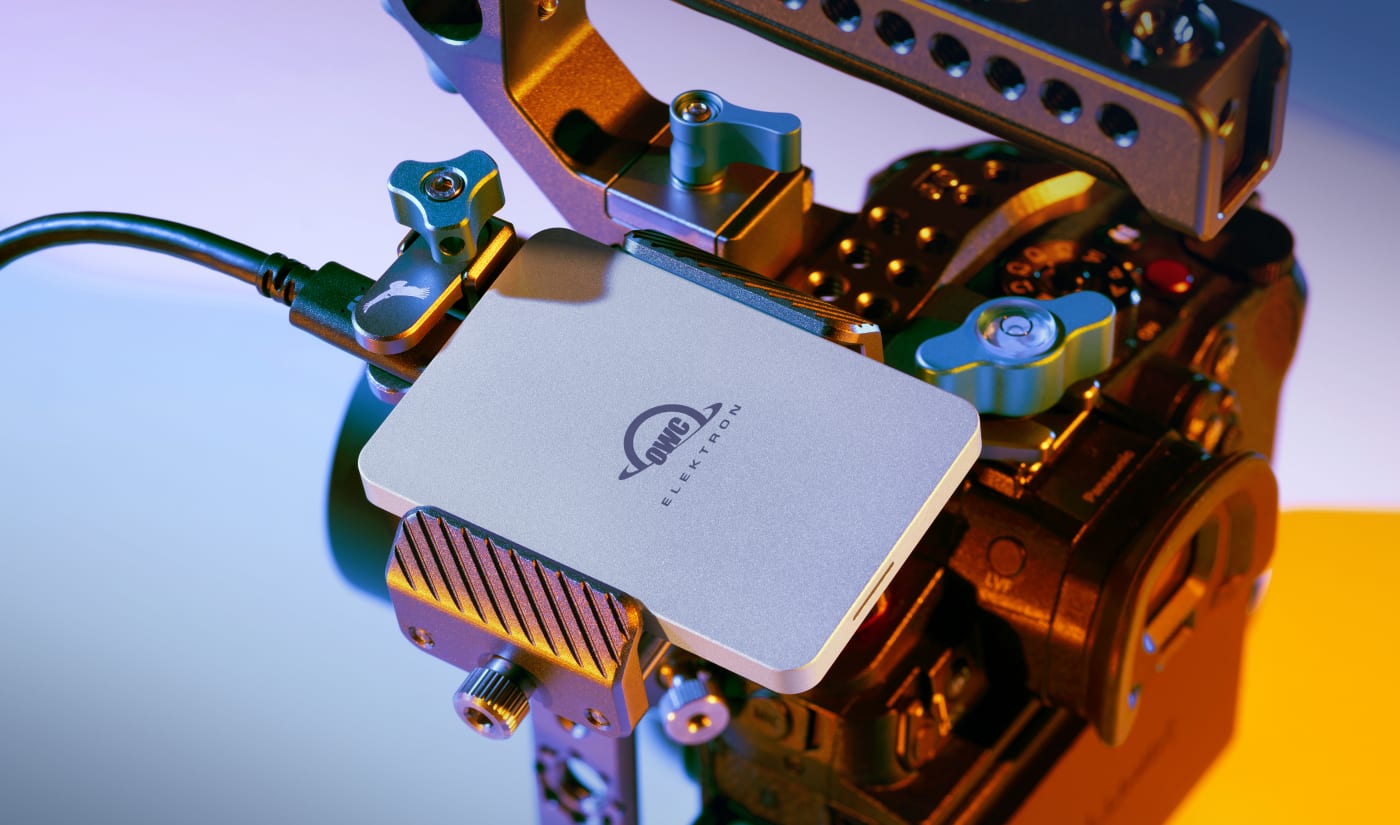
This is where your workflow needs to be as robust as your camera settings. For creators diving into Digilog’s pro features, offloading footage is critical. The OWC Envoy Pro Elektron is the perfect companion for iPhone filmmakers. With lightning-fast transfer speeds, you can move those heavy ProRes files off your phone and onto your editing drive in seconds, keeping your device clear for the next take.
Some Quirks and Final Thoughts
Digilog seeks to bridge the gap between technical limitation and artistic expression. By combining the nostalgic soul of Kodak film with the professional versatility of Open Gate ProRes, it could be a must-have tool for any creator’s digital bag. However, there are some quirks to know about this app in its current state to be aware of before going in:
• While using the app, I've seen issues with audio where audio won't be recorded when shooting a video. When this happens I've been able to force close the app to get audio working again.
• The camera UI and orientation of the camera itself do not rotate. This looks like a limitation introduced by the choice to have the app record the full area of the iPhone's sensor. Images and video shot vertically will be saved that way, but when you hold the phone in landscape, the resulting file is vertical which means you'll have to rotate the image in the Photos app's editing options.
• Since this is a third party camera app, photos taken max out at 12MP.
Those things might be deal breakers for many. But the exciting reasons to use the app are still there: color and open gate.
You can download Digilog for free on the App Store. Give it a spin, and show us what you create!
• Download: Digilog on the App Store
• Shop Storage: OWC Envoy Pro Elektron
Other topics you might like

Like What You Like: A Sneak Peek of Episode 2 of Personal Work with Forrest Mankins
Updated on Aug 7, 2026

Godox's C100 is a Novel Light Meter and Mini Camera With a Transparent Display
Updated on Aug 5, 2026