 USA + International
 OWC Canda
 OWC Europe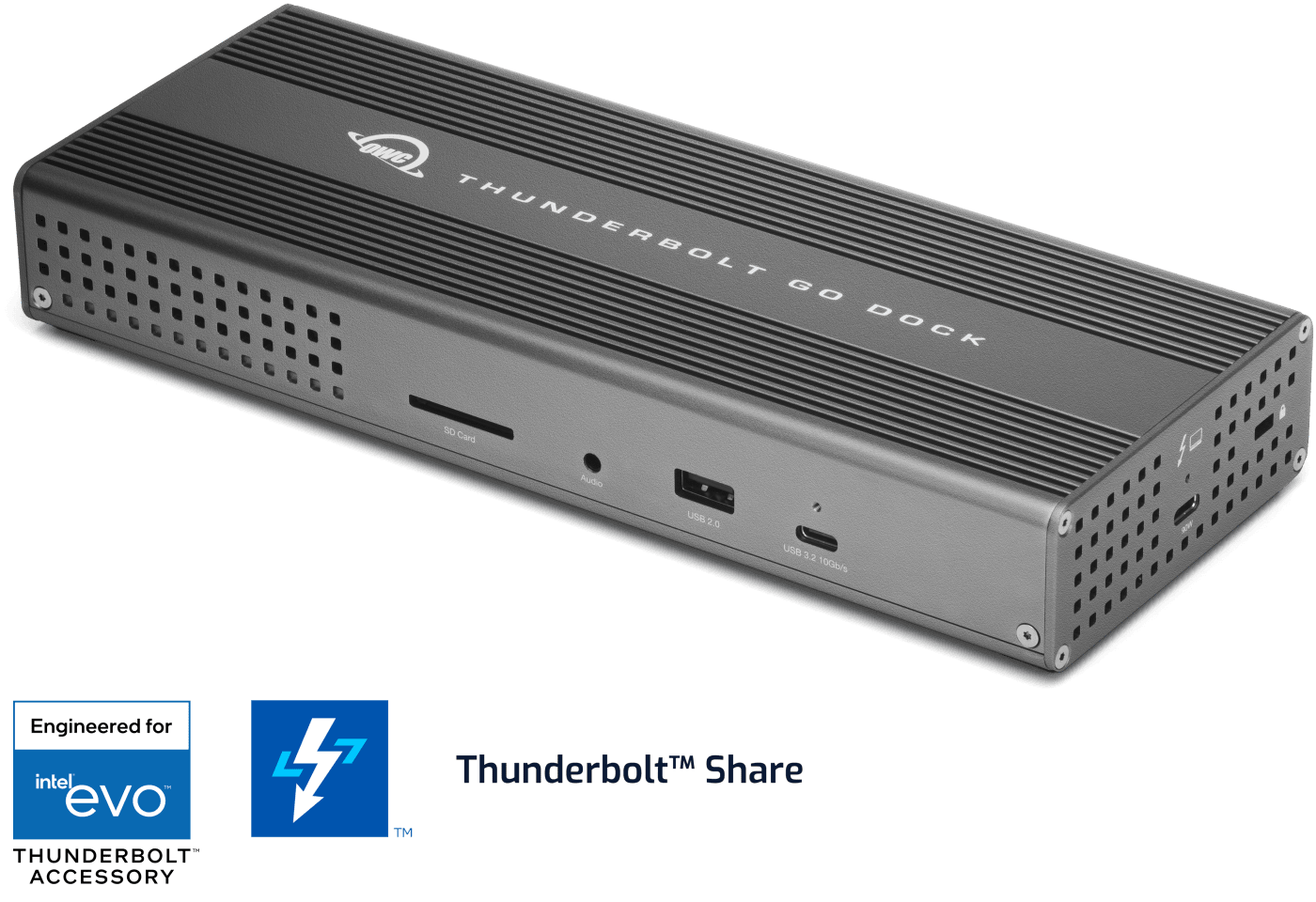


 Find A Reseller
The Mobile Professional's Dilemma Solved
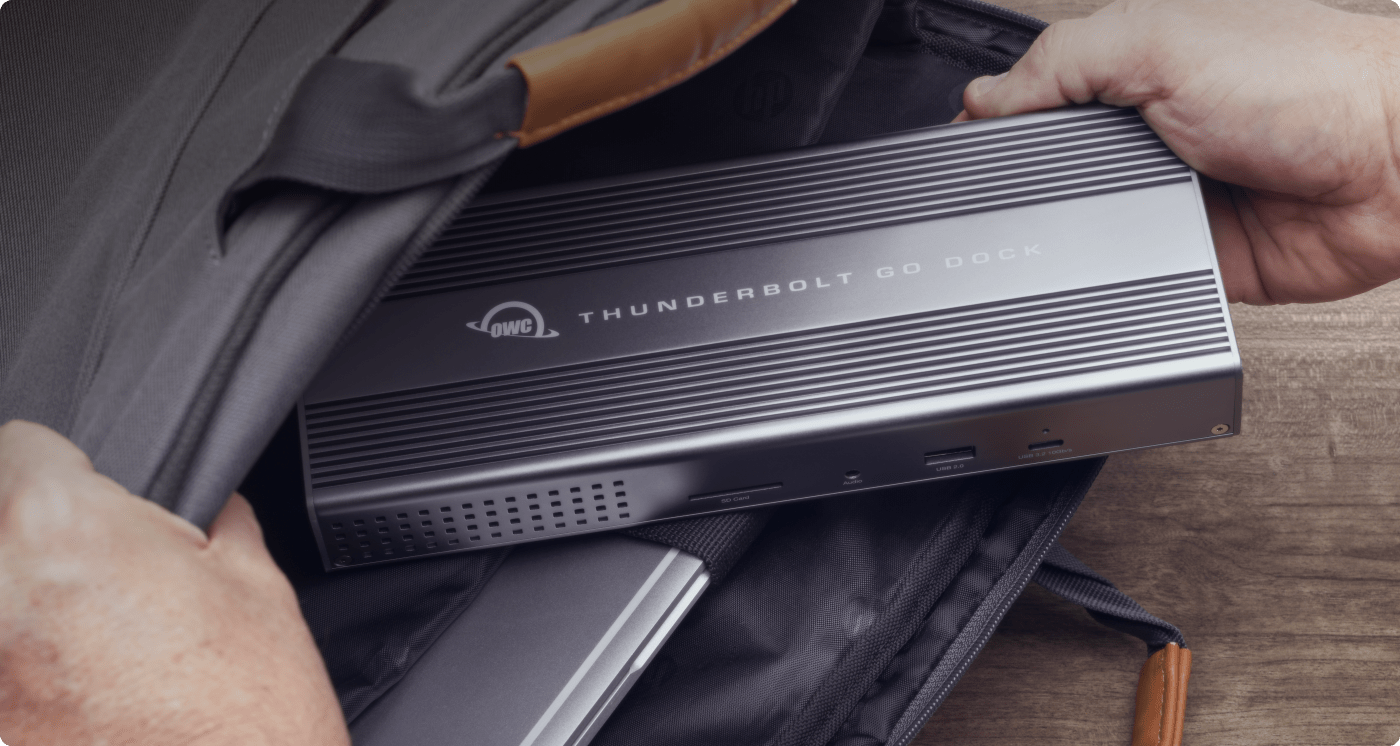
While life is full of choices, choosing the right dock to solve diverse needs can seem like an impossibility. Take the lightweight USB-C hub and you’ll lose half your functionality. Carry the full desktop dock plus its massive power brick and you’ll sacrifice comfortable mobility.
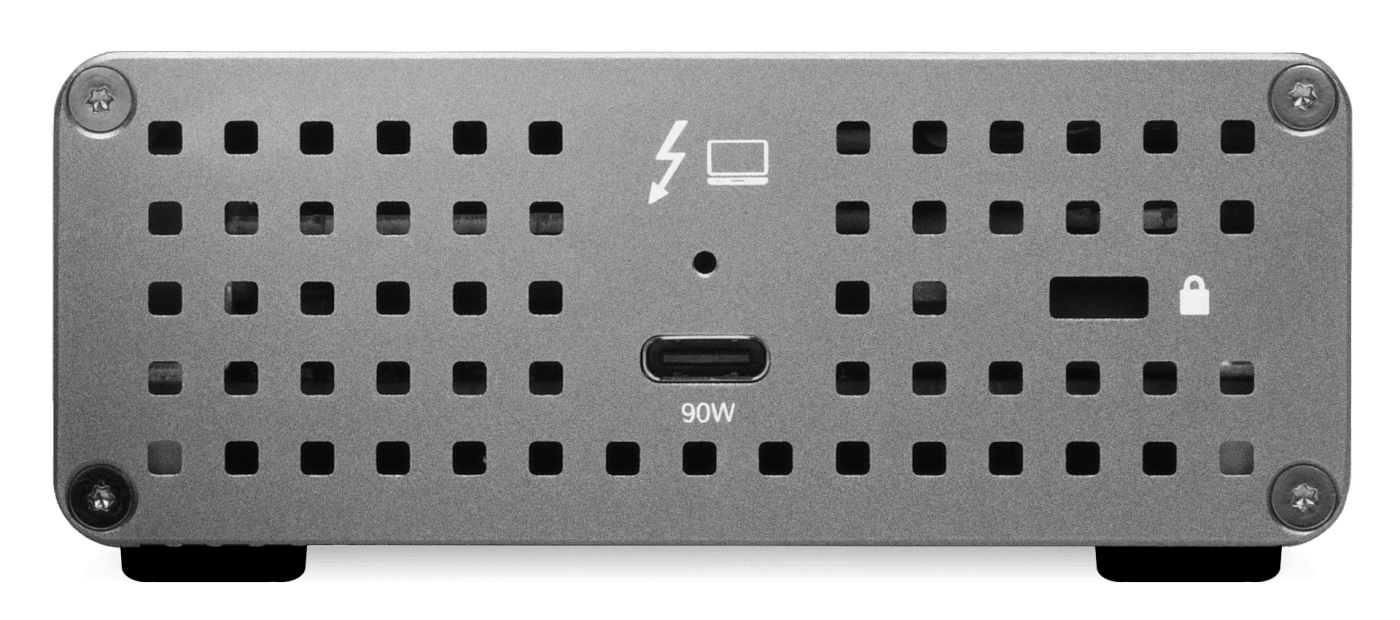
You can eliminate that compromise with the Thunderbolt Go Dock. For the first time, you get desktop-class connectivity in a truly portable form factor. Our built-in power supply means one lightweight power cable replaces a heavy adapter, while full 40Gb/s Thunderbolt performance ensures nothing slows down when you're on deadline.
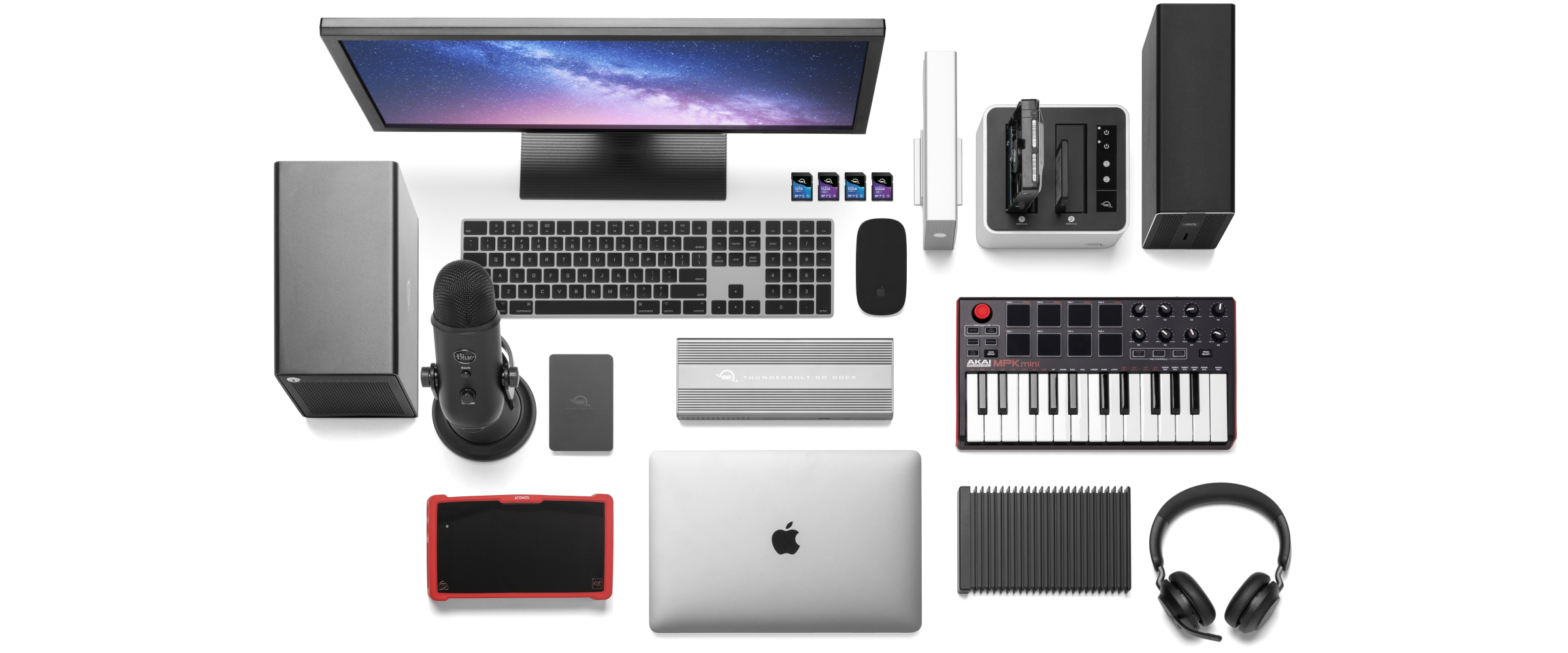
- Charge your laptop
- Connect one 8K / up to two 4K monitors
- Connect portable SSD storage
- Connect large desktop RAID storage
- Add an extra Thunderbolt port
- Connect / charge USB drives, accessories and devices
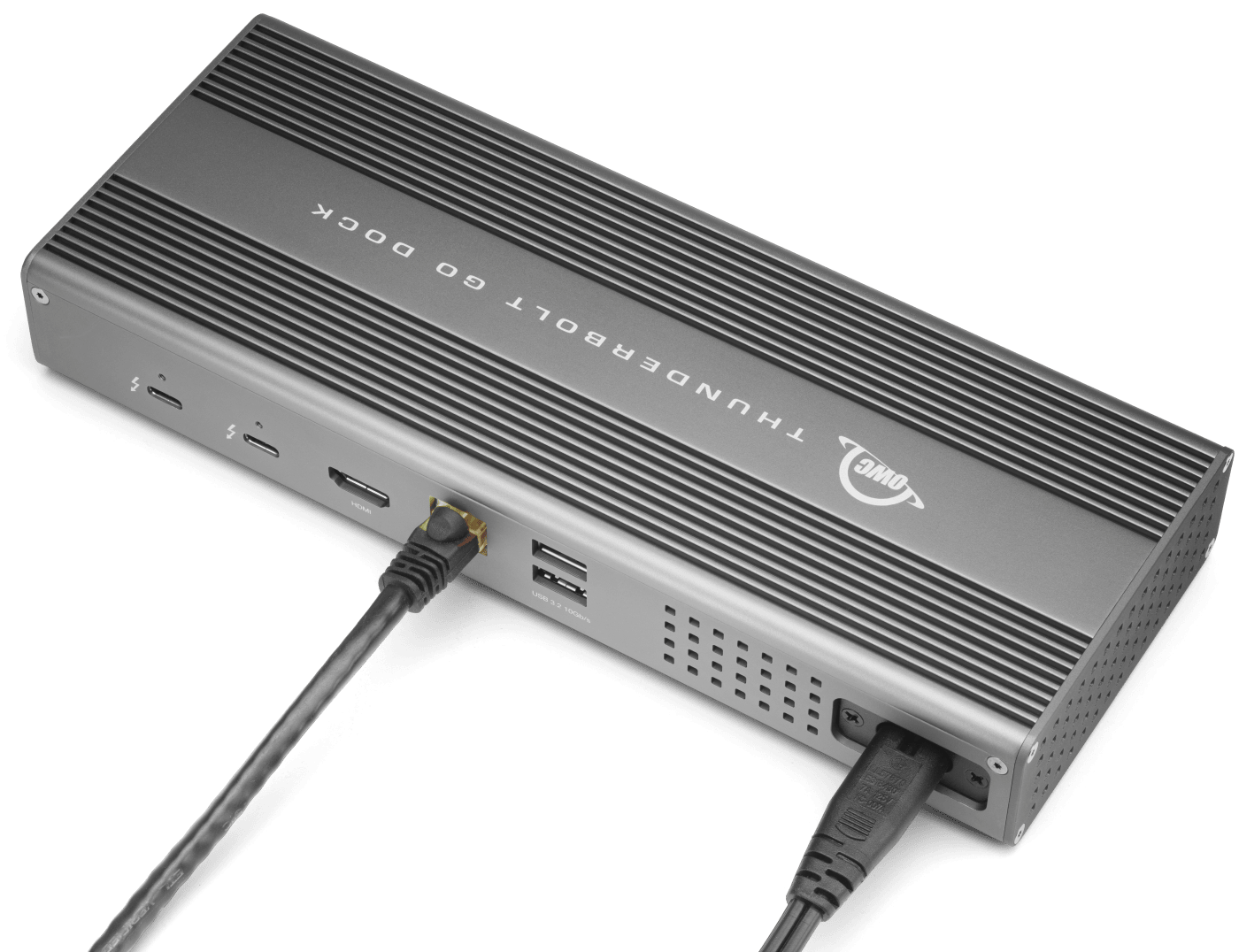
- Connect to IP based workflows / wired networks
- Connect a digital audio interface
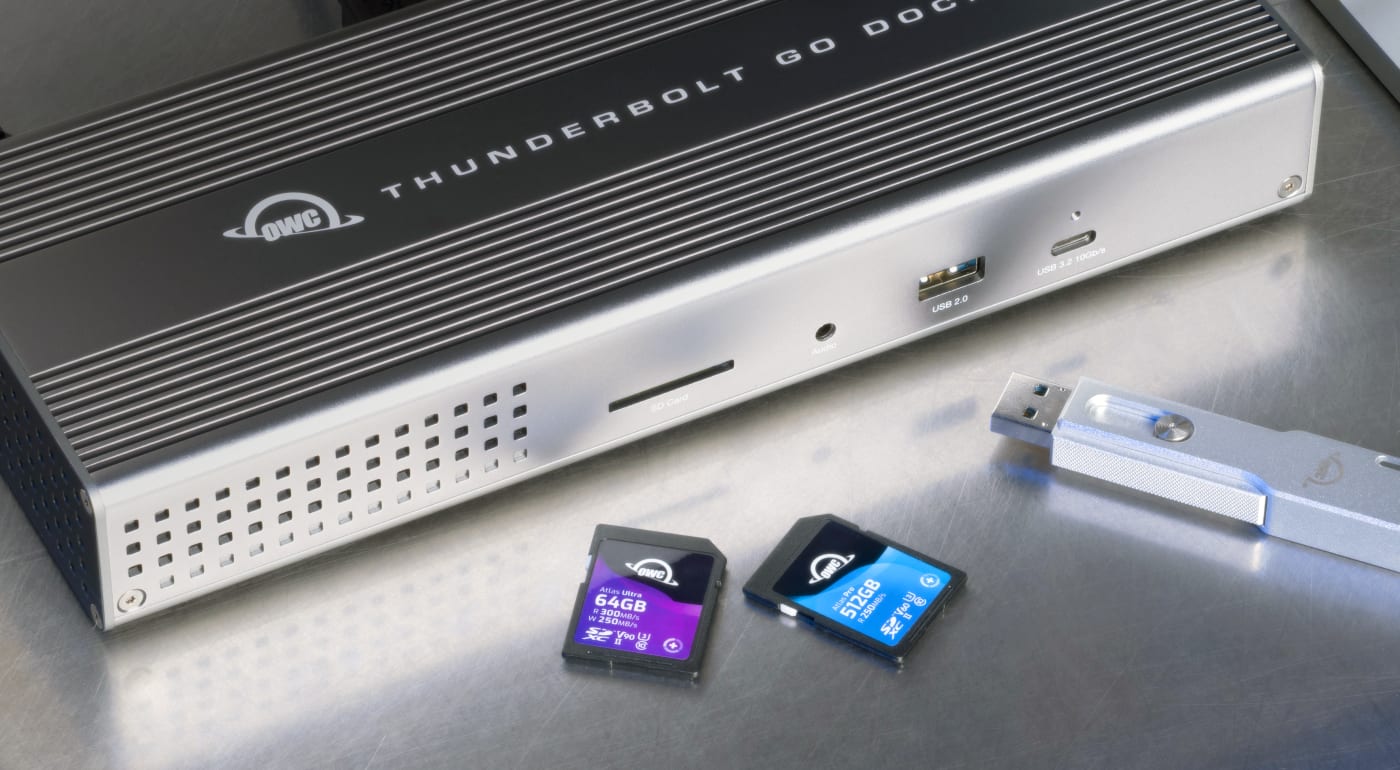
- Read + Write SD Cards
- Connect two Thunderbolt daisy-chains
Engineered for Intel® EVO™ Laptop Accessory Program and Thunderbolt™ Share
Enjoy an assured optimal computing experience when you pair the Thunderbolt Go Dock with an Intel EVO certified laptop. With Thunderbolt Share, the ultimate digital KVM, you can easily share devices and content between two Thunderbolt equipped computers from one Thunderbolt port. Learn more »
Your Workspace. Your Way. Anywhere.
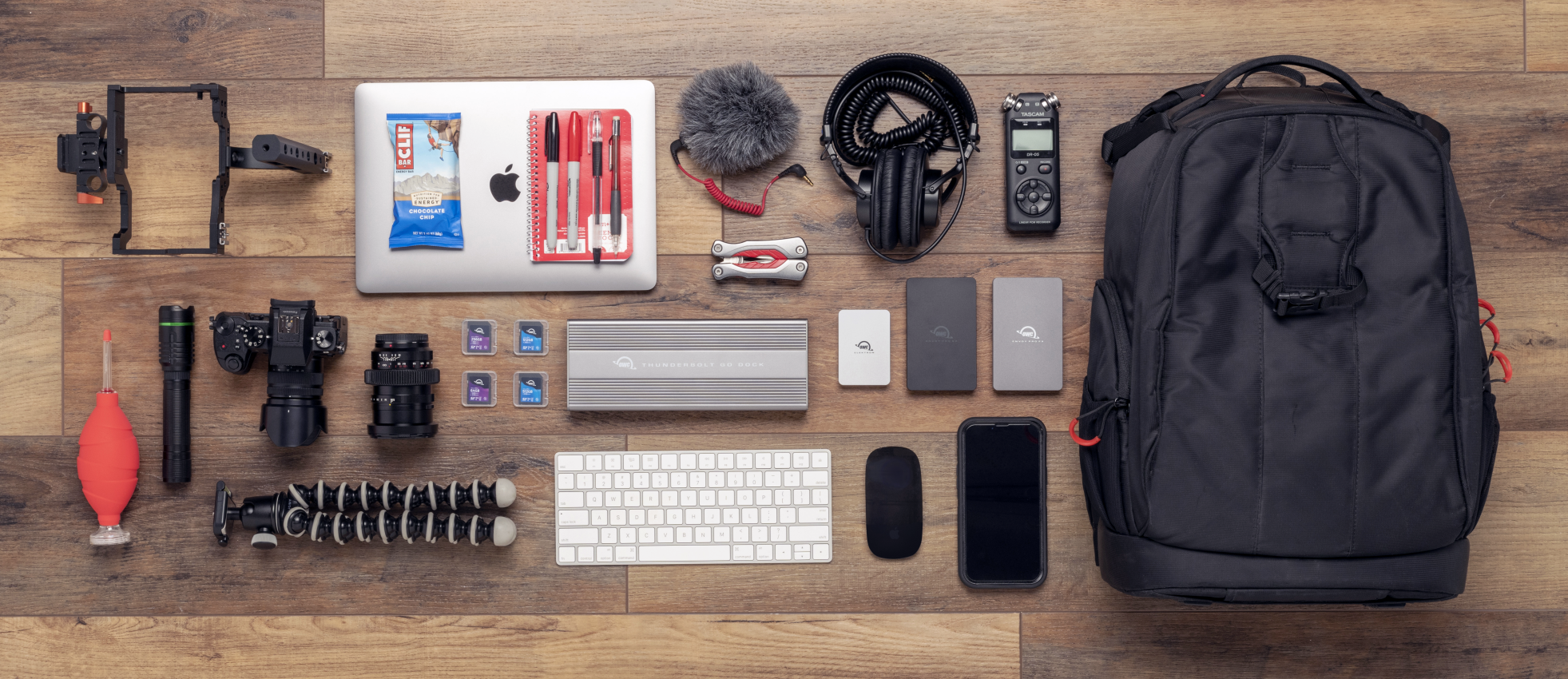
Whether you're editing video in a client's conference room, presenting from a hotel business center, or setting up a temporary office at an industry event, the Thunderbolt Go Dock transforms any location into your complete workspace.
Connect up to two 4K displays for maximum screen real estate. Plug in your external SSD for fast file access. Connect to wired networks for reliable internet that won't drop during video calls. All while keeping your laptop charged and ready for the next location.
End Power Brick Hassles Forever
One simple cable powers your dock, laptop, and all devices. No more heavy adapters or dead batteries in crucial meetings.
Turn Any Space into Your Complete Office
Transform any location into a fully equipped workstation in seconds. Connect everything through one port, then pack up without leaving anything behind.
Never Get Stuck with "Almost Enough" Performance
Full power runs everything simultaneously. 90W laptop charging, 2.5x faster file transfers, and multiple displays without performance drops.
More Devices
Expand without limits. Connect multiple daisy chains of drives, monitors, and even bus-powered devices. Disconnect one chain without interrupting the others, so your workflow never skips a beat.
Future-Proof Your Investment
Works with every device you own and will own from older Thunderbolt 2 Macs to latest tablets and Windows machines.
Survive Real-World Workspaces
Tank-like aluminum construction handles bumps, drops, and constant travel. No delicate plastic parts or fans to break.
Built to Handle Your Adventures
Rugged aluminum construction with fanless design travels anywhere without breaking down or overheating.
Keep IT in Control Everywhere
MDM compatibility lets your organization remotely manage all Go Dock workstations, no matter where employees work.
Simply Cleaner & Easier
Having a built-in power supply with your Thunderbolt Go Dock keeps your life simple. With one less power brick in your desktop setup, there’s less clutter for cleaner cable management. When mobile with another dock, if you lost its power brick, you are dead in the water. If you happen to misplace the Thunderbolt Go Dock’s standard and common 2-prong "figure 8" power cord, you likely already have one you can “borrow” from another device or can easily stop in at a local store for a replacement and keep working.
Turn Your Tablet into a Computer
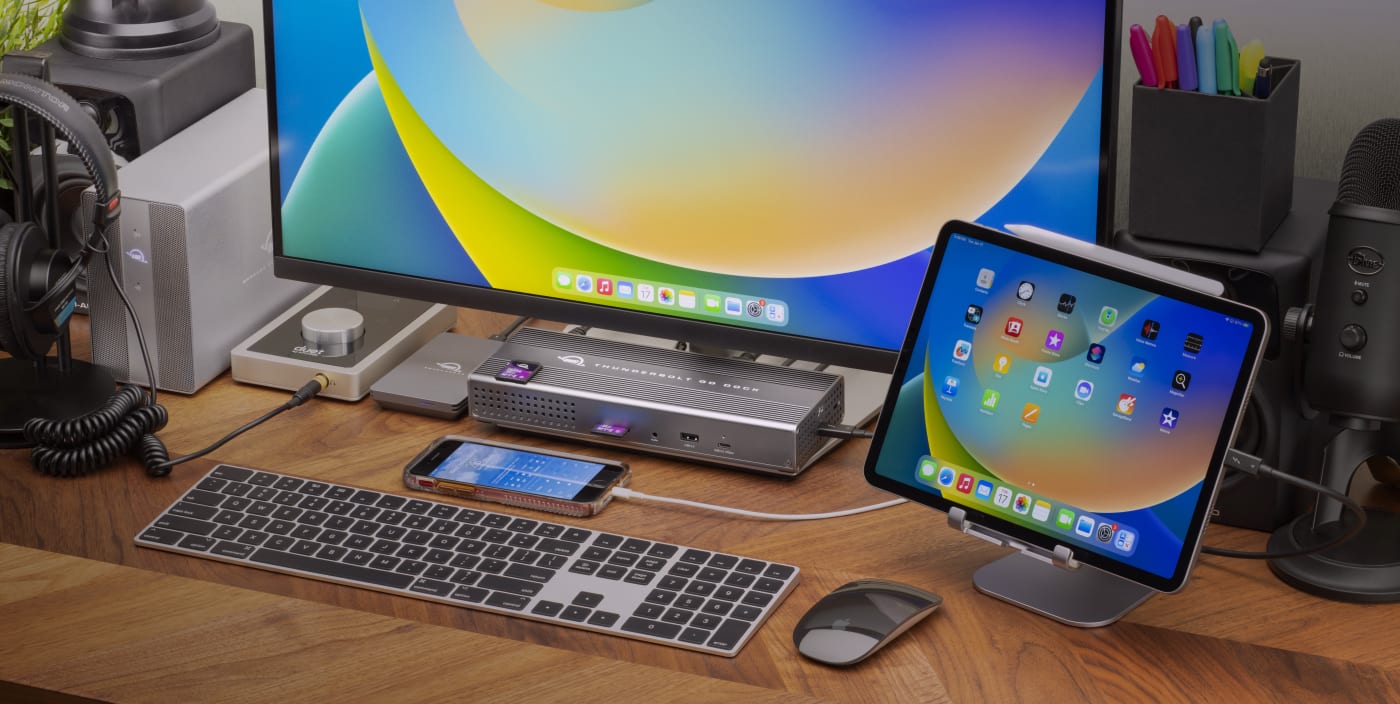
With the Thunderbolt Go Dock, you can turn your tablet into a full computing platform with capabilities that exceed many desktop and notebook computer setups. Now you can transform one port on your tablet into 11 ports so you can read/write SD card media, share files in a blink on a high-speed network, free up your internal storage by offloading to an external drive, and work easier with a larger external display, mouse, and full-sized keyboard. You can even turn your tablet into a desktop video, audio, or podcasting recording and editing setup. The possibilities of how you can use the Thunderbolt Go Dock to redefine your tablet computing experience are nearly limitless.

A Multi-Connectivity Solution for Millions
It’s a hassle trying to figure out or remember what interface your gear and computer has so you can use it all with a dock. Whether you have a Thunderbolt or USB-C Mac, PC, iPad, Chromebook, or Android device, the Thunderbolt Go Dock’s host port utilizes a USB-C connector to give you a multi-connectivity solution for millions of past, present, and future (yes even USB4!) computers and devices.1,2
A Resolutionary Idea
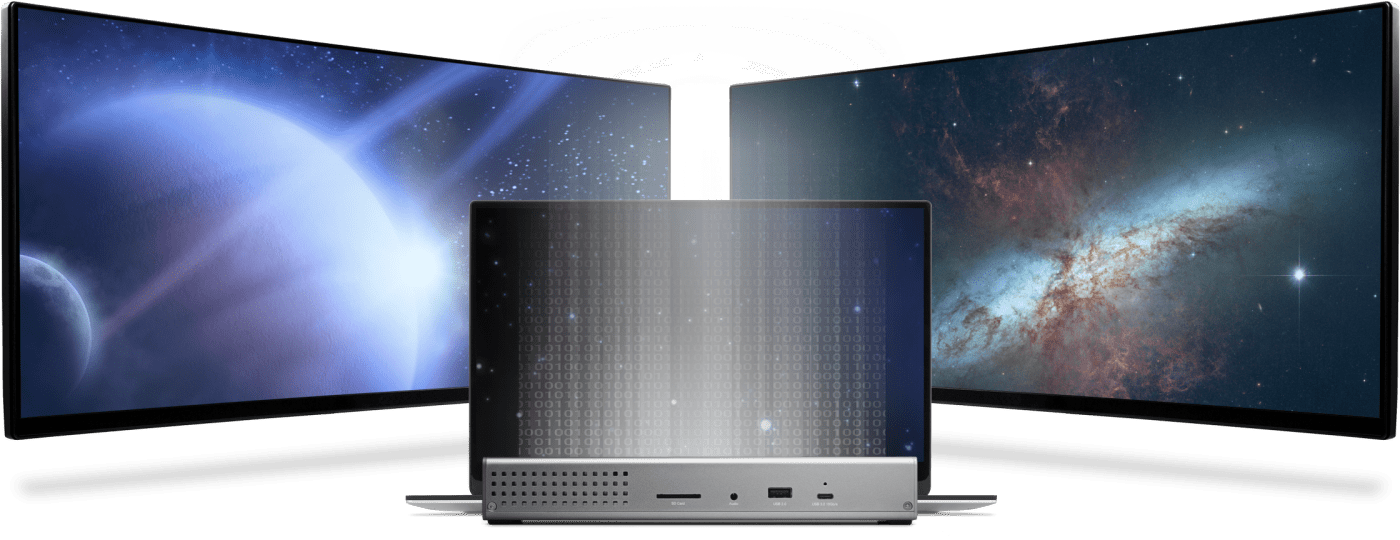
As a digital nomad, hybrid employee, or creative production pro, you need to be able to expand your notebook’s single display – imagine…TWO 4K displays! - for maximum productivity at a temporary work location. With the Thunderbolt Go Dock’s Thunderbolt technology and HDMI® 2.1 port with full HDR, you can view more detail and make edits easier on up to an 8K display. Edit large format video on one 4K display while previewing the raw playback on a second 4K display. Whatever your workstation display needs, the Thunderbolt Go Dock gives you the vision to go to a higher level.3
Whether your computer or tablet is sporting the latest technology or is a few years loved, the OWC Thunderbolt Go Dock gives you multiple options to expand your visual horizons:
Single and Dual Display Support
| 4K 30Hz | 4K @ 60Hz | Dual 4K @ 60Hz | 5K @ 60Hz (Apple Studio Display or LG Ultrafine 5K) | Dual 5K @ 60Hz (Apple Studio Display) | 6K @ 60Hz (Apple Pro XDR) | Dual 6K @ 60Hz (Apple Pro XDR) | 8K @ 60Hz |
|---|---|---|---|---|---|---|---|
 |
|
|
|
||||
|
|
|
|
|
|
|
|
|
|
|
|
|
1 |
2 |
|
||
|
|
|
|
|||||
|
|
|
|
|||||
|
|
|||||||
|
|
|
|
|||||
|
|
|
|
|
|
|||
|
|
|
|
|||||
|
|
|
||||||
|
|
|||||||
|
|
- See Apple Studio Display specs for detailed Mac model support.
- See Apple Pro Display XDR specs for detailed Mac model support.
- OWC highly recommends that you verify the display support for your specific Mac model:
- OWC highly recommends that you verify the display support for your specific iPad model:
- OWC recommends that you verify the display support for your PC's Thunderbolt port. Some refresh rates require DisplayPort 1.4 HBR3 and DSC 1.2 support from the display and the host. Not all Thunderbolt ports support DisplayPort 1.4 – some are limited to DisplayPort 1.2, which may reduce refresh rate or resolution support.
2.5x Faster + MDM
Many of today’s computers and tablets either don’t provide a network port (ugh…slow low-quality Wi-Fi) or feature the older 1Gb/s standard. Now you can transfer, copy, and/or edit files and work up to 2.5x faster over wired networks and enjoy increased productivity in an IP-based workflow with the Thunderbolt Go Dock’s 2.5Gb/s Ethernet port. Or, connect to a NAS for faster data access, backup, and 4K video streaming and editing.4
With MDM compatibility, OWC Docks make Mobile Device Management a breeze. Remote manage Go Dock empowered workstations across your organization. Other docks without MDM just don’t cut it.
Ingest in a Blink
Another “one less thing to carry” benefit for you is the built-in SD card reader. Video footage and photos are a part of daily life, and the Thunderbolt Go Dock lets you ingest your creative content conveniently fast. You can also use the reader like an external drive and store or backup files at will.

Go Multiple
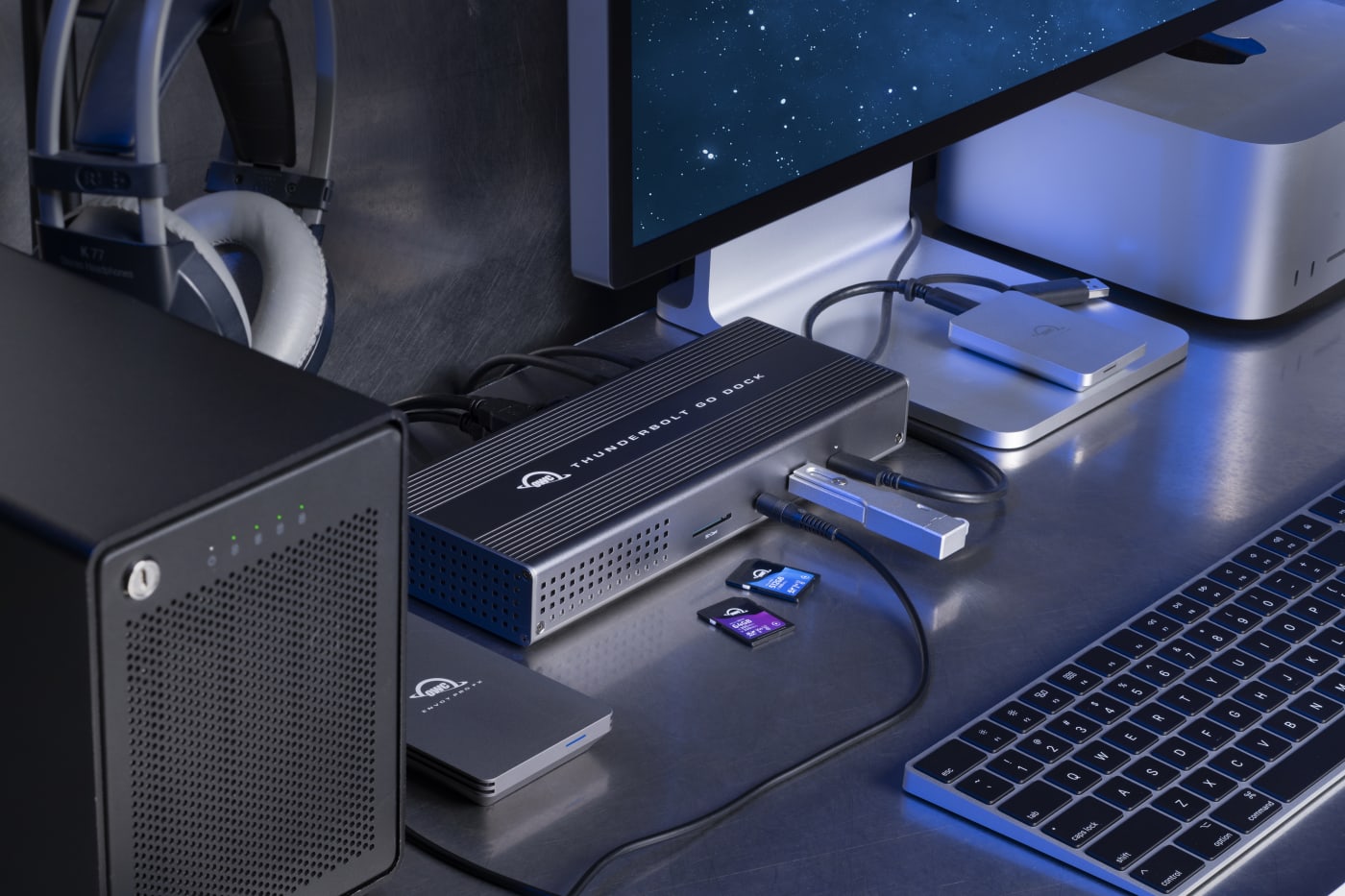
Transform a single Thunderbolt into dual Thunderbolt ports with the OWC Thunderbolt Go Dock. Take advantage of extra Thunderbolt ports to connect multiple Thunderbolt / USB-C drives, devices and SSDs to experience the fastest speed your devices can deliver. Utilize multiple daisy-chains to connect even more with your Go Dock empowered workflow.
Disconnect In One Click
Safely disconnect multiple drives in a single click. OWC Dock Ejector was designed by OWC hardware and software engineers to ensure all data is written before disconnection, saving time and protecting against data loss. It makes losing your hard-earned work a thing of the past.
Apple SuperDrive Ready
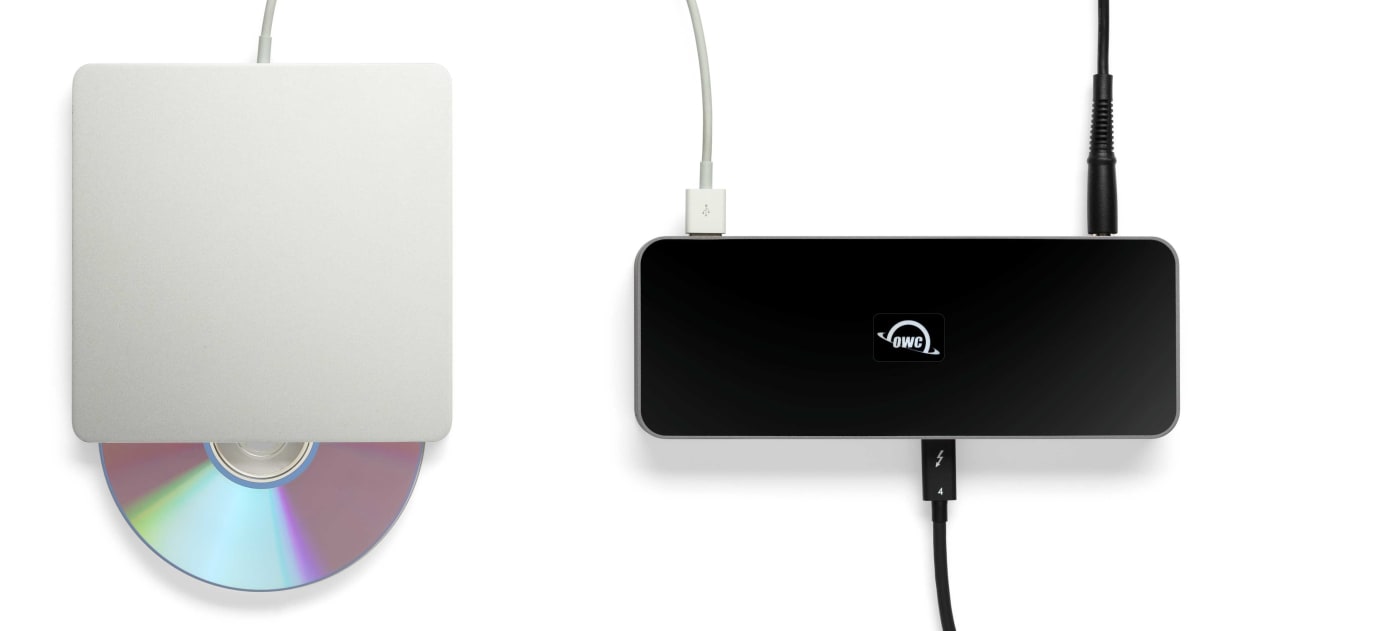
OWC Dock Ejector software also includes a special driver that enables you to use an Apple SuperDrive with the Thunderbolt Go Dock. Just connect the SuperDrive to an open USB-A port on the dock for bus power to watch a DVD movie, listen to music CDs, create a backup disk, and install software.
OWC Thunderbolt Cable Included
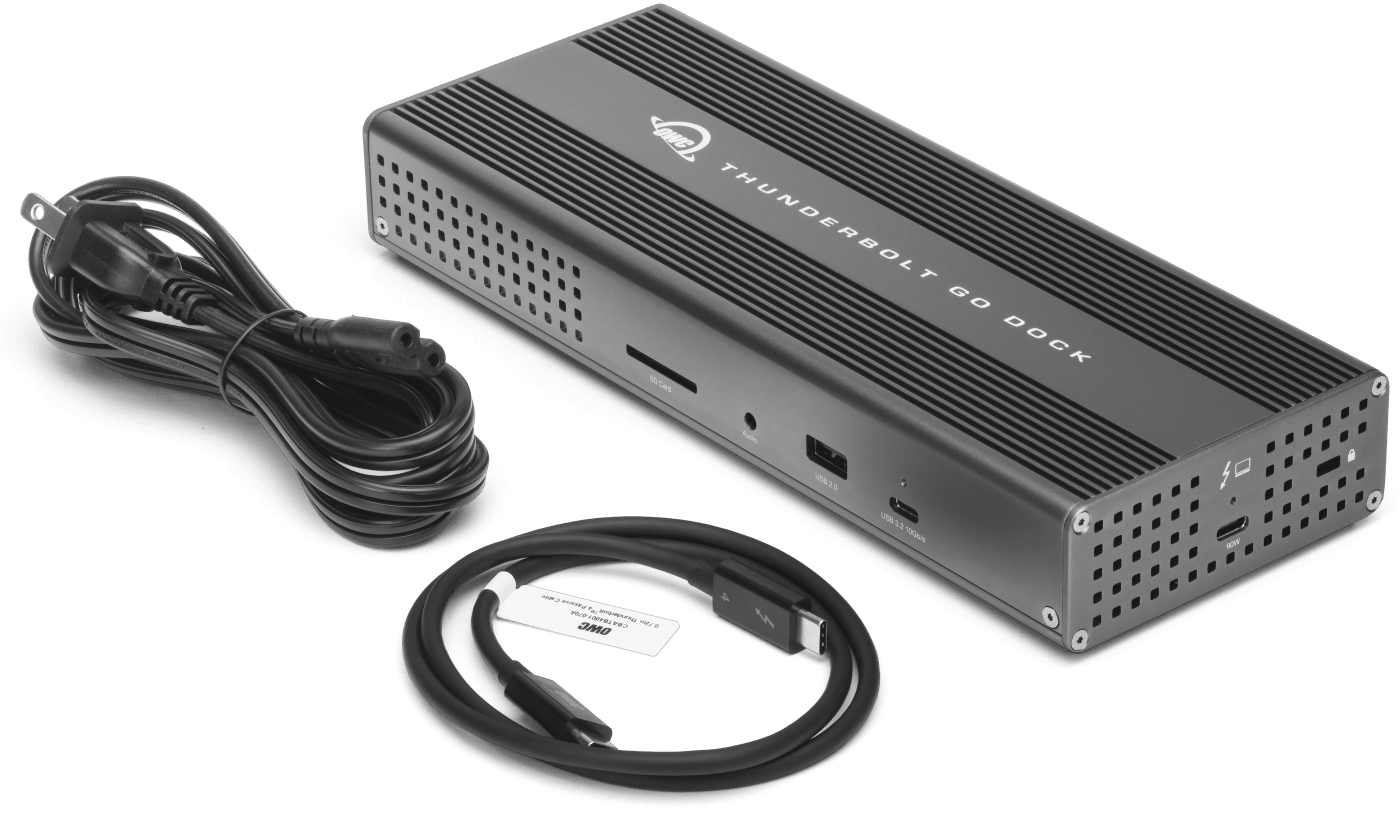
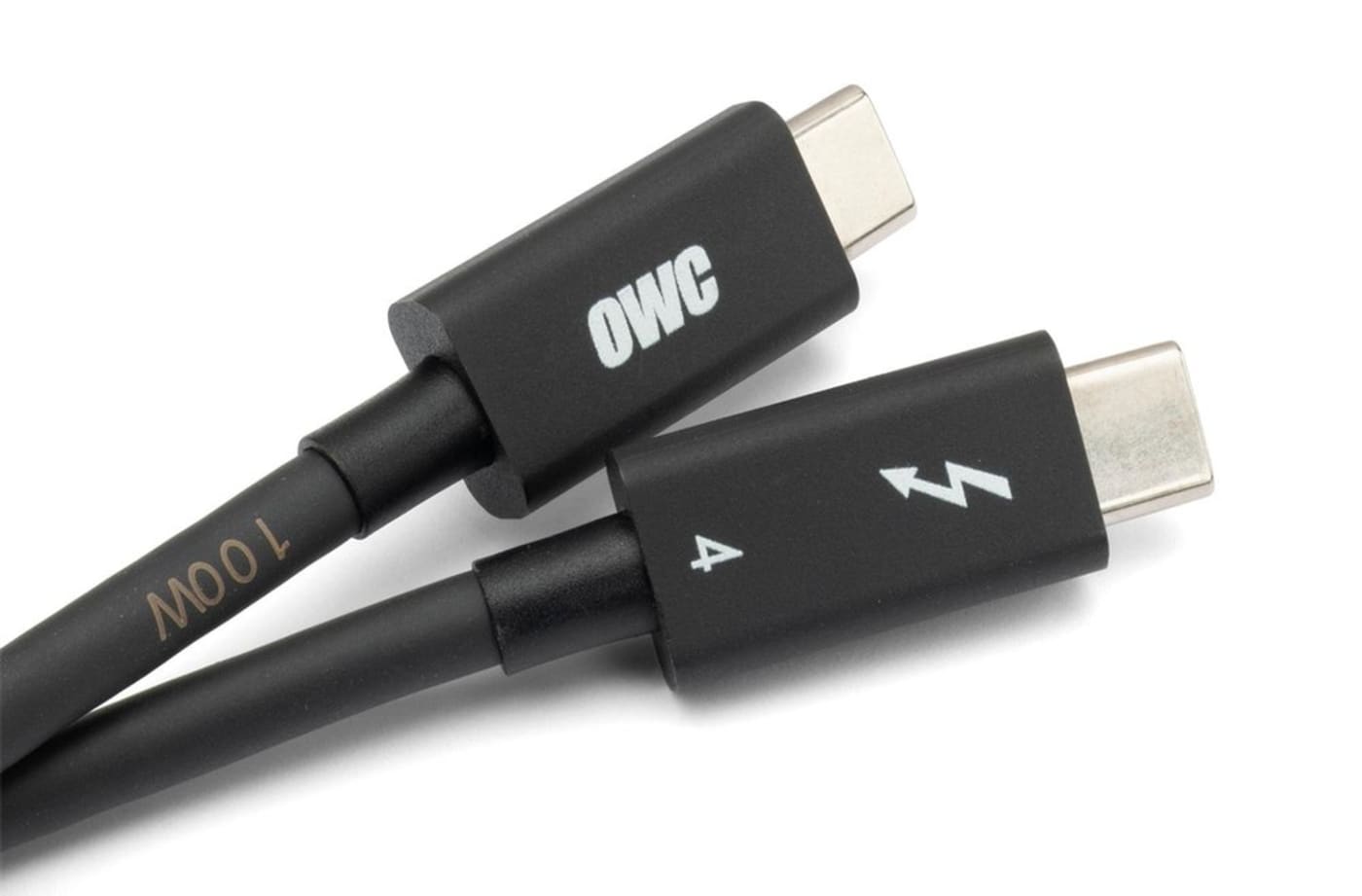
OWC Thunderbolt Go Dock comes with a certified 0.7M OWC Thunderbolt (USB-C) Cable. But if your workflow demands a different length to make the connection, OWC Thunderbolt (USB-C) Cables are the perfect choice.
Work with Ultimate Confidence
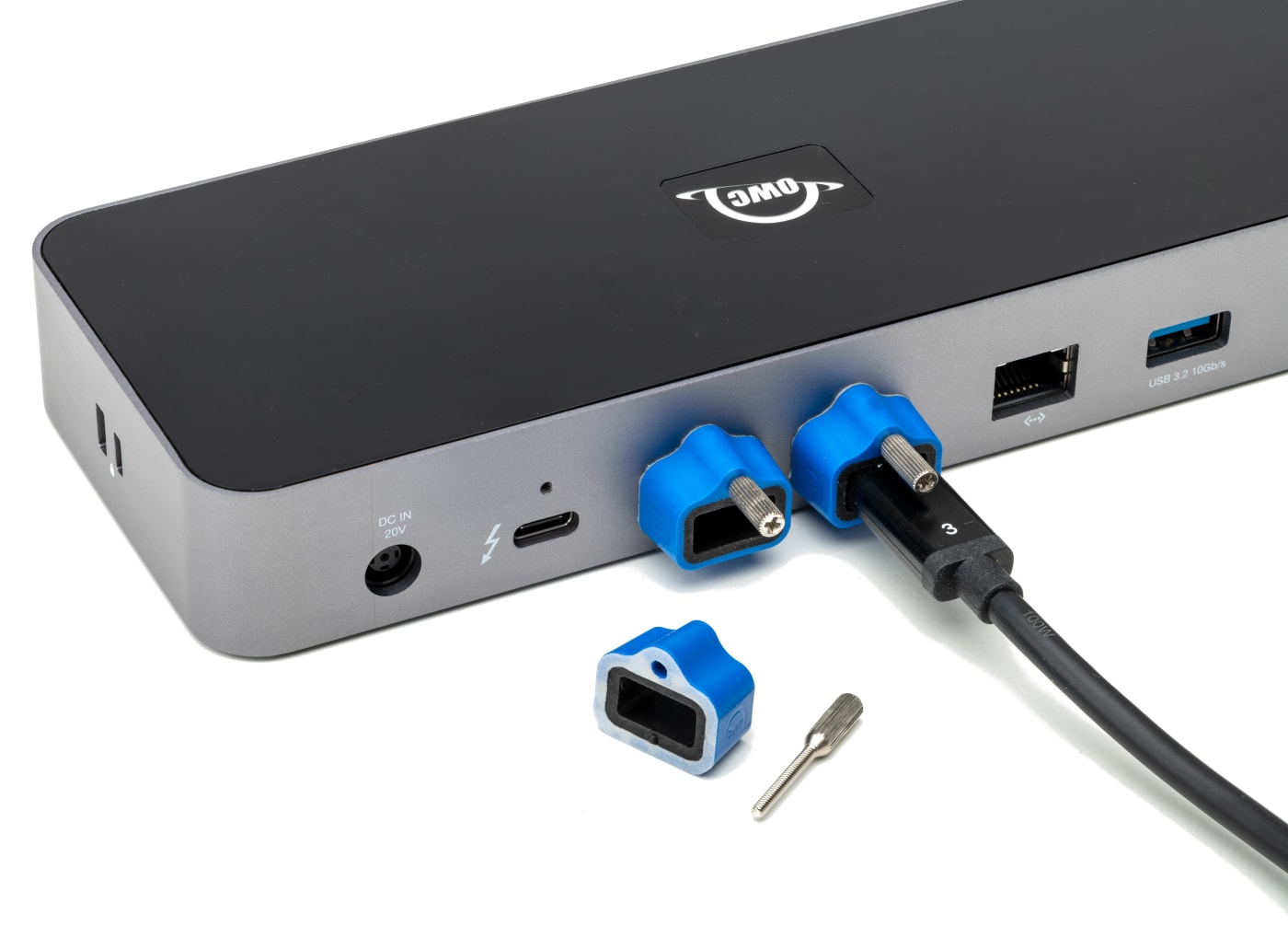
Active workspaces expose gear to unexpected bumps and shoves. OWC ClingOn custom cable stabilizers (available separately) screw into the OWC Dock or OWC Drive housing to reduce – if not completely eliminate – cable strain on Thunderbolt and USB-C connections so you can work with ultimate confidence even in the highest foot traffic environments.

Innergize Your Workflow with Highest Performance and Reliability
OWC Innergize™ is the first stage of the Capture to Completion™ ecosystem of OWC products designed to seamlessly propel professional photographers, videographers, and content creators to the highest level of workflow performance and reliability. This OWC custom-designed app is a complete health, performance, and field upgrade management tool when using OWC Atlas memory cards with OWC Atlas readers and reader equipped products.
Work with Maximum Confidence and Reliability
-
Health
Over time and use cycles, flash memory does wear out. Innergize verifies and reports the percentage of use life remaining. Now you can work with full confidence your OWC flash memory product will deliver the reliability you can trust.
-
Sanitize
Over time and use cycles, flash memory does wear out. Innergize verifies and reports the percentage of use life remaining. Now you can work with full confidence your OWC flash memory product will deliver the reliability you can trust.
-
Field Upgrade
When new cameras or firmware updates to existing cameras are introduced, they may not work properly with flash memory cards and drives. Innergize gives OWC memory card users the ability to quickly upgrade their firmware in the field for full compatibility, additional performance enhancements, and bug fixes for optimal reliability.
- Works with Thunderbolt 4, Thunderbolt 3, USB4, and USB host computers and mobile devices. Thunderbolt/Thunderbolt 2 Mac models are supported via USB-A host connection. Thunderbolt/Thunderbolt 2 host connection is not supported.
- Works with Thunderbolt (USB-C), Thunderbolt/Thunderbolt 2 (mDP), and USB devices. Thunderbolt/Thunderbolt 2 (mDP) device support requires a certified Thunderbolt 3 (USB-C) to Thunderbolt 2 (mDP) adapter and a Thunderbolt 2 cable (not included). This configuration provides data transfer at up to 20Gb/s but does not support notebook charging.
- Actual display support depends upon host. Please review the display specifications for your specific host system to determine the maximum supported resolution, refresh rate, color depth, and number of external displays over Thunderbolt or USB.
- Requires 2.5Gb/s Ethernet compatible hardware components and cabling (Cat 5e cable minimum, Cat 6 or later strongly recommended).
- Use of displays via USB-C (10Gb/s) port requires additional driver(s) and USB-C to HDMI adapter or USB-C to DisplayPort adapter (available separately).