 USA + International
 OWC Canda
 OWC Europe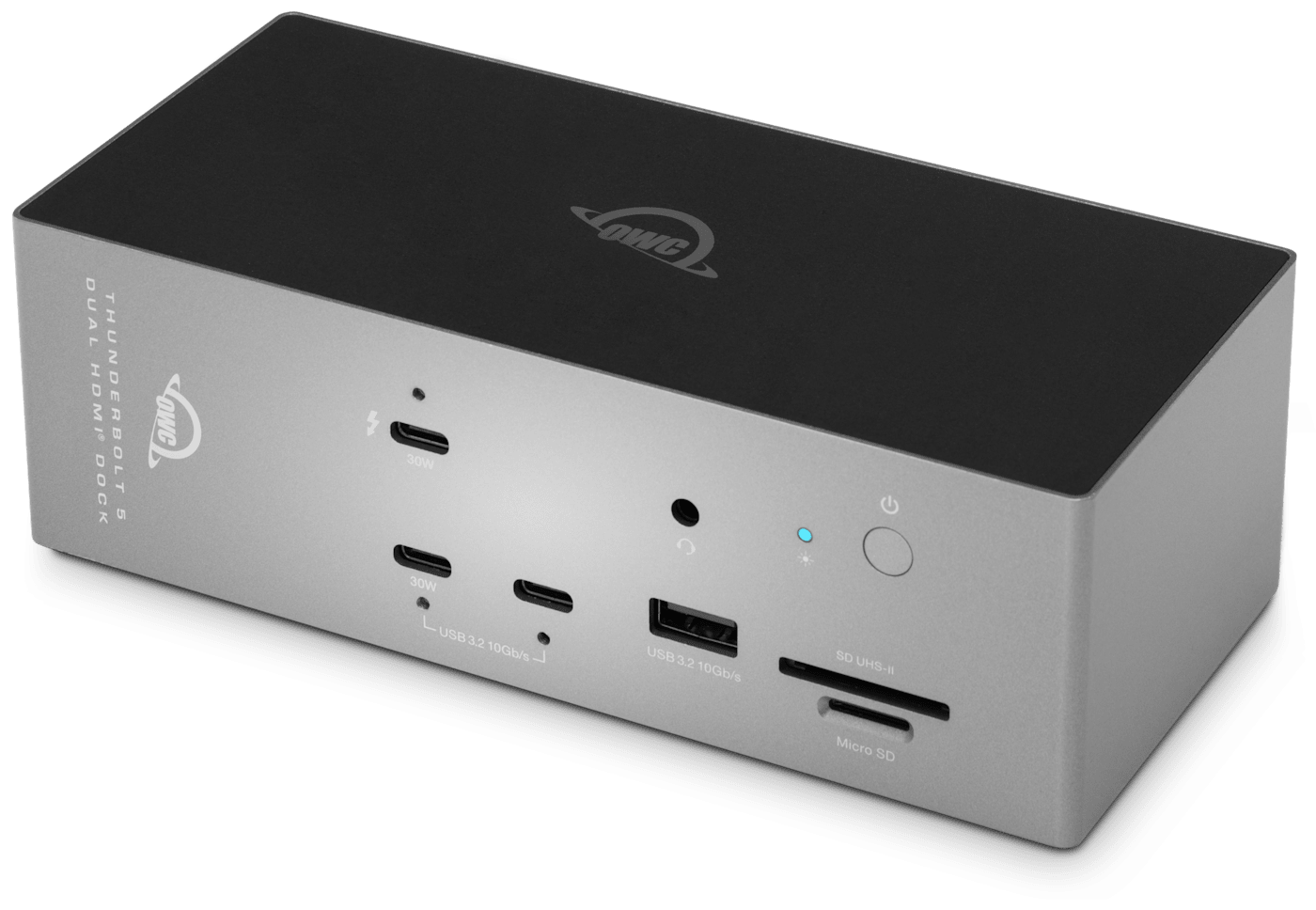
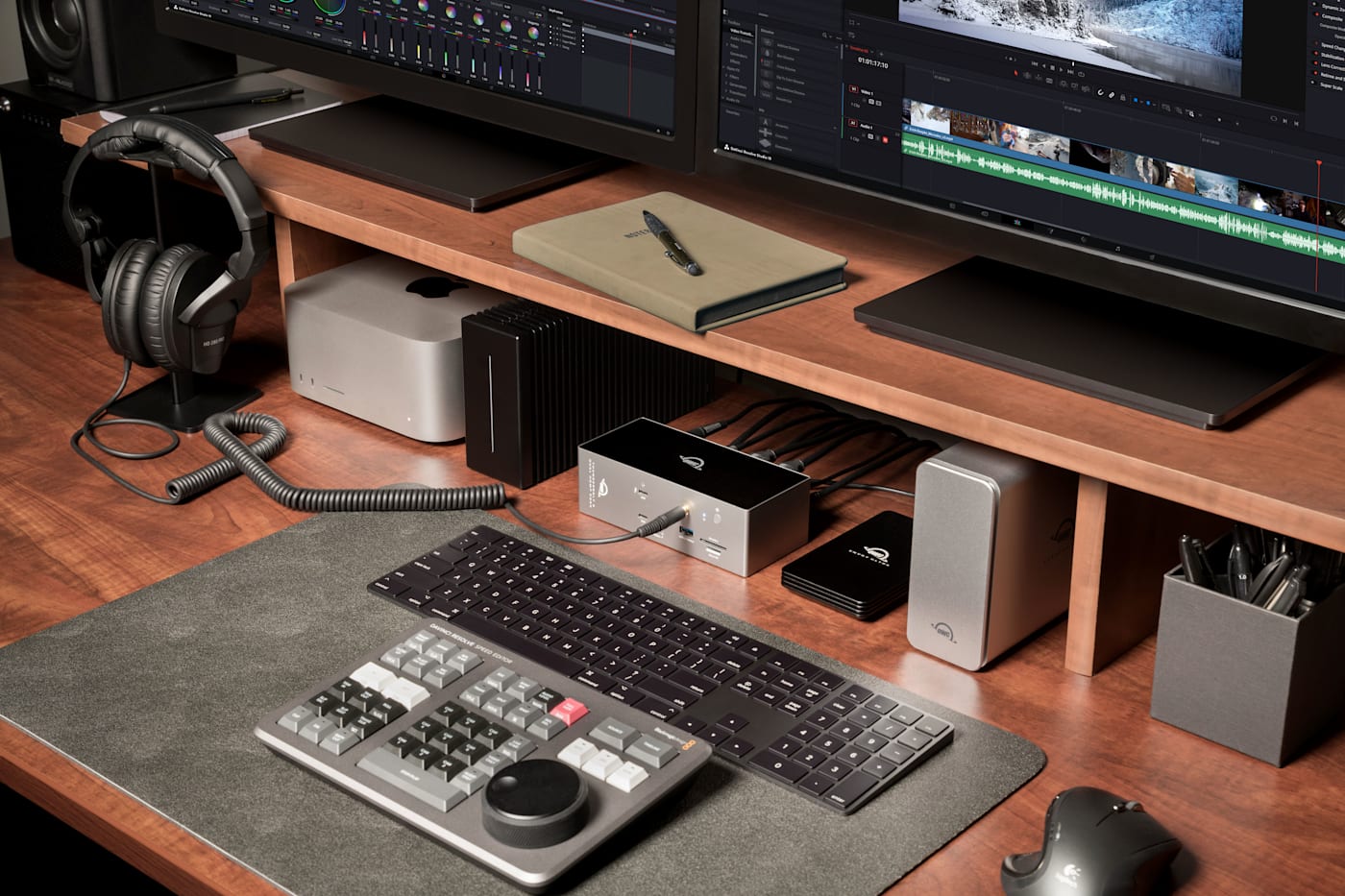
Thunderbolt 5 Dock with Dual HDMI®
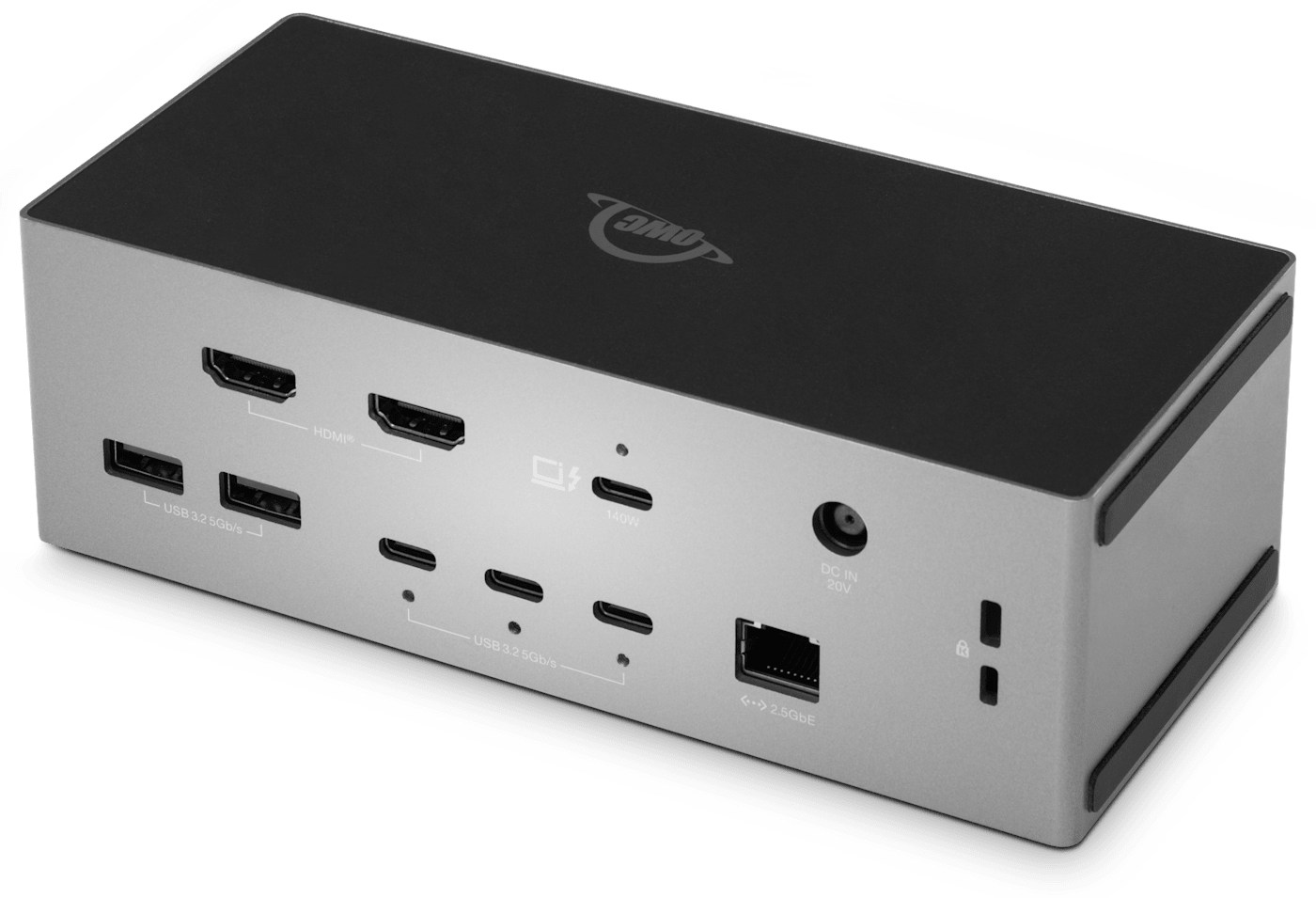
Delivers native dual HDMI® 2.1 connectivity with no adapters required. One Thunderbolt 5 cable powers dual displays, 2.5Gb Ethernet, a downstream Thunderbolt 5 port for high-speed storage, UHS-II SD and microSD, eight USB ports, audio, and up to 140W laptop charging.

Dual HDMI® Built In. Everything Else Included.
You have HDMI® monitors, but your laptop doesn't have HDMI® ports. Adapters, dongles, and flicker aren't the answer. OWC Thunderbolt 5 Dock with Dual HDMI® is.
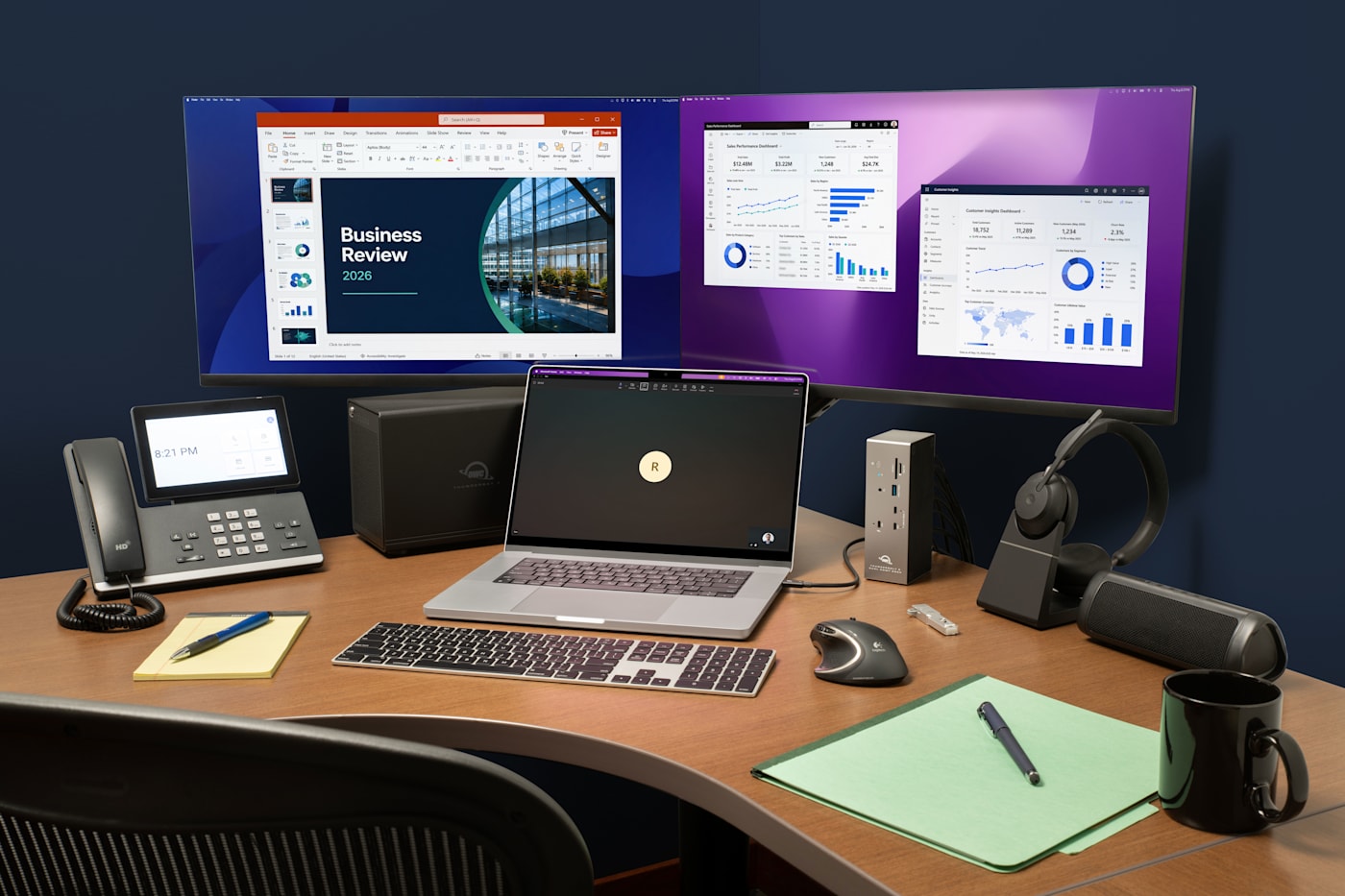
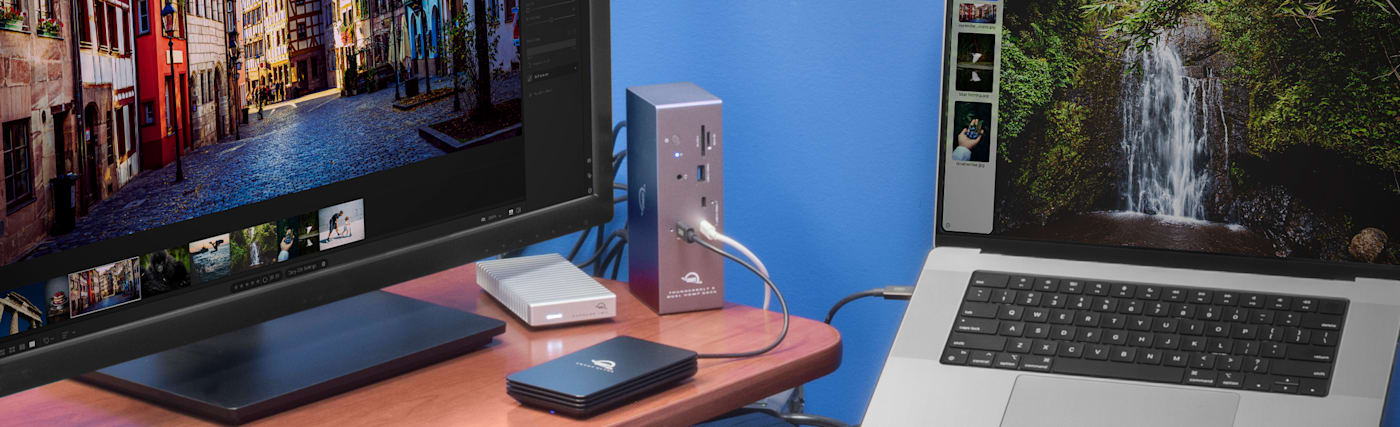
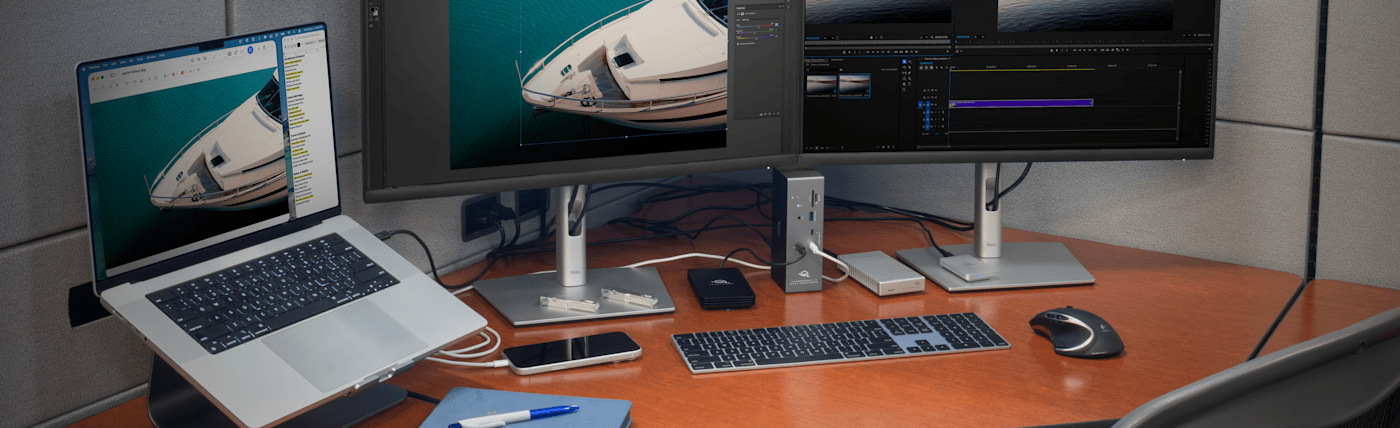
Connect your monitors directly without adapter or DisplayPort conversion hassles through two native HDMI® 2.1 ports, each running on its own dedicated controller so neither display competes with the other for bandwidth. Plug in one Thunderbolt 5 cable and bring your whole workspace alive at once with wired networking, high-speed storage expansion, memory card offload, and up to 140W of laptop charging.
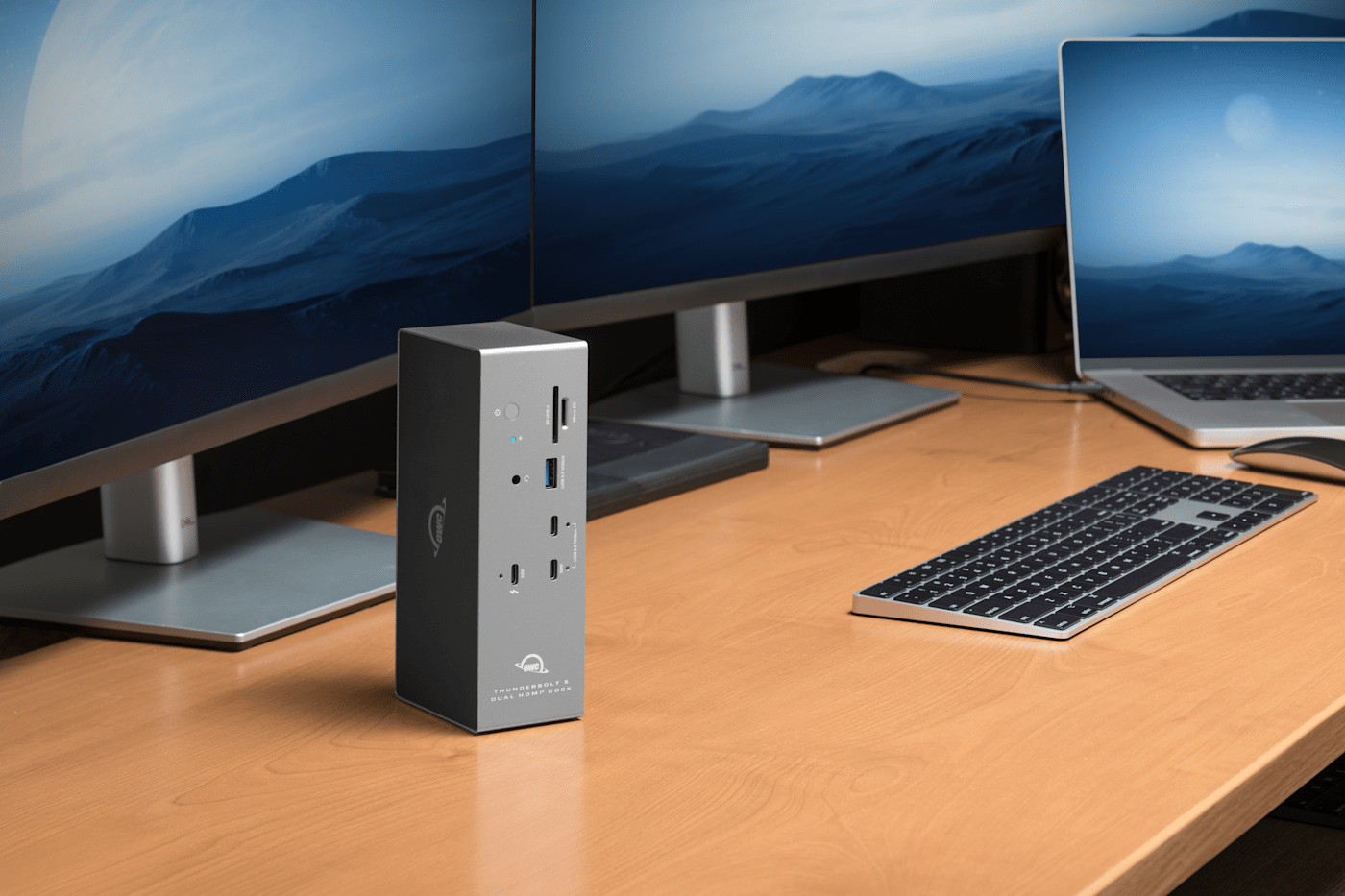
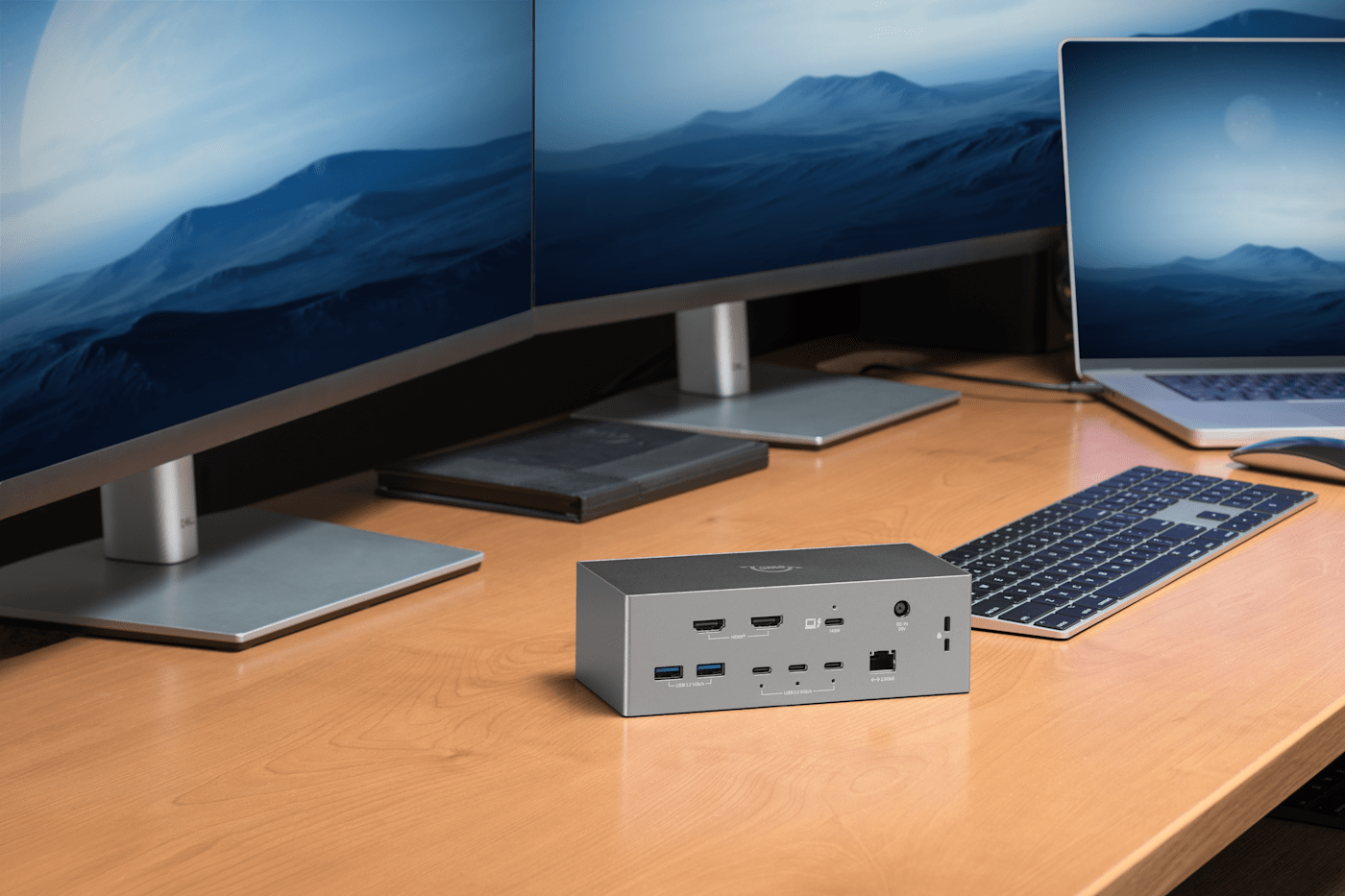
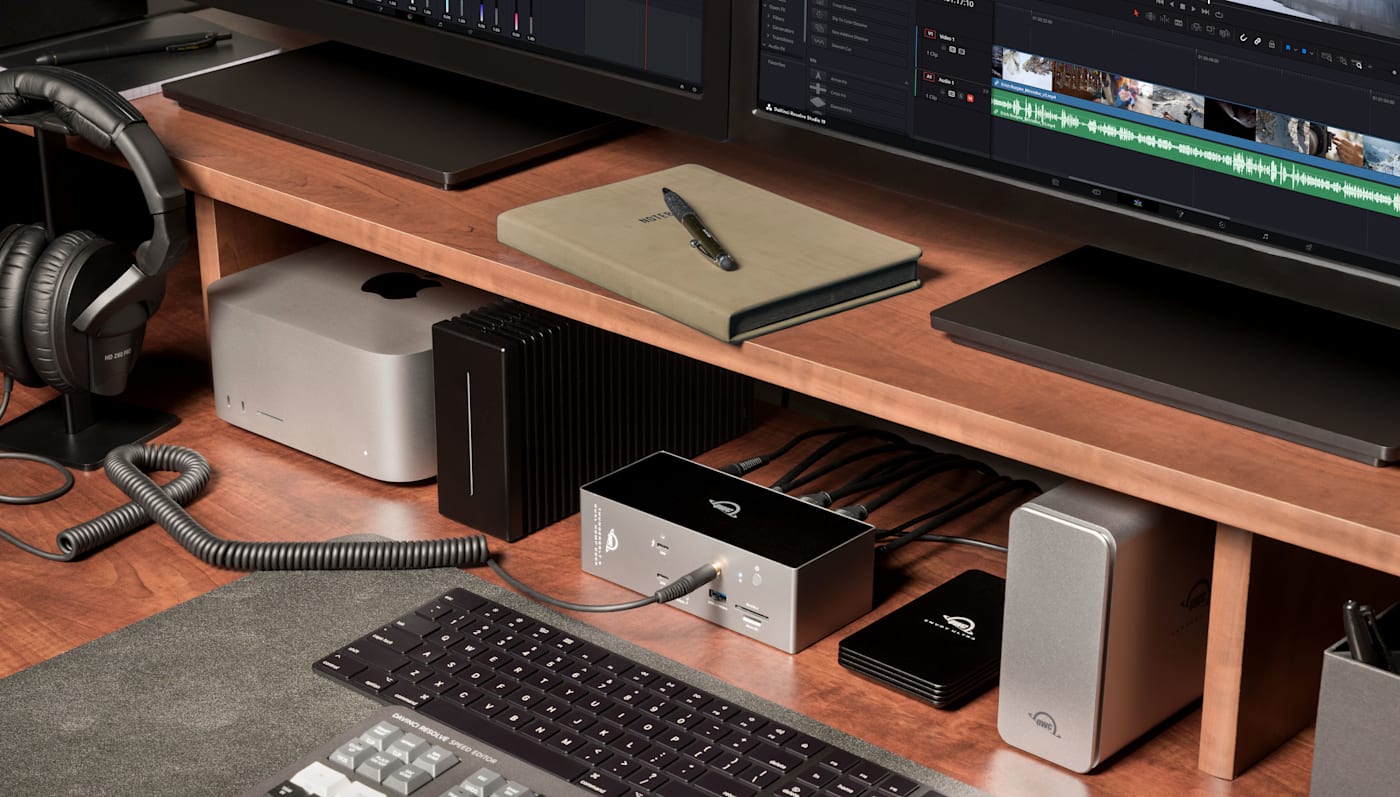
Just when you think this dock couldn't make things easier for you, it adapts to your desk setup too. Lay it flat next to your keyboard or stand it upright to save space.
Two Displays, Zero Adapters
Plug any HDMI® monitor, TV, or reference display straight into the dock. Run dual 8K displays @ 60Hz on a Thunderbolt 5 host or add a third display through the Thunderbolt 5 port itself at 6K @ 60Hz.
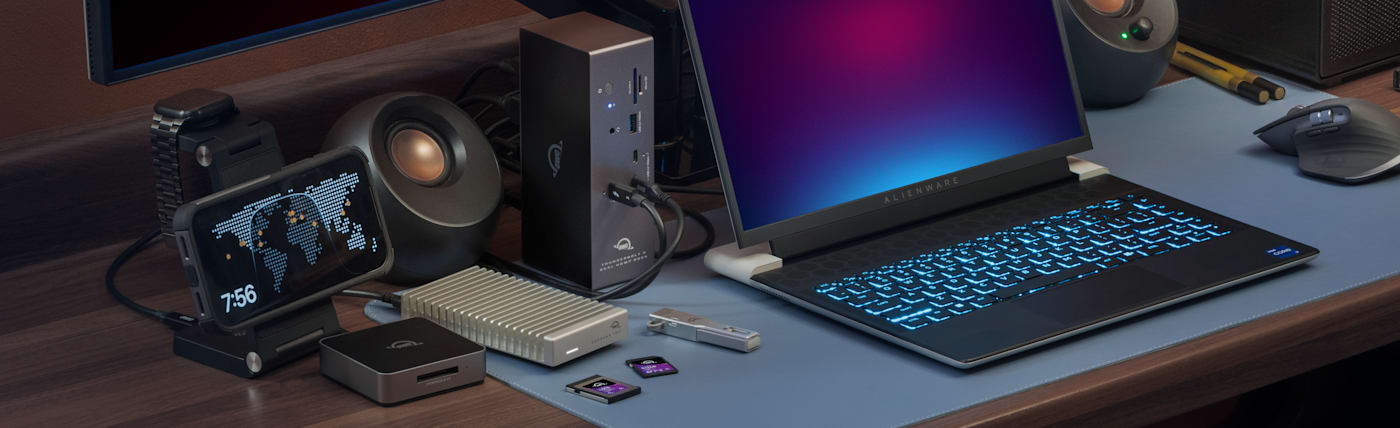


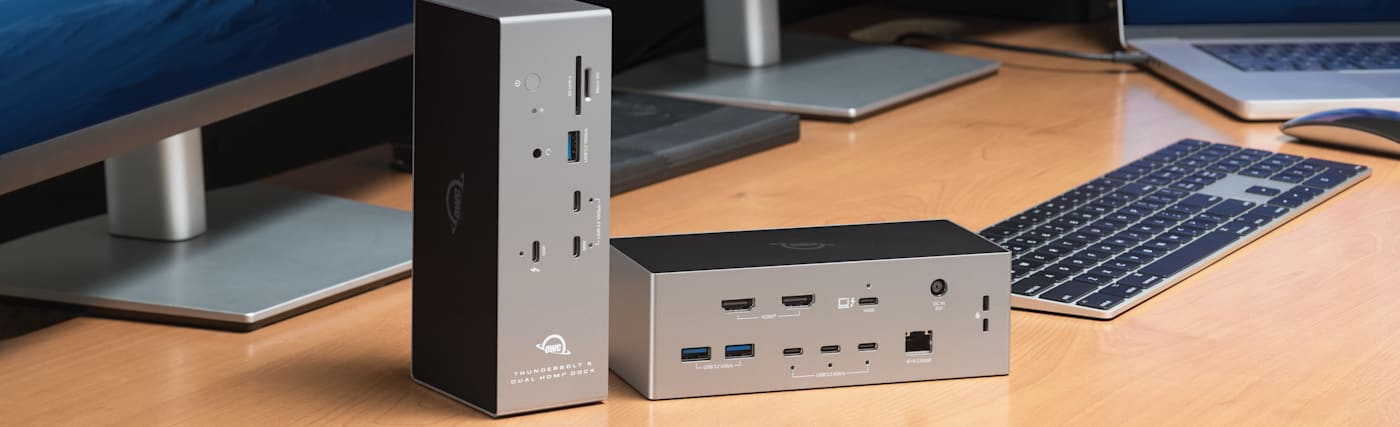

All the Rest Is Built in Too
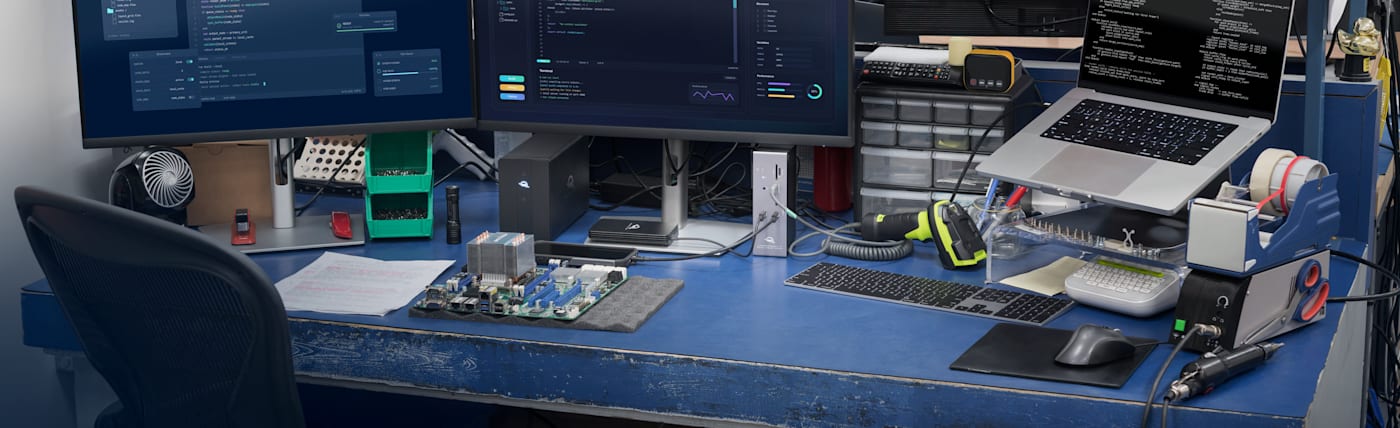
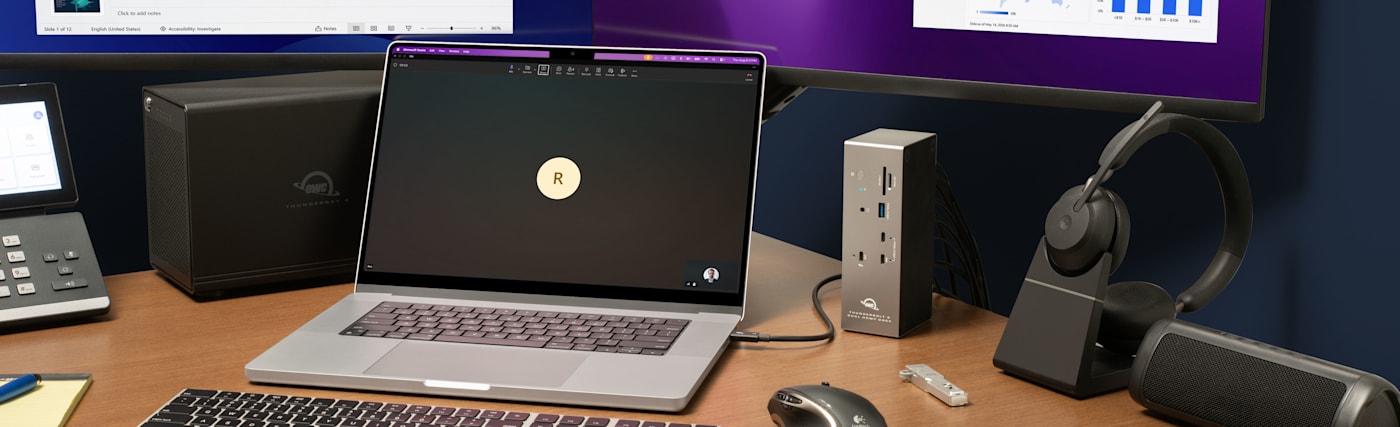
Access a NAS, transfer large files quickly, and log into a secure corporate network without Wi-Fi latency or dropped connections with the 2.5Gb Ethernet port. Round out your desktop setup with eight total USB ports, two USB-C and one USB-A up front, plus three USB-C and two USB-A in back, so your drives, keyboard, mouse, and accessories stay connected without hunting for an open port.
Connect Fast Storage or a Third Display
Connect the latest NVMe SSDs, RAID arrays, or Thunderbolt storage enclosures to the second Thunderbolt 5 port and move massive libraries, project files, or backups at full rated speed without shared-bandwidth bottlenecks. Need a third display instead? Drive it from the same port, up to 6K @ 60Hz or 4K @ 144Hz alongside your two HDMI® monitors.
Full Power Charging Even While Running Everything Else
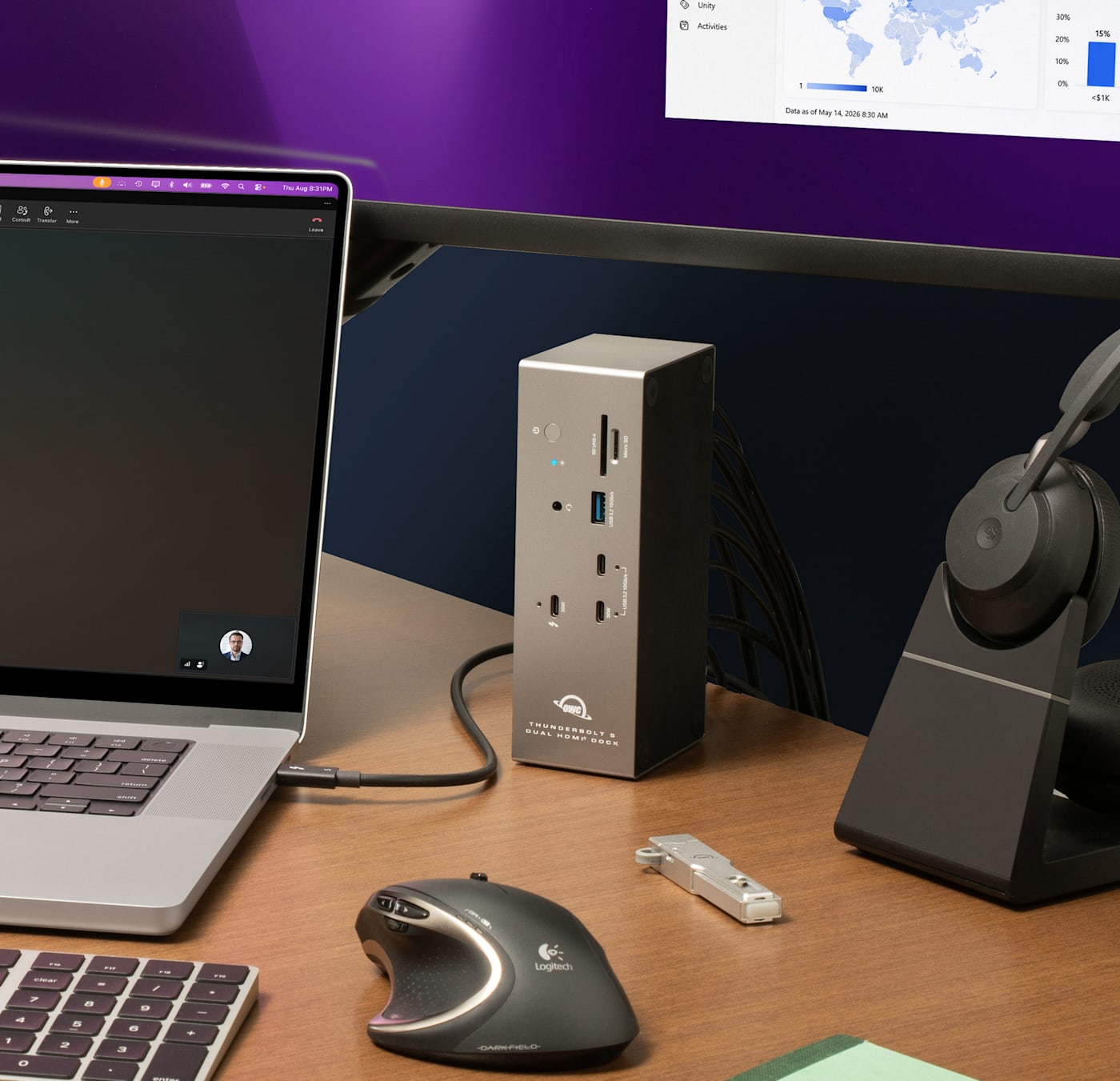
Keep the most demanding MacBook Pro or Windows laptop fully charged and ready to hit the field with up to 140W of charging even while running dual displays, storage, and networking simultaneously. Fast charge a phone or tablet alongside it with up to 30W from the front USB-C port.

Offload Cards and Keep Them Shoot Ready
Pull footage directly from camera cards through the UHS-II SD and microSD slots. When you use OWC Atlas SD cards, you can keep them shoot ready with free Innergize software. Check remaining health and lifespan, restore write performance that's degraded from heavy use, and push firmware updates to stay compatible with new camera releases.
Connecting Displays is as Easy as 1, 2, 3
With dual HDMI® ports, you no longer need to use a high-speed Thunderbolt 5 port to add a second display. And if you want three displays, you can use the Thunderbolt 5 port! Find out your displays support by host:
Thunderbolt 5 Host
| HDMI 1 (Rear) | HDMI 2 (Rear) | Thunderbolt Port (Front) | Max Resolution & Refresh Rate |
|---|---|---|---|
 |
|
Available |
Up to 8K @ 60Hz or 4K @ 240Hz |
|
|
|
Available |
Up to dual 8K @ 60Hz or dual 4K @ 240Hz |
|
|
|
|
Up to triple 6K @ 60Hz or triple 4K @ 144Hz |
Actual display support depends upon host system specifications, GPU, operating system, display configuration, and DSC support.
Thunderbolt 4 Host
| HDMI 1 (Rear) | HDMI 2 (Rear) | Thunderbolt Port (Front) | Max Resolution & Refresh Rate |
|---|---|---|---|
|
|
|
Available |
Up to 8K @ 60Hz or 4K @ 120Hz |
|
|
|
Available |
Up to dual 4K @ 60Hz |
3 displays are not supported on this host. Actual display support depends upon host system specifications, GPU, operating system, display configuration, and DSC support.
Thunderbolt 3 Host
| HDMI 1 (Rear) | HDMI 2 (Rear) | Thunderbolt Port (Front) | Max Resolution & Refresh Rate |
|---|---|---|---|
|
|
|
Available |
Up to 5K @ 60Hz |
|
|
|
Available |
Up to dual 4K @ 60Hz on supported hosts |
3 displays are not supported on this host. Actual display support depends upon host system specifications, GPU, operating system, display configuration, and DSC support.
USB4 Host
| HDMI 1 (Rear) | HDMI 2 (Rear) | Thunderbolt Port (Front) | Max Resolution & Refresh Rate |
|---|---|---|---|
|
|
|
Available |
Up to 8K @ 60Hz or 4K @ 120Hz on supported hosts |
|
|
|
Available |
Up to dual 4K @ 60Hz on supported hosts |
3 displays are not supported on this host. Actual display support depends upon host system specifications, GPU, operating system, display configuration, and DSC support.
USB-C Host (DisplayPort Alt Mode)
| HDMI 1 (Rear) | HDMI 2 (Rear) | Thunderbolt Port (Front) | Max Resolution & Refresh Rate |
|---|---|---|---|
|
|
|
Available |
Up to 8K @ 60Hz or 4K @ 120Hz on supported hosts |
|
|
|
Available |
Up to dual 4K @ 60Hz on supported hosts |
3 displays are not supported on this host. Dual extended displays require host and OS support for MST. macOS does not support MST for extended displays. Actual display support depends upon host system specifications, GPU, operating system, display configuration, and DSC support.
Disconnect In One Click
Safely disconnect multiple drives in a single click. OWC Dock Ejector was designed by OWC hardware and software engineers to ensure all data is written before disconnection, saving time and protecting against data loss. It makes losing your hard-earned work a thing of the past.
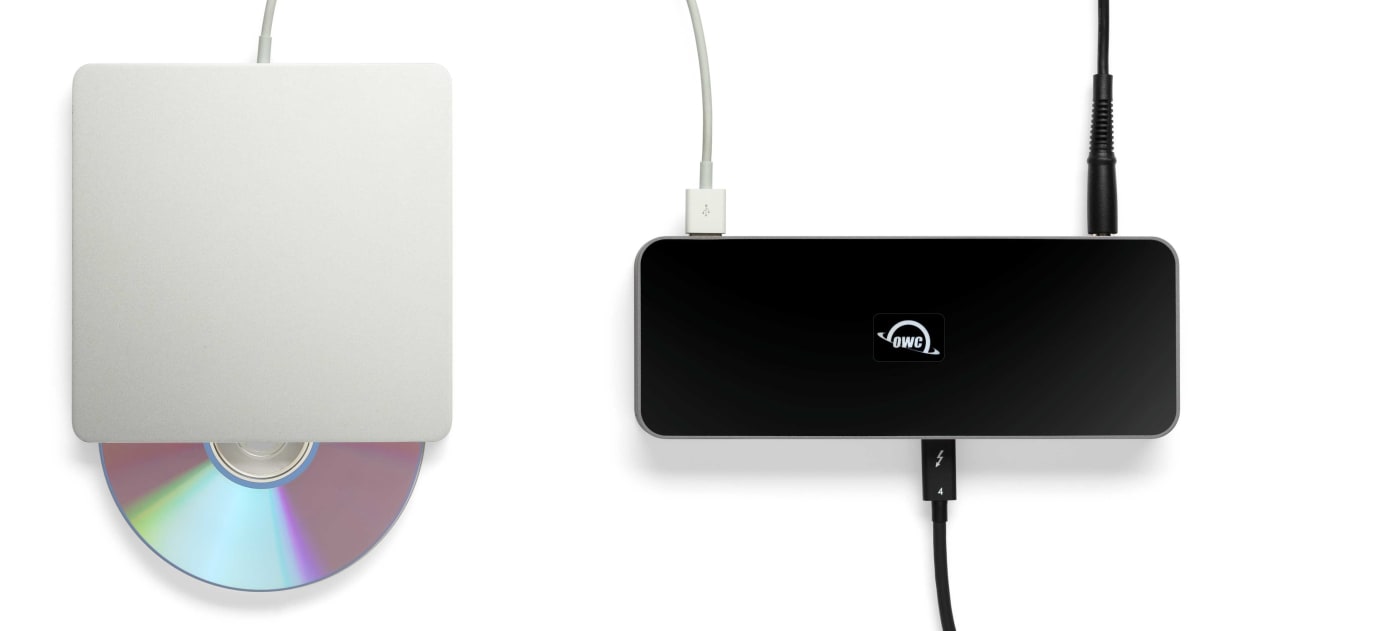
Apple SuperDrive Ready
OWC's free Dock Ejector software also includes a special driver that enables your OWC Thunderbolt 5 Dock with Dual HDMI® to play and burn CDs and DVDs with the Apple SuperDrive. Just connect the SuperDrive to an open USB-A port on the OWC Thunderbolt Dock for bus power to watch a DVD movie, listen to music CDs, create a backup disk, and install software.
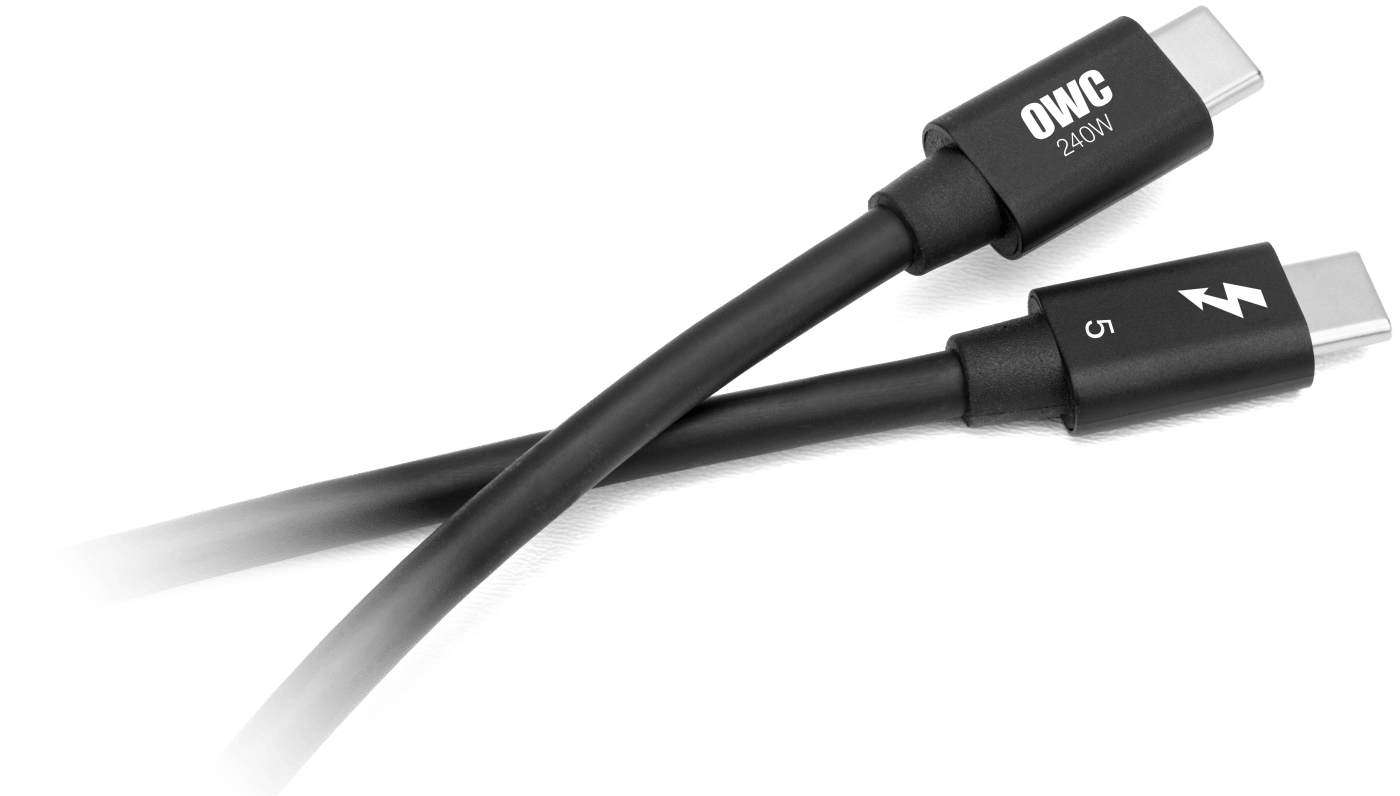
OWC Thunderbolt 5 Cable Included
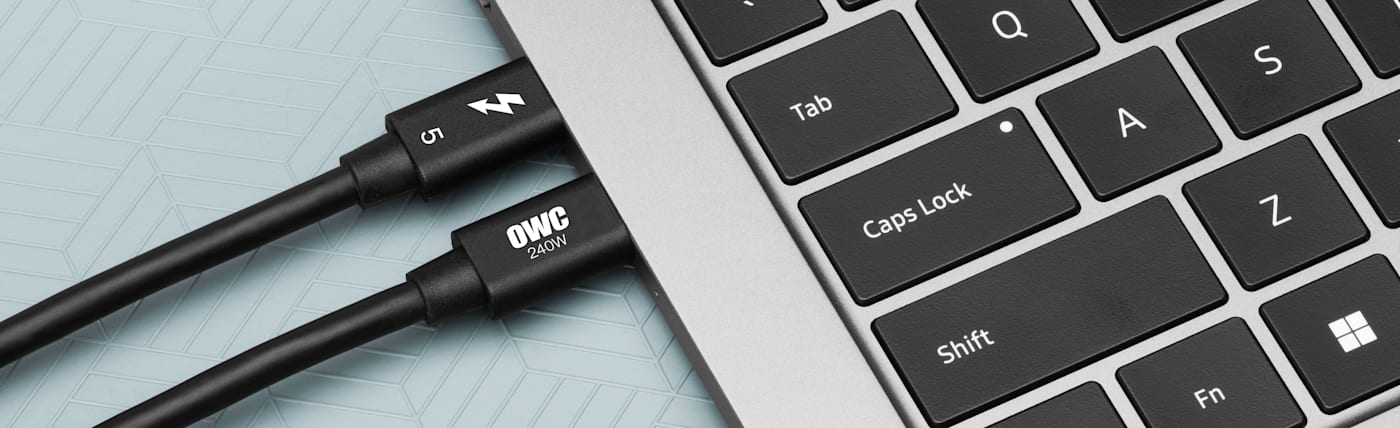
OWC Thunderbolt 5 Dock with Dual HDMI comes with a certified 1.0M OWC Thunderbolt 5 (USB-C) Cable. But if your workflow demands a different length to make the connection, OWC Thunderbolt 5 (USB-C) Cables are the perfect choice.

Discover the OWC Difference
Since 1988, our mission has focused on maximizing the usefulness and longevity of your technology investment. Our business operations share that same sustainability commitment. As the first 100% on-site wind powered technology manufacturer/distributor in the U.S., we now generate excess power. 97% of solid waste is recycled. These and other actions have resulted in our headquarters being Energy Star® and LEED® Platinum certified. Learn more about our passion for the planet we share here: Environmental Sustainability
Frequently Asked Questions (FAQs)
-
Can I run dual 8K displays at the same time?
-
Yes, with a Thunderbolt 5 host you can run dual 8K displays @ 60Hz, using either both HDMI® ports or one HDMI® port plus the second Thunderbolt 5 port.
-
Can I connect three displays?
-
You can! A Thunderbolt 5 host drives all three display outputs: HDMI® 1, HDMI® 2, and the Thunderbolt 5 port together at 4K @ 144Hz.
-
Will this work with my Thunderbolt 4 or USB4 laptop?
-
Absolutely. You can use this dock with Thunderbolt 5, Thunderbolt 4, Thunderbolt 3 (Mac only), USB4, and USB-C hosts, with display output dependent on what each host supports.
-
Does my laptop stay charged while running two displays and storage?
-
The Thunderbolt 5 host port delivers up to 140W to your laptop even while everything else connected to the dock is running.
-
Can I fast charge my phone or tablet at my desk?
-
Yes, the front USB-C port delivers up to 30W of fast charging for a phone, tablet, or other mobile device.
-
Will external SSDs and RAID arrays run at full speed?
-
They will. The downstream Thunderbolt 5 port supports up to 80Gb/s bidirectional bandwidth so external storage runs at its full rated speed.
-
Can I place the dock vertically to save desk space?
-
Yep, both horizontal and vertical desk placement are supported, so you can lay the dock flat or stand it upright depending on desktop setup.
-
Does this work with my OWC Atlas SD cards
-
.It does and you can use free OWC Innergize software to monitor health, restore performance, and push firmware updates to your OWC Atlas SD cards through the dock's built-in SD card reader.
-
Is this compatible with Windows?
-
Windows 11 is supported, along with Chrome OS and iPadOS, in addition to macOS 26 Tahoe, macOS 15 Sequoia, and macOS 14 Sonoma on Apple silicon.