 USA + International
 OWC Canda
 OWC Europe


 Find A Reseller


"When it comes to making sure years of content is easily accessible in a speedy manner, the ThunderBay provides that and much more."

“I use Thunderbay for storing all the data I took over the years. I take huge risk in taking the best possible images. I do not want to loose them at any price."
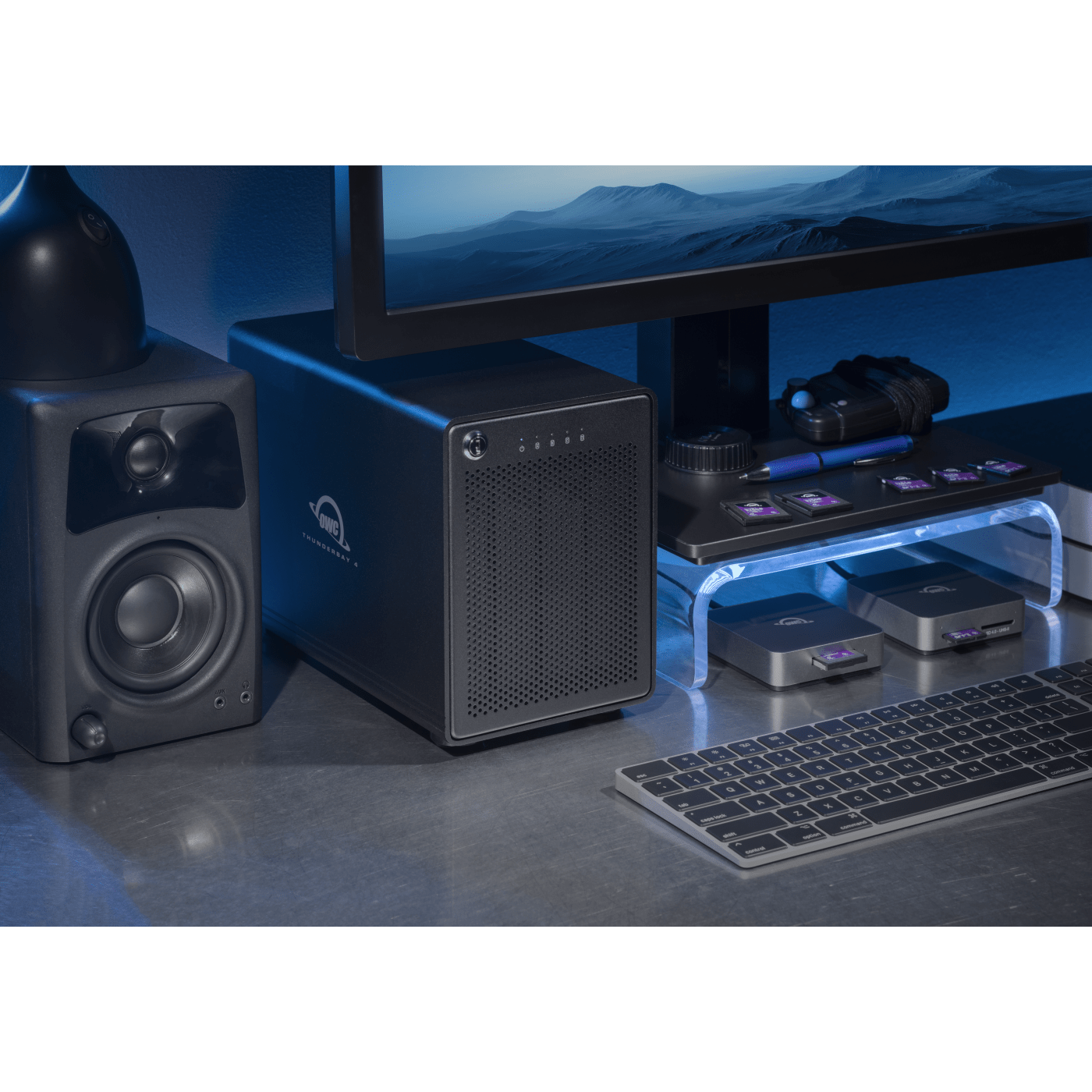
Still The Standard. Now Even Better.
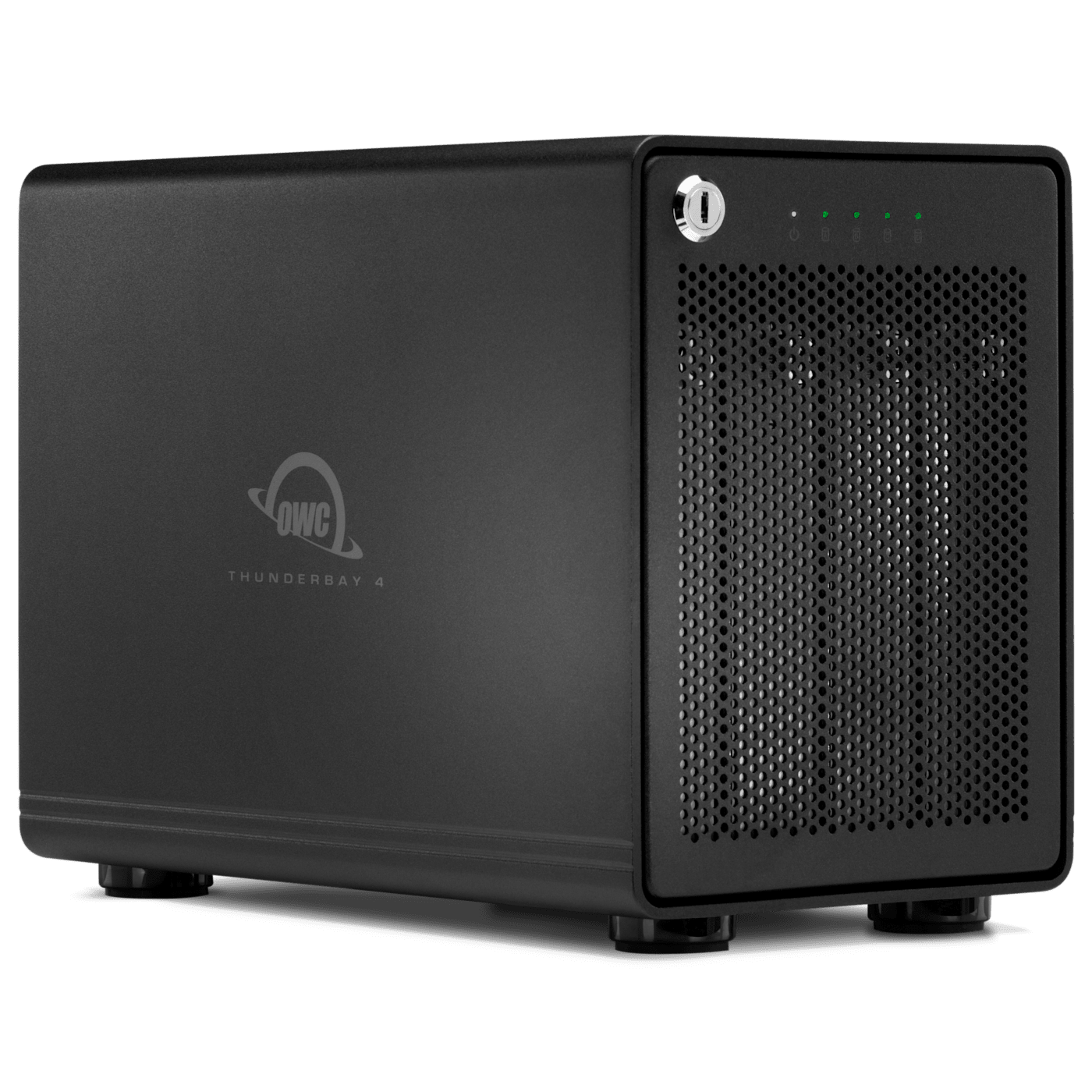
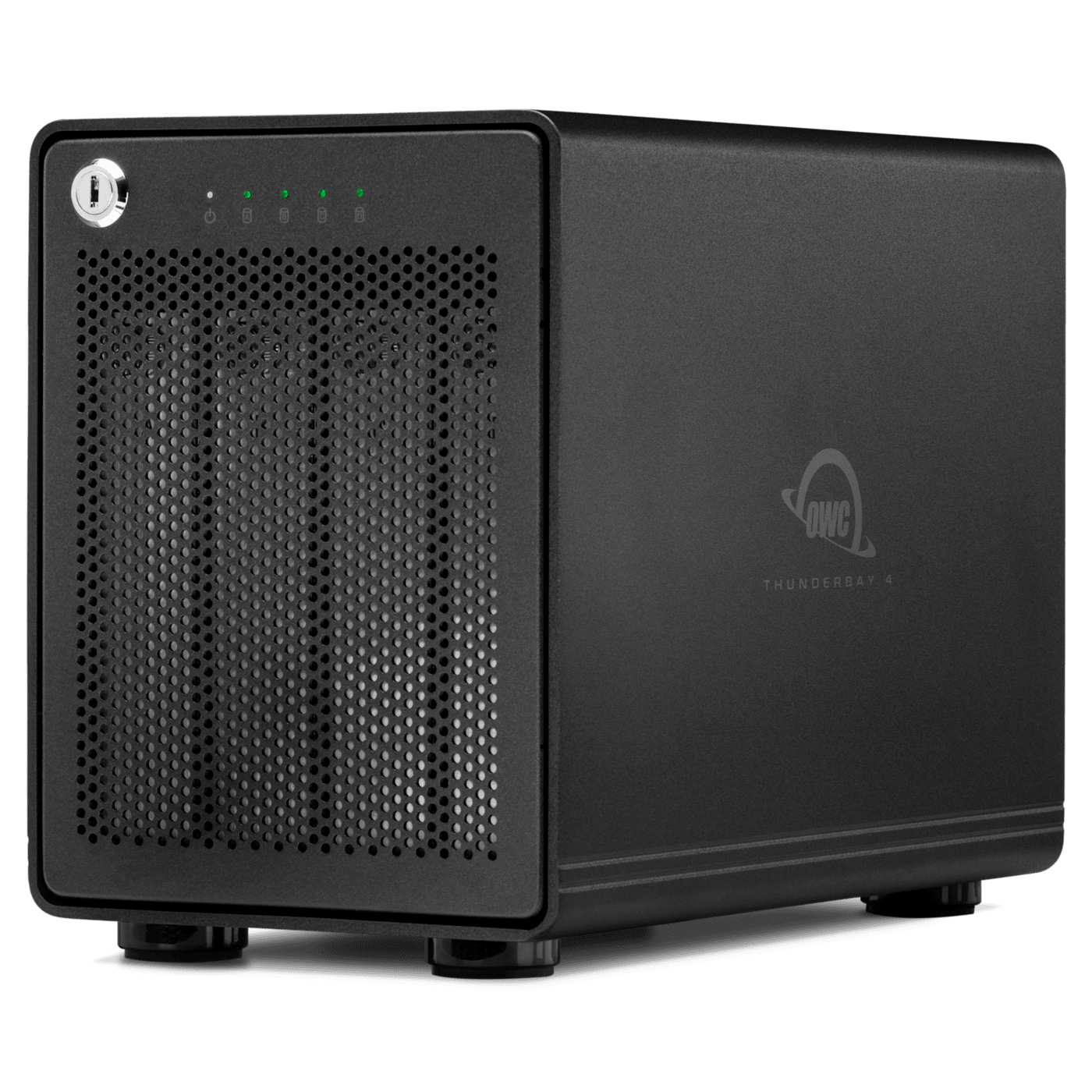
Client work adds up fast, and so does the backup copy, the archive, and the footage nobody's ready to delete yet. OWC ThunderBay 4 organizes it all in one four-bay enclosure with up to 128TB of RAID-protected capacity. Every solution ships configured for RAID 5, so a single drive can be replaced without putting your files at risk. Two Thunderbolt 5 ports carry a full 80Gb/s connection to your computer and pass that same bandwidth downstream, giving added displays, drives, and devices far more headroom than what past ThunderBay 4 models offered. Included free trial of Strada lets your remote team reach your files the day this storage powerhouse arrives. The design looks nearly identical to the ThunderBay 4 that's been refined since 2014. That's not a lack of imagination. That's what happens when you get it right the first time, and keep getting it right.
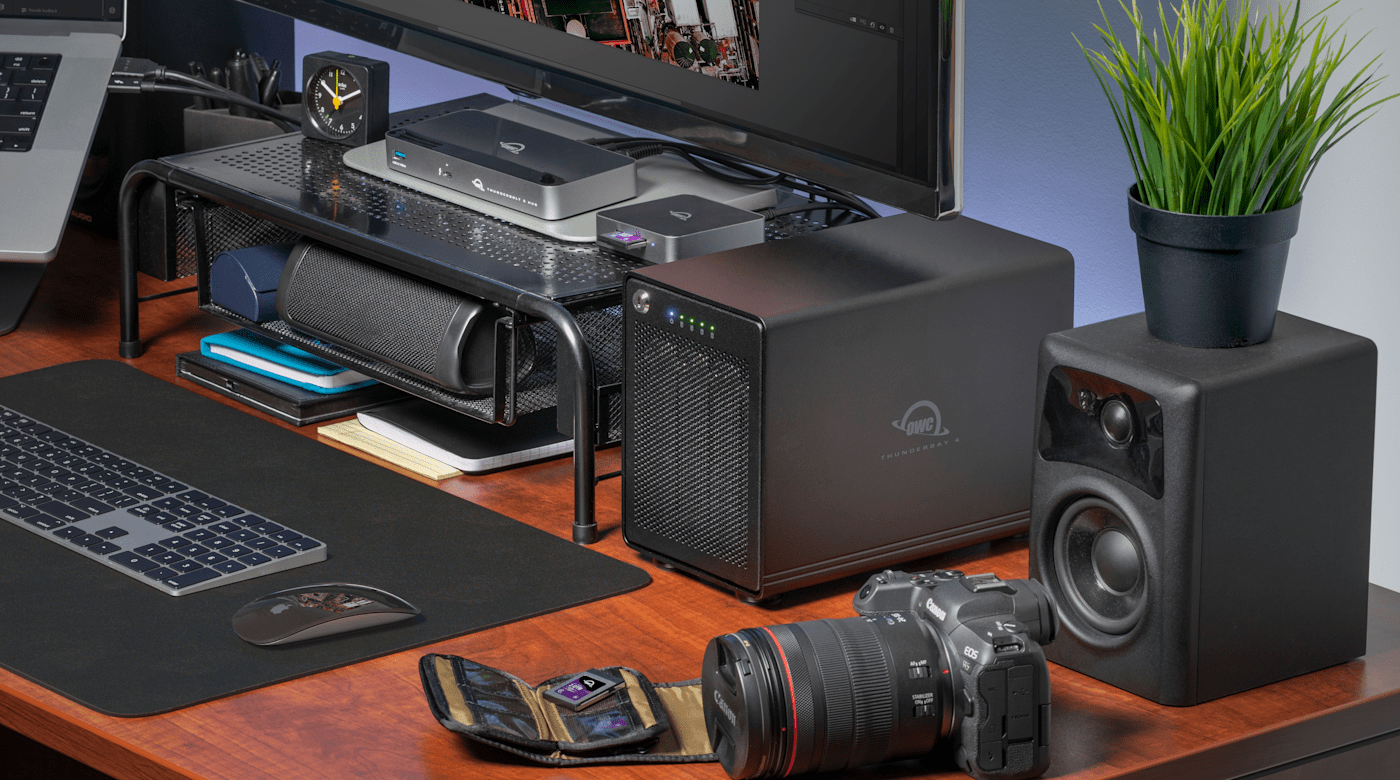
Capacity to Match Serious Workflows
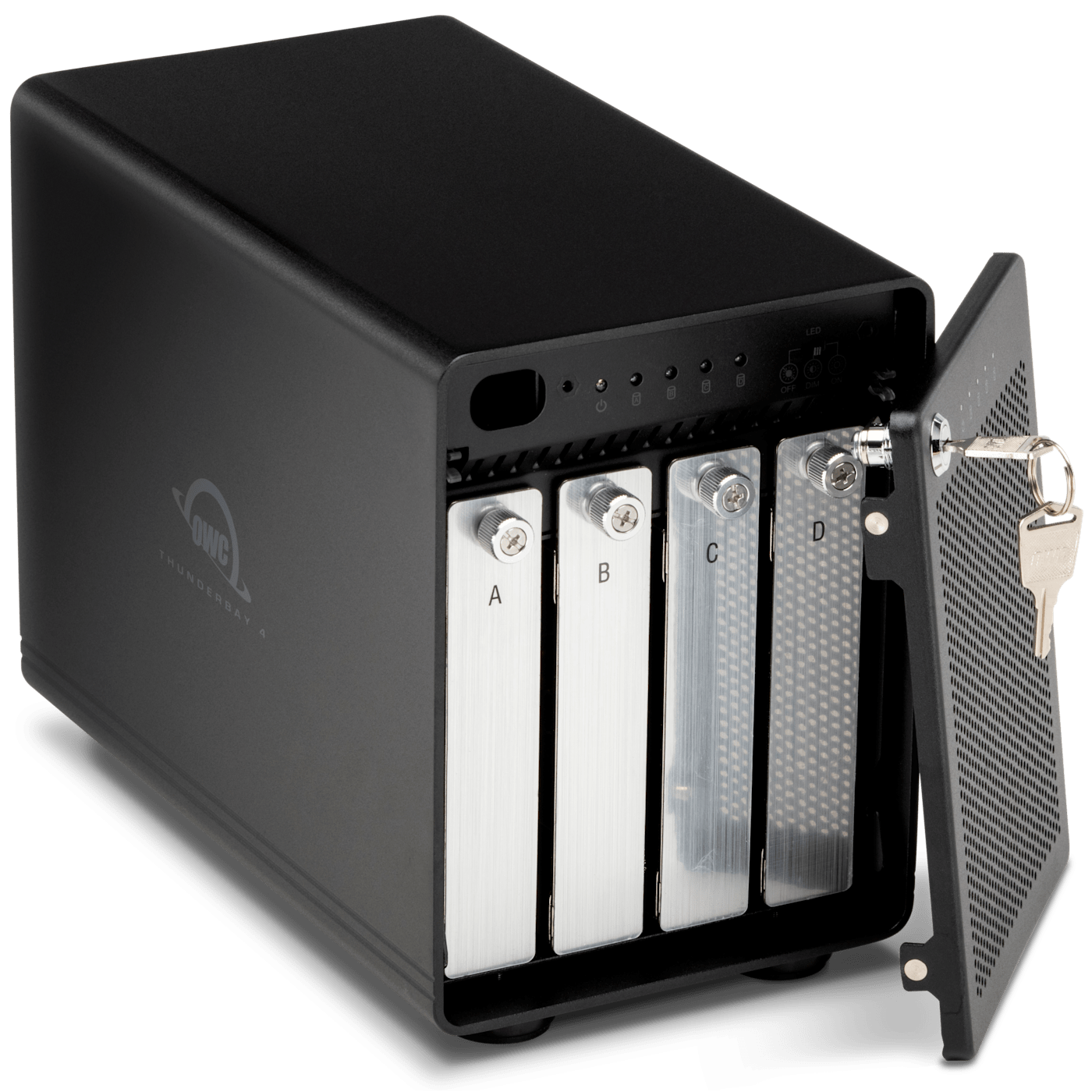
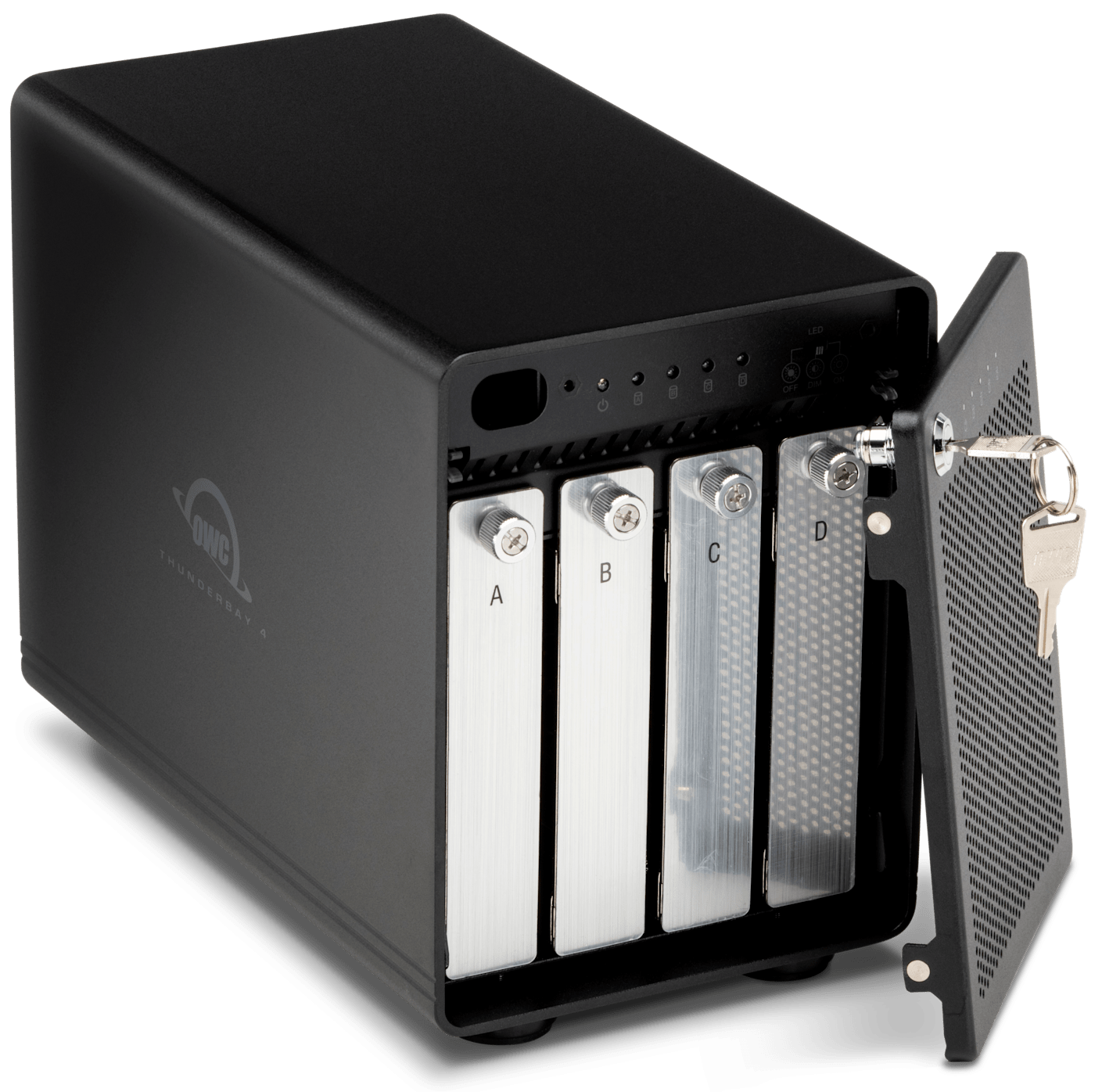
Four drive bays hold up to 128TB in a single enclosure, giving photographers, video editors, and DITs room for active projects, archives, and backups together. As larger drives become available, upgrading is as simple as swapping drive trays.
How Much Content You Can Store
| RAID 0 (128TB) | RAID 5 (96TB) |
|---|---|
|
2,844 hours |
2,133 hours |
|
346 hours |
260 hours |
|
199 hours |
149 hours |
|
92,753 hours |
69,565 hours |
|
2.6 million images |
1.9 million images |
NOTE: Actual speeds and capacities will vary by drive and workflow.
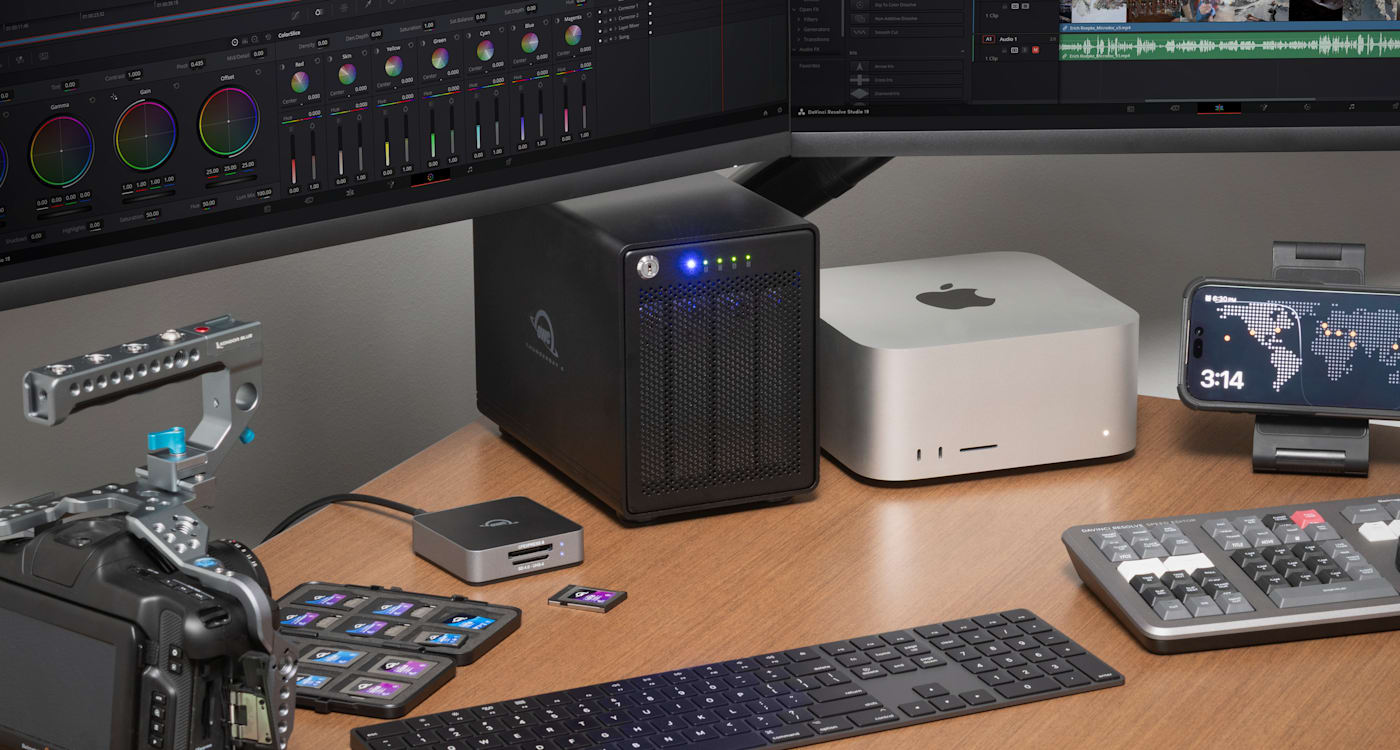
Two Thunderbolt 5 Ports Keep You Connected
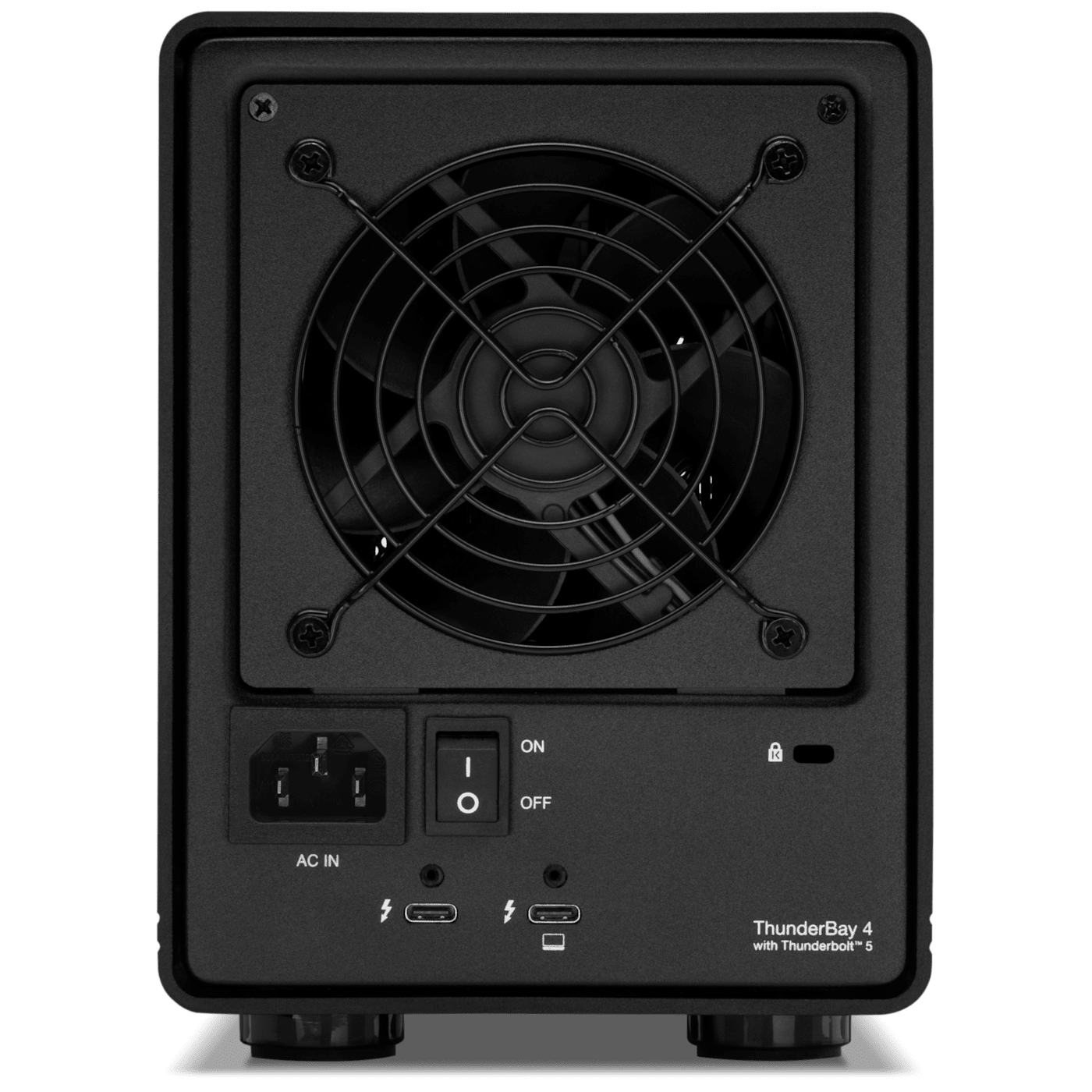
One Thunderbolt 5 host port connects to your Mac or PC at up to 80Gb/s, double the bandwidth of the previous ThunderBay 4 model. The second downstream Thunderbolt 5 port carries that same bandwidth forward, so displays, additional storage, and other Thunderbolt or USB4 devices can perform at their best. Daisy chain up to five devices without any of them taking a back seat.
Built Right from the Start
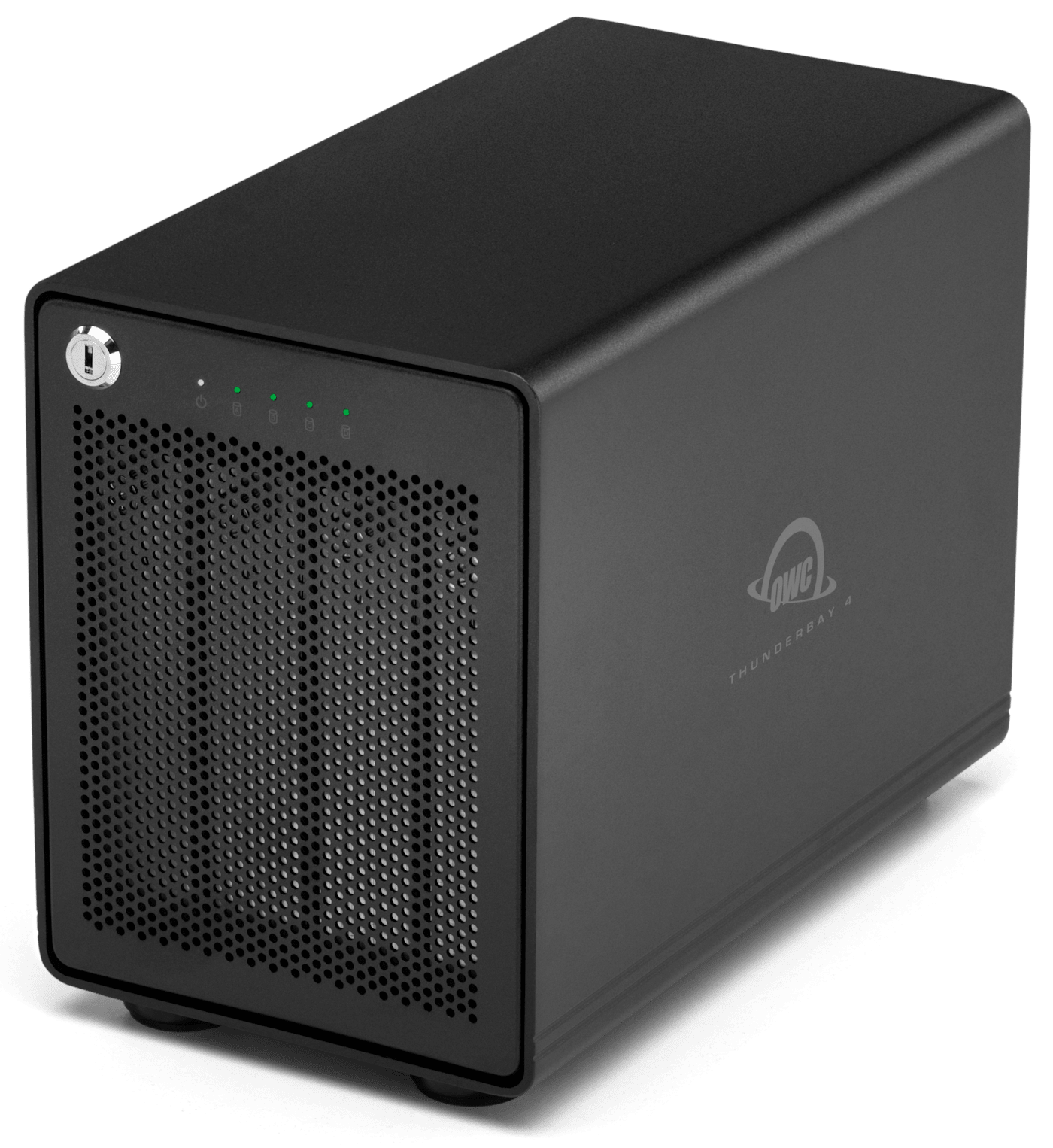
Every ThunderBay 4 is built from a solid all-aluminum enclosure with a locking front panel, flow-thru vented cooling, and a quiet 92mm fan, a design refined through more than a decade of real-world studio use. Vibration-absorbing feet keep long sessions steady, and every solution ships after OWC’s multi-step performance certification.
Your Drives, Your Configuration
Upgrade drives as your capacity needs grow and maximize your enclosure investment with hot-swap thumbscrew drive trays.
Works with Mac and PC
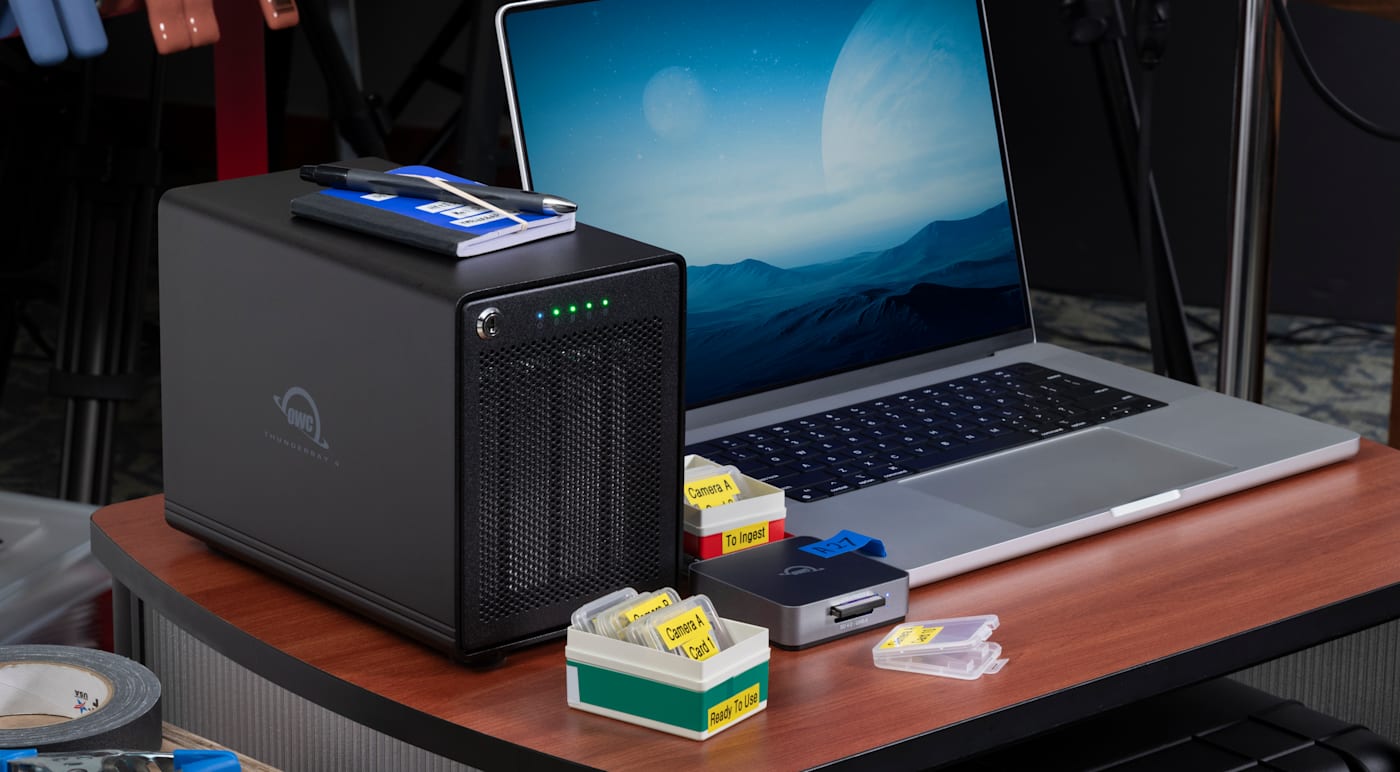
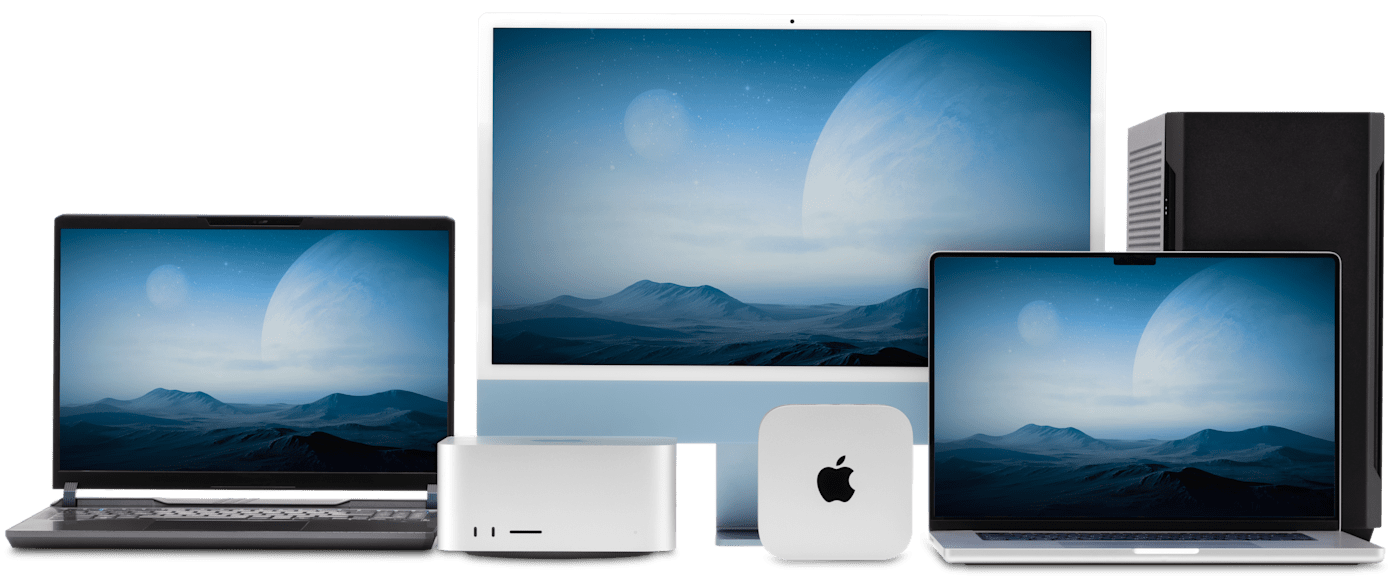
ThunderBay 4 connects to Thunderbolt 5, Thunderbolt 4, and USB4 equipped Macs and PCs, plus Thunderbolt 3 equipped Macs. For RAID setup, choose SoftRAID on either platform, or use macOS Disk Utility RAID Assistant, Windows Disk Management, or Windows Storage Spaces.

Access Your Drives Anywhere with Strada.
No Cloud Required.
Receive 2 or 5 Strada licenses for 90 days (up to $450 value) with your purchase.1
Strada turns your storage solution into a serious archival library at a fraction of what you would pay for equivalent cloud storage. With Strada (strada.tech), your remote team members can access, share, review, and edit files as if this drive was sitting right next to them. No costly cloud subscription. No time-consuming uploads. No shipping drives back and forth. Just because your hardware must stay in your studio doesn’t mean your files have to. Every qualifying OWC drive ships with Strada licenses included for 3 months, so your team can be working together the day it arrives – Get 2 Strada licenses with drives under 32TB or 5 Strada licenses with capacities 32TB or higher.
- Strada / OWC coupon code offer only available to new Strada customers and existing Strada customers who add new Team Licenses to their Workspace.
RAID 5, Required and Ready
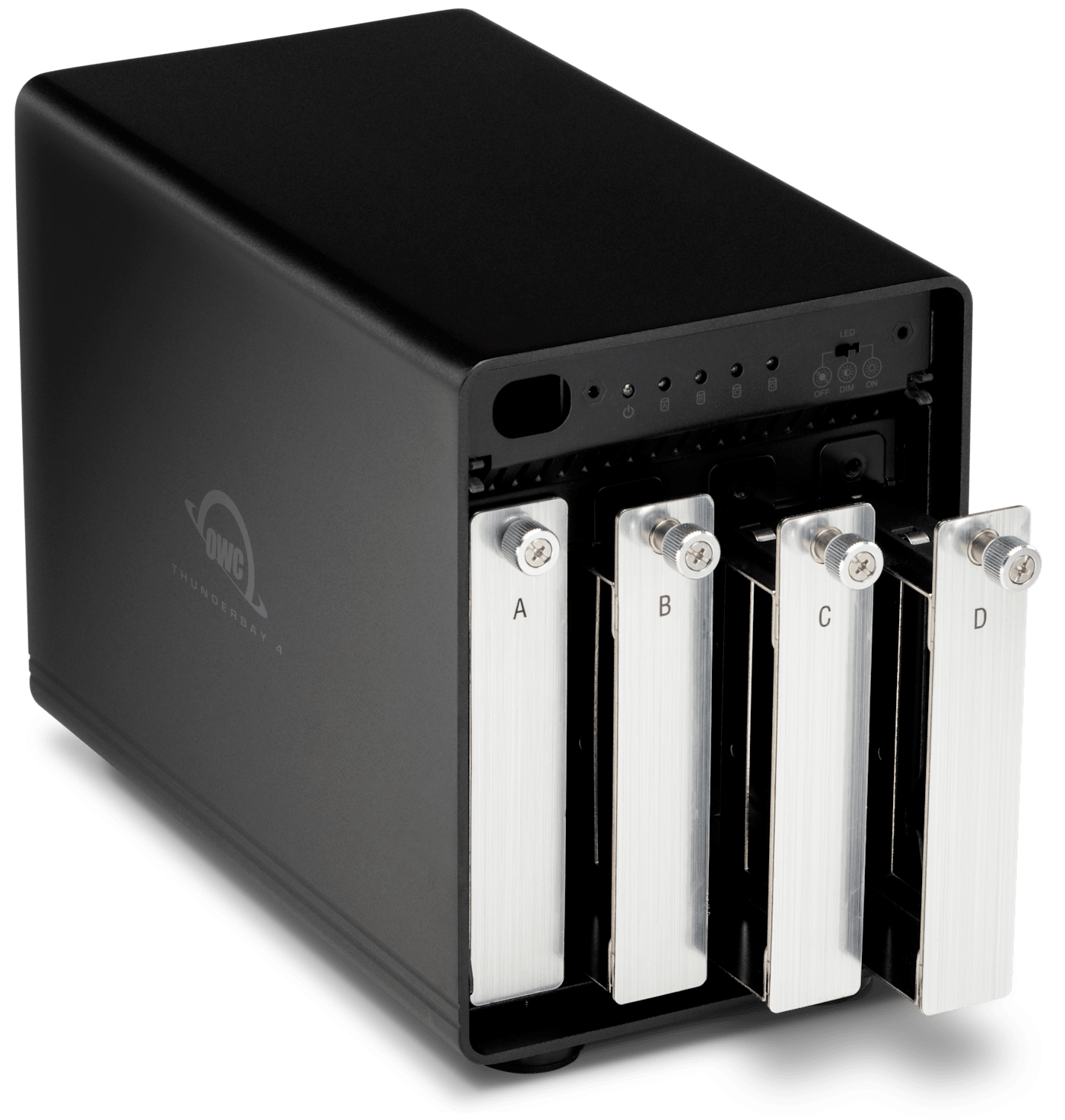
For many professional workflows, RAID is a requirement, not a convenience. Major content platforms such as Netflix call for RAID 5 or above when backing up OCF (Original Camera Files). ThunderBay 4 solutions ship configured for RAID 5, distributing data and parity across all four drives to keep your files accessible through a single drive failure. SoftRAID handles setup and keeps watch on drive health in the background. RAID 0, 1, 4, 6, 6+, 10, and JBOD are also available for workflows with different priorities.
| RAID 5 HDD | RAID 0 HDD | RAID 0 SSD |
|---|---|---|
|
Best Safety / |
Best Capacity / |
Best Speed / |
|
96TB |
128TB |
64TB |
|
Up to 960MB/s2 |
Over 1266MB/s3 |
Up to 1703MB/s4 |
SoftRAID makes the RAID
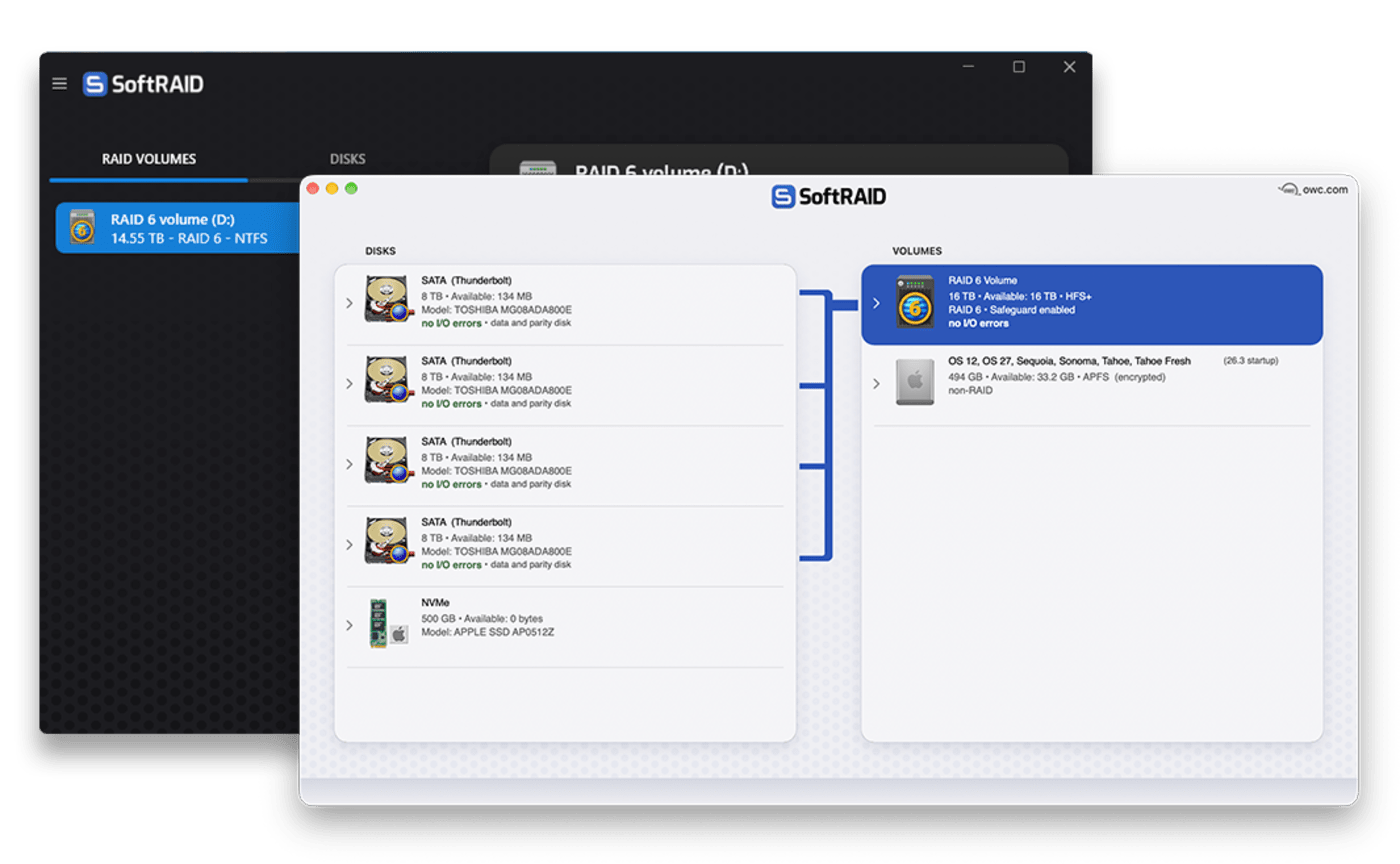
Any drive can hold data. Not every drive can protect it. OWC’s SoftRAID RAID management software builds RAID 0/1/4/5/6/6+/10 arrays for speed, redundancy, or both - and keeps them healthy by monitoring performance and catching failures early so you never lose a project to a dying drive.
- NEW RAID 6 and RAID 6+: Dual-Drive failure protection can protect your most critical data.
- Blazing-Fast Performance: Engineered with the latest driver technology to deliver maximum RAID speeds on macOS and Windows.
- Versatile RAID Options: RAID 0/1/4/5/6/6+/10, every level optimized to maximize the bandwidth of your drives and interface. (RAID 6/6+ requires macOS 27).
- Proactive Disk Protection: SoftRAID Monitor detects and warns you of potential drive failures before they happen on HDDs, SSDs, and NVMe.
- Cross-Platform Compatibility: Easily move Apple-formatted APFS and HFS+ volumes between Mac and Windows via built-in OWC MacDrive technology.
- Learn more about SoftRAID »
Select OWC solutions and enclosures include 3 Years of SoftRAID Premium! See includes section for details.
The Cool Quiet Type
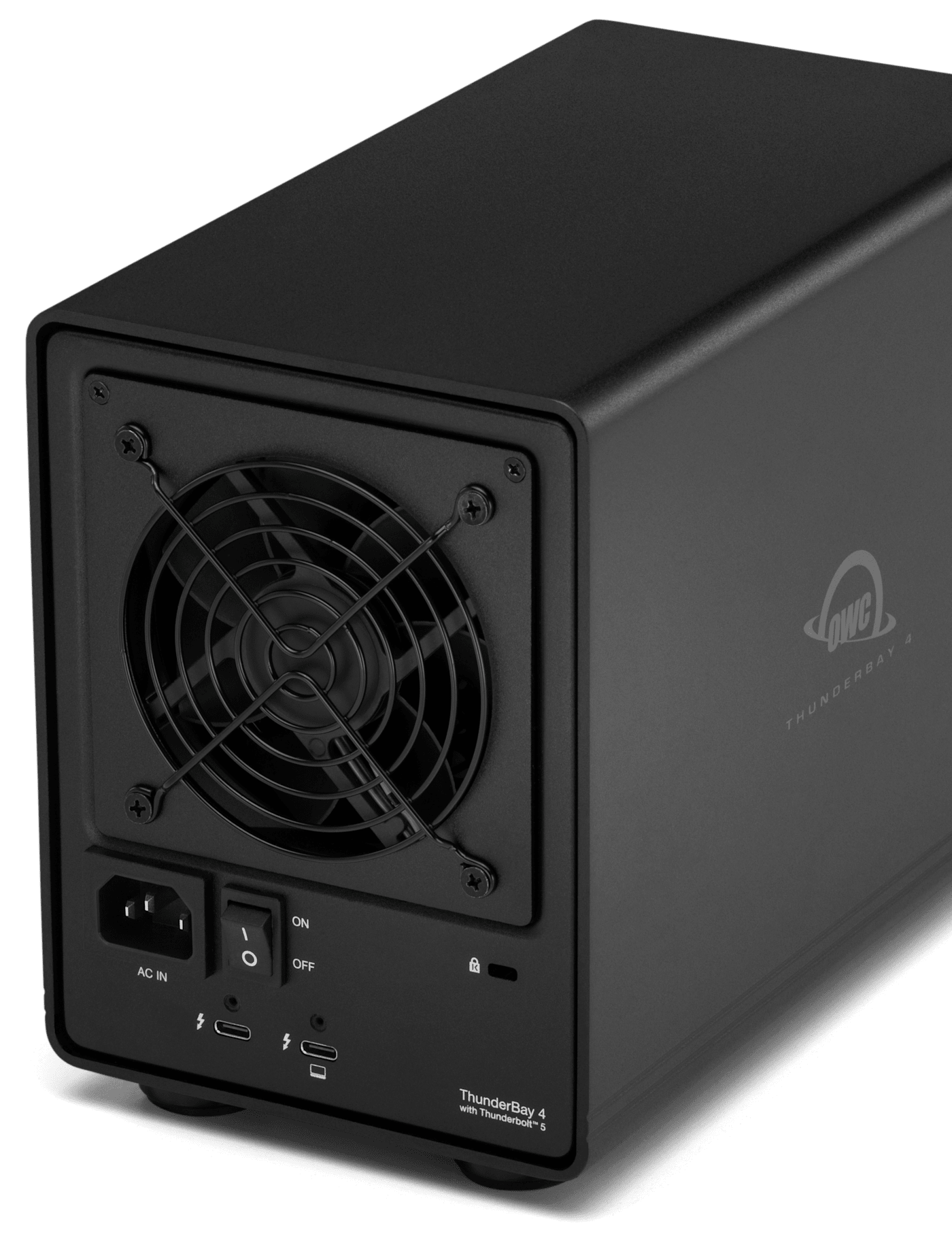
External drives for content production need to offer more than just speed and capacity for massive files. They also need to offer quiet and secure reliability. You’ll work confidently and free of distraction with ThunderBay 4’s unique design. Its heat-dissipating aluminum housing utilizes “flow-thru” venting, a low-turbulence fan, and a drive-isolating design coupled with vibration-absorbing feet that reduces sonic resonance. And you’ll always keep your data safe and secure with the locking faceplate and backside security slot.
Pre-Tested = Ready to Work
We understand having confidence in gear reliability is paramount to creative professionals. That’s why every ThunderBay 4 undergoes OWC's multi-hour "burn-in" performance certification prior to shipping. This ensures your ThunderBay 4 arrives operating properly and immediately ready for demanding use.
Frequently Asked Questions (FAQs)
-
What RAID modes does ThunderBay 4 support?
-
SoftRAID configures RAID 0, 1, 4, 5, and 10, plus JBOD. ThunderBay 4 ships set up in RAID 5.
-
Do I need software to set up RAID?
-
SoftRAID handles configuration and runs continuous drive health monitoring in the background, on both Mac and PC.
-
Can I use SSDs instead of hard drives?
-
Yes. Each of the four bays accepts 2.5" or 3.5" SATA HDDs or SSDs.
-
What's the fastest configuration?
-
Real-world speeds reach up to 1268MB/s with SATA HDDs and up to 1703MB/s with SATA SSDs in RAID 0.
-
Does ThunderBay 4 work with older Thunderbolt or USB4 laptops?
-
It's compatible with Thunderbolt 5, Thunderbolt 4, Thunderbolt 3 (Mac only), and USB4 hosts.
-
Can I daisy chain other devices?
-
The downstream Thunderbolt 5 port carries the full Thunderbolt 5 bandwidth and supports daisy chaining up to five additional Thunderbolt or USB4 devices.
-
How does Strada work with ThunderBay 4?
-
ThunderBay 4 ships with Strada licenses included based on capacity: 2 licenses for enclosures under 32TB, or 5 licenses for 32TB and higher, each active for 90 days. Strada gives your remote team file access from anywhere with no cloud storage fees.
-
Is the front panel lockable?
-
Yes. The locking front panel comes with two security keys so you can keep drives secure in shared studio or production spaces.
-
Does ThunderBay 4 need an external power supply?
-
Power comes from an internal 200W supply which keeps the desktop and cable routing clean.
-
Is this compatible with Windows?
-
Windows 11 and later is supported, along with macOS 15 and later.
-
What's included in the box?
-
ThunderBay 4 ships with a 0.7M OWC Thunderbolt 5 cable, an AC power cord, two security keys, a digital support manual, three years of SoftRAID Premium access (for models bundled with SoftRAID), and included Strada licenses for remote file access (90-day trial).

Discover the OWC Difference
Since 1988, our mission has focused on maximizing the usefulness and longevity of your technology investment. Our business operations share that same sustainability commitment. As the first 100% on-site wind powered technology manufacturer/distributor in the U.S., we now generate excess power. 97% of solid waste is recycled. These and other actions have resulted in our headquarters being Energy Star® and LEED® Platinum certified. Learn more about our passion for the planet we share here: Environmental Sustainability
- Up to 960MB/s real-world peak performance in AJA System 4K Test using a ThunderBay 4 with 4 x 24TB HDDs in RAID 5 connected to a Mac mini M4 Pro, 12-core, 24GB RAM
- Up to 1268MB/s real-world peak performance in AJA System 4K Test using a ThunderBay 4 with 4 x 24TB HDDs in RAID 0 connected to a Mac mini M4 Pro, 12-core, 24GB RAM
- Up to 1703MB/s peak performance with 4 x 4.0TB Mercury Extreme Pro 6G SSD in RAID 0 connected to a Mac mini M4 Pro, 12-core, 24GB RAM running AJA System Test (4K-Full resolution, 64GB file size, 16-bit RGBA codec, single file test)