 USA + International
 OWC Canda
 OWC Europe
OWC Express 1M2 vs. Express 1M2 80G: When to Step Up to 80Gb/s
We compare OWC Express 1M2 and Express 1M2 80G by host compatibility, real workflow benefits, and SSD choice to find the right enclosure for your setup.
Wayne Grayson • Nov 02, 2026
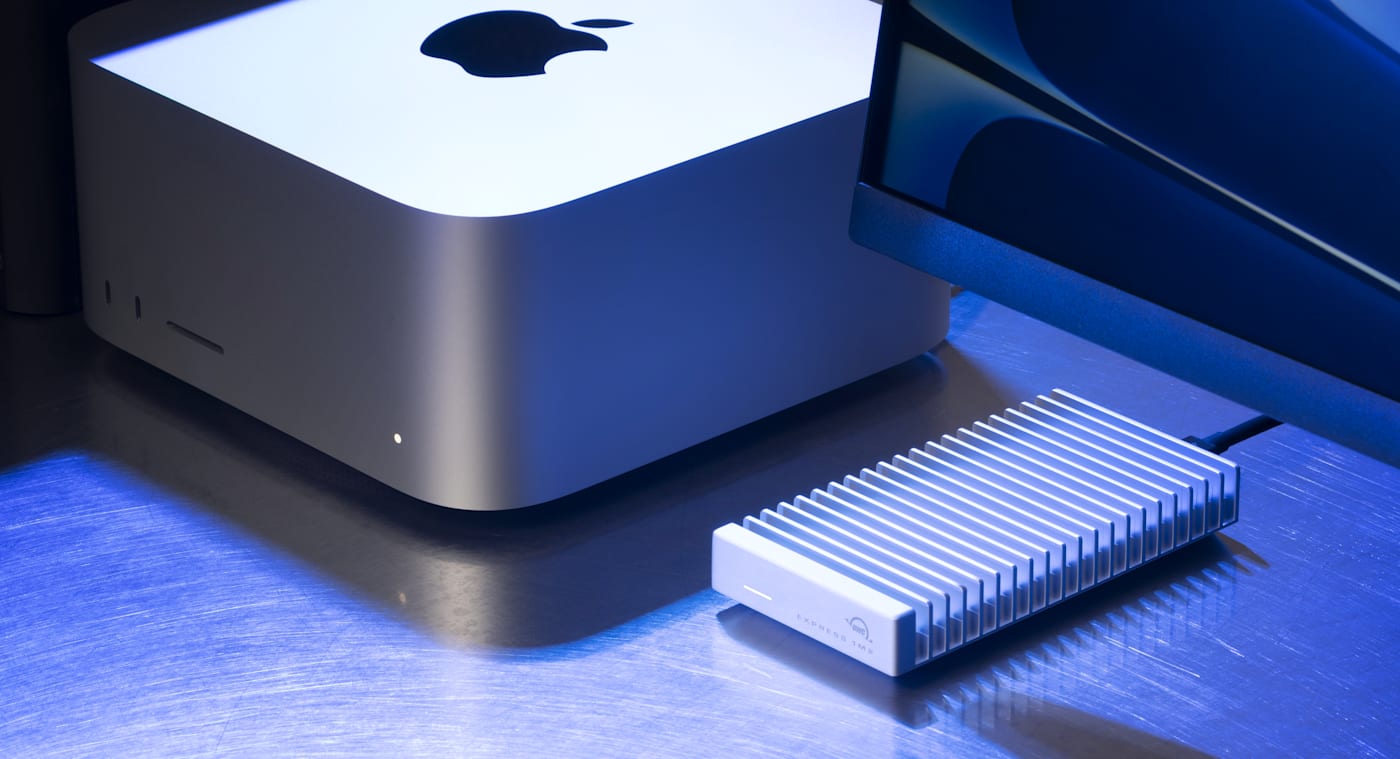
The OWC Express 1M2 quickly became a much loved member of the OWC family thanks to its combination of a portable, bus-powered, DIY-ready enclosure with blazing fast speeds up to 3,863MB/s. That’s fast enough to support even intense applications like high-resolution video editing. In fact, this drive is so quick that it became popular among Mac mini users as an easy way to expand storage without sacrificing performance.
Then there’s the OWC Express 1M2 80G. This drive raises the ceiling substantially. The 1M2 80G takes the DIY-friendly enclosure of the Express 1M2 but gives it a huge speed boost—nearly doubling top-end speeds to over 6,000MB/s.
But how do you know when upgrading to the Express 1M2 80G upgrade is worth it? Both give you DIY flexibility, the convenience of a portable, bus-powered enclosure, and blazing fast speeds. Here’s how to choose the right Express 1M2 drive for your setup.
The Main Difference is the Connection
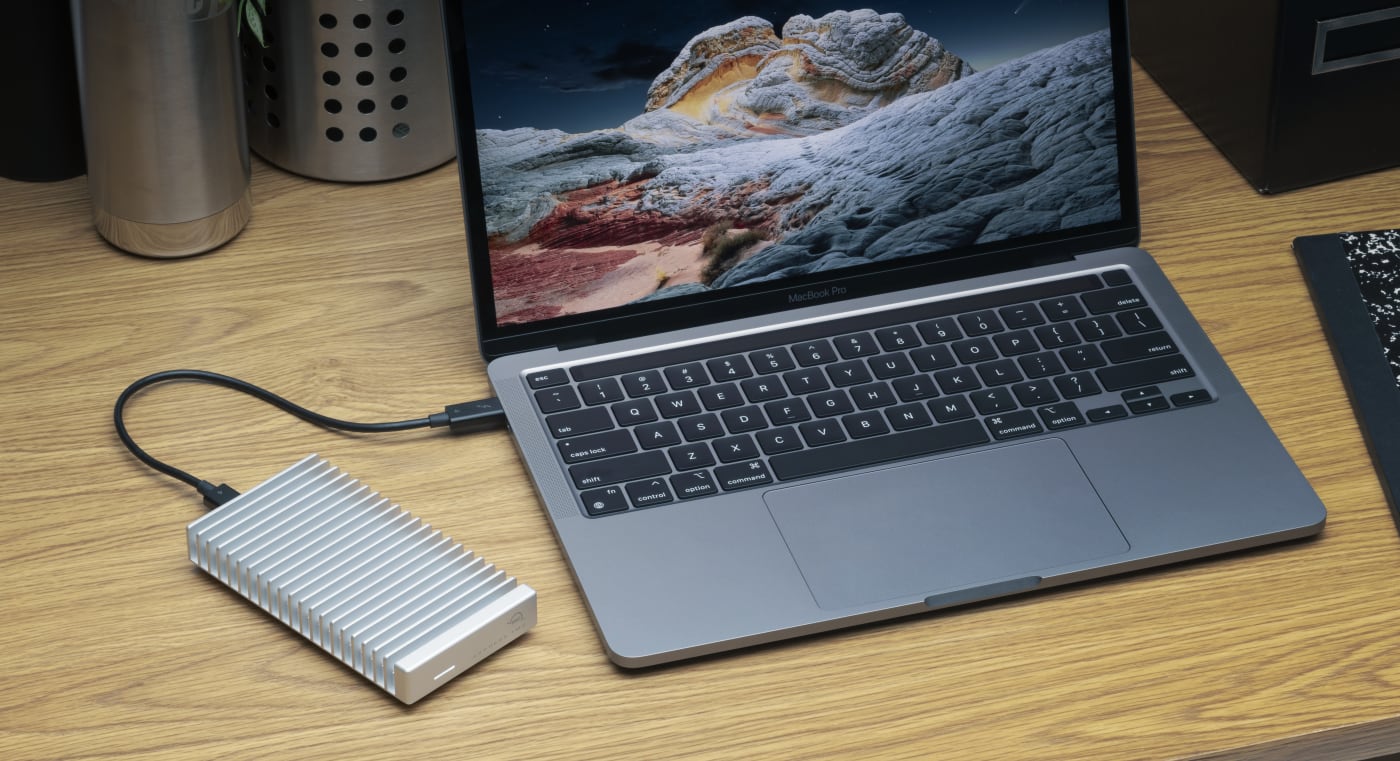
The standard OWC Express 1M2 is built upon USB4’s 40Gb/s bandwidth, allowing for speeds up to 3,863MB/s. The Express 1M2 80G uses the updated USB4 80Gbps standard, tapping into bandwidth up to 80Gb/s. That additional bandwidth opens the door to higher storage throughput, provided the host and installed SSD can take advantage of it. Express 1M2 80G boosts top-end speeds to more than 6,000Mb/s.
So, the first question you’ll need to answer when deciding between Express 1M2 and Express 1M2 80G is whether your computer can support the faster USB4 80Gbps standard.
Check Your Computer Before Choosing the Drive
In general, computers with Thunderbolt 5 support also support the USB4 80Gbps standard. So, if you have a computer that supports those protocols, you can tap into the extra bandwidth of the Express 1M2 80G.
Similarly, computers with Thunderbolt 4 support also support standard USB4 speeds.
There’s another factor to consider here, however, and that’s backwards compatibility. Though USB4 80Gbps support is required to tap into the Express 1M2 80G’s top speeds, this drive will still work with a machine with support for Thunderbolt 4 and standard USB4 speeds. And it will run as fast as that USB4 connection allows it to.
That means you can buy an Express 1M2 80G for your current Thunderbolt 4/USB4 machine today and enjoy a drive that operates as fast as that computer supports. And in the future when you upgrade to a Thunderbolt 5/USB4 80Gbps machine, your drive will instantly nearly double in speed as it will then be able to tap into its full bandwidth potential.
How Each Express 1M2 Drive Operates Over Different Connections
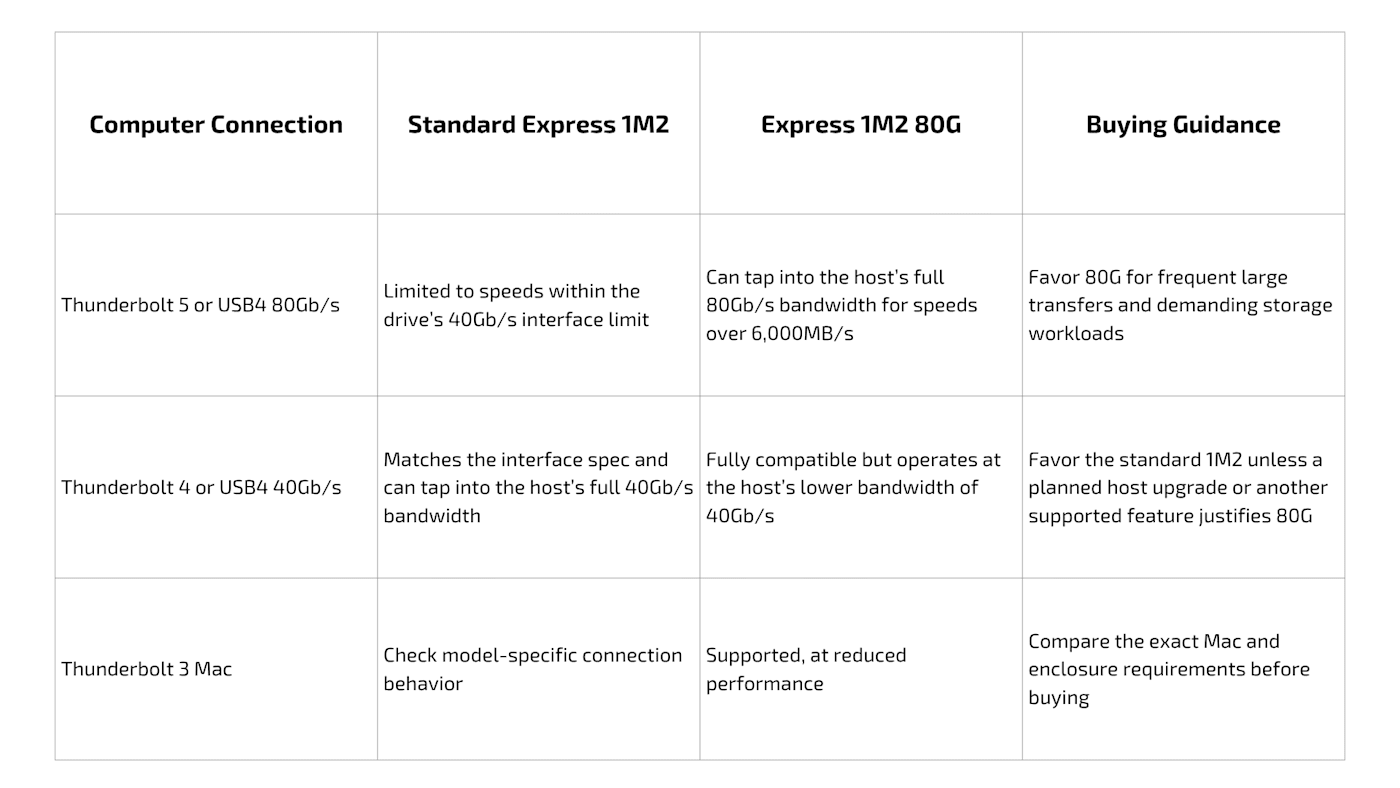
Before we move on from the host connection, we need to address docks as well. If you have a USB4 80Gbps-capable machine but put a Thunderbolt 4 or USB4 dock between it and your Express 1M2 80G, the drive’s performance will be limited to the bandwidth of the dock in the middle. You want to ensure that your dock’s bandwidth matches that of your host machine.
When the Express 1M2 80G Upgrade Makes Sense
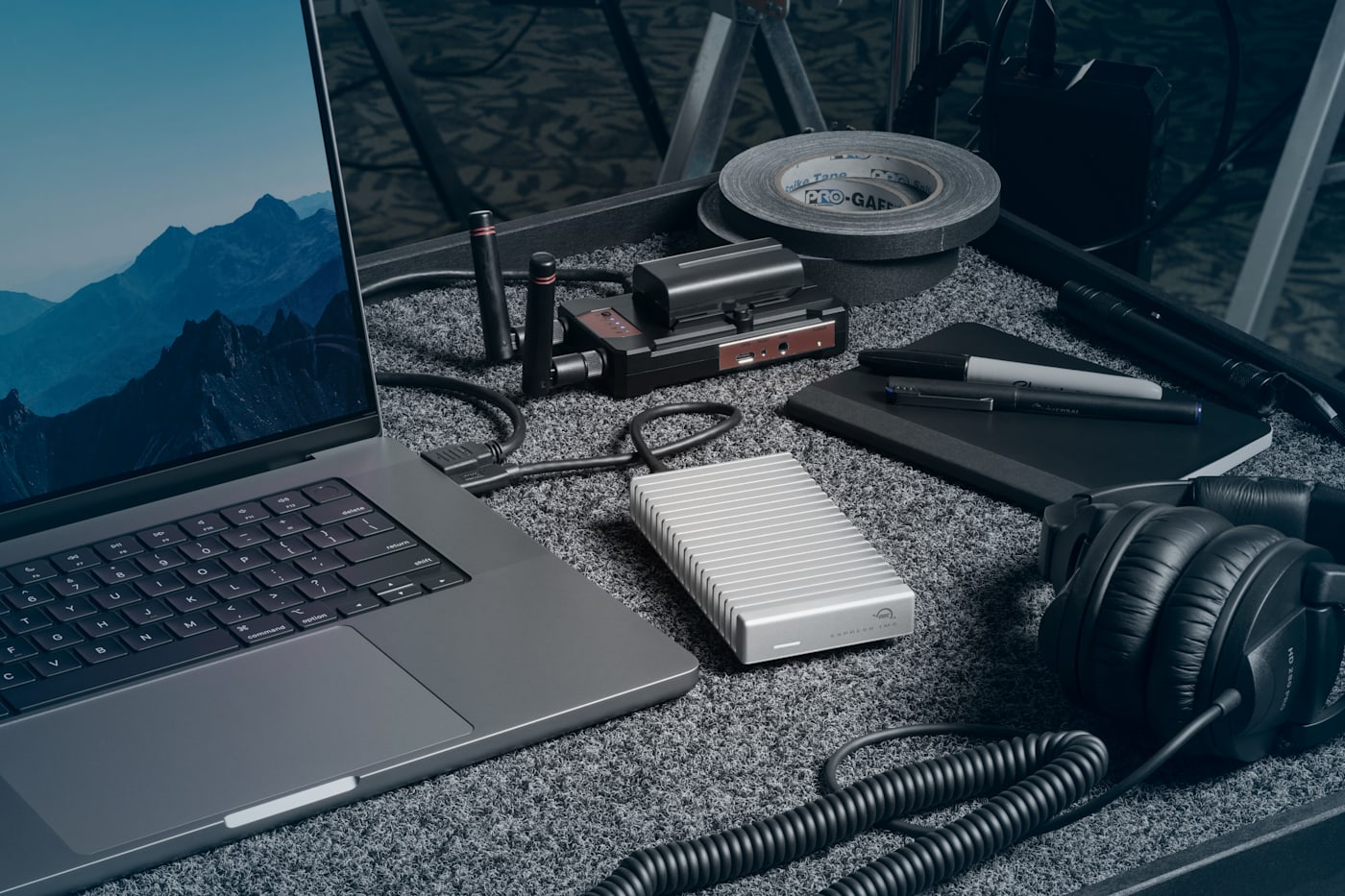
Because speed is the main differentiator between these two drives, transfers between fast devices make the clearest case for upgrading to Express 1M2 80G. Moving camera originals over from fast internal storage, copying a project to another capable SSD, or repeatedly loading large datasets from your external drive can turn the 1M2 80G’s additional throughput into less waiting.
If you’re eyeing the 1M2 80G as an edit drive, check whether your current drive is actually holding you back. An export dominated by effects processing won’t become twice as fast because storage bandwidth doubles. If your timelines are already playing smoothly, the 80G benefit may show up primarily when you move or backup the project.
Choose the Blade as Carefully as the Enclosure

Both o these drives preserve the appeal of OWC’s DIY drive approach: you can buy an empty enclosure for a compatible SSD blade that you already own, or buy one of these enclosures pre-populated..
When bringing your own M.2 SSD blades, you’ll want to pay close attention to the exact blade size and protocol. The standard Express 1M2 supports NVMe M.2 2230, 2242, and 2280 drives. The 80G model supports 2242 and 2280 drives.
In terms of PCIe spec for your blades, opting for a PCIe Gen4 SSD is the most sensible starting point for these enclosures. While Express 1M2 80G comes ready to support PCIe Gen5 NVMe blades, as a USB4 80Gbps enclosure, it is built to PCIe Gen4 spec. That means while PCIe Gen5 drives can move data at speeds around 15.8 gigabytes per second (GB/s) in ideal conditions, the real-world speed of a Gen5 drive installed in the Express 1M2 80G will top out around 6-7 GB/s.
For more information on using Gen5 blades in the Express 1M2 80G, you can read our full explainer here.
Final Considerations
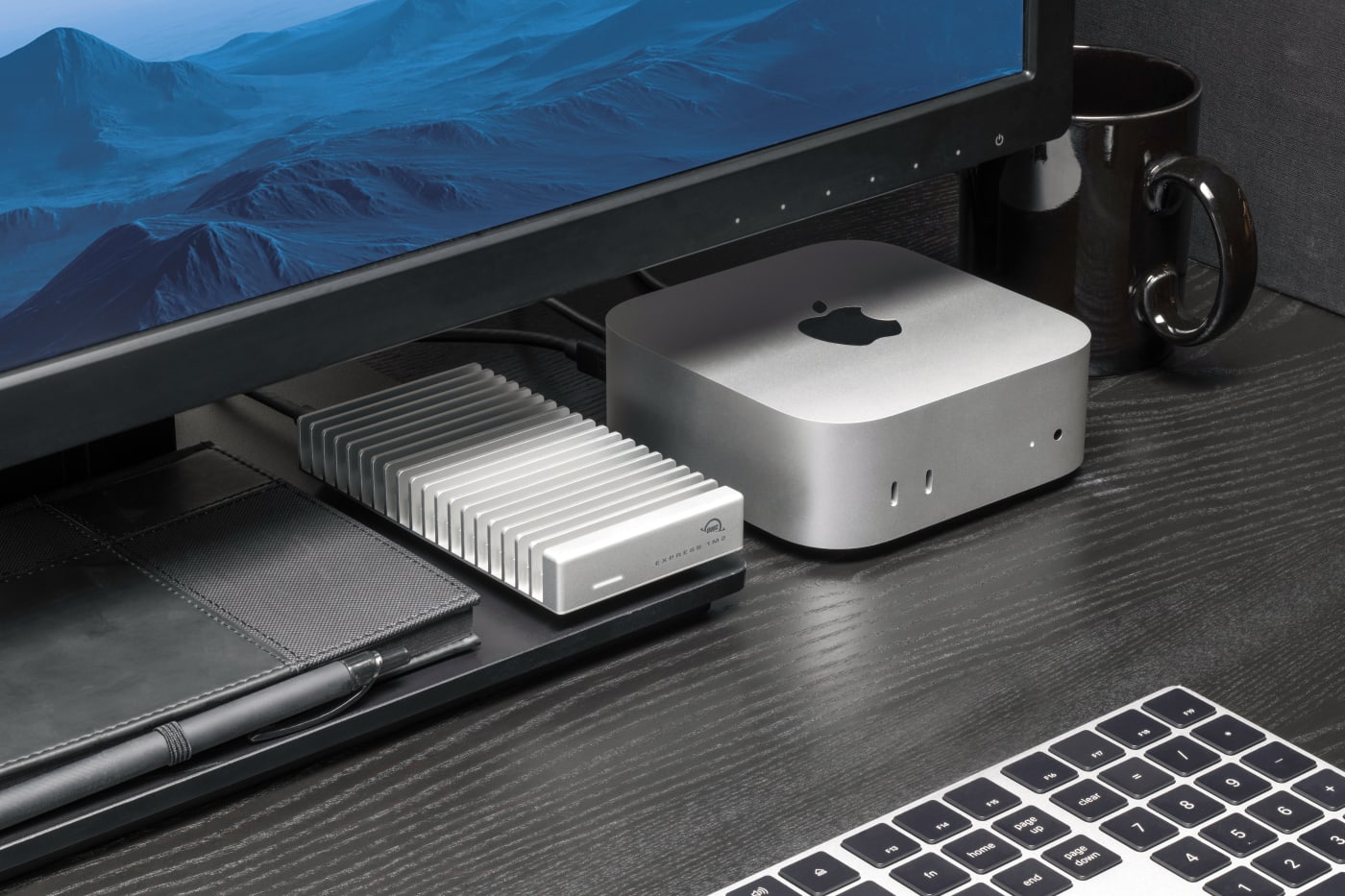
A few final thoughts and things to consider when choosing between these two DIY enclosures:
- If you already own a compatible SSD blade with enough capacity, your immediate cost may be just the enclosure.
- If your current computer has a Thunderbolt 4/USB4 connection and you expect to keep it for the foreseeable future, invest in the Express 1M2 and extra capacity rather than the Express 1M2 80G for future-proofing. The beauty of these being DIY enclosures is that you can always upgrade to an 80G enclosure in the future and swap your blade into the faster enclosure.
- If your current computer has a Thunderbolt 5/USB4 80Gbps connection and you are moving large assets frequently or need to edit high-resolution, high-bitrate video direction from the drive, the Express 1M2 80G is the smarter choice as it can move data twice as quickly as the standard Express 1M2.
Other topics you might like
How to Choose a Memory Card Reader For Faster Offloads
Updated on Oct 26, 2026
NVMe RAID vs. a Single External SSD: When Do You Need an Array?
Updated on Oct 19, 2026


How NRG Recording Studios is Bringing its Historic Archive Into the Modern Era
Updated on Sep 22, 2026