 USA + International
 OWC Canda
 OWC Europe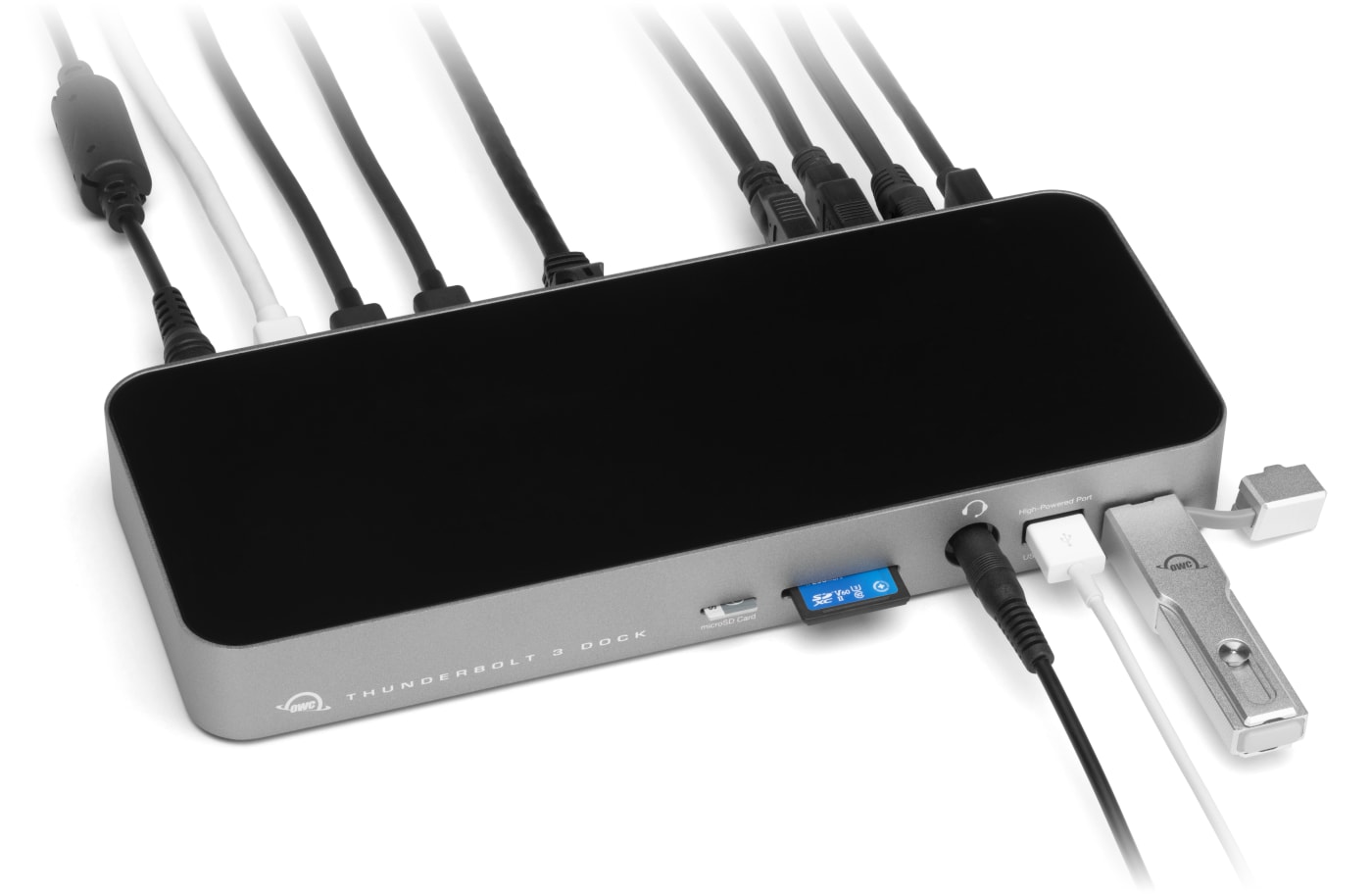


 Find A Reseller
Every Port Has a Purpose
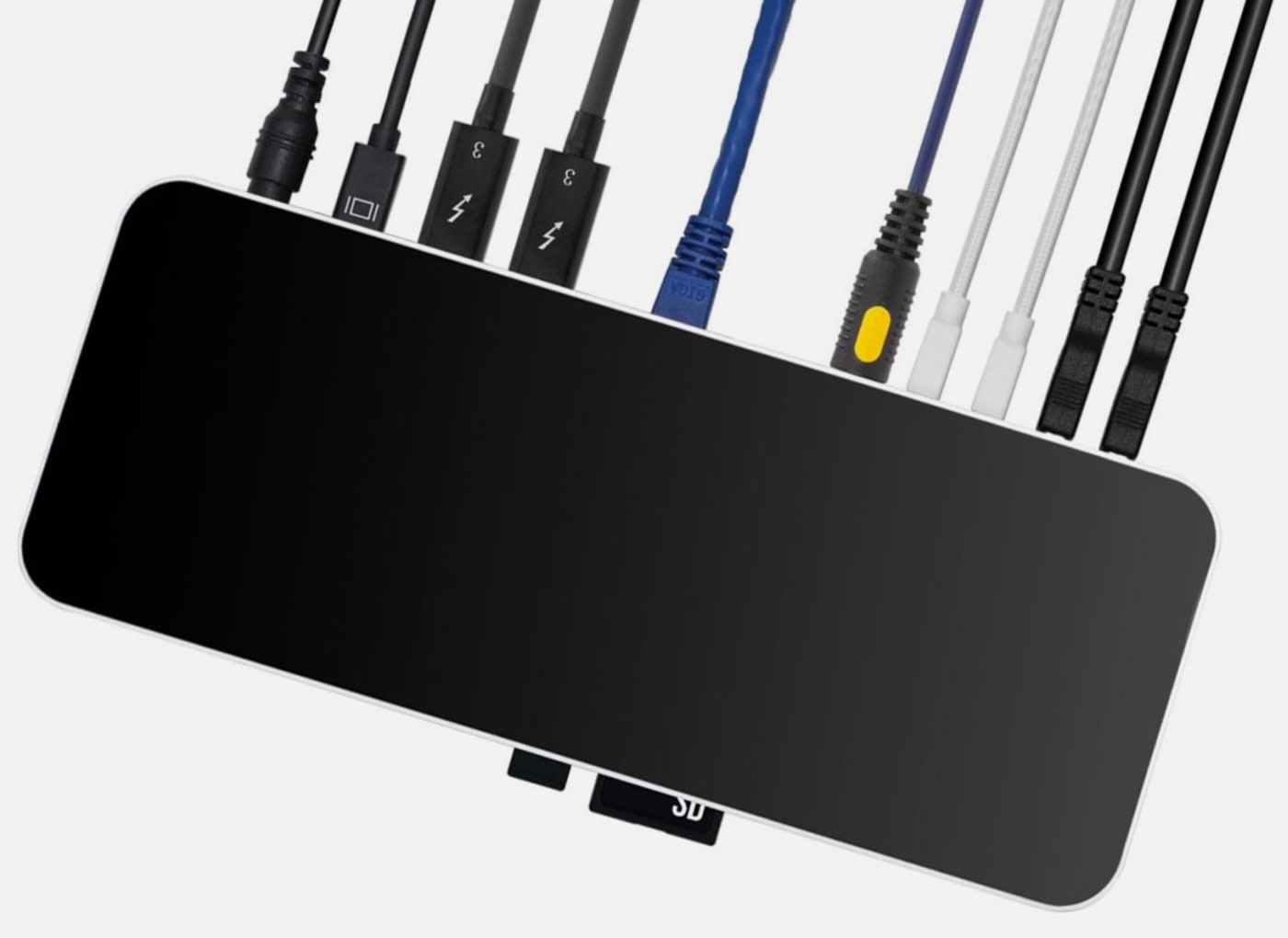
Need to plug in headphones during a call? Front panel. Charging your phone while editing? Front USB port. External drives and Ethernet? Hidden in back where cables belong. It's the difference between thoughtful design and just cramming ports wherever they fit.
Maximum Port Variety
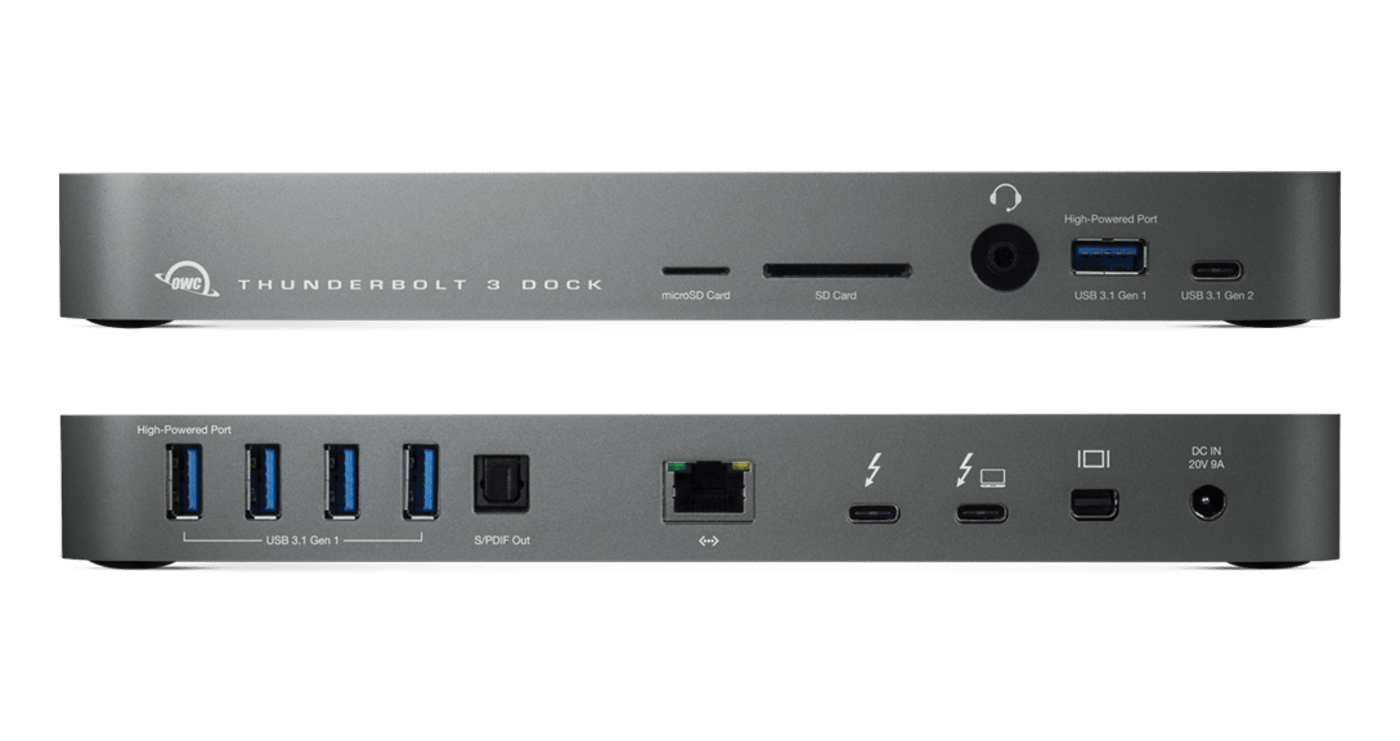
14 different ports handle everything from vintage USB drives to cutting-edge Thunderbolt displays
Purposefully Designed
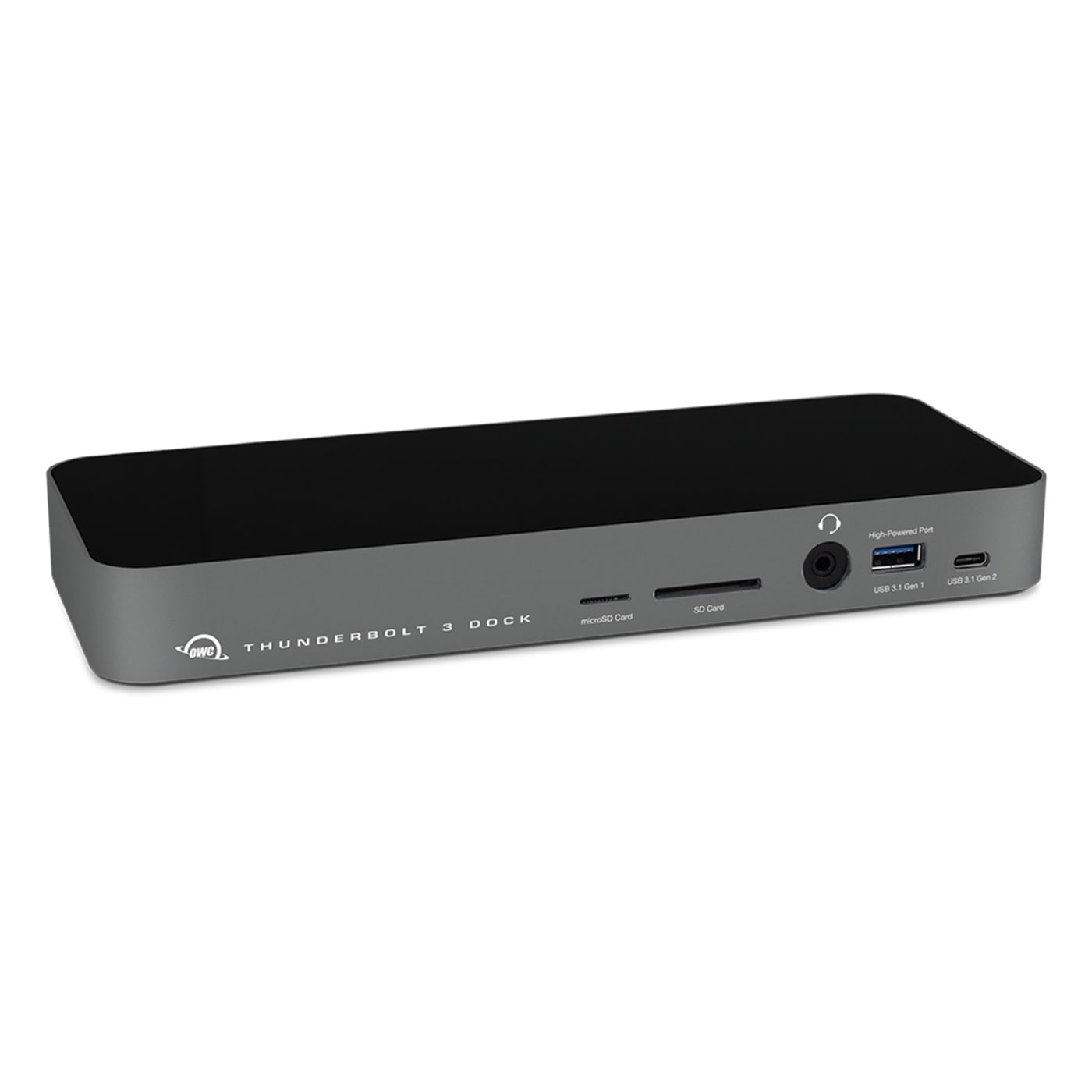
Frequently used ports up front (headphones, SD cards, phone charging) while permanent connections stay hidden in back
Plenty of Power
Keep your notebook energized all day while running 13 other connected devices simultaneously with 85 watts of power
Connect Your Entire Creative Arsenal
Two Thunderbolt ports handle your fastest drives, displays, and future devices
Modern Device Ready
High-speed USB-C for your latest phone, tablet, or external SSD without blocking Thunderbolt ports
Never Leave a Device Behind
Five USB-A ports for keyboards, mice, webcams, hard drives, and all those devices you still need
Extra Display Freedom
Dedicated DisplayPort for that third monitor or projector presentation without stealing Thunderbolt bandwidth
Upload Without the Wait
Conduct large file transfers fast and enjoy rock-solid video calls with Gigabit Ethernet
Studio-Grade Audio Out
Connect professional audio interfaces and high-end speakers with digital precision
Instant Audio Access
Front-panel headphone jack for quick listening and microphone input for clear calls
Never Hunt for Chargers Again
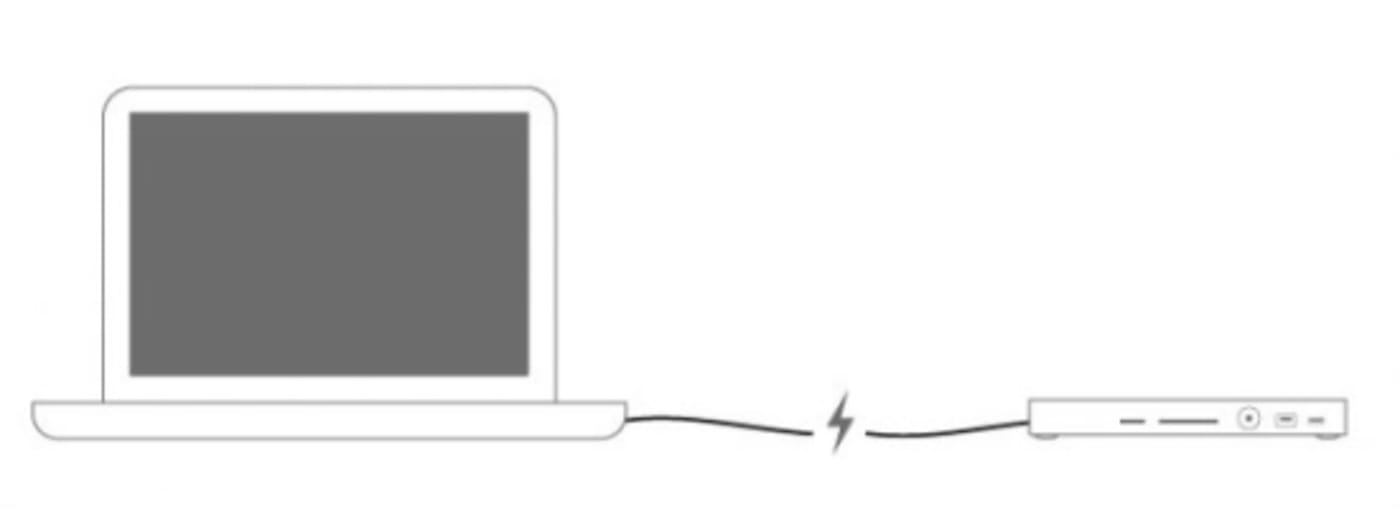
Your laptop stays charged, your phone tops off, and your tablet gets power from ports that deliver serious juice, not the trickle charge you get from cheap hubs. Throw that tangle of power adapters in a drawer and forget about outlet wars at coffee shops.

Disconnect In One Click
OWC Dock Ejector safely disconnects all connected drives in a single click. Designed by OWC hardware and software engineers, Dock Ejector ensures all data is written before disconnection, saving time and protecting against data loss. Use it to move quickly between workstations and get the most out of your 14-Port Thunderbolt Dock. Learn More
Built to Survive Your Workflow
This isn't another plastic box that breaks after three months. Solid aluminum construction handles daily abuse while looking professional enough for client meetings. The ports that get used most are exactly where your hands expect them to be.

Create A Tablet ProStation
While iPad Pros and other tablet computers offer awesome content creation potential, they’re handcuffed by limited internal storage, display size, and often a single Thunderbolt (USB-C) port. Instead of lugging around a bulky notebook or worse, being chained to a non-portable desktop workstation, capture what you need on the fly with a tablet. Back at a desk, transform that tablet into a “prostation” with an external display, keyboard, mouse, and external drive all connected to this dock.

Pro-tips: Daisy-chaining With Thunderbolt Devices
With the ability to run up to six devices per port, Thunderbolt ports amplify your laptop or desktop with peripheral power. Learn the basics of daisy-chaining Thunderbolt devices for maximum performance in this handy infographic. View Infographic
OWC Thunderbolt 3 Cables
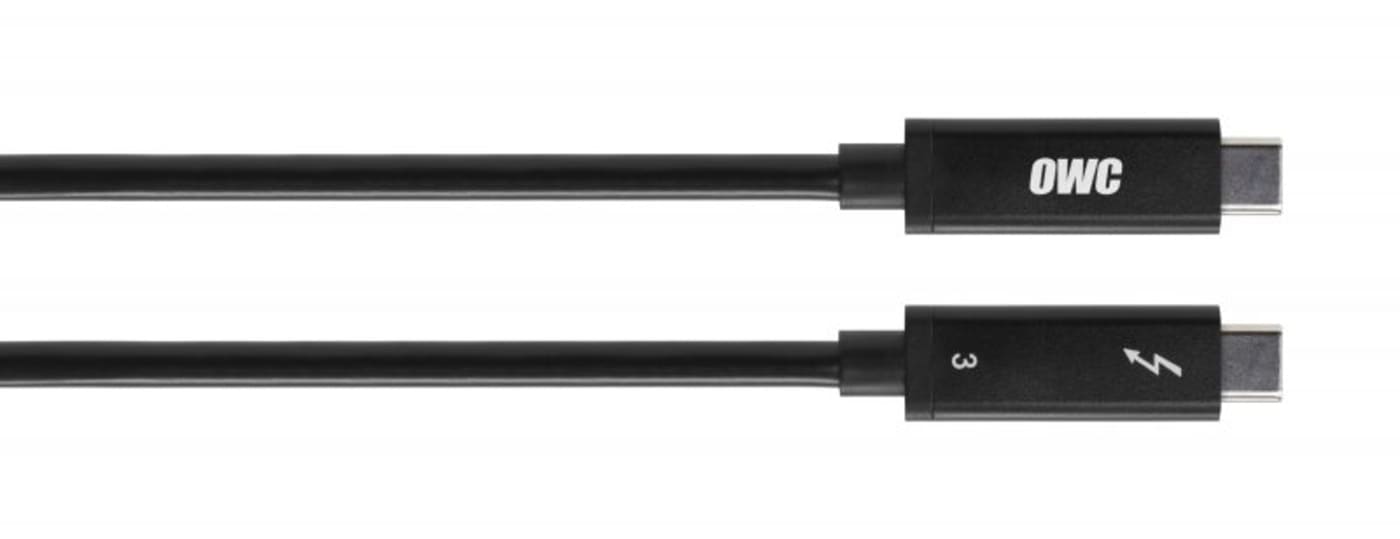
A Thunderbolt 3 cable is included with the OWC 14-Port Thunderbolt Dock, but if your workflow demands a longer cable to make the connection, OWC Premium Thunderbolt 3 (USB-C) Cables are the perfect choice.

Innergize Your Workflow with Highest Performance and Reliability
OWC Innergize™ is the first stage of the Capture to Completion™ ecosystem of OWC products designed to seamlessly propel professional photographers, videographers, and content creators to the highest level of workflow performance and reliability. This OWC custom-designed app is a complete health, performance, and field upgrade management tool when using OWC Atlas memory cards with OWC Atlas readers and reader equipped products.
Work with Maximum Confidence and Reliability
-
Health
Over time and use cycles, flash memory does wear out. Innergize verifies and reports the percentage of use life remaining. Now you can work with full confidence your OWC flash memory product will deliver the reliability you can trust.
-
Sanitize
Over time and use cycles, flash memory does wear out. Innergize verifies and reports the percentage of use life remaining. Now you can work with full confidence your OWC flash memory product will deliver the reliability you can trust.
-
Field Upgrade
When new cameras or firmware updates to existing cameras are introduced, they may not work properly with flash memory cards and drives. Innergize gives OWC memory card users the ability to quickly upgrade their firmware in the field for full compatibility, additional performance enhancements, and bug fixes for optimal reliability.
- Both the SD card reader and the microSD card reader are controlled by the same chipset, meaning only one can be in use at a time.
- Resolutions and refresh rates will vary depending upon hardware, connections, and OS being utilized. Dock does not support display daisy-chains via MST (Multi-Stream Transport).
- Native Thunderbolt 3 display or Thunderbolt/Thunderbolt 2 display using the Apple Thunderbolt 3 (USB-C) to Thunderbolt 2 Adapter.