 USA + International
 OWC Canda
 OWC Europe
What Is a Thunderbolt Hub? How is It Different From a Thunderbolt Dock?
While Thunderbolt hubs and docks seem pretty similar, they actually serve different purposes. The difference can have a big impact on your desk setup.
Wayne Grayson • Aug 20, 2026
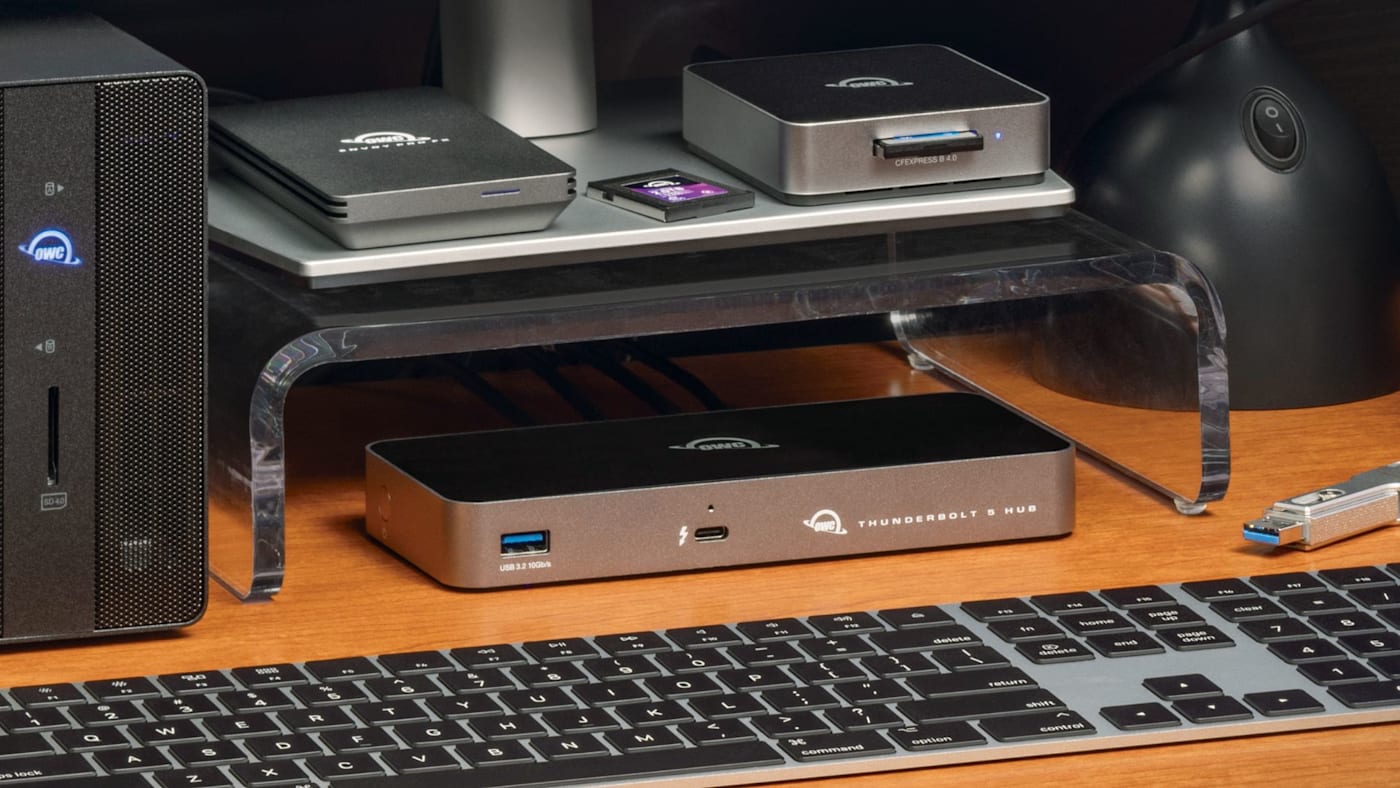
When trying to decide on the best tool for keeping everything on your desk or everything in your bag connected to your computer, there’s a pair of terms that are sometimes used interchangeably and lead to some confusion: docks and hubs. In fact, you may be pondering this question while trying to decide between our OWC Thunderbolt 5 Dock and Thunderbolt 5 Hub. And while they look like similar tools, there’s a good reason one is called a dock and one is called a hub. Let’s talk about the difference and when you should choose one over the other.
What a Thunderbolt Hub Does
A Thunderbolt hub takes a single Thunderbolt connection from your computer and turns it into multiple Thunderbolt ports. Plug either our standard Thunderbolt Hub or our Thunderbolt 5 Hub into your laptop or desktop, and they instantly provide you with an additional set of three downstream Thunderbolt ports, allowing you to plug in additional high-speed drives, high-resolution displays, and other Thunderbolt devices. Both hubs also give you a single USB-A port for any stragglers in your setup. And when you connect a laptop to one of these hubs, both offer passthrough power for keeping your laptop charged.
And because a Thunderbolt hub is Thunderbolt certified, you have the assurance that all of those devices are running at full Thunderbolt bandwidth rather than the diminished speeds you'd get from a USB-C hub. (We detail both the standard Thunderbolt Hub and the Thunderbolt 5 Hub and what sets them apart below.)
How a Thunderbolt Dock is Different
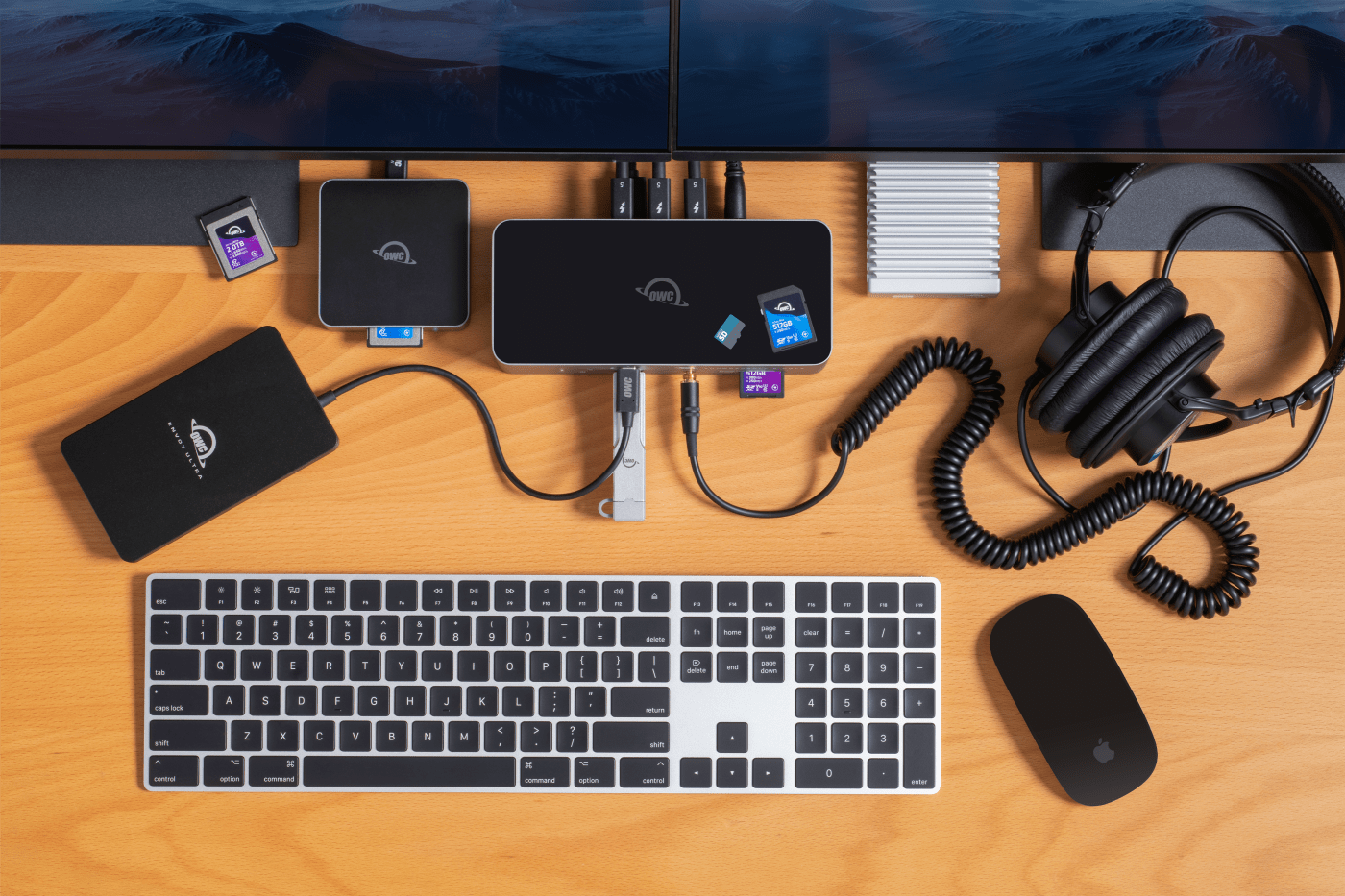
While our Thunderbolt Hubs are designed to expand the number of Thunderbolt devices you can connect to your computer, a Thunderbolt dock is designed to deliver complete workstation expansion. For example, our Thunderbolt 5 Dock has three downstream Thunderbolt 5 ports in addition to three USB-A ports, an SD card reader with slots for standard SD cards and micro SD, an Ethernet jack, and an audio jack.
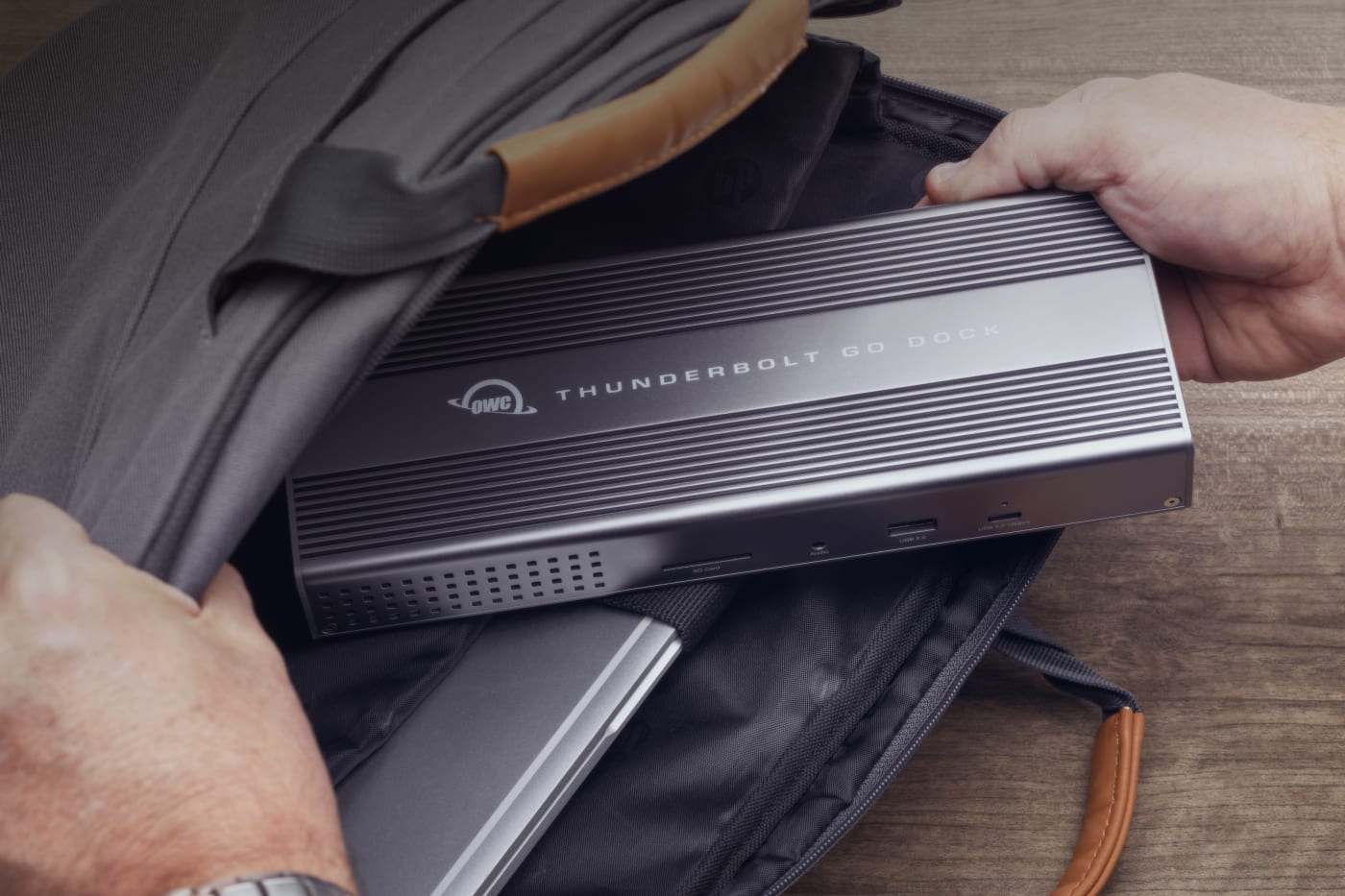
Docks can also be tailored toward more specific use cases. Our Thunderbolt Go Dock features an integrated power supply and substitutes one of the downstream Thunderbolt ports for an HDMI port. This configuration makes it perfect for those that need HDMI connectivity and those who often throw their dock in a bag. Meanwhile, our Thunderbolt 5 Dual 10GbE Network Dock allows you to connect to three Ethernet networks simultaneously thanks to a pair of 10GbE jacks and one 2.5GbE jack. And all that network connectivity is in addition to three downstream Thunderbolt ports, a USB-C port, and two USB-A ports.
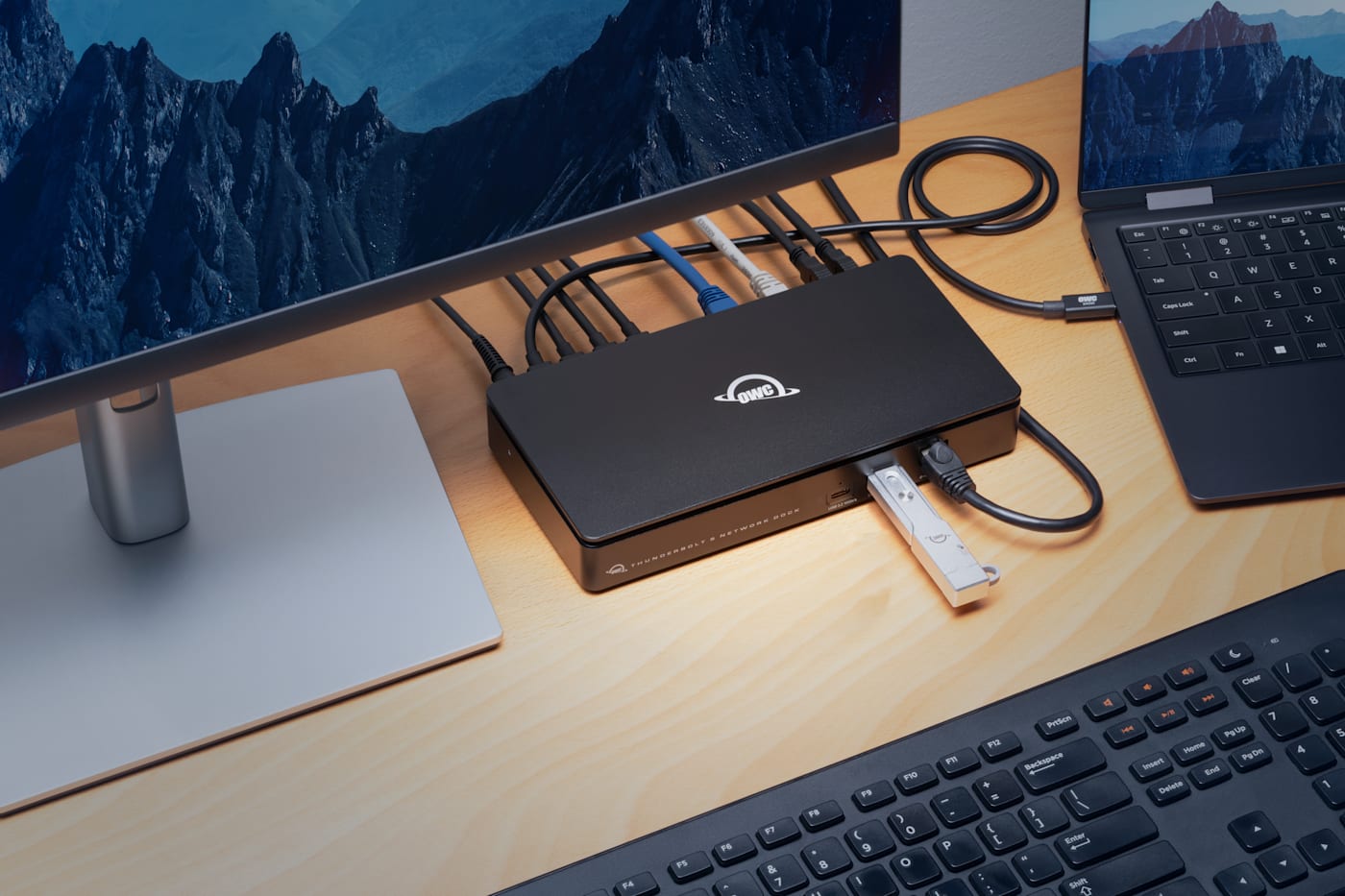
So, while docks aim to offer more thorough connectivity options with specific types of devices or legacy devices, a hub is simpler — more focused. A hub’s job is expanding your number of Thunderbolt ports. And because Thunderbolt ports retain 100% USB-C compatibility, you can also use those additional Thunderbolt ports as extra USB-C ports.
What all of this amounts to is that if you don't need Ethernet, or HDMI, or card readers, or multiple USB-A ports, a the OWC Thunderbolt Hub and Thunderbolt 5 Hub deliver the extra ports you need without the extra cost of capability you won't use.
The OWC Thunderbolt 5 Hub

The OWC Thunderbolt 5 Hub adds three Thunderbolt 5 ports plus one USB-A 3.2 Gen 2 port from a single upstream connection. It supports up to 140W of power delivery to keep even power-hungry laptops charged, and its Bandwidth Boost technology allocates up to 120Gb/s for display-intensive use — enough to drive up to three 8K displays at 60Hz. Each of its three downstream ports can head its own independent daisy chain, and it's fully backward compatible with Thunderbolt 4, Thunderbolt 3, and USB-C hosts, meaning it works today regardless of which generation of Thunderbolt your computer has.
The Original OWC Thunderbolt Hub
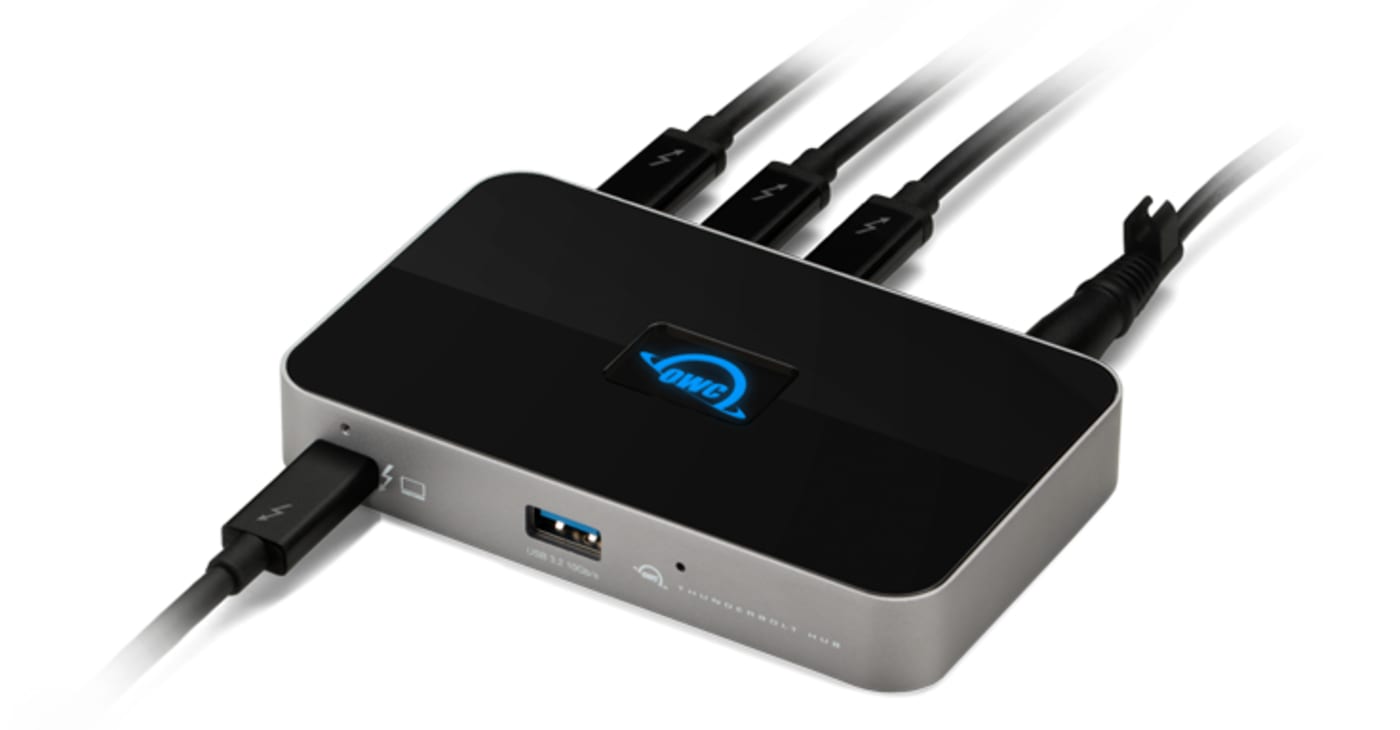
For setups that don't need Thunderbolt 5 speeds, the earlier Thunderbolt 4-powered OWC Thunderbolt Hub remains a capable, more affordable option. Built around a 40Gb/s Thunderbolt 4 connection, it supports up to two 4K displays or a single 5K, 6K, or 8K display, delivers up to 60W of charging power, and includes practical touches like a Kensington lock slot and an adjustable LED brightness setting. For anyone on a Thunderbolt 3 or 4 machine who just needs a few more fast ports without paying for Thunderbolt 5 headroom, this remains a solid choice.
Deciding on the Right Hub (or Dock)
- If you're plugging in more Thunderbolt devices than your computer has ports for, and you already have displays, audio, and Ethernet handled a hub is exactly the right tool.
- If you need a complete single-cable workstation setup with card readers, Ethernet, and audio included, you want a full Thunderbolt dock instead, not a hub.
- If you're on a Thunderbolt 5 Mac or PC and want maximum future headroom, the Thunderbolt 5 Hub is worth the premium. If you're on Thunderbolt 3 or 4 and don't anticipate needing 8K multi-display support, the original Thunderbolt Hub covers the same core need for less.
Other topics you might like
What’s the Best Stackable Mac Studio Dock With Storage?
Updated on Jul 16, 2026
Do You Need a Thunderbolt 5 Dock? A Practical Guide
Updated on Jul 7, 2026
Thunderbolt Dock vs. USB-C Hub: What’s the Actual Difference?
Updated on Jul 1, 2026
This is the Gear You Need to Unlock the Full Power of the M5 Pro and M5 Max MacBook Pro
Updated on Mar 19, 2026