USA + International
 OWC Canda
 OWC Europe

Is VSCO Studio Pro the Lightroom Alternative Mac Photographers Have Been Waiting For?
VSCO Studio Pro is VSCO's first native Mac photo editor, with RAW support for 800+ cameras, 200+ presets, and batch edits of up to 500 images.
Wayne Grayson • Nov 24, 2026
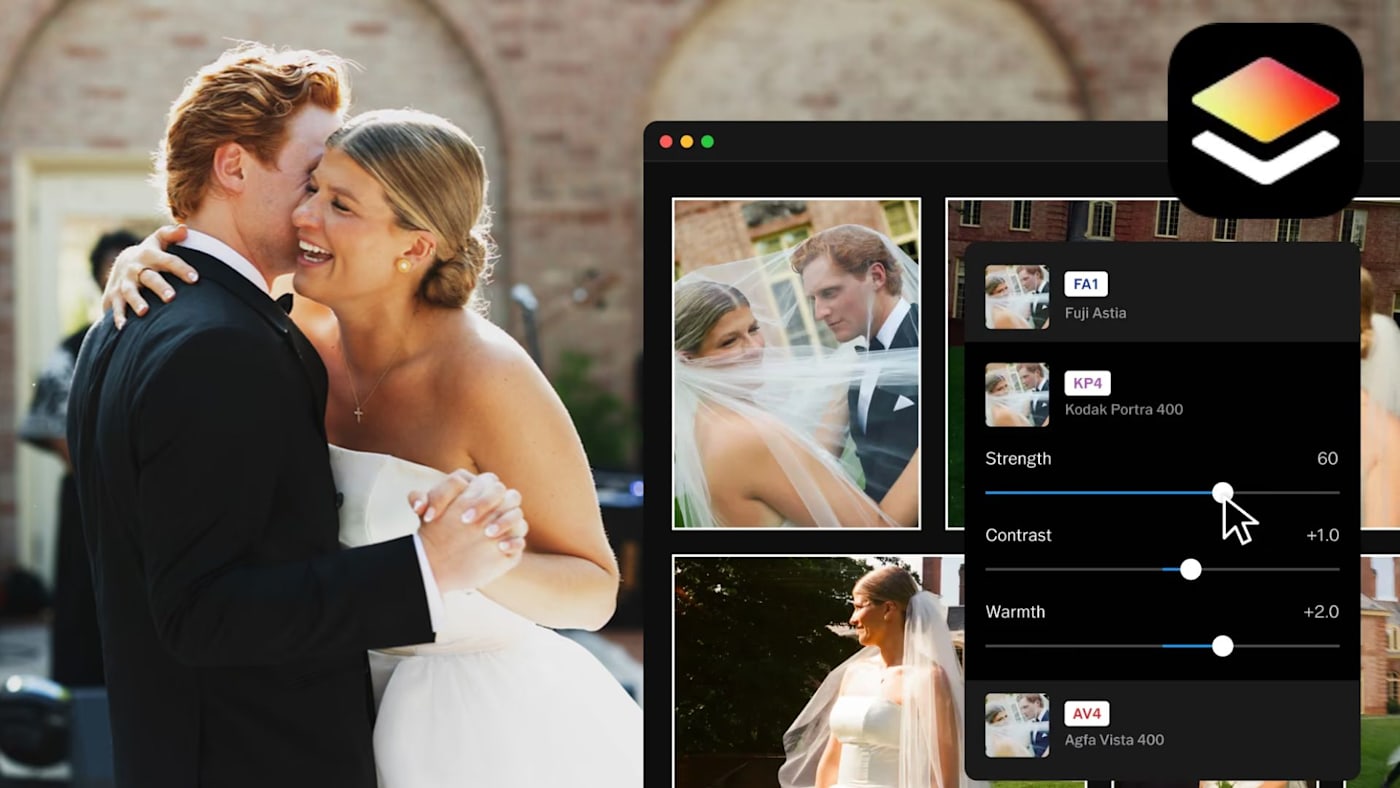
VSCO’s impact on modern photography is undeniable. The app’s combination of easy-to-apply and professional-looking presets has inspired countless users of its popular smartphone apps to go deeper into photography. And for years, that’s where the influence stopped. Because VSCO looks were mobile only and highly based on simply applying looks to your photos without much else in the way of tweaks and customization, VSCO was more of a stepping stone for photographers just getting started in their journey.
But VSCO is working to change that. VSCO Studio Pro Desktop, is the company’s latest move to woo professionals back into the fold or to welcome them for the first time with an alternative to apps like Lighroom or Capture One. Studio Pro Desktop is the company’s first native photo editor for the Mac and it's built for working photographers who want to get from the memory card to client delivery quickly.
Built for Apple Silicon, Optimized for Workflow Speed and Efficiency
Studio Pro runs only on Apple silicon Macs and edits through VSCO's Reflex engine combined with Apple's Core Image RAW processing. That gives the app RAW support for more than 800 cameras across 20 brands, along with JPEG and HEIC files. VSCO says grid resizing, sorting, and browsing presets should feel instant, and the keyboard shortcuts will feel familiar if you're coming from another popular editor like Lightroom.
The app’s editing toolset covers the essentials: exposure, contrast, highlights and shadows, white and black points, white balance, HSL, skin tone, clarity, sharpening, vignette, grain, fade, crop, and straighten. All edits are non-destructive.
More Than 200 Film-Inspired Presets
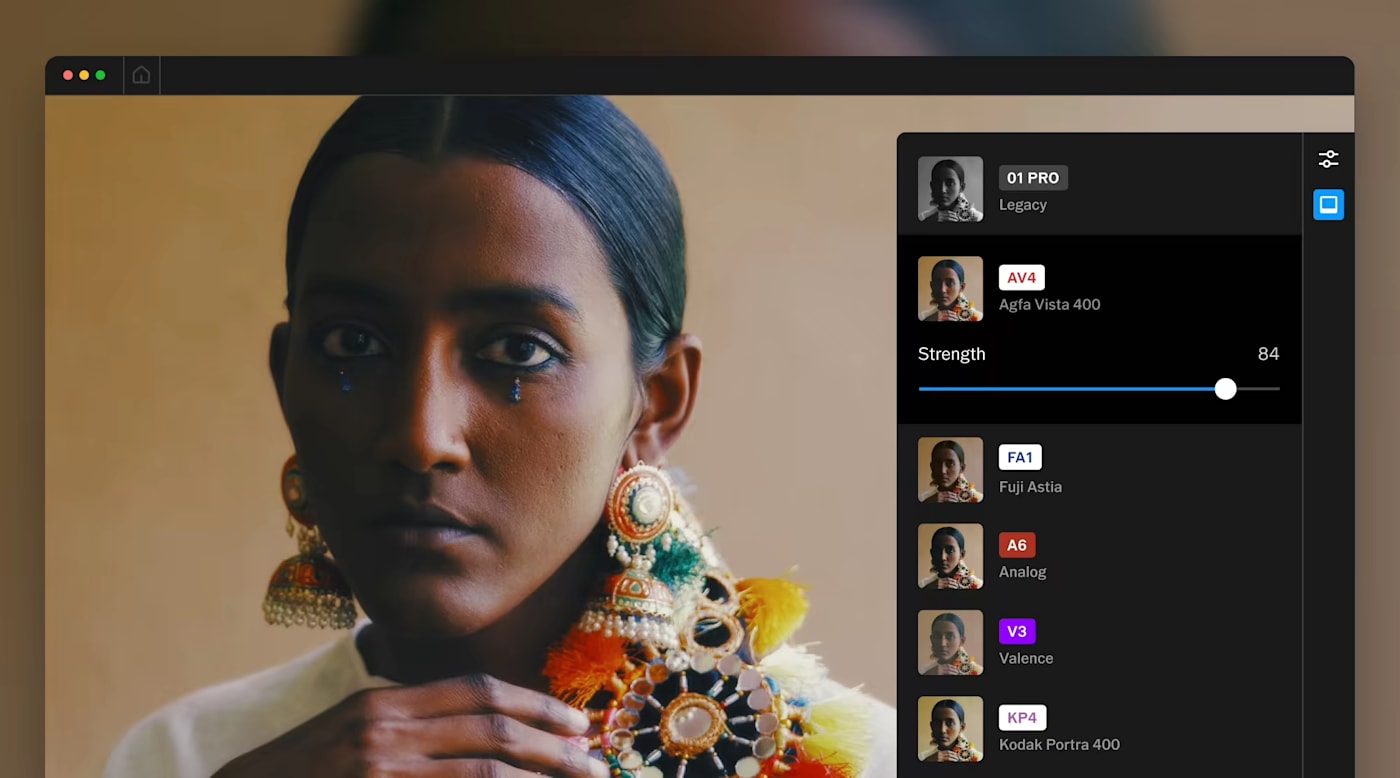
Of course, presets are what VSCO is known for, and a huge draw for many will be the fact that the Mac app ships with more than 200 of them. They include looks inspired by Kodak Portra, Kodachrome, Tri-X, and Fujifilm Velvia, plus a new exclusive called IOE1 Pro, made with photographer Joe Greer. You can preview any preset by hovering over it, adjust its strength, color, tone, and contrast, and save your changes as a custom preset.
Batch Editing for Real Client Workloads
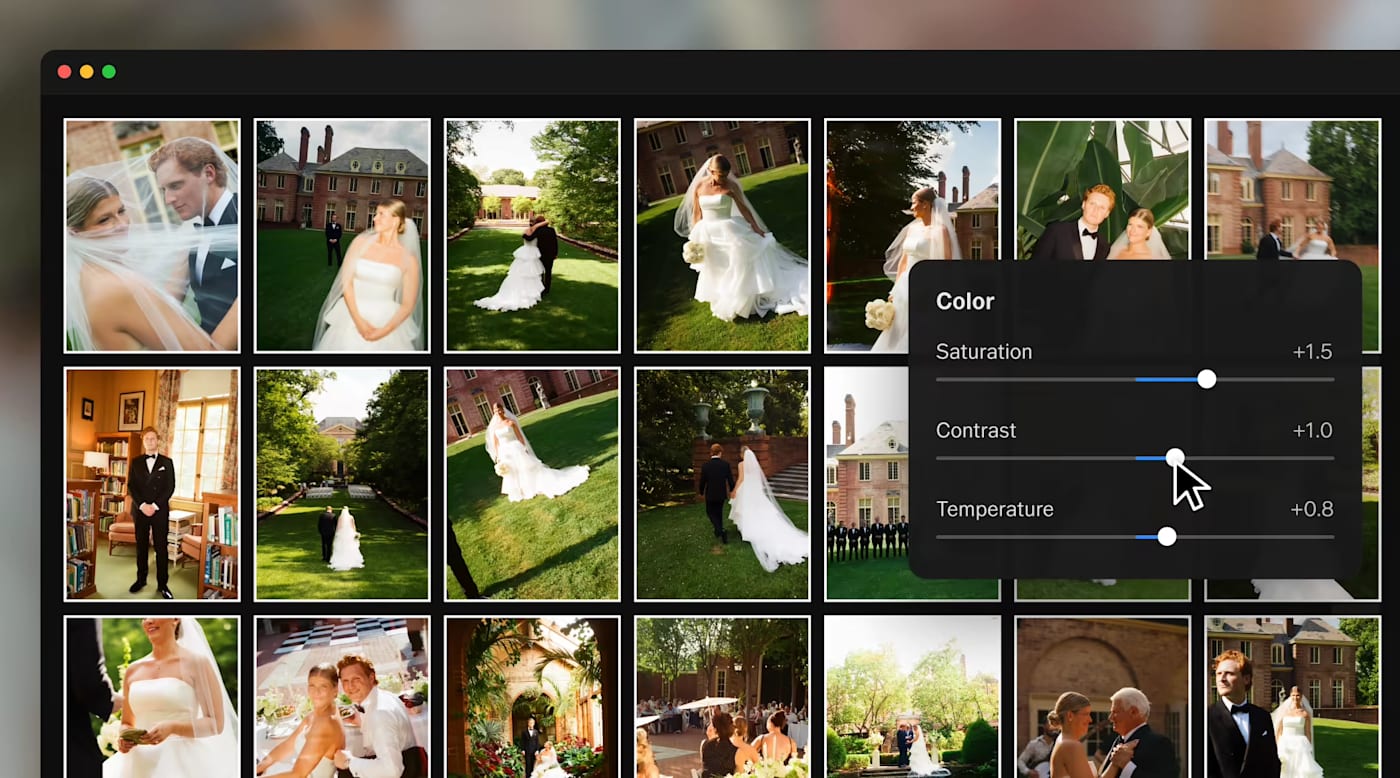
Batch editing is where Studio Pro shows it's capable of handling real client work. Select anywhere from 2 to 500 images, apply a preset and/or manual adjustments, and the changes appear across the whole set in real time.
You can export images one at a time or in batches, with control over file name, format, resolution, and compression. There are resizing presets for web, social, and client delivery. You can also publish full-resolution edits straight to VSCO Galleries without exporting and re-uploading.
Edit in Place From Your External Drives
Studio Pro imports from Apple Photos, local folders, SD cards, and external drives. But Studio Pro also includes the ability to edit files where they already live or copy them somewhere else. That’s another pro-focused feature as most working photographers keep their RAW libraries stored on external drives like the OWC ThunderBay 4 RAID or a fast external SSDs like the OWC Envoy Pro Elektron or Express 1M2.
What's Coming and What It Costs
And while there’s a lot to like with Studio Pro as it stands, VSCO is open about the app’s current gaps. Curves, masking, a Remove tool, bloom and halation effects, projects, and culling tools like star ratings and accept/reject flags are missing today, but all are on the roadmap for future versions. So, as things stand today, the app can’t yet go toe-to-toe with Lightroom or Capture One in every area. Instead, it's positioned as a simpler, cheaper alternative and for those who heavily depend on VSCO looks as a core part of their editing process.
VSCO Studio Pro is a free download. The free Starter plan includes five presets and basic single-image editing. The full toolset and batch editing require VSCO Pro ($4.99/month or $59.99/year) or VSCO One ($41.67/month or $499.99/year). Through December 4, the code BLACKFRIDAY50 takes 50% off both memberships.
For Mac photographers who love VSCO's film-like looks and want a faster path from shoot to delivery, Studio Pro is certainly worth a look.
Other topics you might like
Kodak SlideTag Displays Your Photos in a 35mm Color E Ink Slide That Doubles as an AirTag
Updated on Nov 25, 2026